To install Power BI Report Server, go through the following steps.
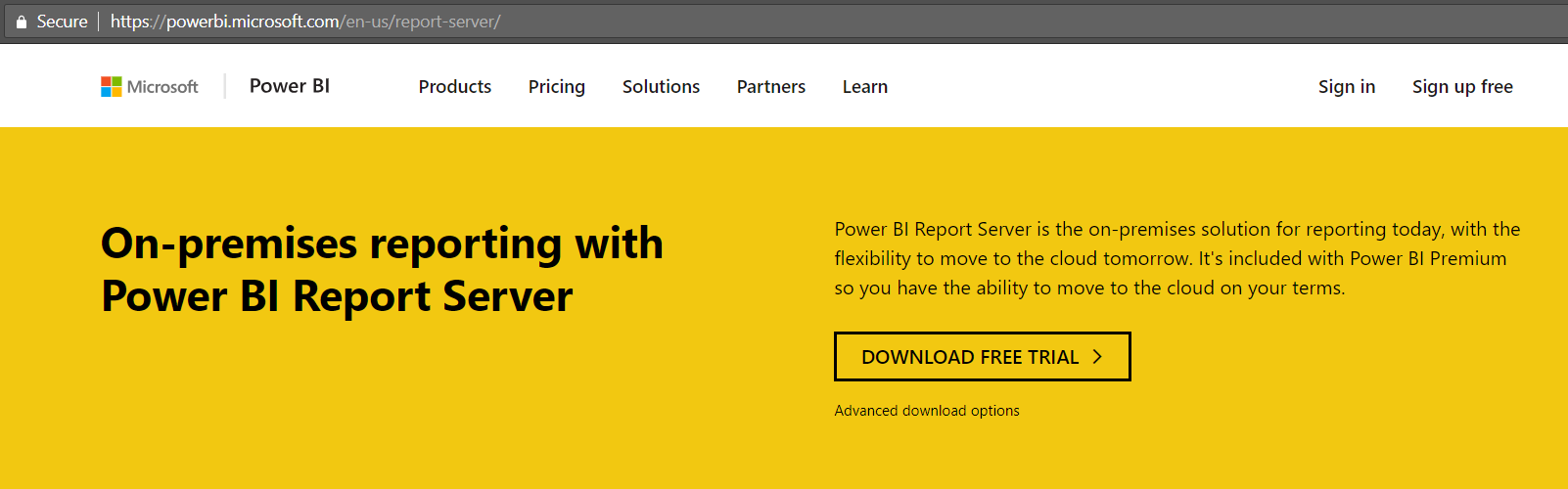
First, download the software at https://powerbi.microsoft.com/en-us/report-server/. Select Advanced Download Options:
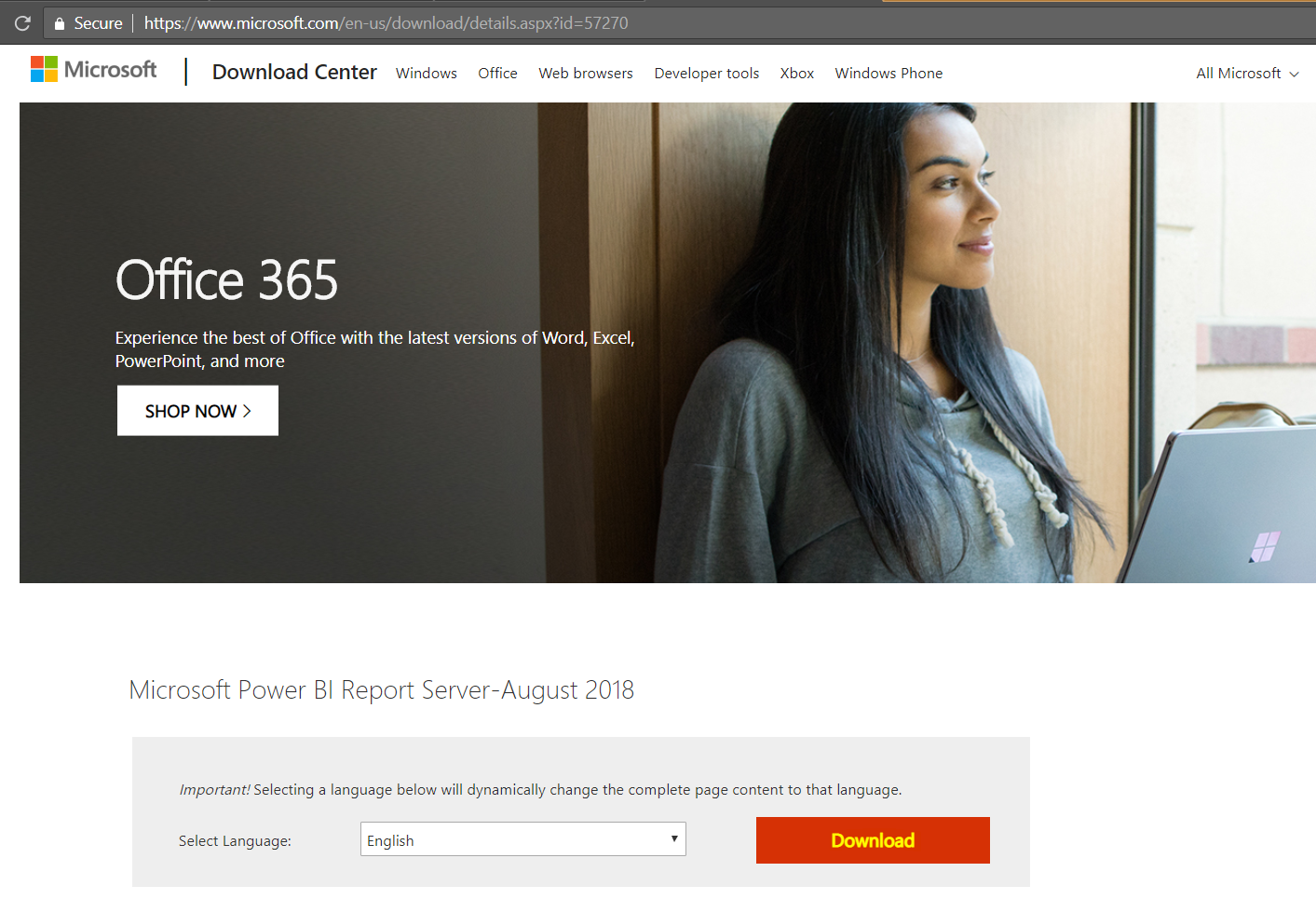
Select Download:
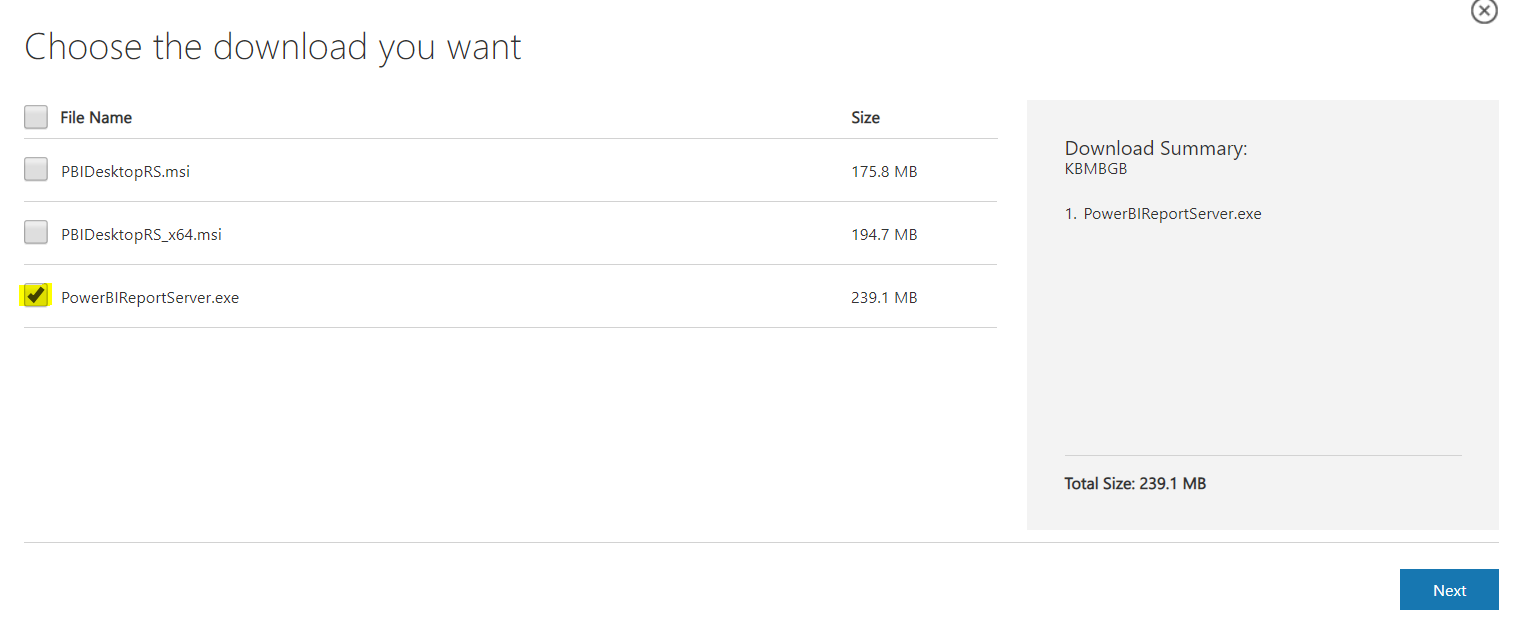
And PowerBIReportServer.exe:
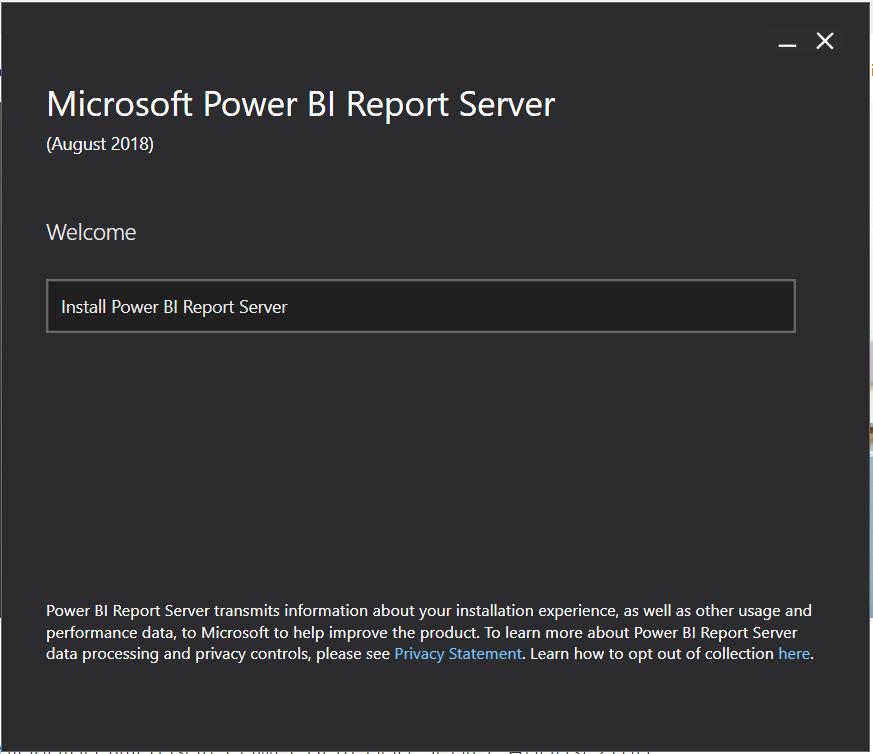
Run the downloaded exe and select Install Power BI Report Server:
Note the options:
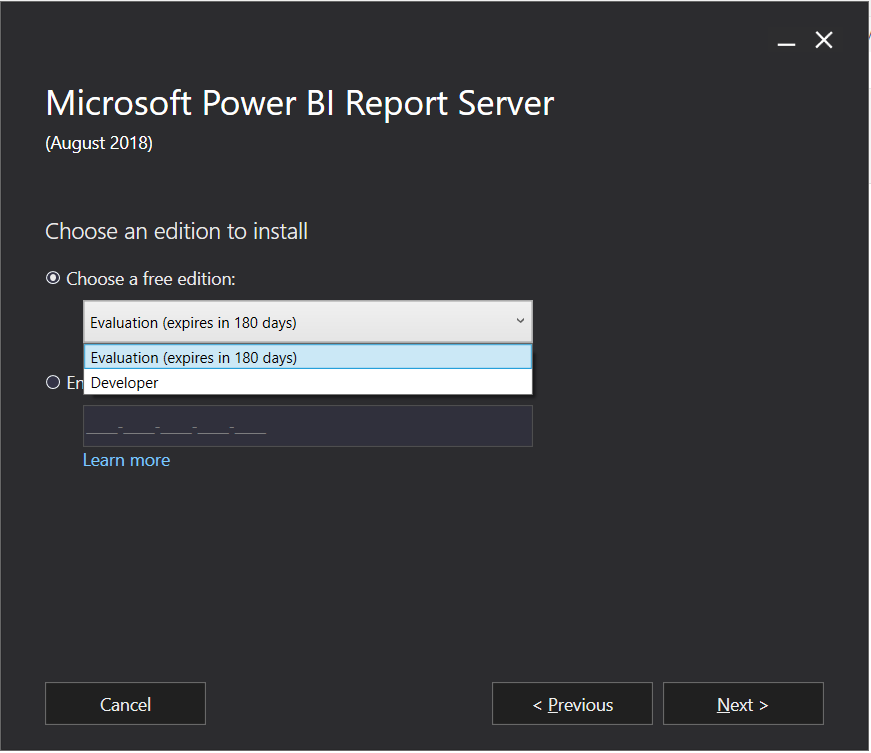
Click Next:
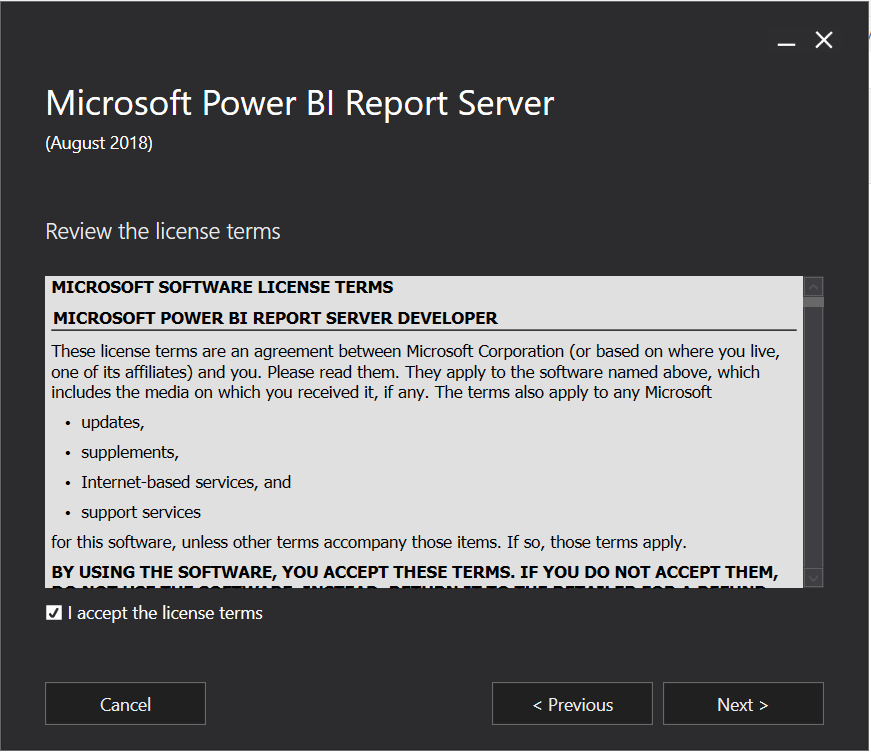
Click Next:
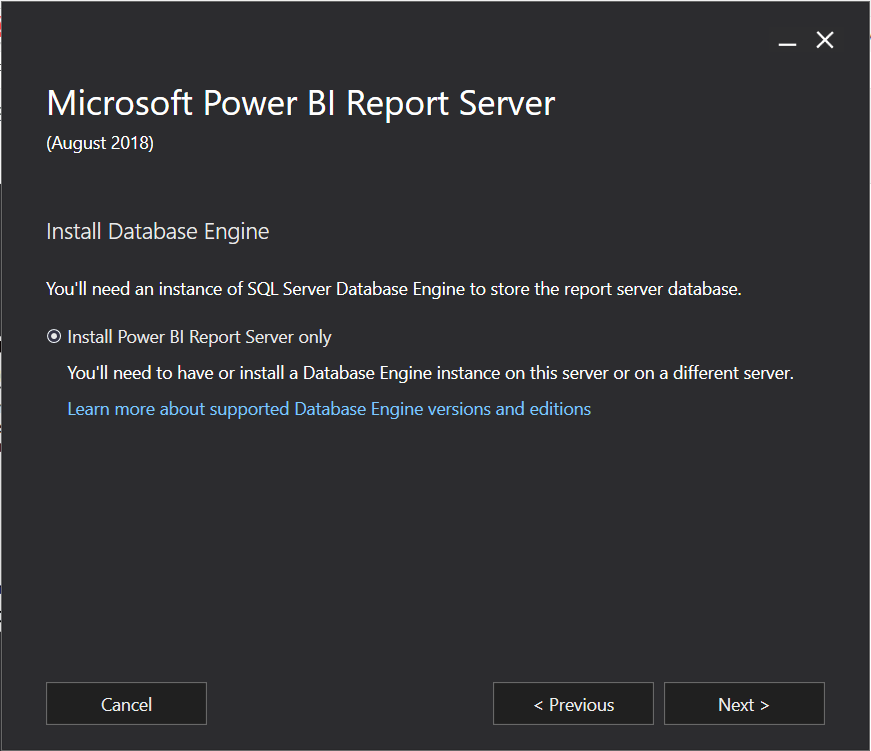
Click Install:
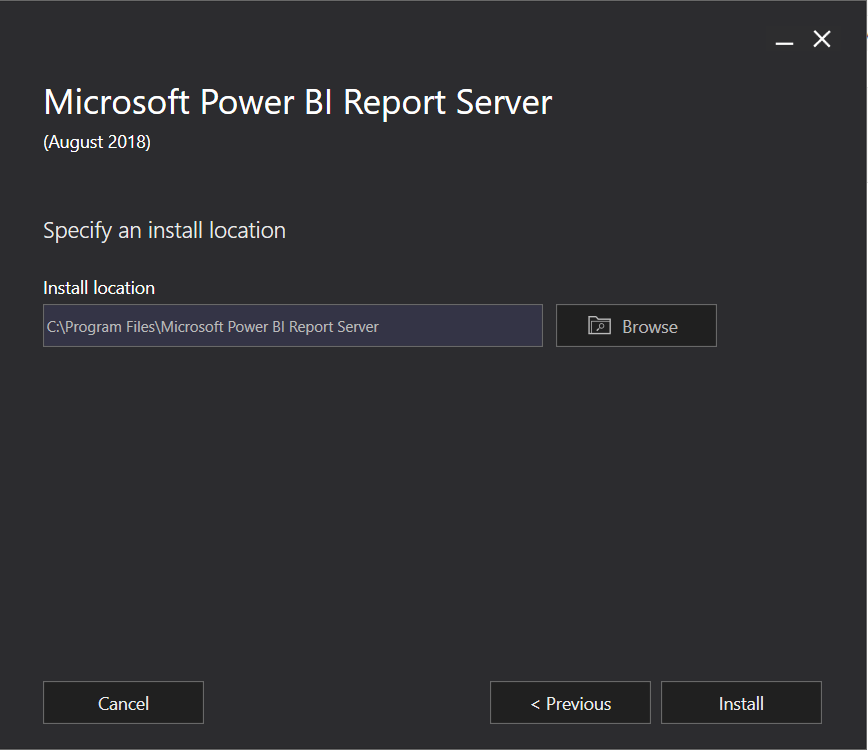
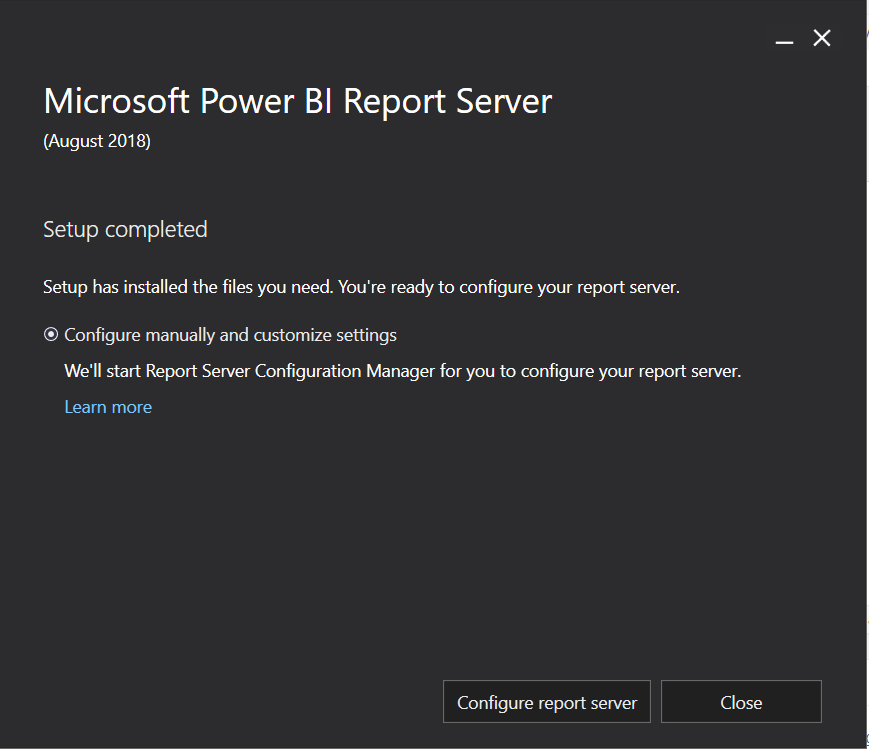
Click Configure Report Server:
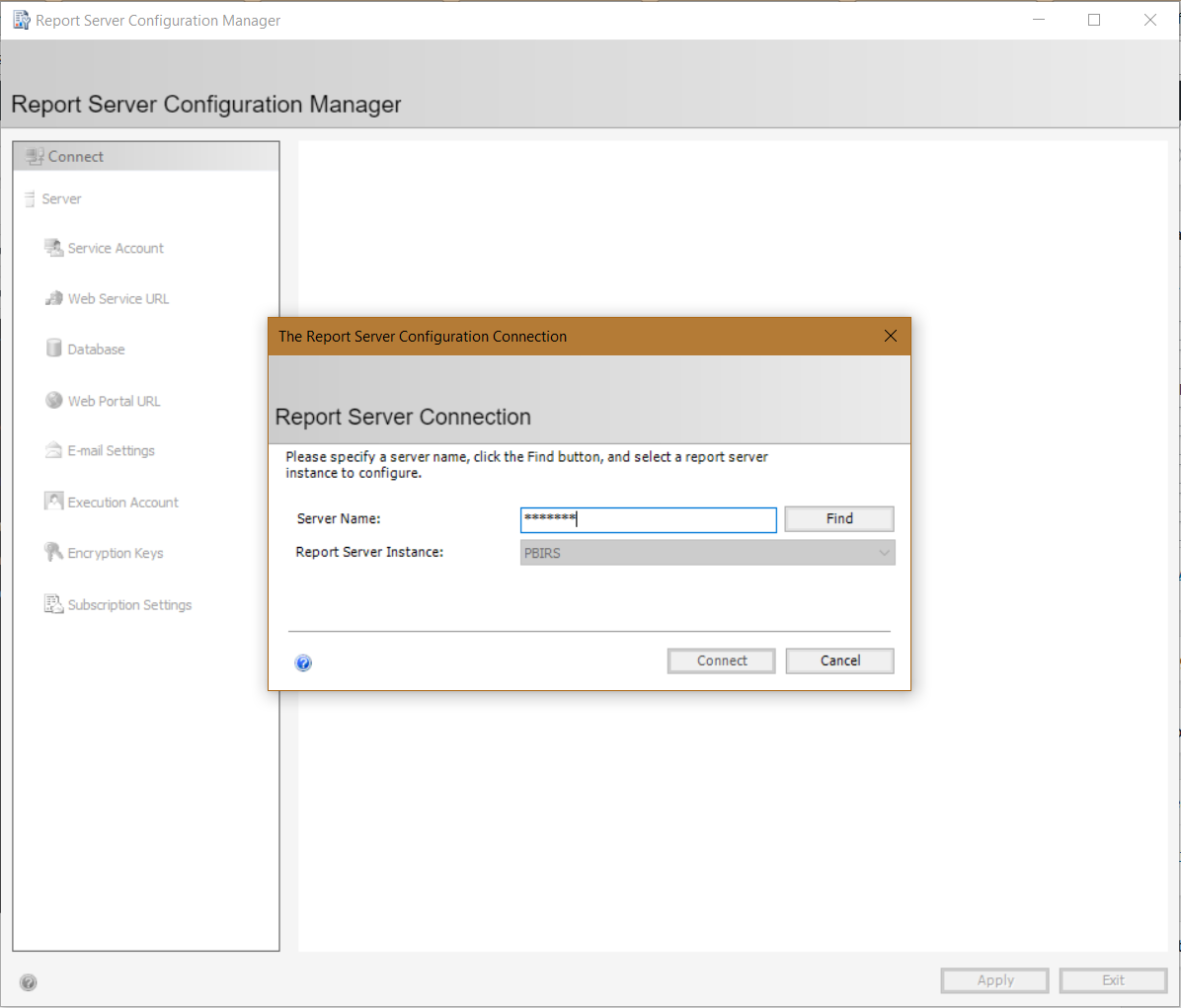
Click to Connect:
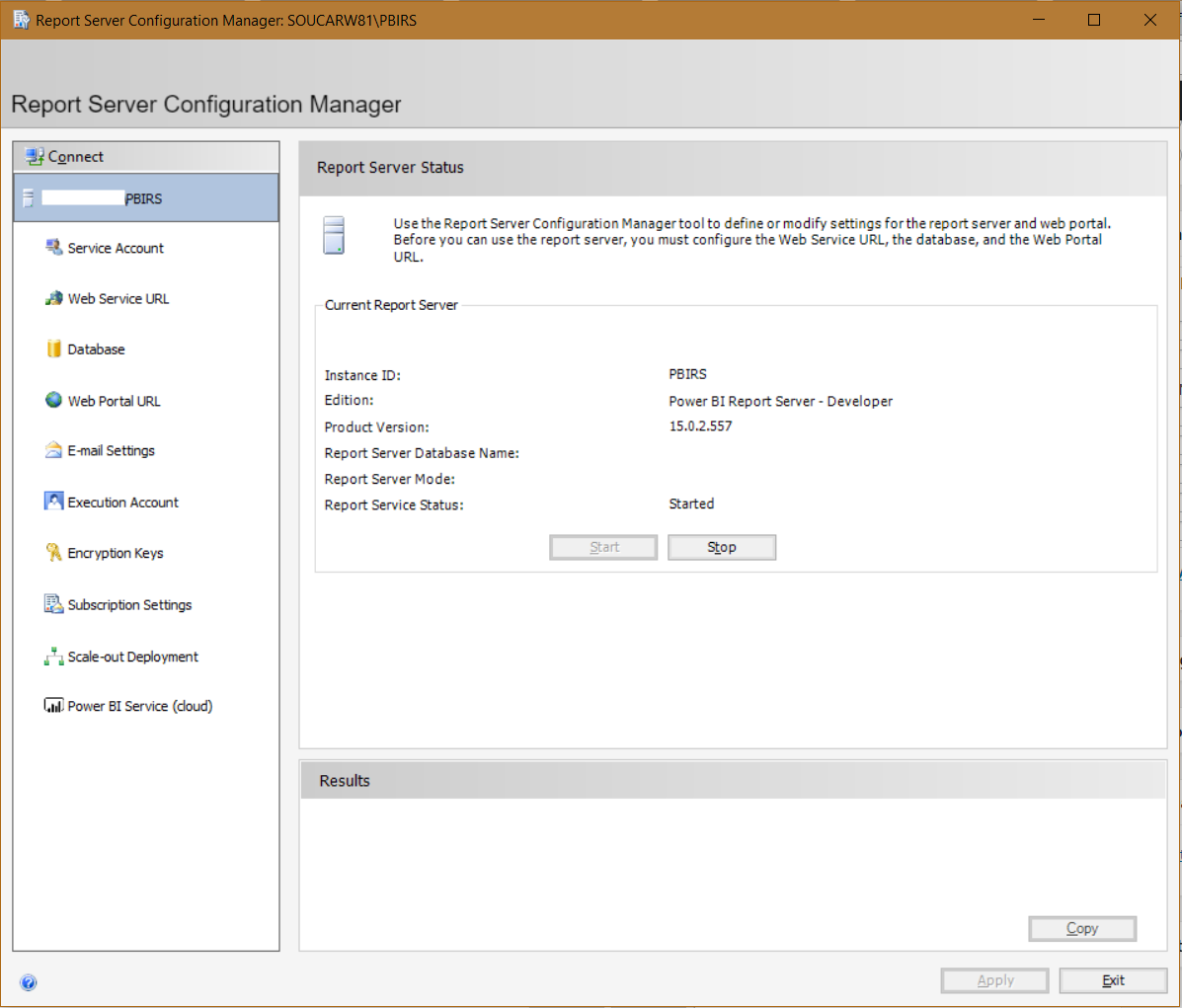
You are now connected:
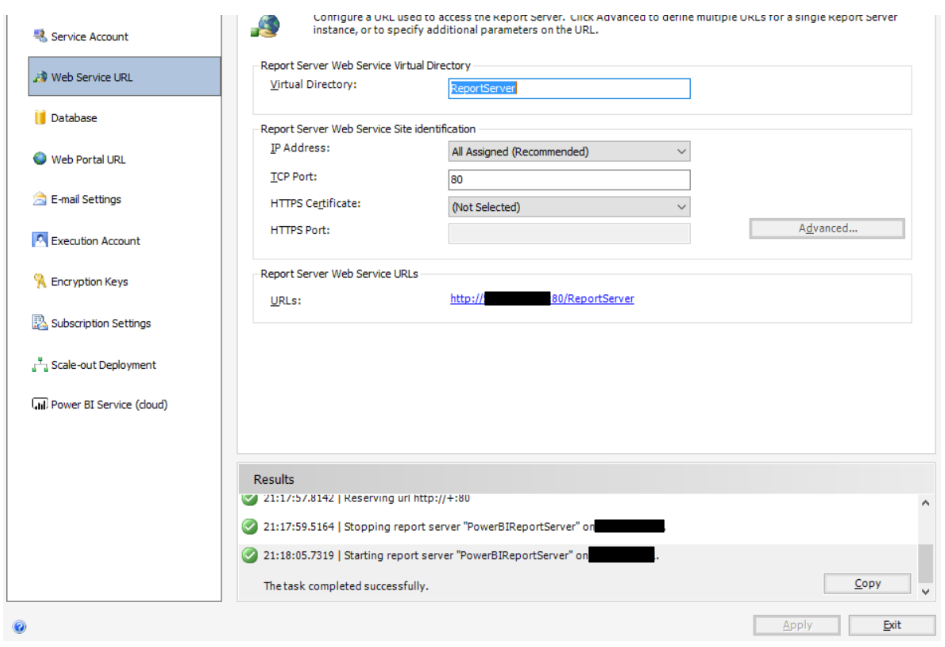
Click on Web Service URL and Apply:
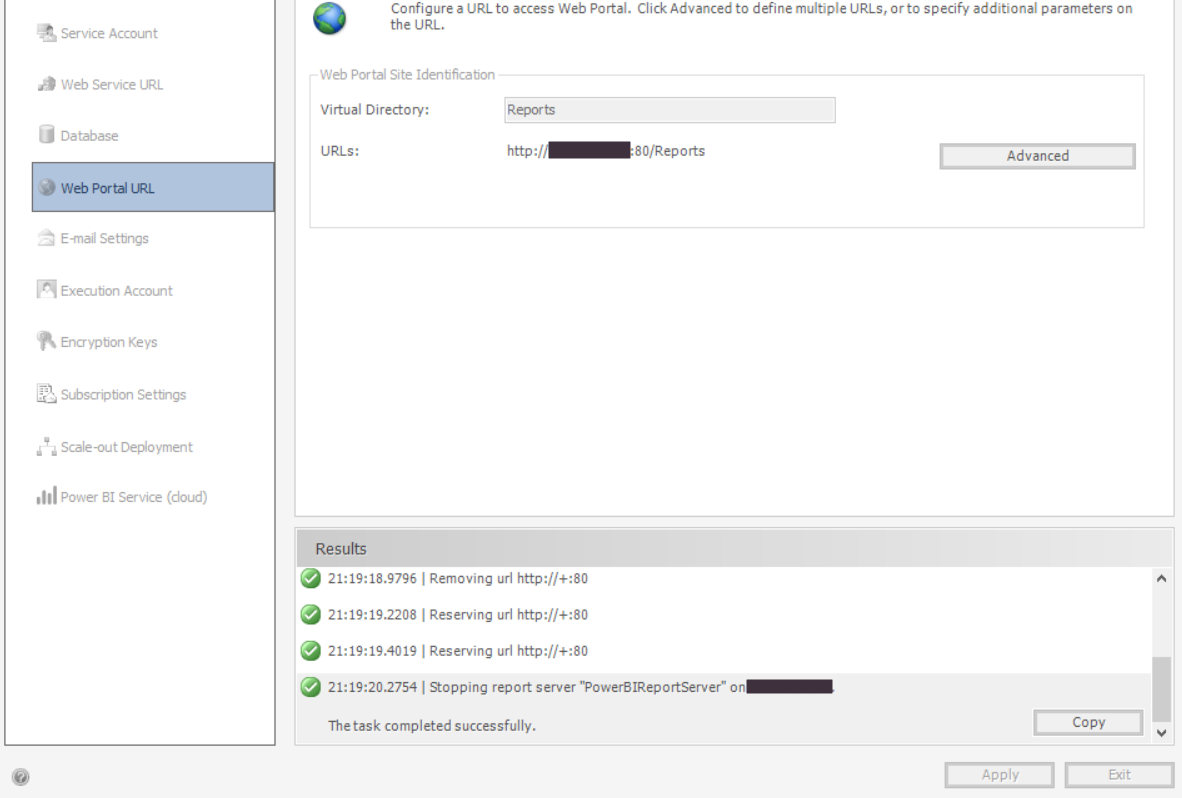
And Web Portal URL and Apply:
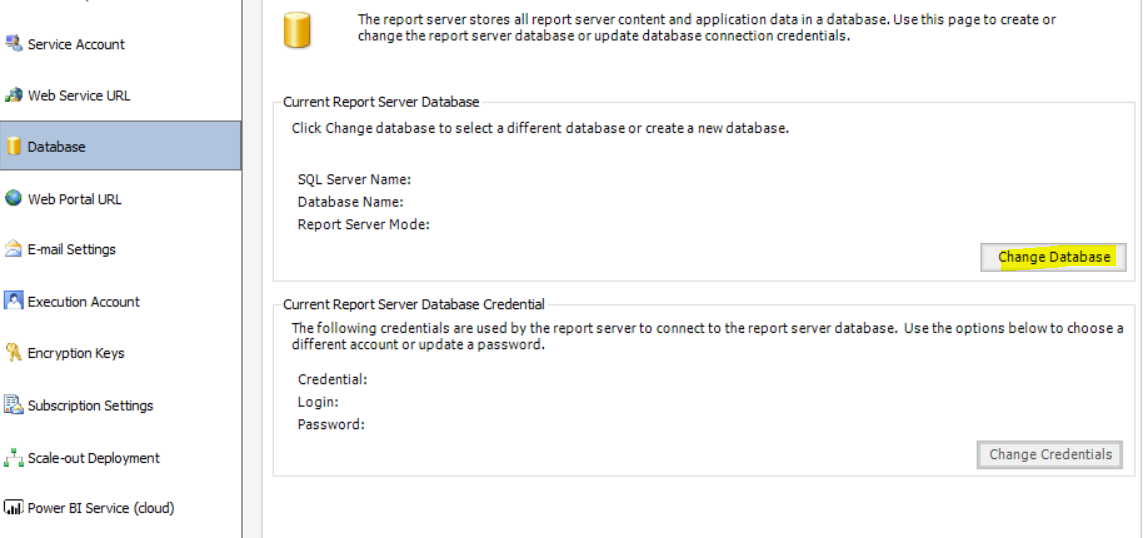
Click on Database and Change Database:
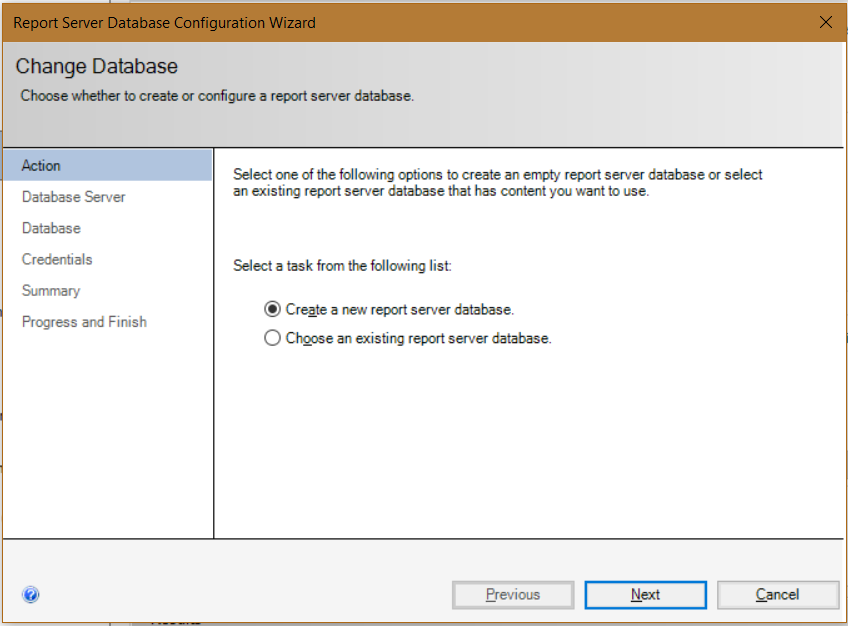
Either create a new report server database or select an existing one:
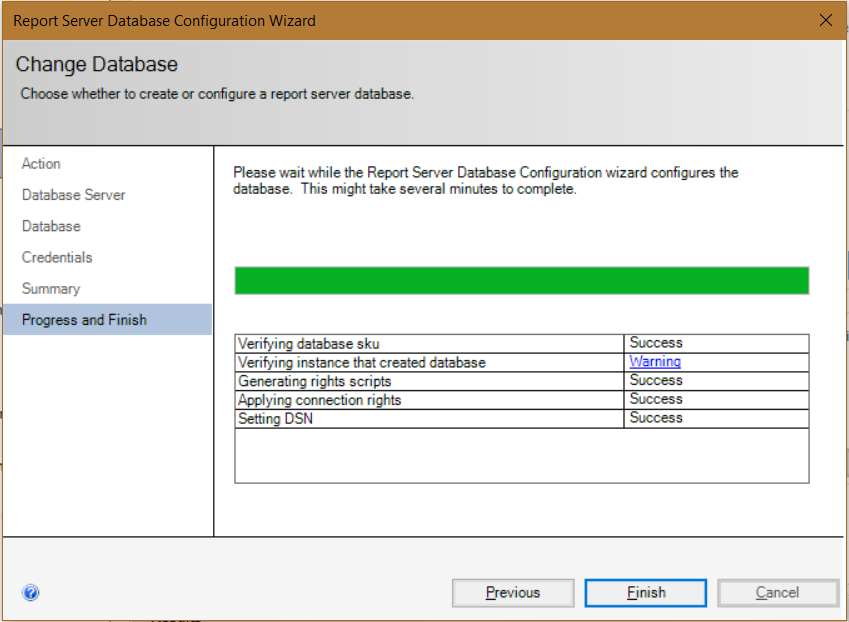
Once complete, click Finish:
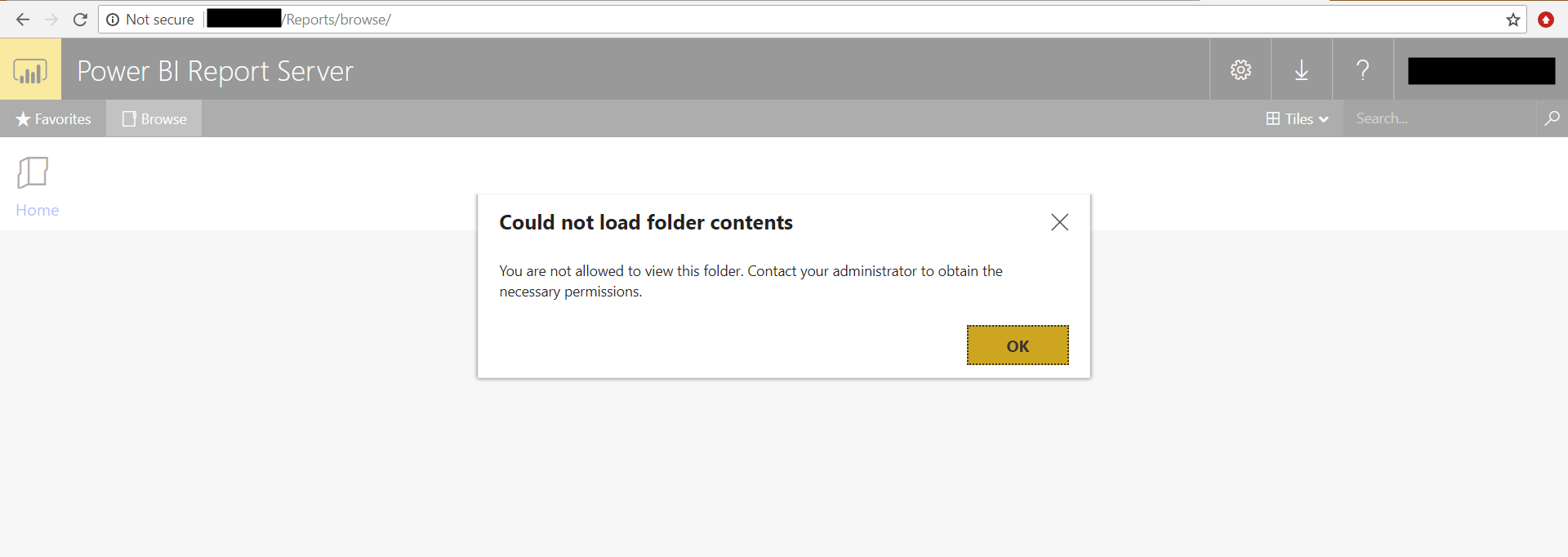
You may see the message “Could not load folder contents”, “You are not allowed to view this folder. Contact your administrator to obtain the necessary permissions”:
Run your browser as Administrator:
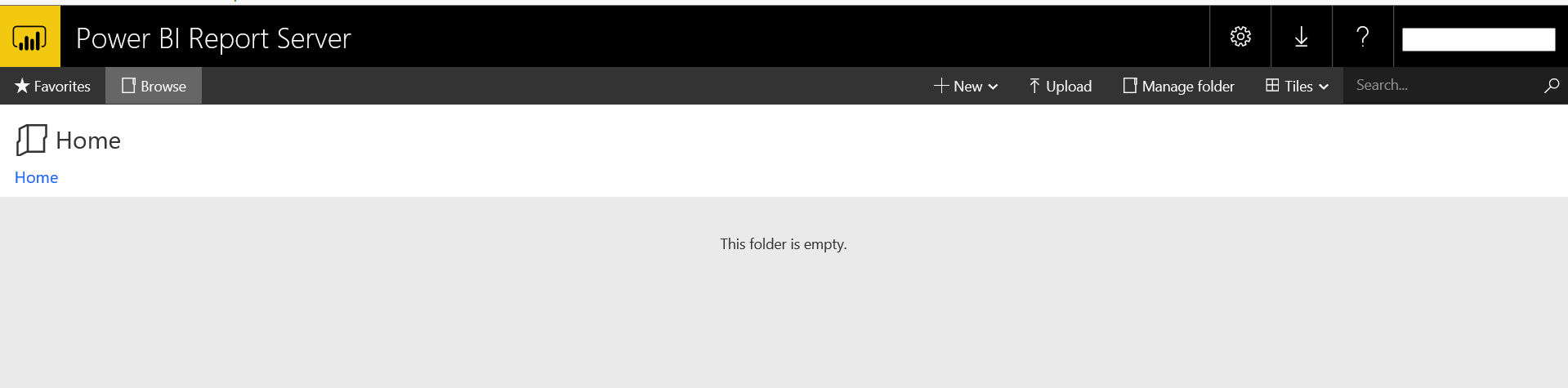
Power BI Report Server is now ready to use.
I AM SPENDING MORE TIME THESE DAYS CREATING YOUTUBE VIDEOS TO HELP PEOPLE LEARN THE MICROSOFT POWER PLATFORM.
IF YOU WOULD LIKE TO SEE HOW I BUILD APPS, OR FIND SOMETHING USEFUL READING MY BLOG, I WOULD REALLY APPRECIATE YOU SUBSCRIBING TO MY YOUTUBE CHANNEL.
THANK YOU, AND LET'S KEEP LEARNING TOGETHER.
CARL
