In Windows, you may need to uninstall a program from the command prompt. For example, the application may install under Add or Remove Programs like below (note this actual app doesn’t install like this but I am simulating). Note how the Modify and Uninstall are greyed out:
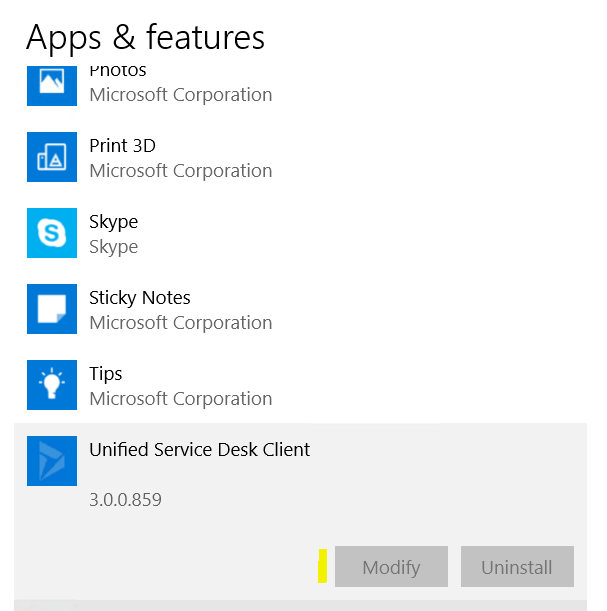
To uninstall this program, note the name of the application above, e.g. Unified Service Desk Client.
We will use WMIC to uninstall.
Open a command prompt:
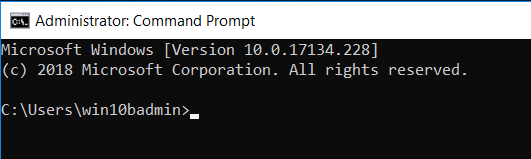
Type wmic to open the wmic console:
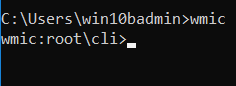
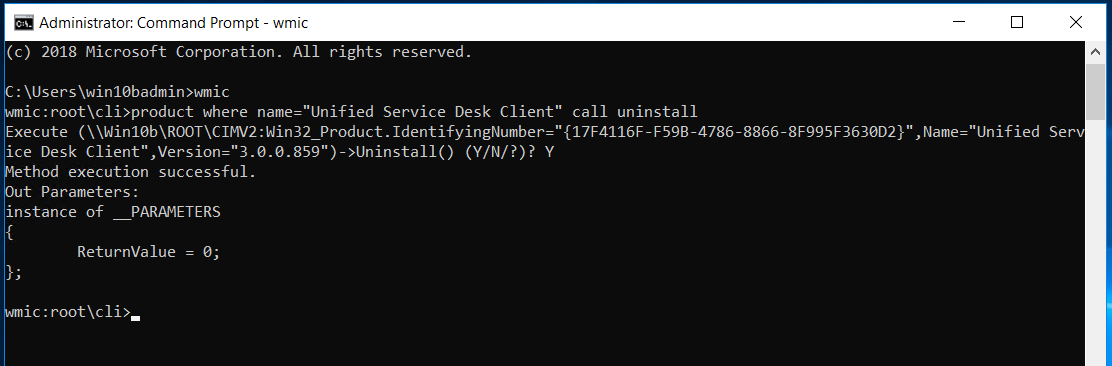
Type: product where name=”Unified Service Desk Client” call uninstall
If you are prompted, type Y.
The application will be uninstalled:
I AM SPENDING MORE TIME THESE DAYS CREATING YOUTUBE VIDEOS TO HELP PEOPLE LEARN THE MICROSOFT POWER PLATFORM.
IF YOU WOULD LIKE TO SEE HOW I BUILD APPS, OR FIND SOMETHING USEFUL READING MY BLOG, I WOULD REALLY APPRECIATE YOU SUBSCRIBING TO MY YOUTUBE CHANNEL.
THANK YOU, AND LET'S KEEP LEARNING TOGETHER.
CARL
