Visual Studio Web Essentials is a VS extension by Mads Kristensen that assists with the development of CSS, HTML, JavaScript, TypeScript and CoffeeScript.
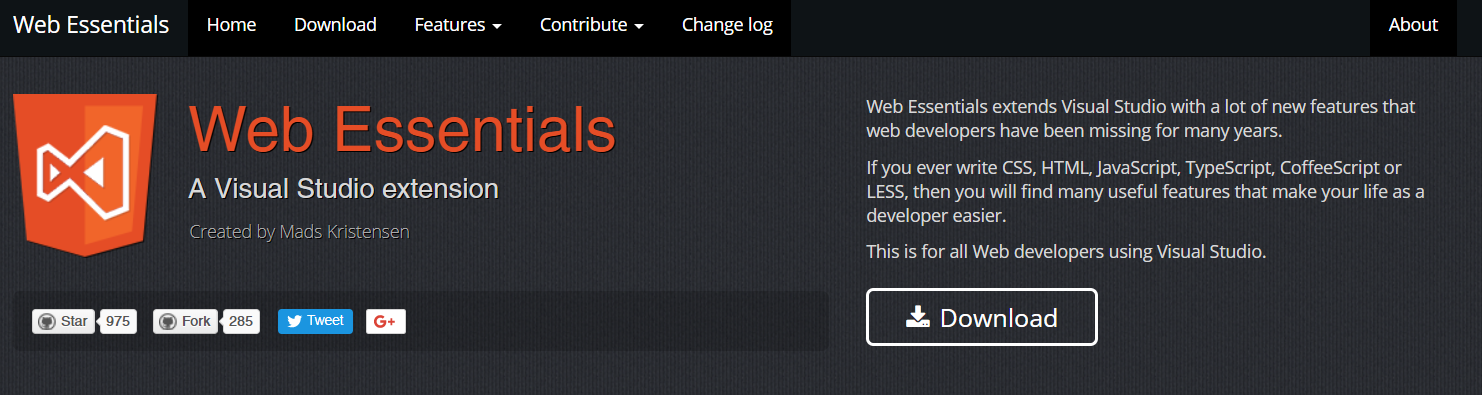
To install Visual Studio Web Essentials, go to http://vswebessentials.com/ and select Download. We will install on Visual Studio 2015:
Select the version to install:
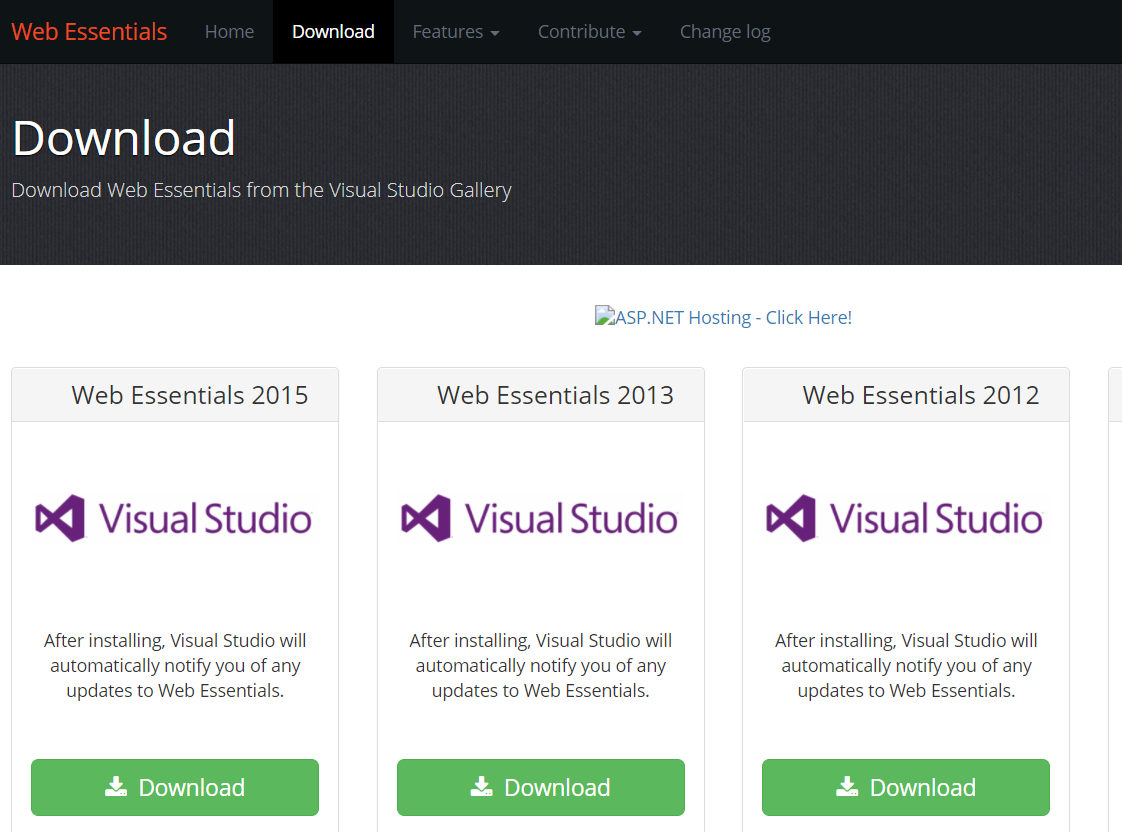
This will download a VSIX file. Open it:

Click to install:
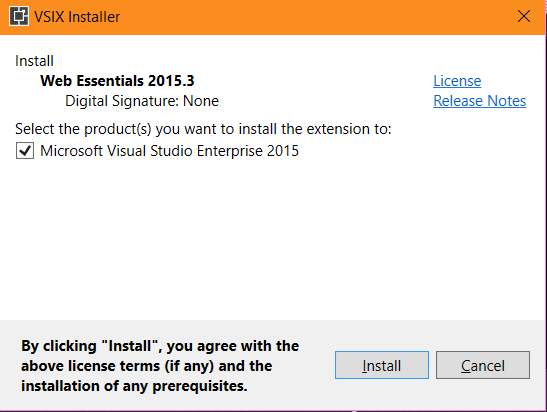
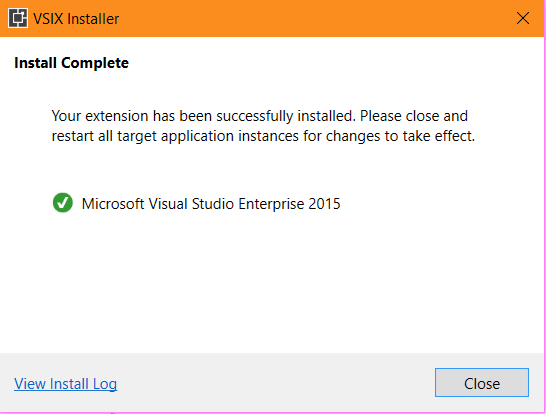
You will see:
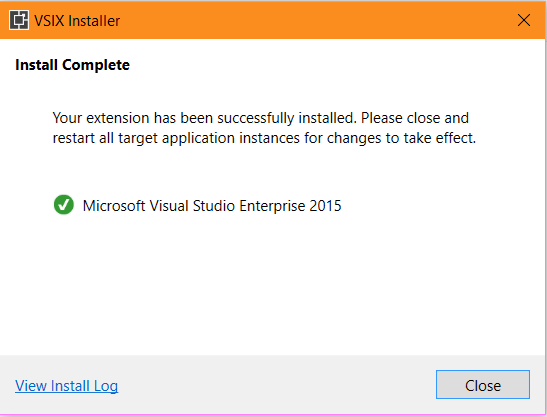
Once installed, open Visual Studio:
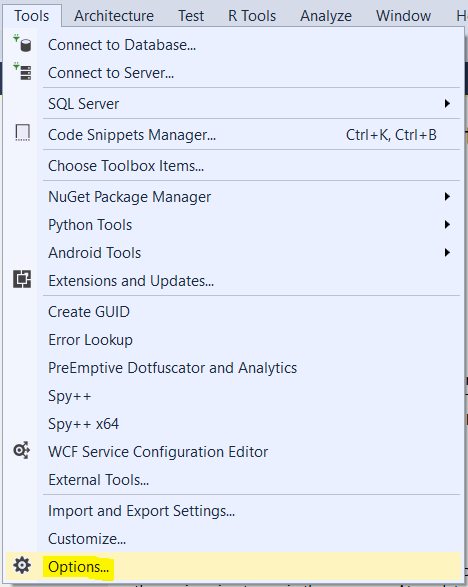
Go to Tools->Options:
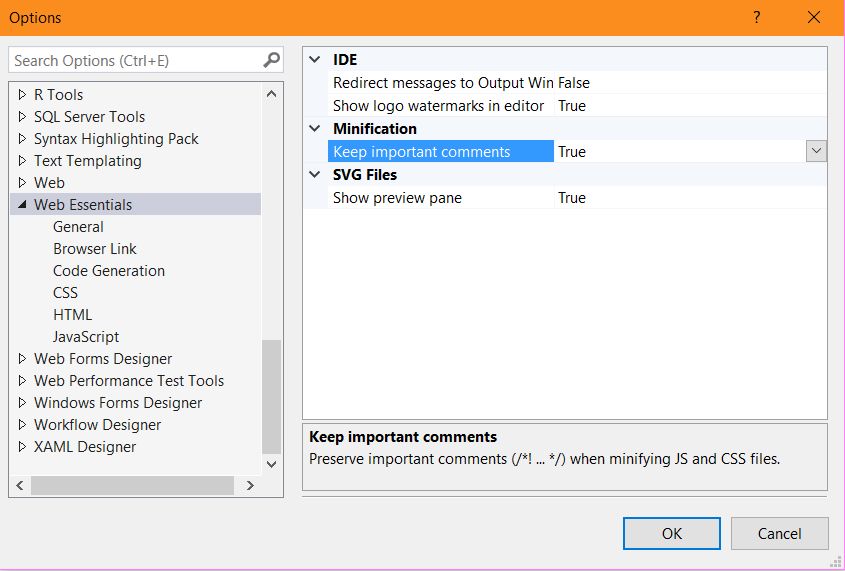
Select Web Essentials. You will see:
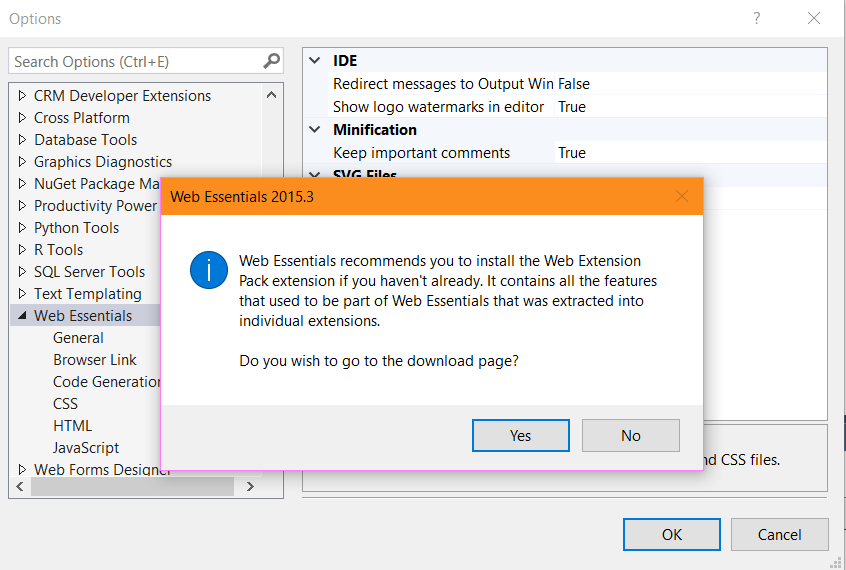
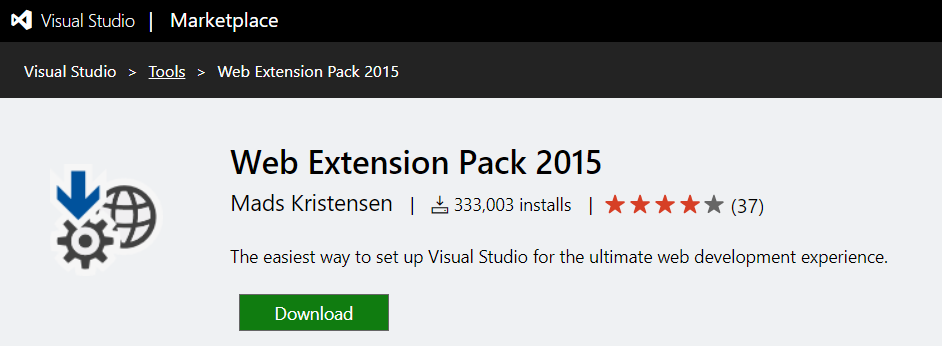
Click OK. We will also download the Web Extension Pack:
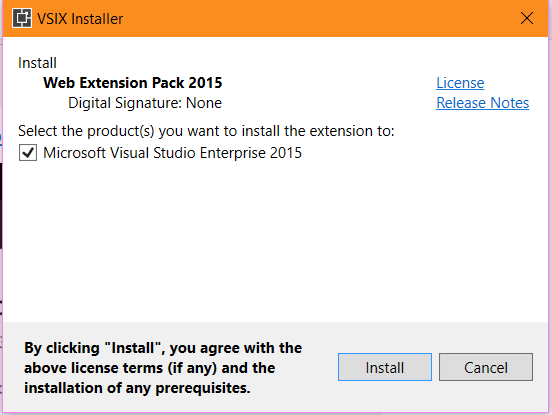
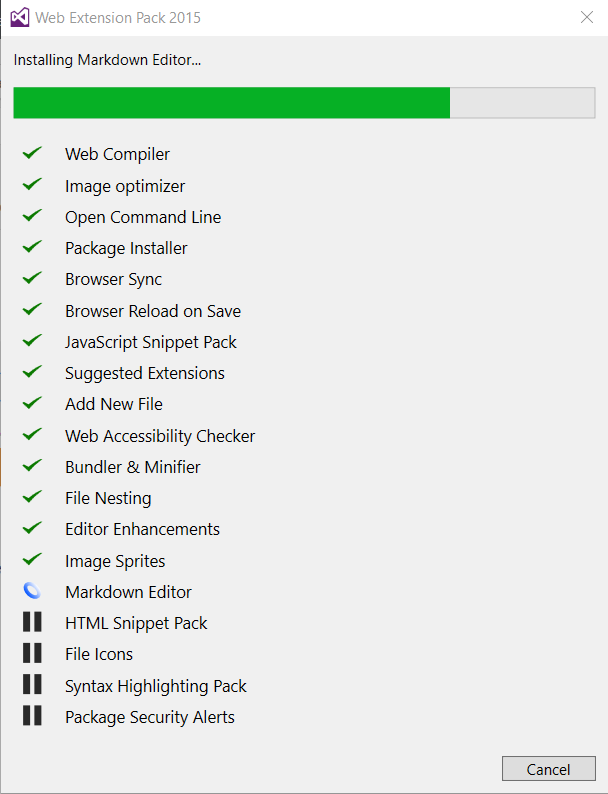
Install the VSIX file:

Open Visual Studio. You may see:
Go to Tools->Options. You will see:
There are several things you can do with Web Essentials, that we will go into in future posts.
I AM SPENDING MORE TIME THESE DAYS CREATING YOUTUBE VIDEOS TO HELP PEOPLE LEARN THE MICROSOFT POWER PLATFORM.
IF YOU WOULD LIKE TO SEE HOW I BUILD APPS, OR FIND SOMETHING USEFUL READING MY BLOG, I WOULD REALLY APPRECIATE YOU SUBSCRIBING TO MY YOUTUBE CHANNEL.
THANK YOU, AND LET'S KEEP LEARNING TOGETHER.
CARL
