In Dynamics 365, we can use Web Resources to add buttons to forms. To do this, go through the following steps. We will do this using Developer Extensions.
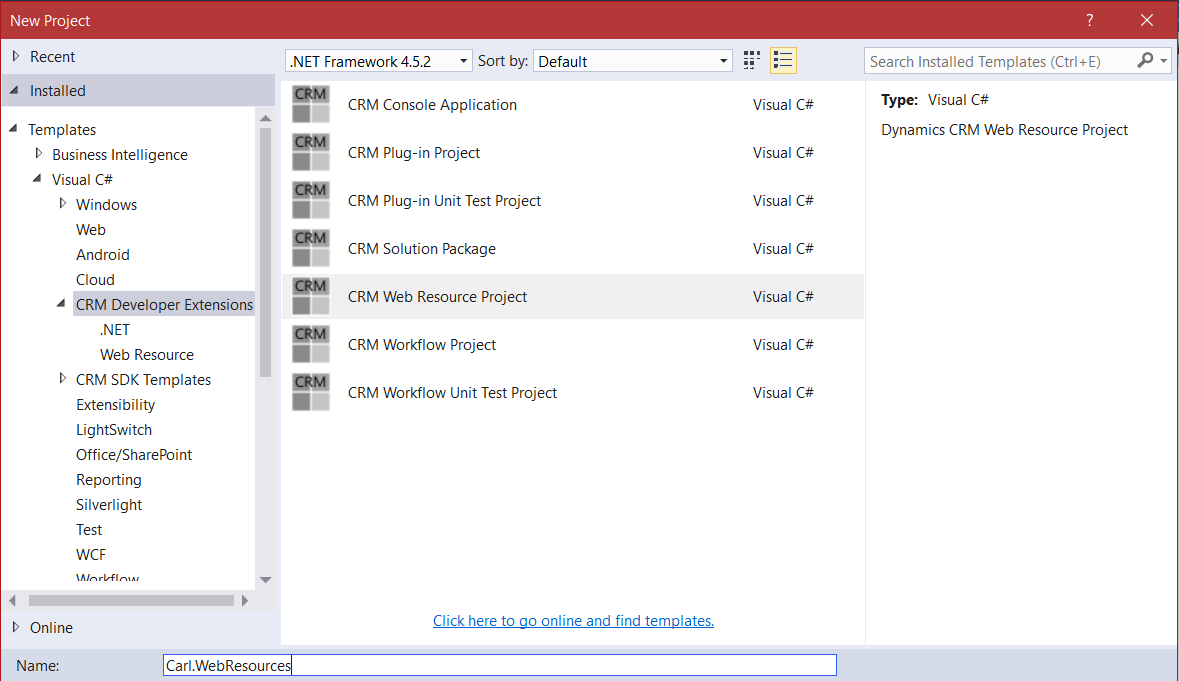
First, create a new project:
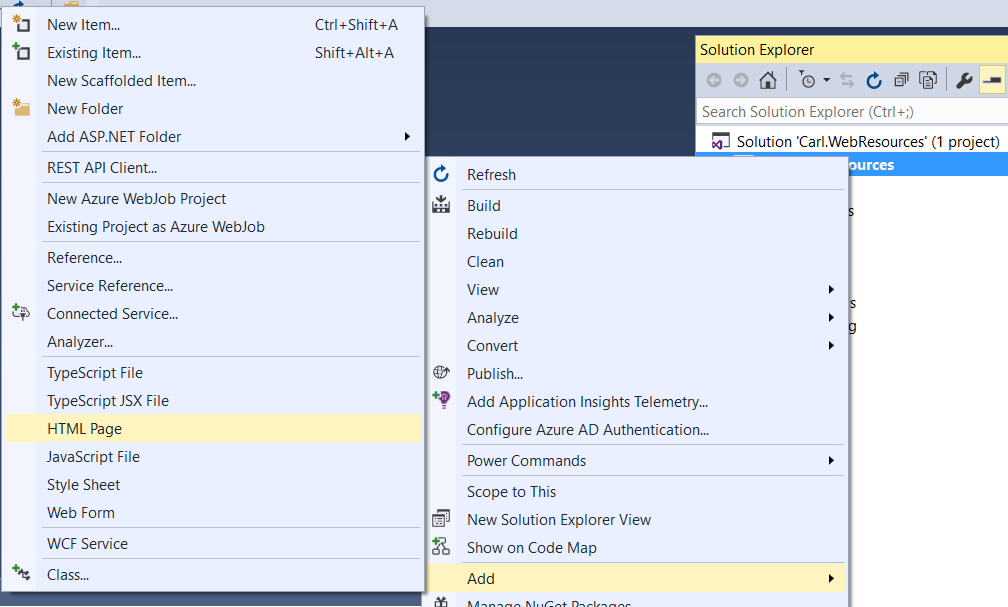
Right click and add a new HTML Page:
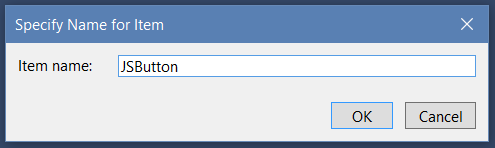
We will call the page JSButton.html:
This creates:
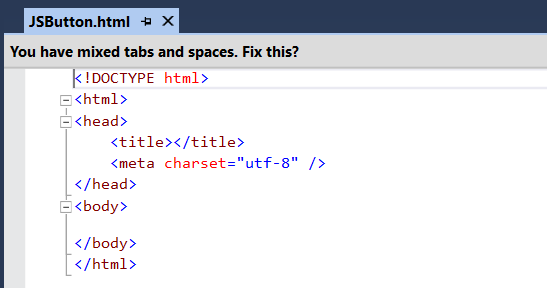
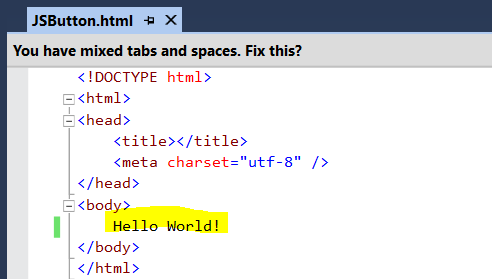
Let’s add some Hello World text and deploy this to see how it looks:
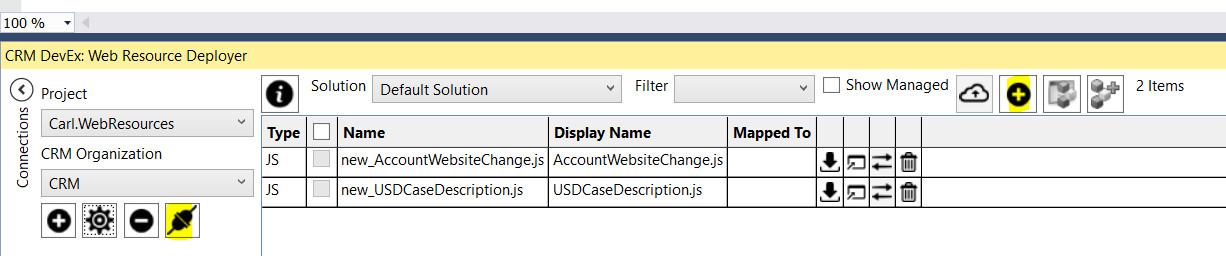
From the Web Resource Deployer, Connect to CRM and select to add a new file:
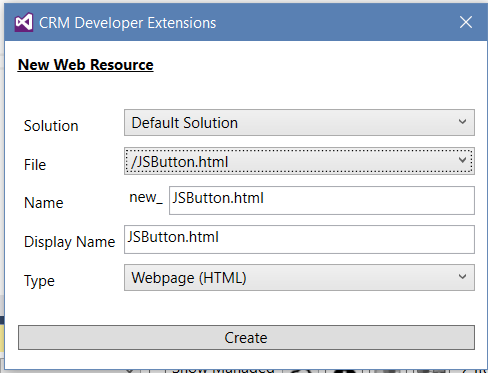
Enter the information below and press Create:
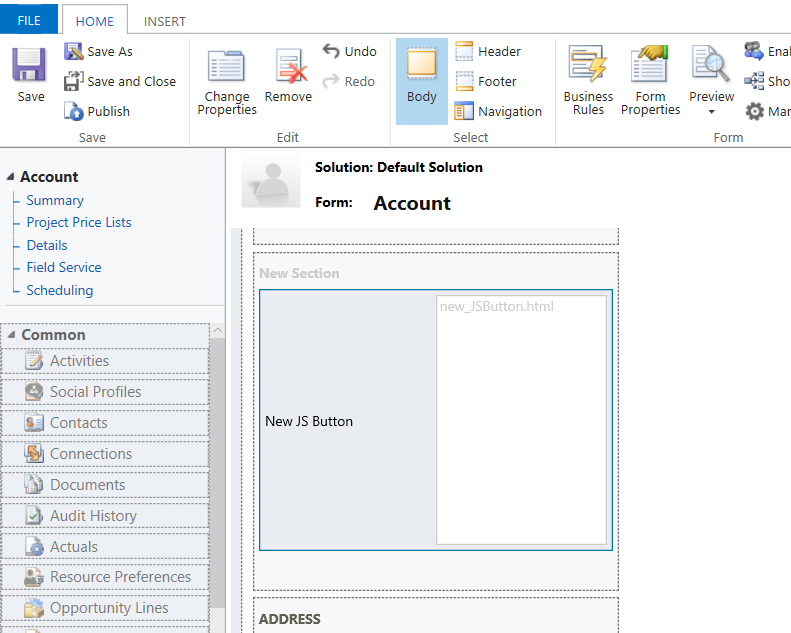
We will add our new web resource to the Account form.
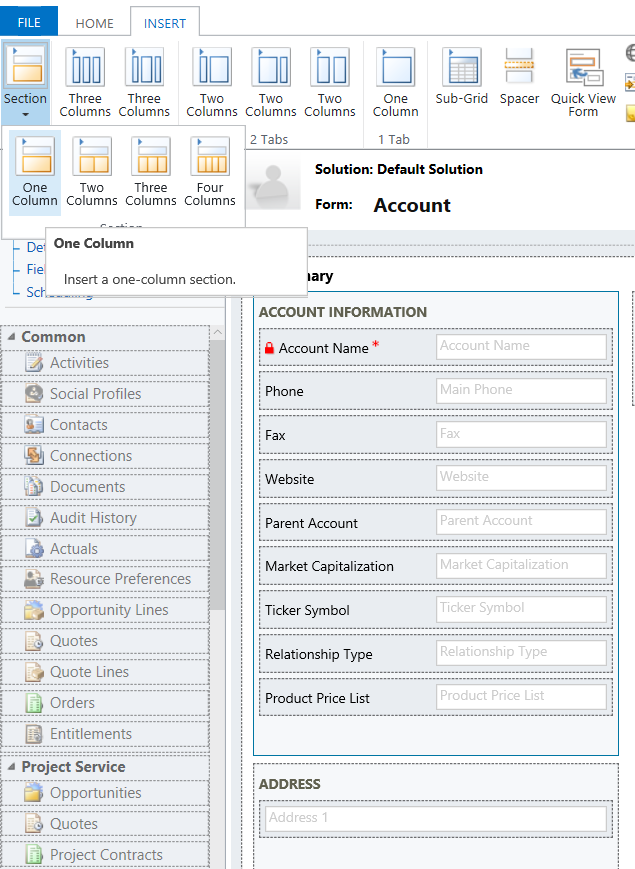
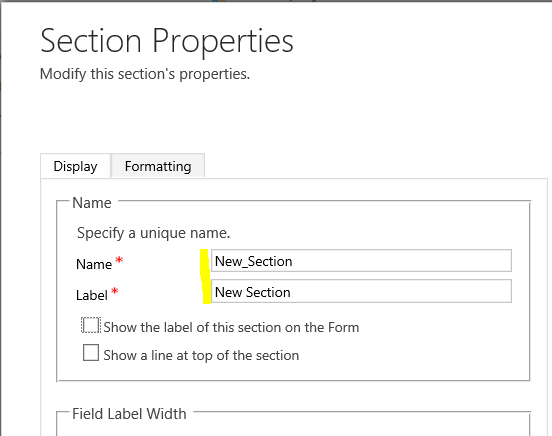
Set the properties on the new section:
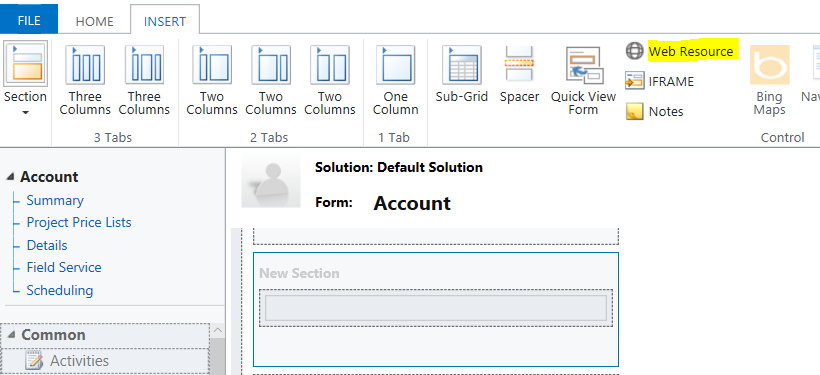
Now add a new Web Resource:
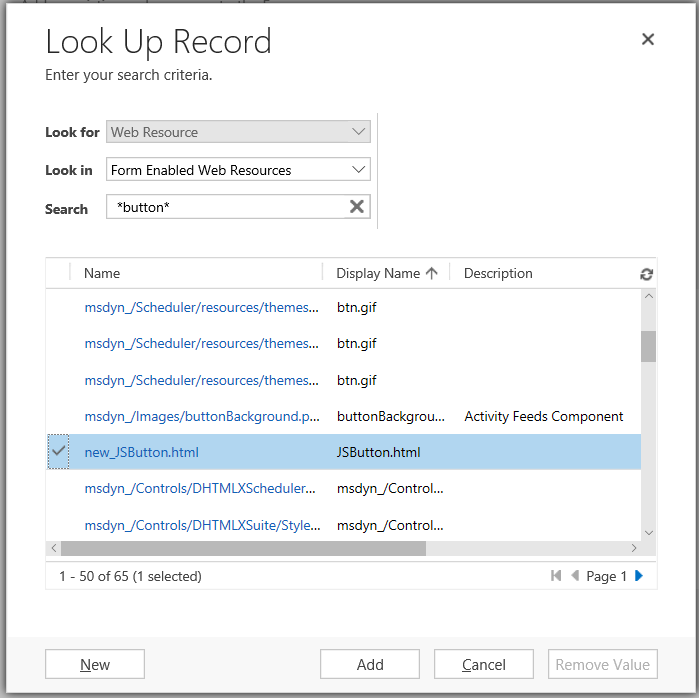
Add the web resource just created:
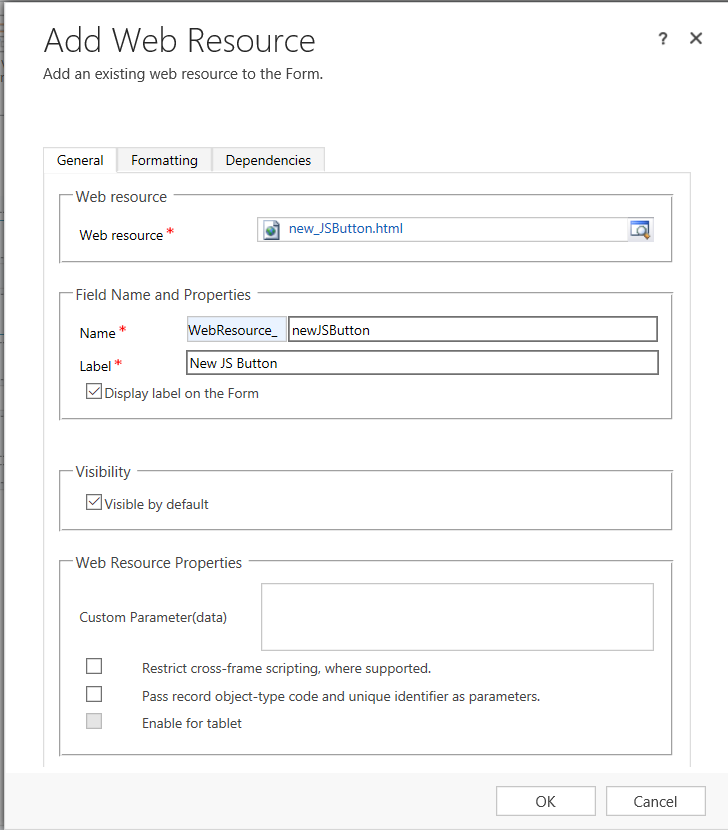
Add the web resource properties:
It should now look like below. Save and Publish:
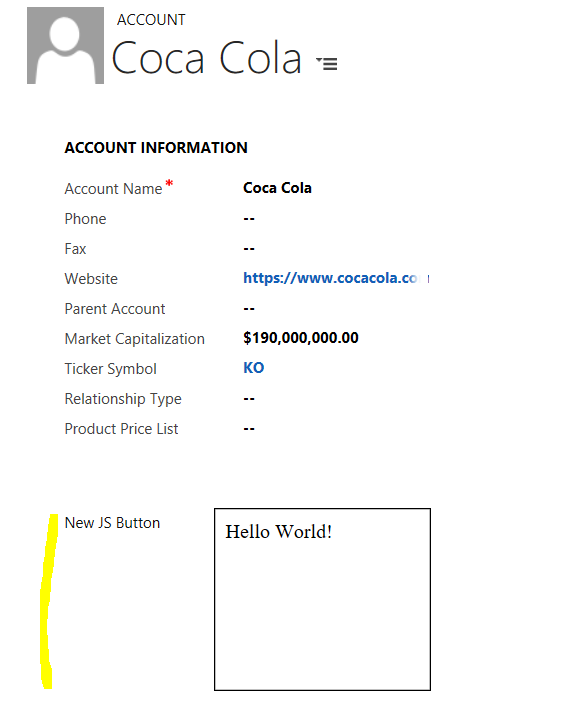
Now if we open an Account, we will see the web resource displayed:
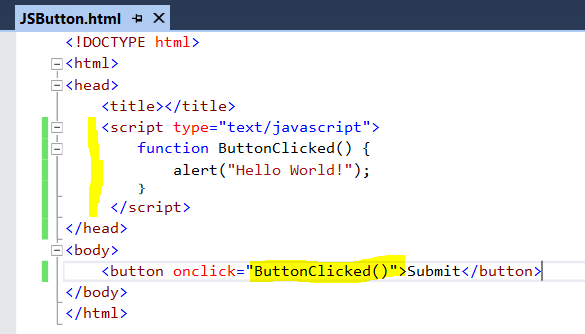
Now let’s add some JavaScript:
<button onclick="ButtonClicked()">Submit</button>
Add the command to display Hello World:
function ButtonClicked() {
    alert("Hello World!");
}
Save and Publish. Now refresh
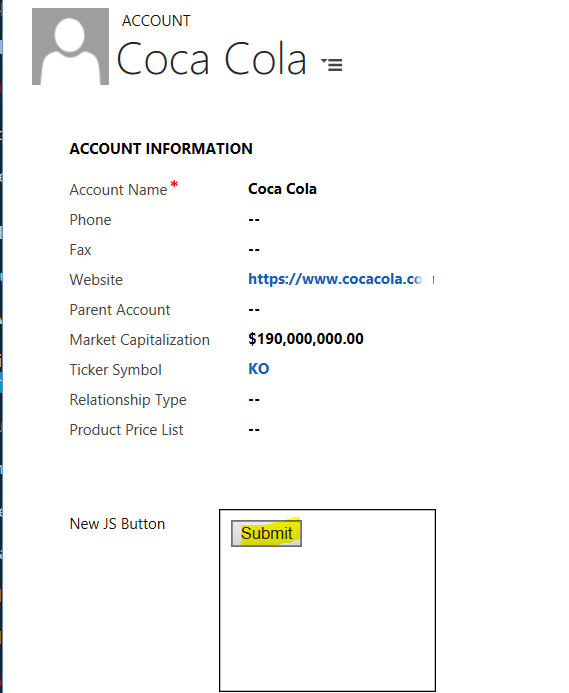
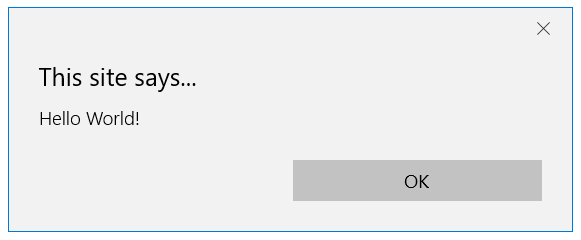
This displays:
I AM SPENDING MORE TIME THESE DAYS CREATING YOUTUBE VIDEOS TO HELP PEOPLE LEARN THE MICROSOFT POWER PLATFORM.
IF YOU WOULD LIKE TO SEE HOW I BUILD APPS, OR FIND SOMETHING USEFUL READING MY BLOG, I WOULD REALLY APPRECIATE YOU SUBSCRIBING TO MY YOUTUBE CHANNEL.
THANK YOU, AND LET'S KEEP LEARNING TOGETHER.
CARL

👏👏👏👏👏