When you create personal charts, you can share them with other users.
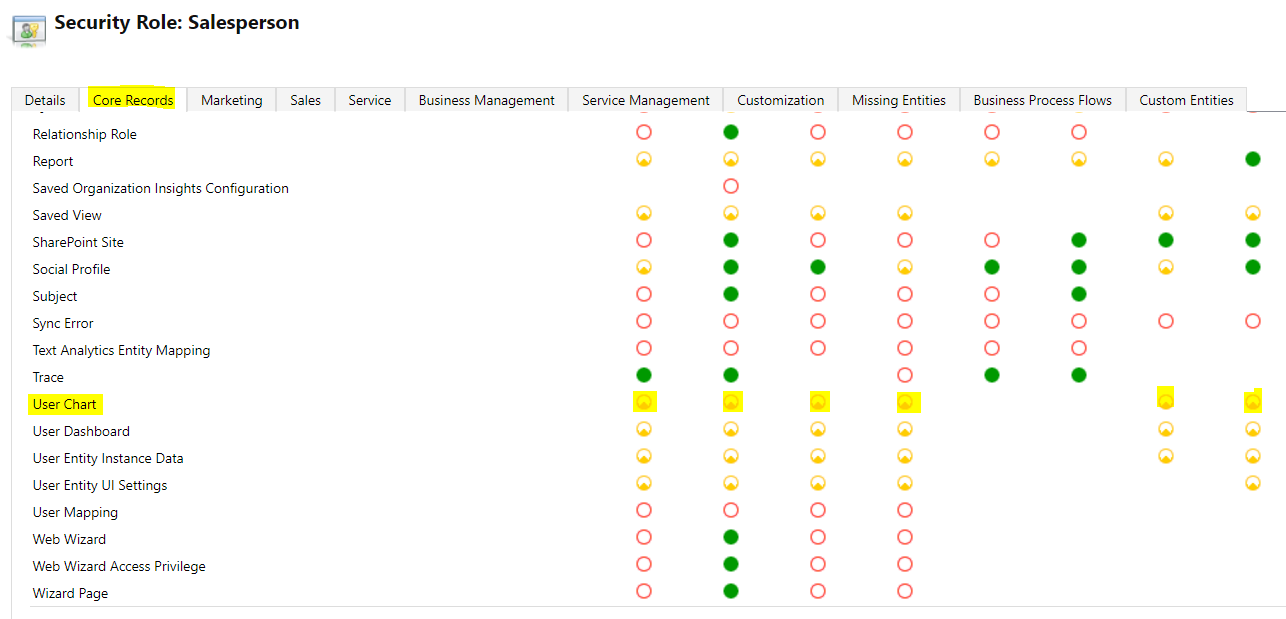
To do this, first ensure the user is assigned a security role with the User Chart set. Open the security role and go to Core Records. For User Chart, select the required permissions, i.e. create, read, write, and especially share:
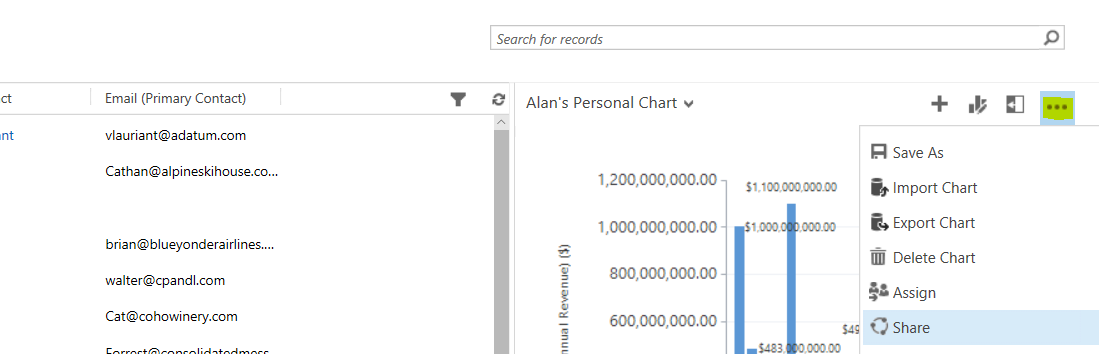
Now, we will create a personal chart. Select the ellipse and Share:
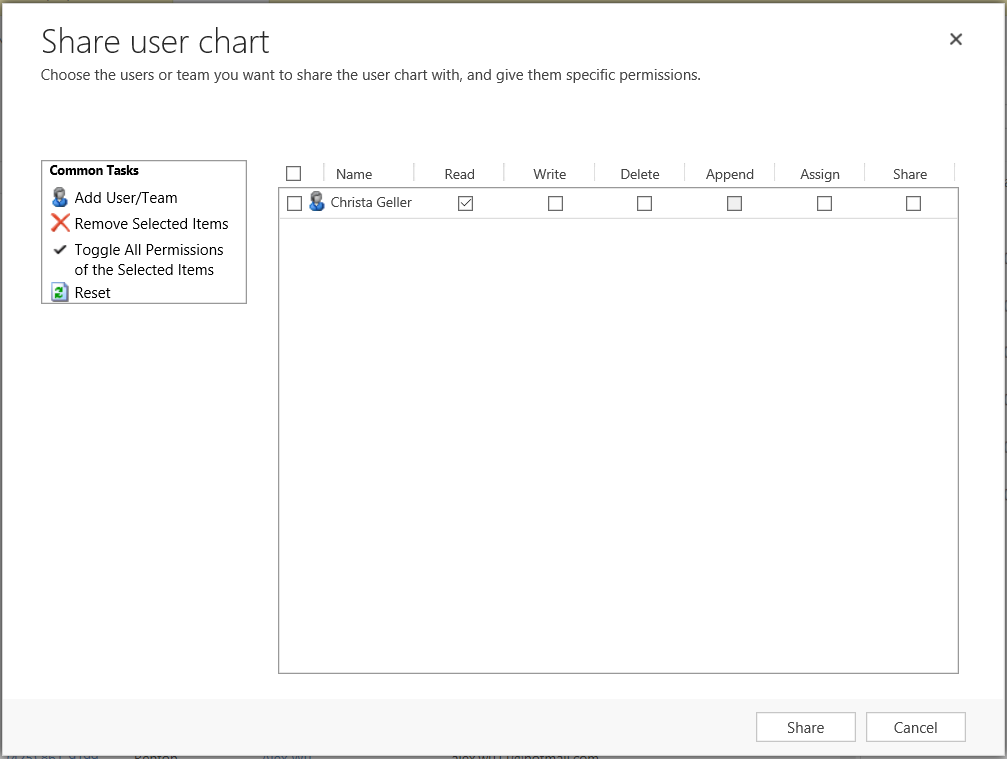
Assign the chart permissions. You can give the user or team read access, write (to modify the change), delete (to remove the chart), append, assign and share (with other users):
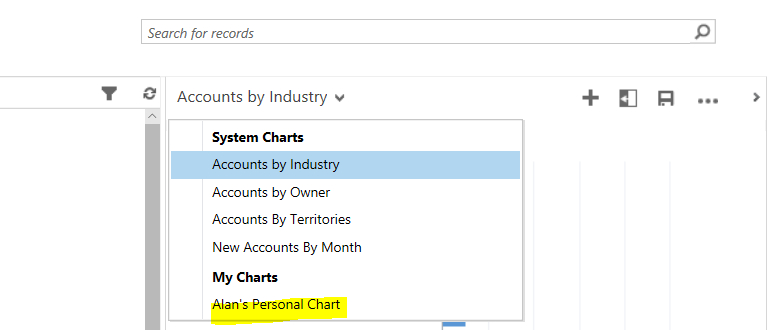
Now, logging in as Christa Geller above, we can see this chart appears in her Personal charts:
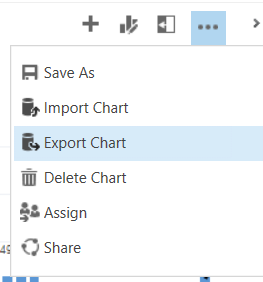
You can also export and import charts as a way of sharing them. Select the chart you would like to export and select Export:
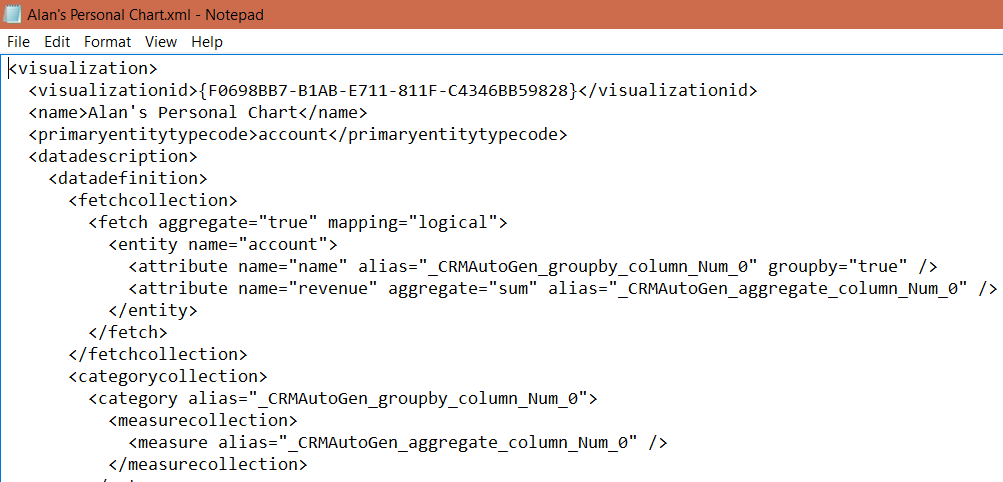
This will export the chart xml:
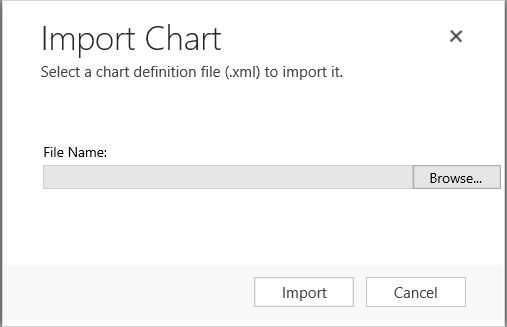
You can then select Import and the
Enter the name:
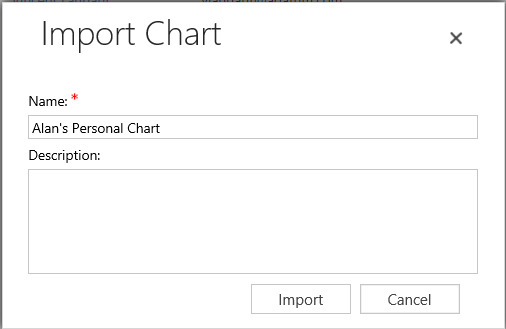
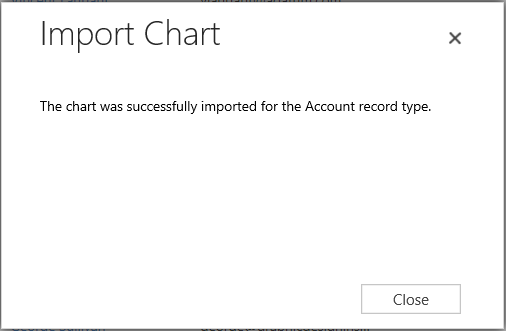
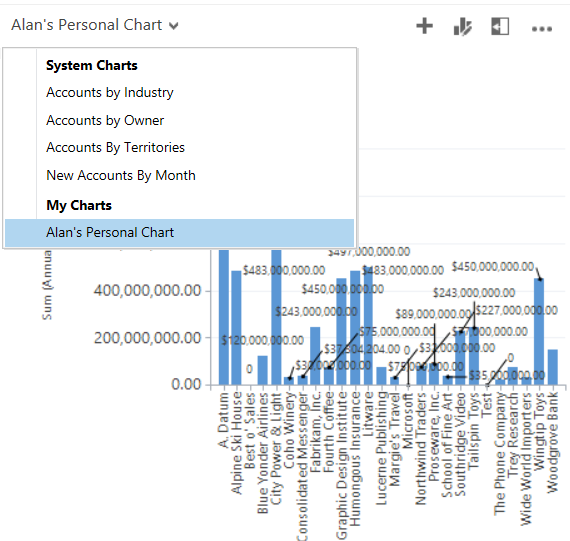
The chart is now imported:

Explore AI, agents & Microsoft technology.
I share practical ideas, tutorials, and videos about AI, AI agents, Microsoft technologies, and the Power Platform.
Subscribe on YouTube →