Dynamics CRM has different levels of security, including:
- Role-based
- Record level
- Field level
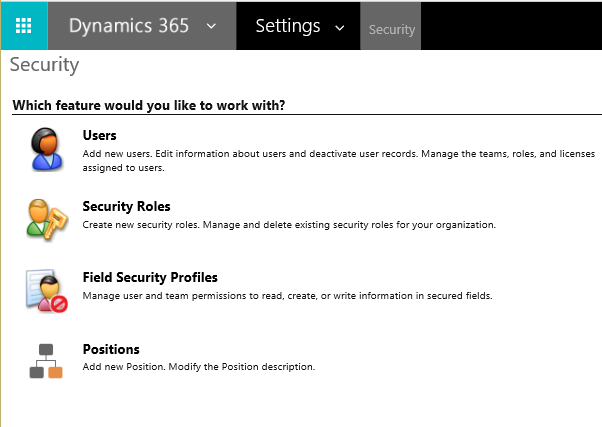
To set up Dynamics CRM security, go to Settings->Security:
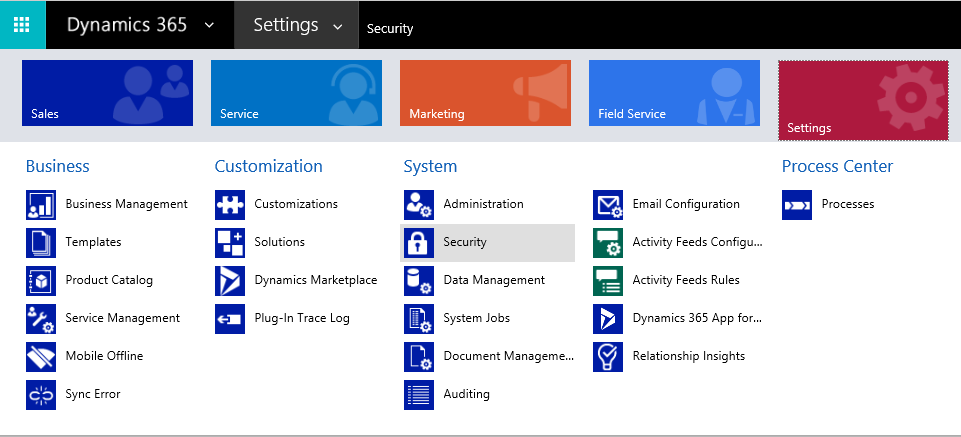
From here, you will be able to define different levels of security.
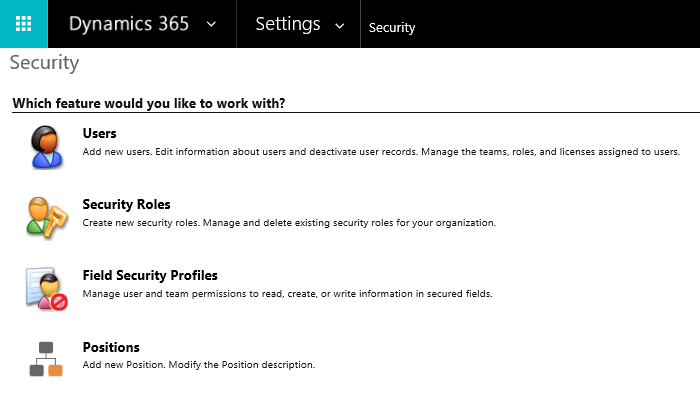
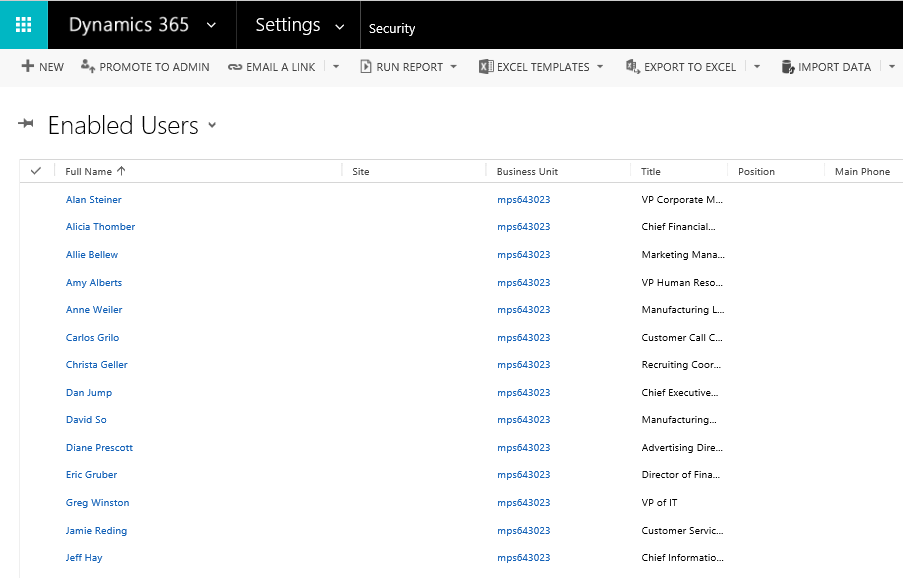
You can select a user to see which security roles they currently are assigned to, and also assign roles to them. To do this, select “Users” and then select a user:
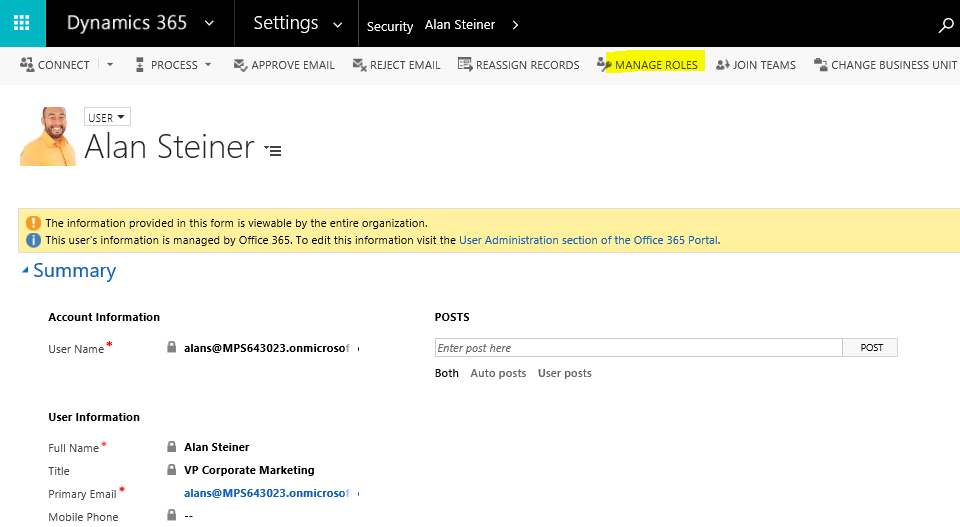
Select Manage Roles:
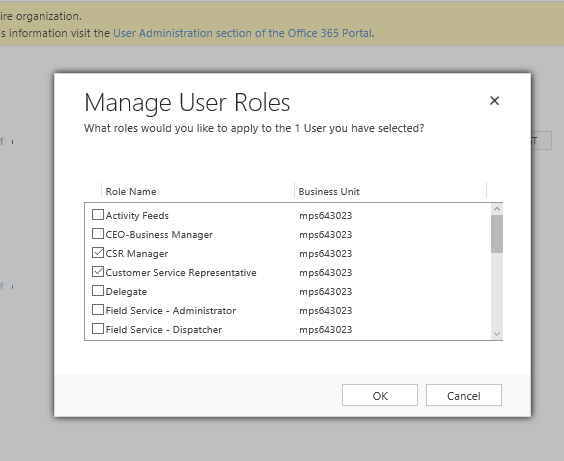
View and select roles for this user:
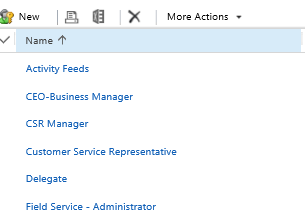
To see which privileges roles have, go to the Security Roles:
And select a role:
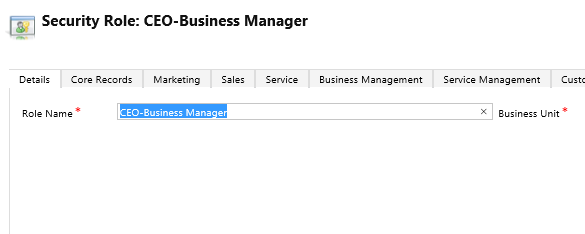
Select the tab you would like to view or change the privilege, for example, Sales:
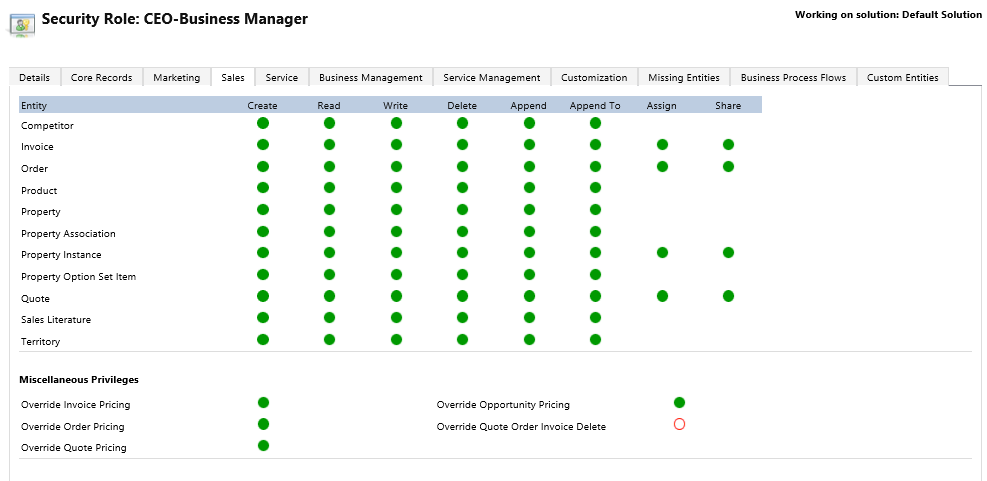
Hover over the entity you would like to change and it’s privilege. For example, Product and Read. Note the key for setting permissions. Click on the circle to change the permission.

Note also the custom entity tab.
If you have a Power BI service account, you will want to ensure the account has relevant permissions set to be able to read data from CRM.

Explore AI, agents & Microsoft technology.
I share practical ideas, tutorials, and videos about AI, AI agents, Microsoft technologies, and the Power Platform.
Subscribe on YouTube →