The Custom Code Validation Tool is useful to determine if customizations can be upgraded.
To download the tool, go here: https://www.microsoft.com/en-au/download/details.aspx?id=30151
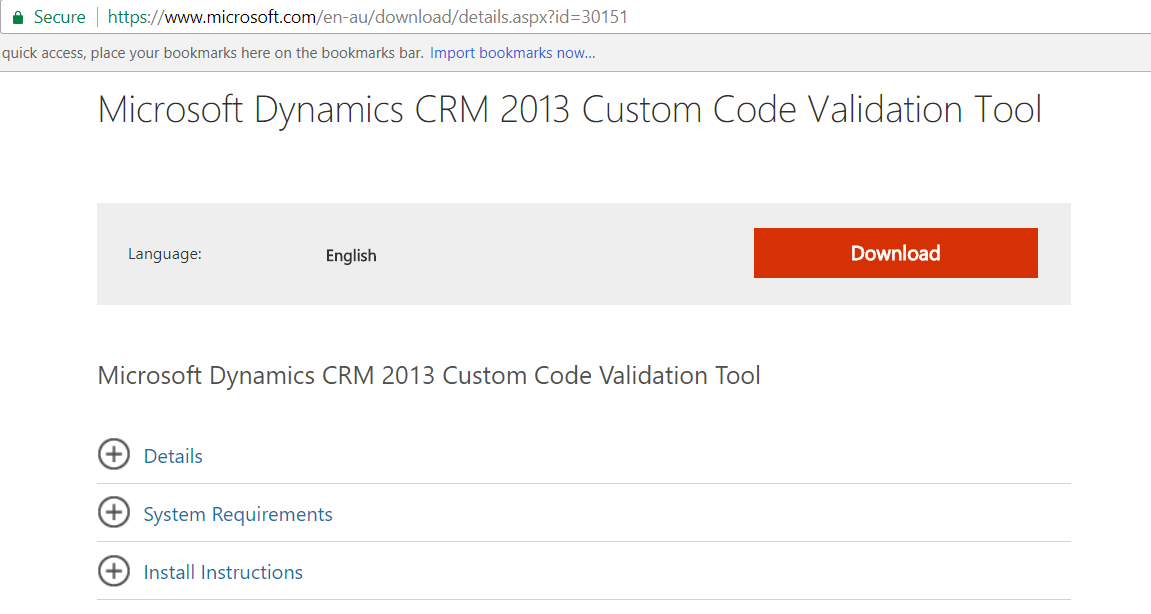
Click to install:
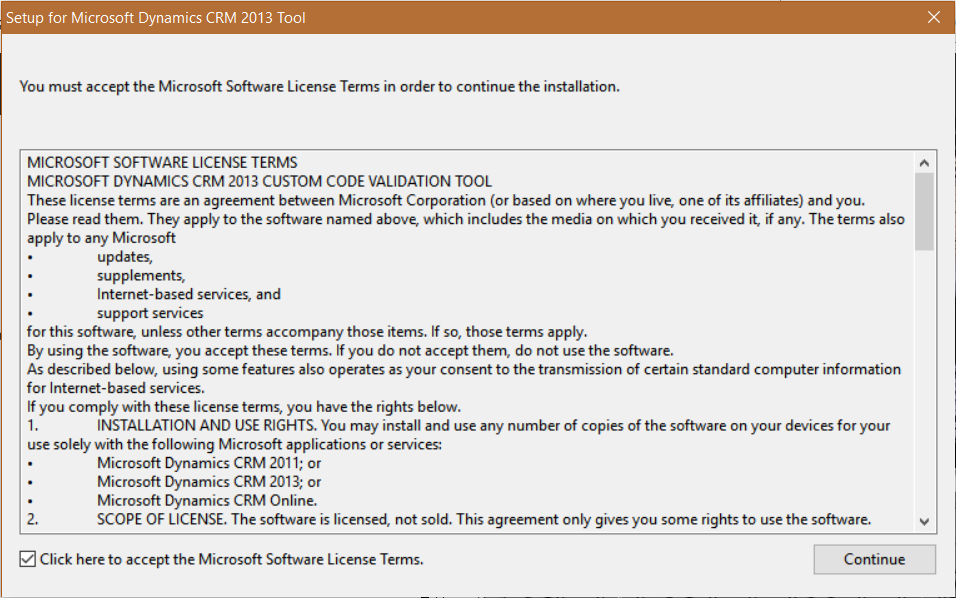
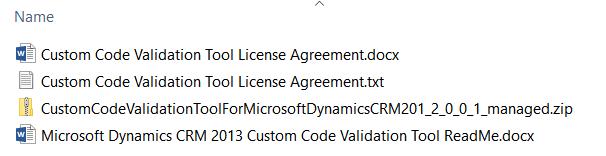
You will see:
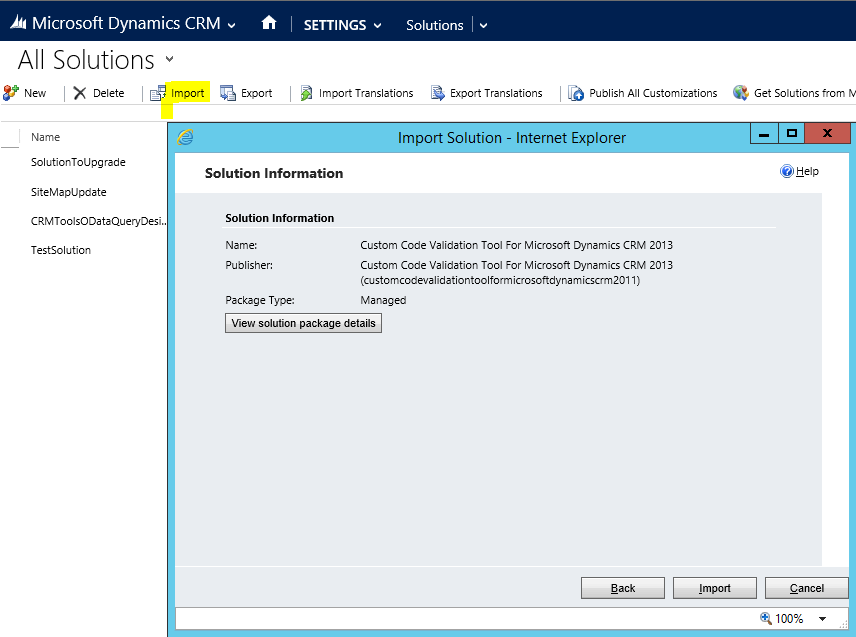
Import the solution:
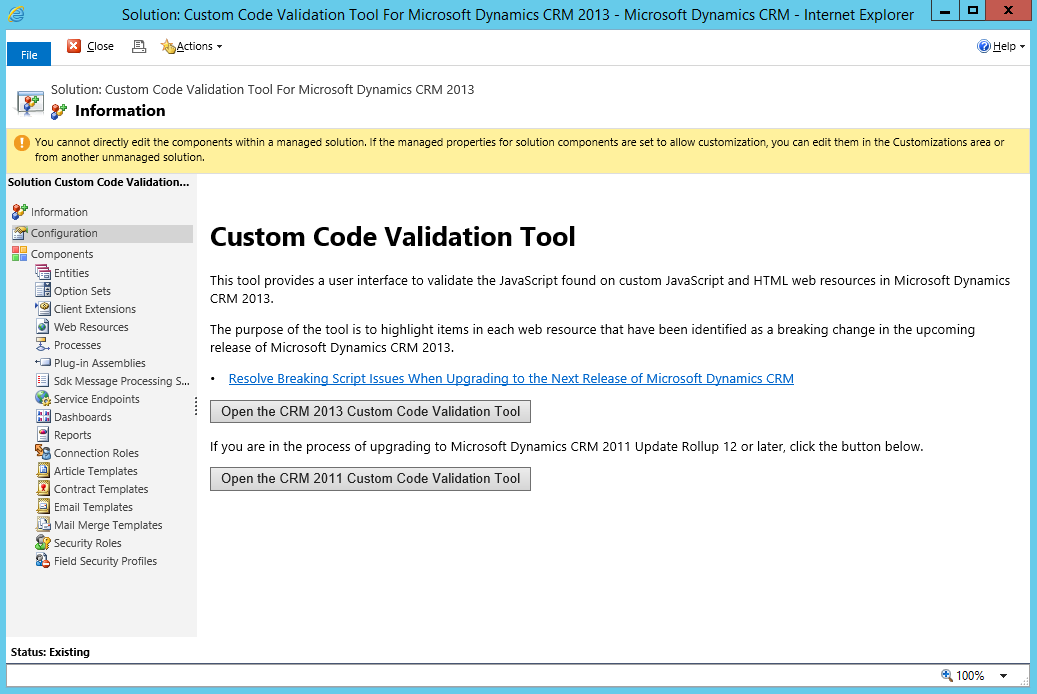
You will now see the new solution under Solutions. Open it. You may be prompted to provide your Windows credentials. Select Open the CRM 2013 Custom Code Validation Tool:
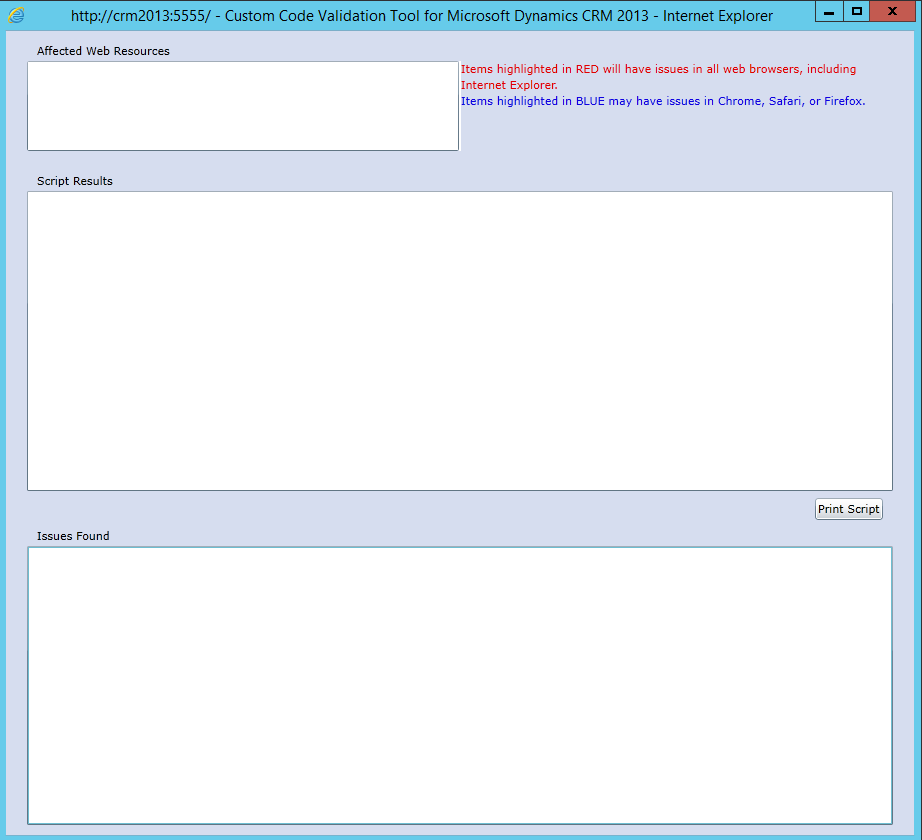
This window will open. From here if you have any potential issues you will see them:
I AM SPENDING MORE TIME THESE DAYS CREATING YOUTUBE VIDEOS TO HELP PEOPLE LEARN THE MICROSOFT POWER PLATFORM.
IF YOU WOULD LIKE TO SEE HOW I BUILD APPS, OR FIND SOMETHING USEFUL READING MY BLOG, I WOULD REALLY APPRECIATE YOU SUBSCRIBING TO MY YOUTUBE CHANNEL.
THANK YOU, AND LET'S KEEP LEARNING TOGETHER.
CARL
