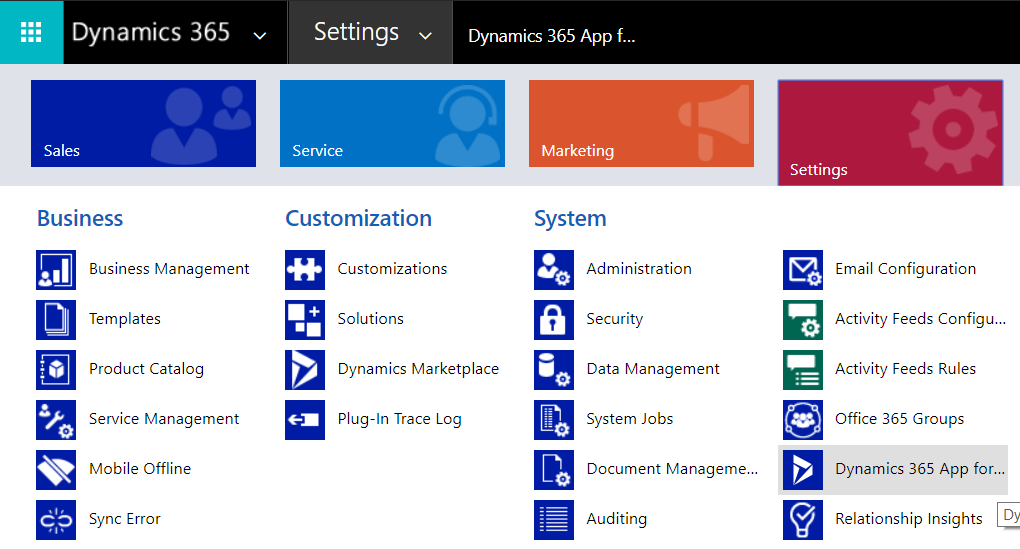
In Dynamics 365, you can easily add which users have the App for Outlook. To do this, go to Settings->Dynamics 365 App for Outlook:
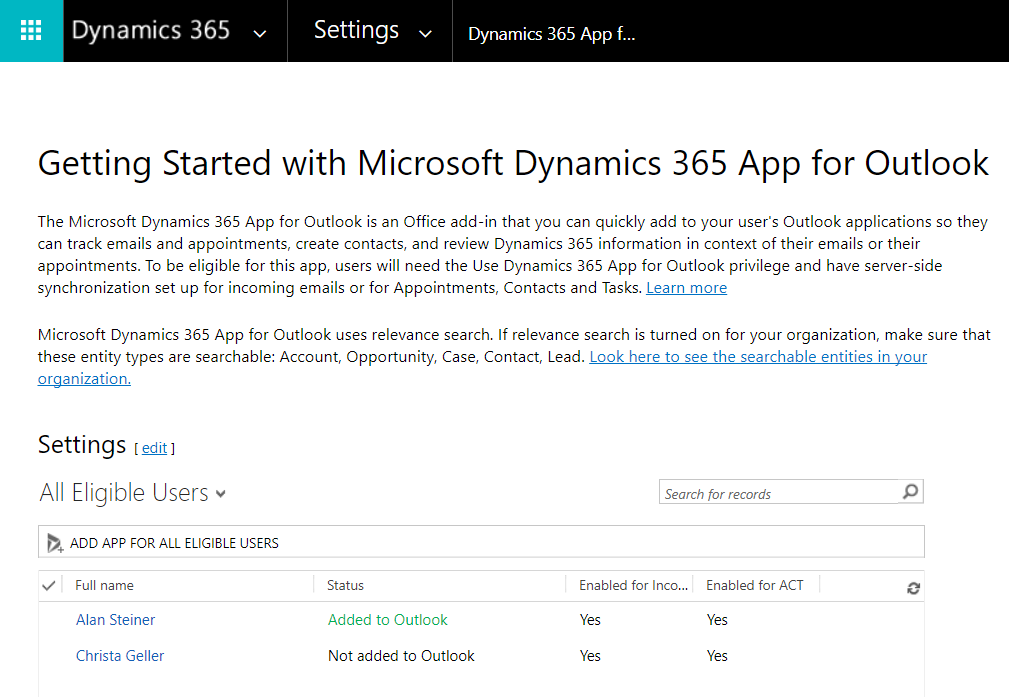
You will see this page:
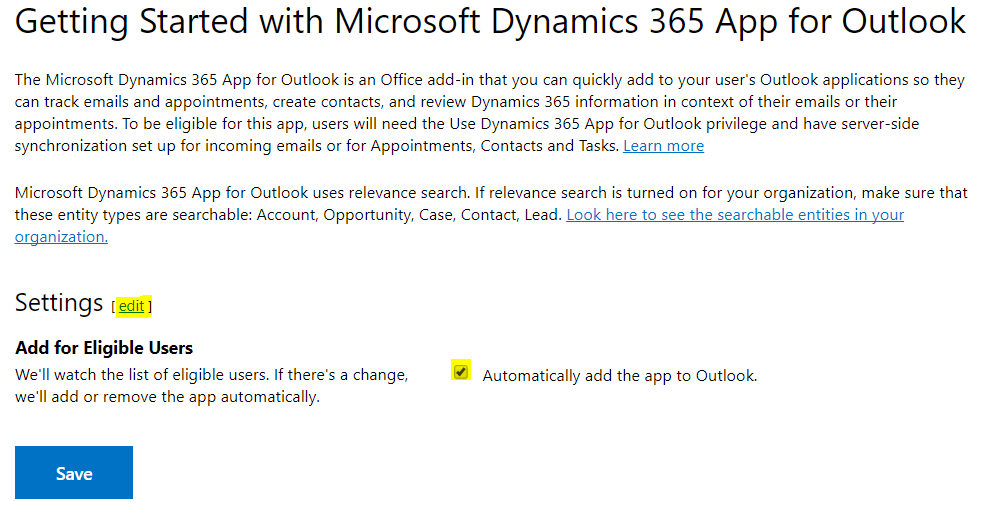
Click on Edit settings to set the ability to automatically add the app to Outlook:
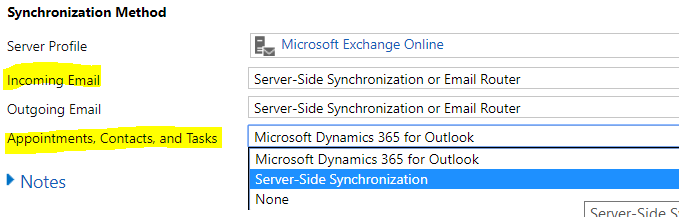
Note to use the app, users will need to have:
- Use Dynamics 365 App for Outlook privilege in their assigned security role
- Server-side synchronization set up for incoming emails or for Appointments, Contacts and Tasks
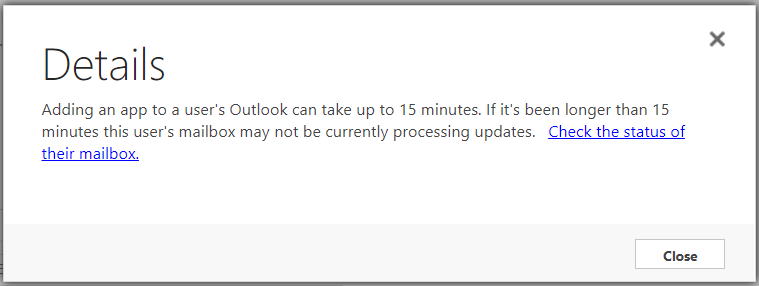
Note that adding the app can take up to 15 minutes.

Keep learning. Keep building.
Explore AI, agents & Microsoft technology.
I share practical ideas, tutorials, and videos about AI, AI agents, Microsoft technologies, and the Power Platform.
Subscribe on YouTube →Carl de Souza Enterprise Architect at Microsoft · AI Technology Expert
