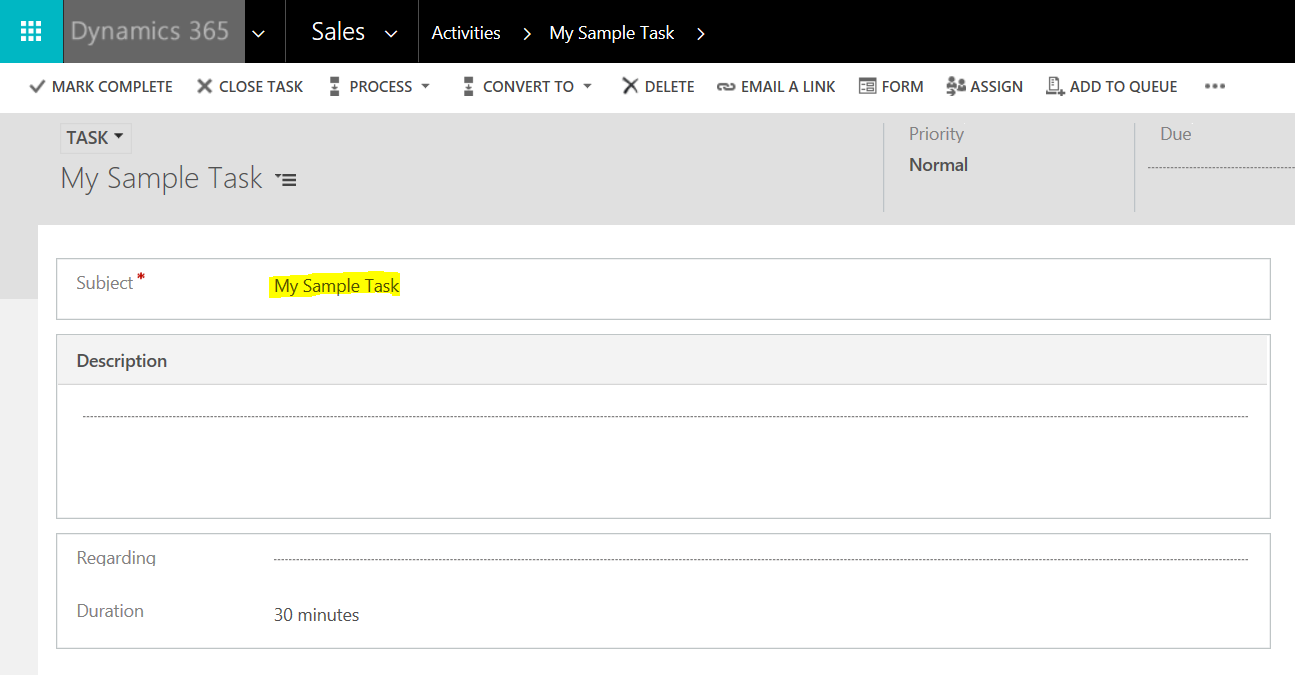
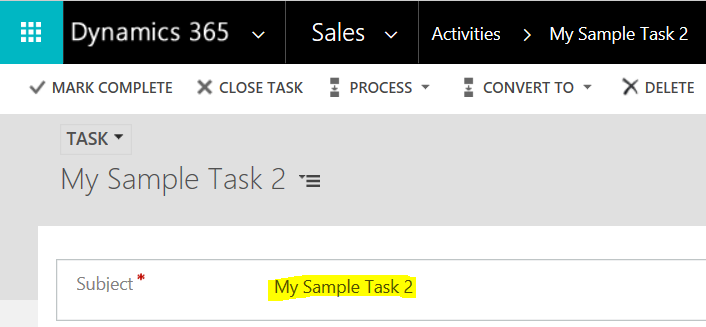
In this post we will look at converting a task in Dynamics 365 to a case or opportunity. First, we will create a new task:
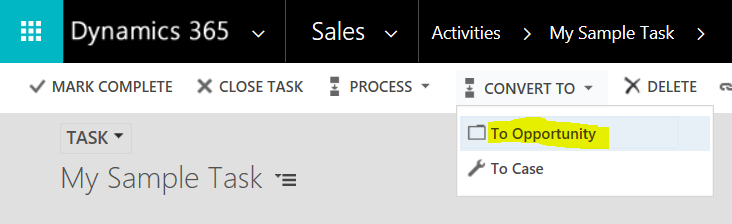
Let’s convert this to an Opportunity:
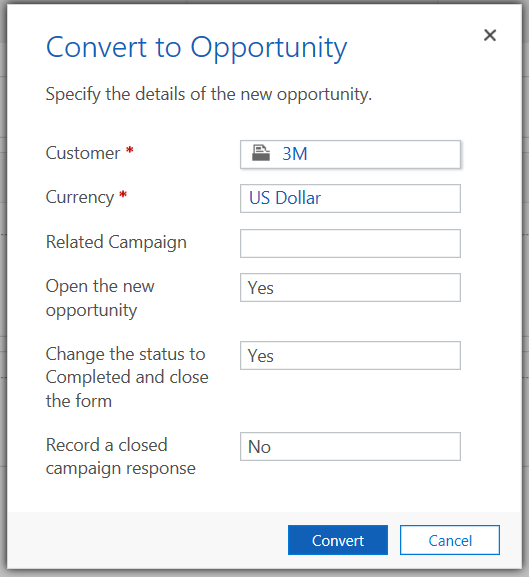
Note the options such including selecting a customer. Click Convert:
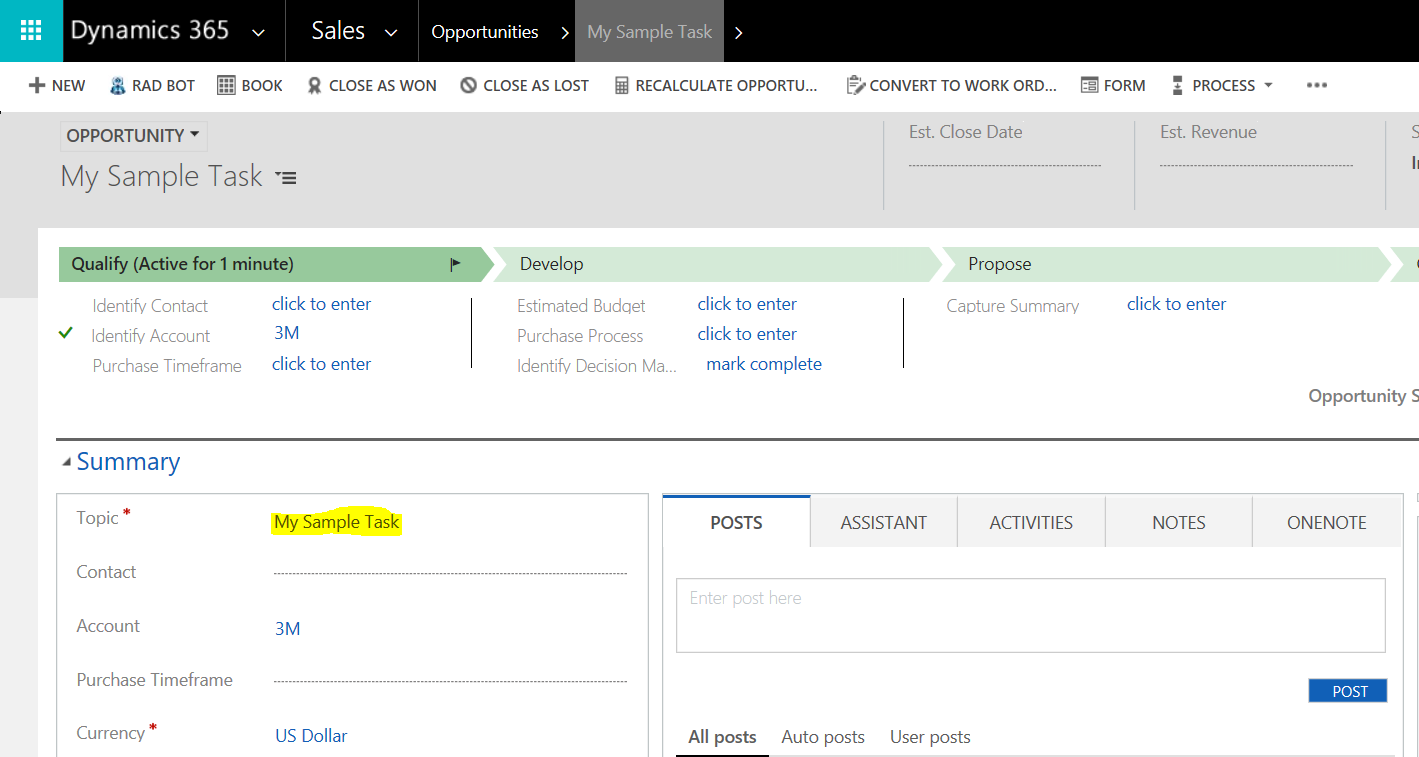
The task is now an opportunity:
Let’s create another task:
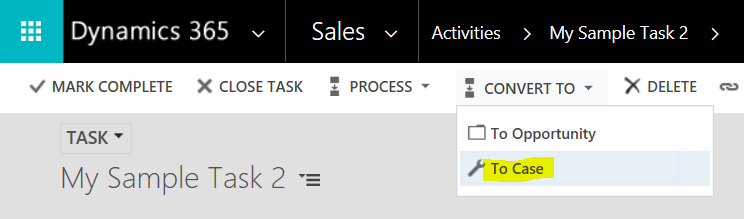
This time we will convert to Case:
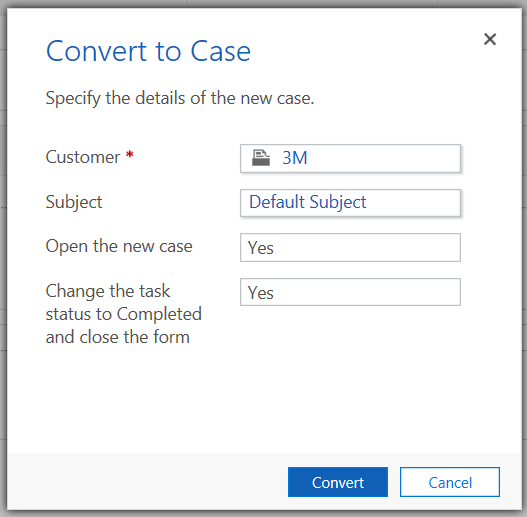
Note the options. Click Convert:
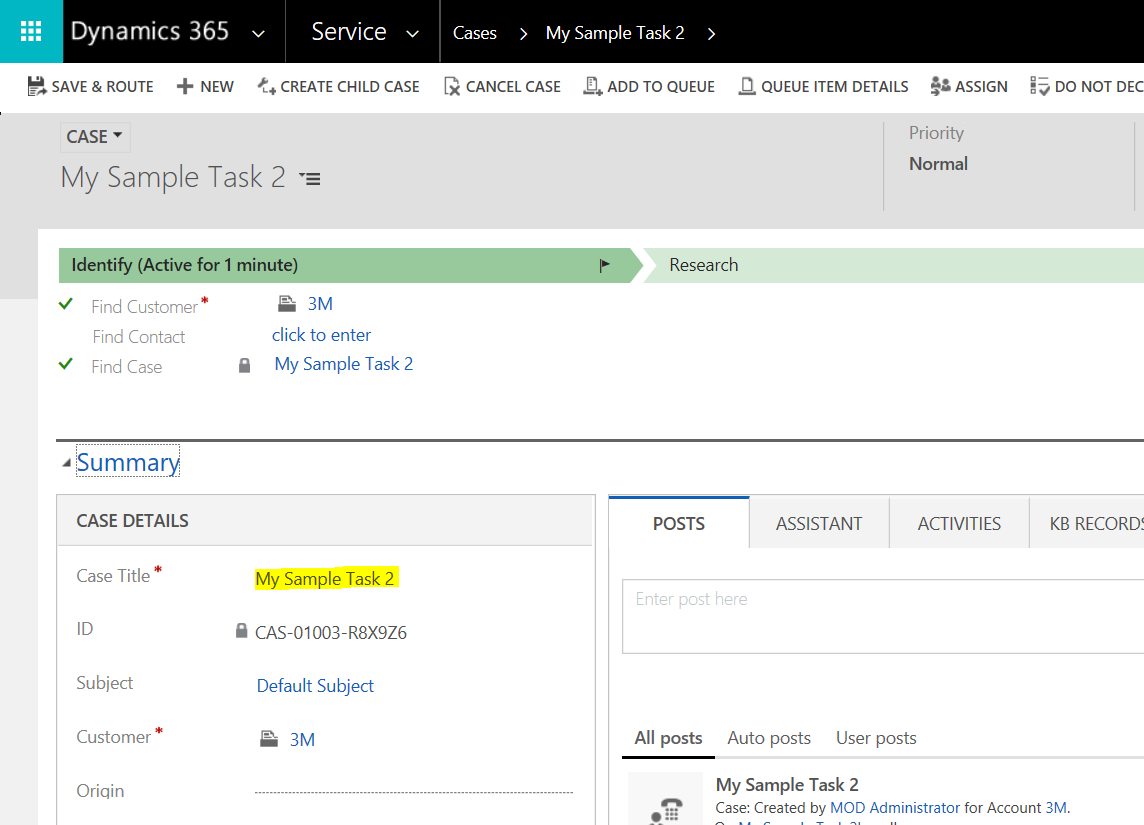
The new case will open:
THANKS FOR READING. BEFORE YOU LEAVE, I NEED YOUR HELP.
I AM SPENDING MORE TIME THESE DAYS CREATING YOUTUBE VIDEOS TO HELP PEOPLE LEARN THE MICROSOFT POWER PLATFORM.
IF YOU WOULD LIKE TO SEE HOW I BUILD APPS, OR FIND SOMETHING USEFUL READING MY BLOG, I WOULD REALLY APPRECIATE YOU SUBSCRIBING TO MY YOUTUBE CHANNEL.
THANK YOU, AND LET'S KEEP LEARNING TOGETHER.
CARL
