Field security is available in Dynamics 365. If you are dealing with sensitive information, you may want to prevent a field from displaying it’s data, unless you are a user with certain permissions. Dynamics 365 provides a capability to do this.
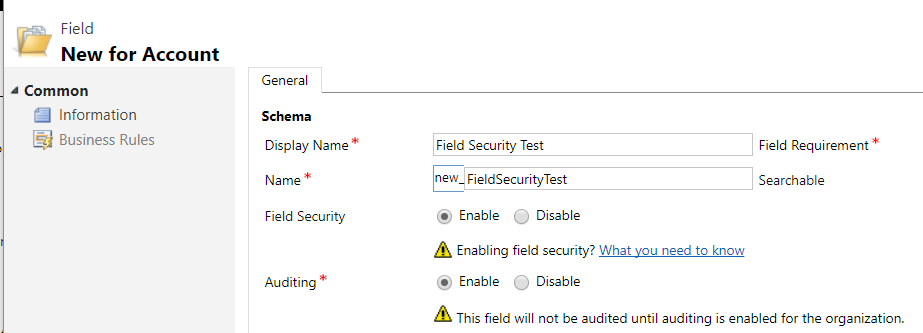
To enable Field Security, go to an entity and create a new field. You will see a field security option. Select Enable:
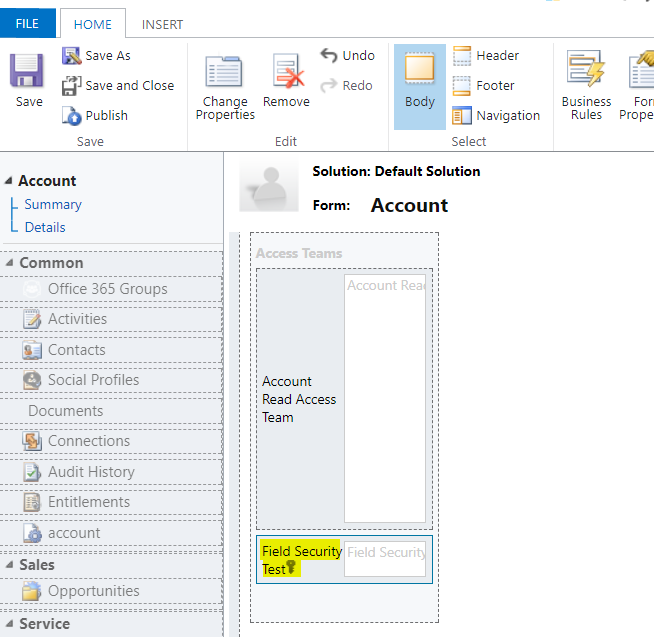
Add the field to your entity form and publish the customization:
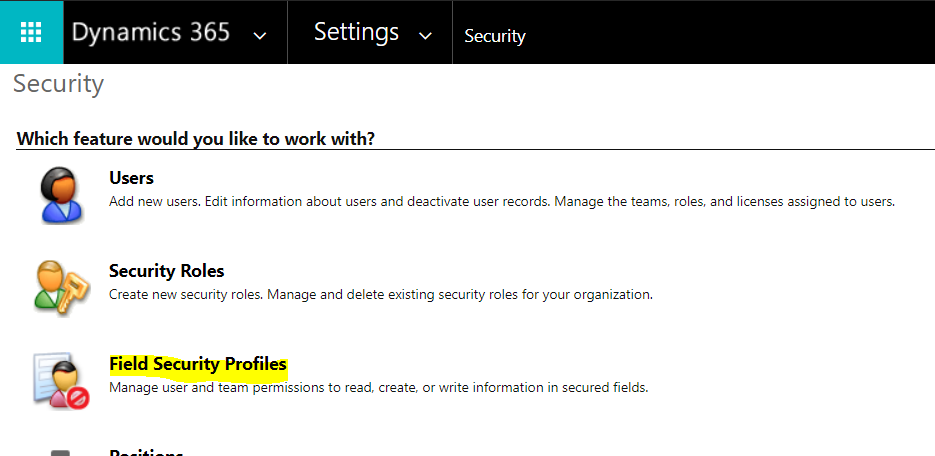
Next, go to Settings->Security->Field Security Profiles:
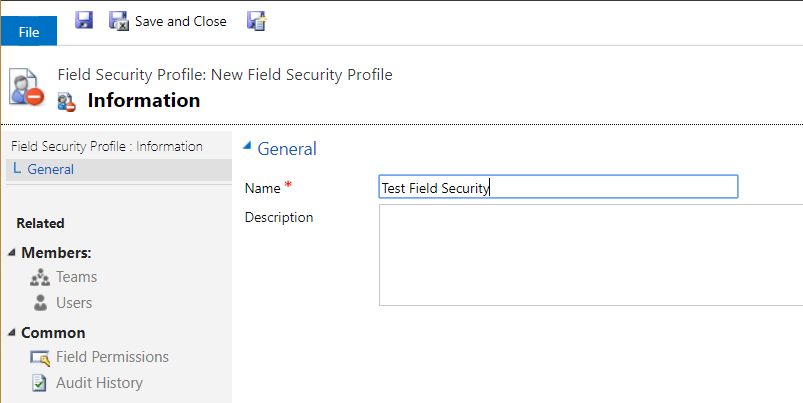
Enter a name:
Click on Field Permissions. You will see the new field created above:
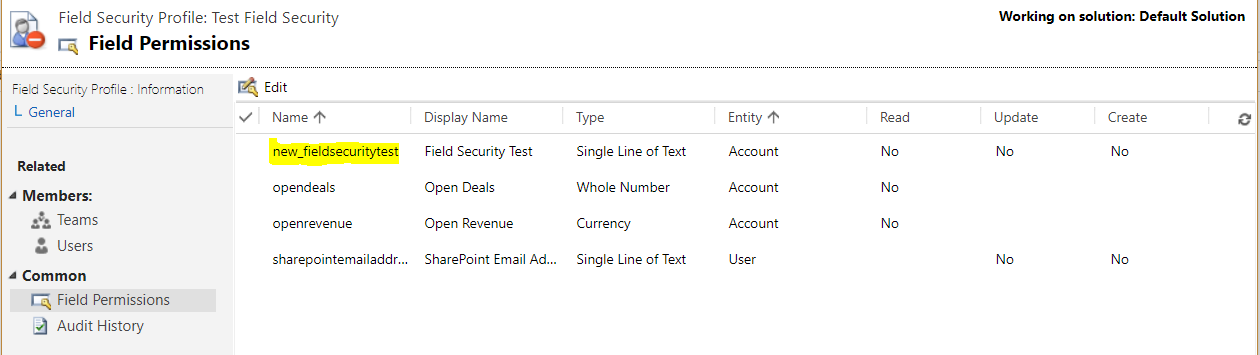
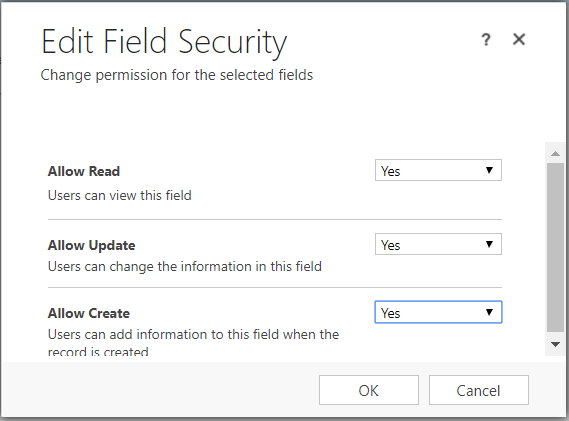
Open the field. Note the options available:
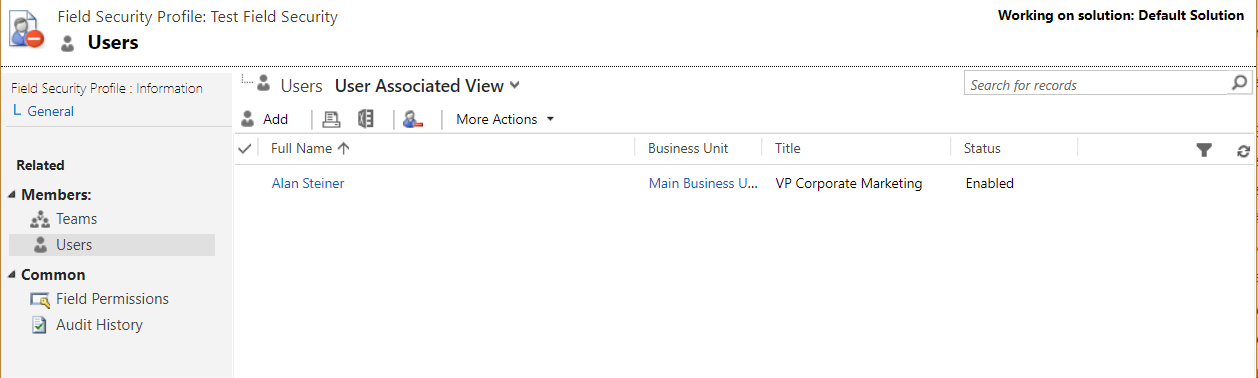
Now select a user or team to add to the field permissions. These users will be able to perform the set actions above:
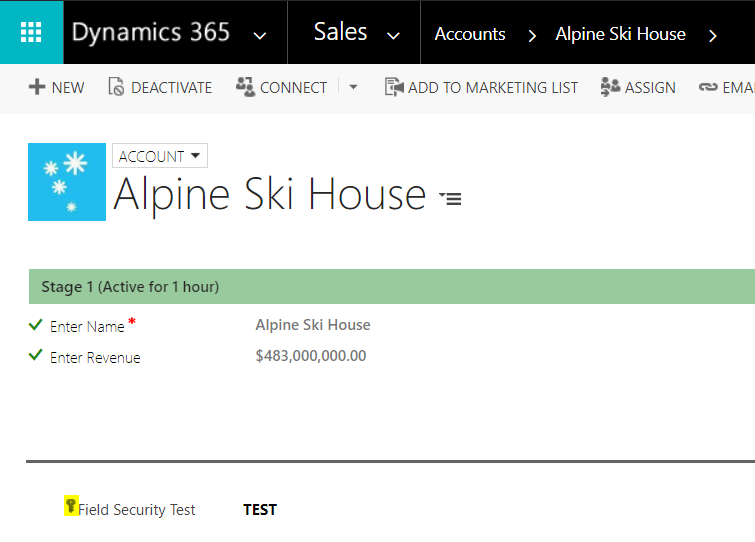
Now, we can create a record and view/populate the new field as a user with permissions:
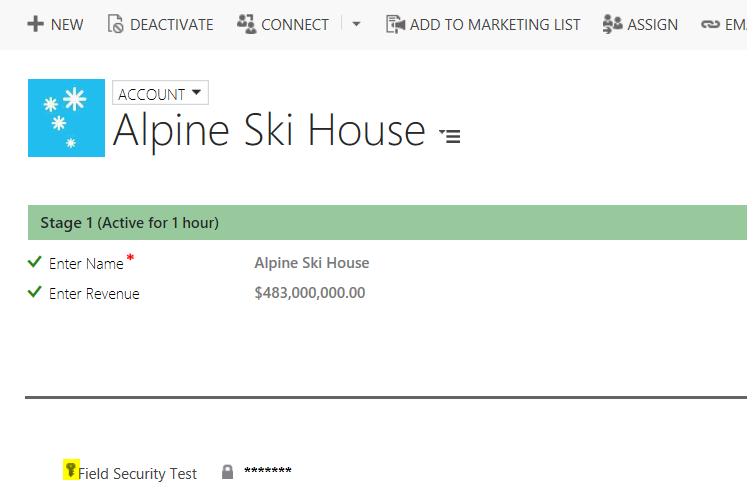
Now log in as a user without permissions. The user will see:
I AM SPENDING MORE TIME THESE DAYS CREATING YOUTUBE VIDEOS TO HELP PEOPLE LEARN THE MICROSOFT POWER PLATFORM.
IF YOU WOULD LIKE TO SEE HOW I BUILD APPS, OR FIND SOMETHING USEFUL READING MY BLOG, I WOULD REALLY APPRECIATE YOU SUBSCRIBING TO MY YOUTUBE CHANNEL.
THANK YOU, AND LET'S KEEP LEARNING TOGETHER.
CARL
