You can backup and restore Dynamics 365 databases through the Dynamics 365 Admin Center.
To do this, go to the Admin Center and select Backup and Restore:
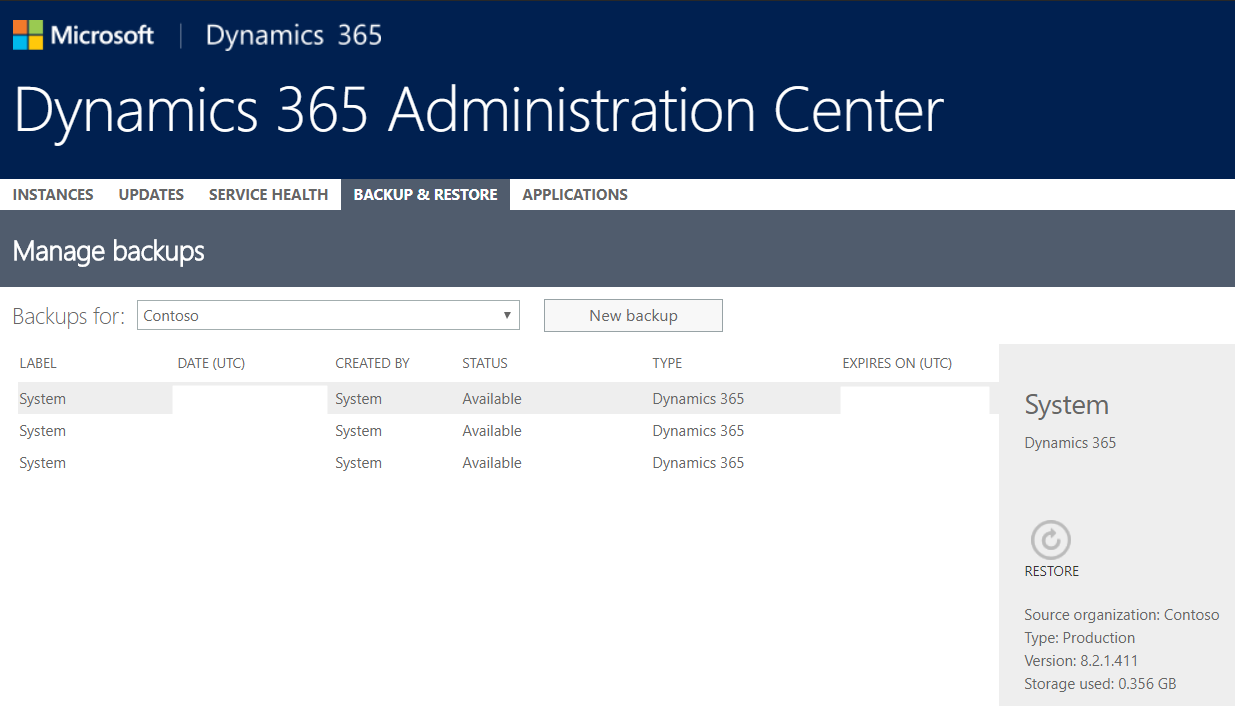
Choose the organization to back up and select New backup:

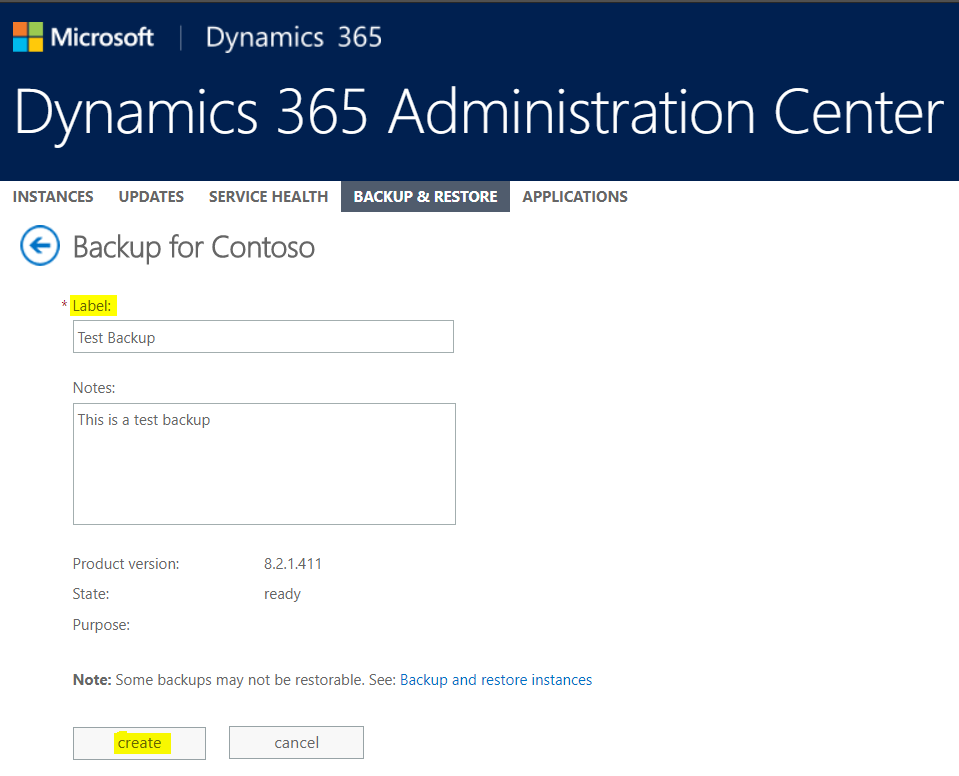
Enter a label and any notes and click Create:
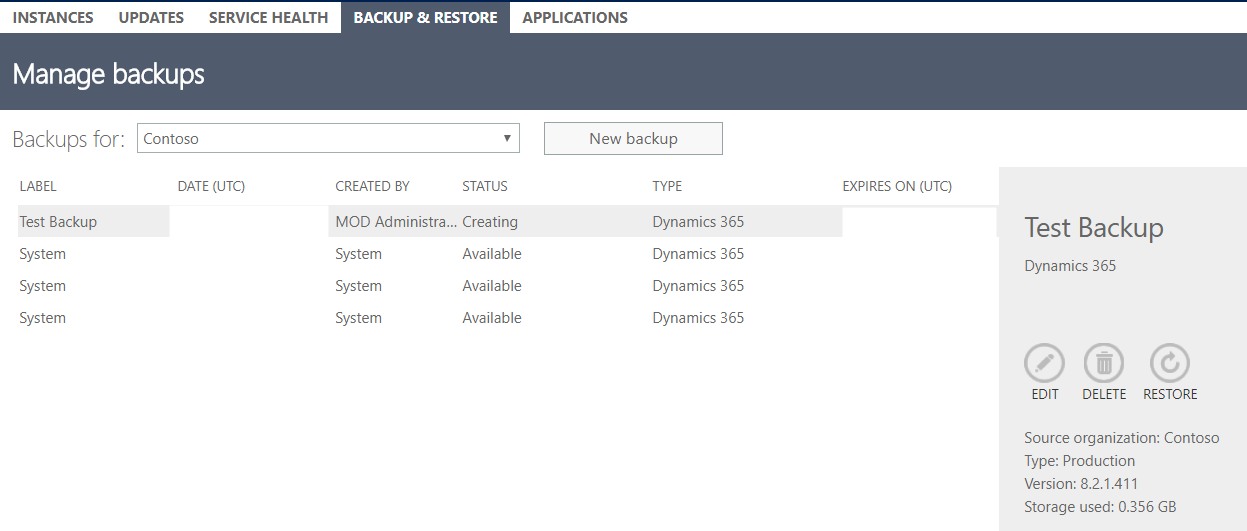
You will see the backup listed with a Creating status:
Once complete the status will be Available. From here you will be able to Edit and Delete:
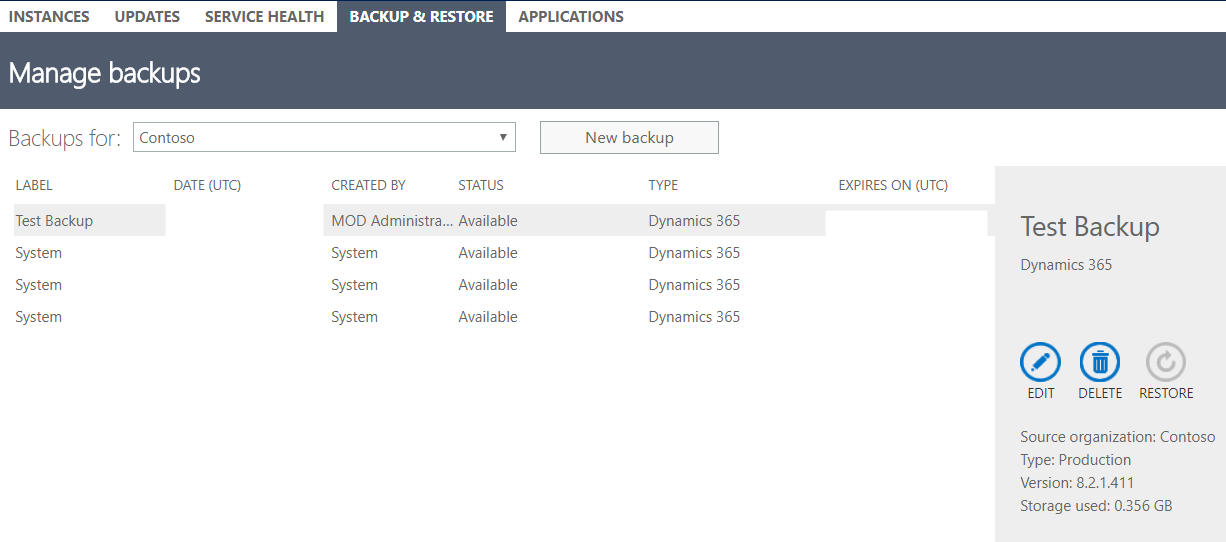
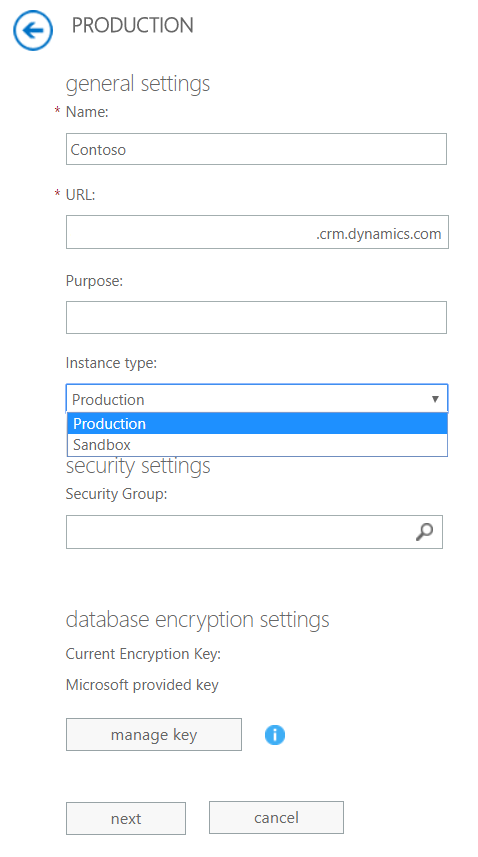
Note you can only restore sandbox instances, as defined by a setting in your environment:
I AM SPENDING MORE TIME THESE DAYS CREATING YOUTUBE VIDEOS TO HELP PEOPLE LEARN THE MICROSOFT POWER PLATFORM.
IF YOU WOULD LIKE TO SEE HOW I BUILD APPS, OR FIND SOMETHING USEFUL READING MY BLOG, I WOULD REALLY APPRECIATE YOU SUBSCRIBING TO MY YOUTUBE CHANNEL.
THANK YOU, AND LET'S KEEP LEARNING TOGETHER.
CARL
