To install SQL 2005, go through the following steps.
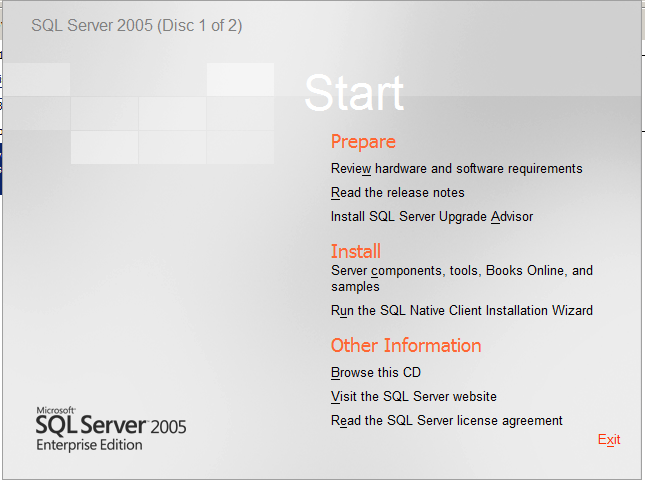
Select Install->Server Components:
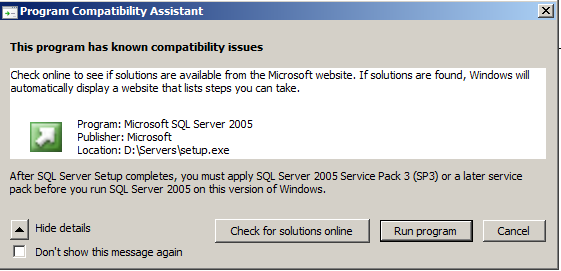
You may get this message here. This install is on a Windows 2008 R2 server. Select Run Program. We will install service packs later.
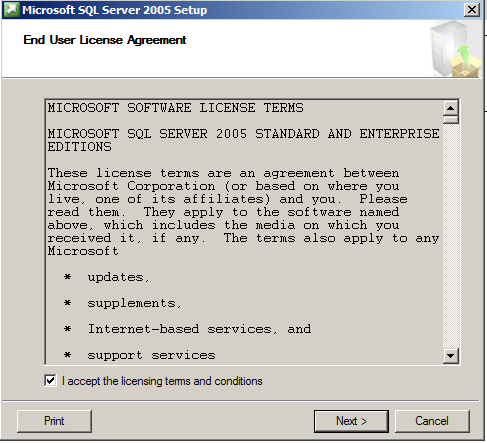
Select Next:
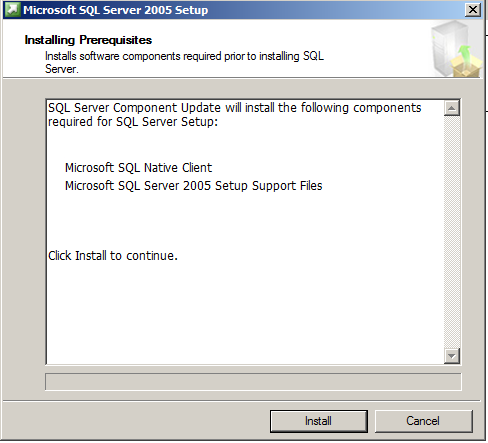
Select Next:
Select Next:
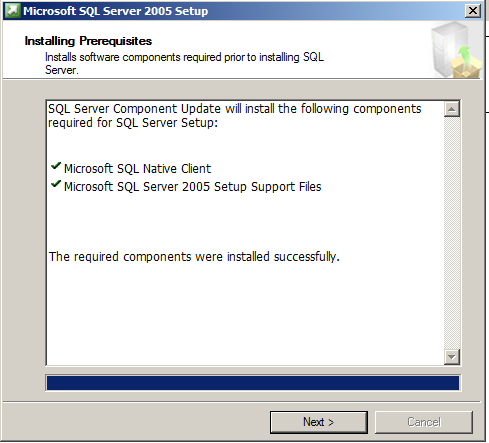
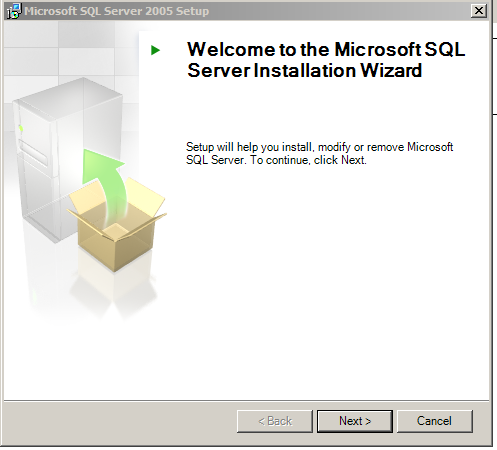
Select Next:
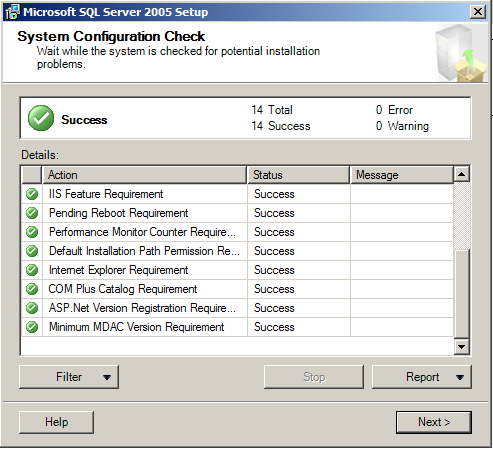
Confirm your registration keys and select Next:
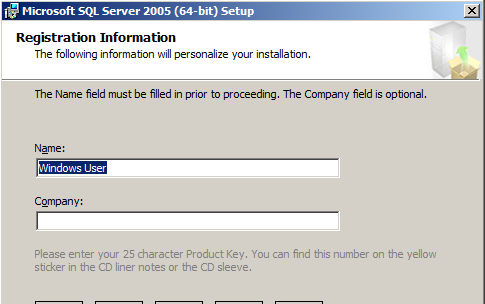
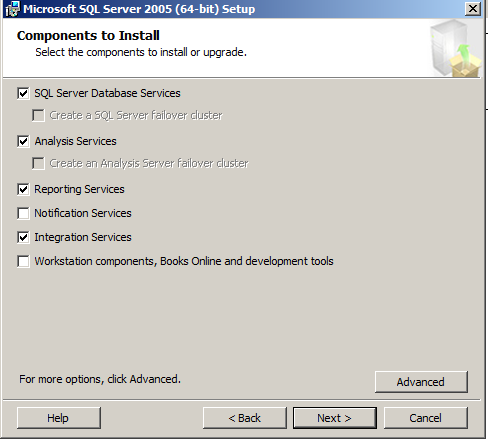
Select the components you want to install:
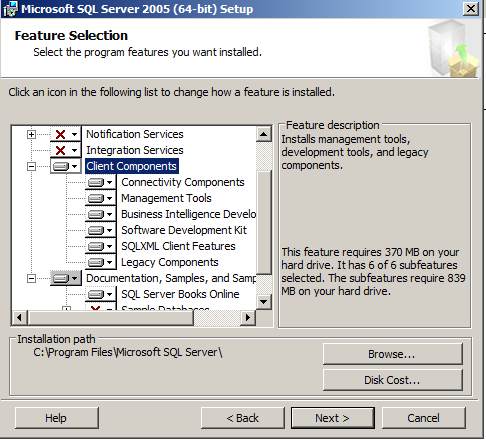
Select Advanced and ensure Client Components is checked for Management Tools:
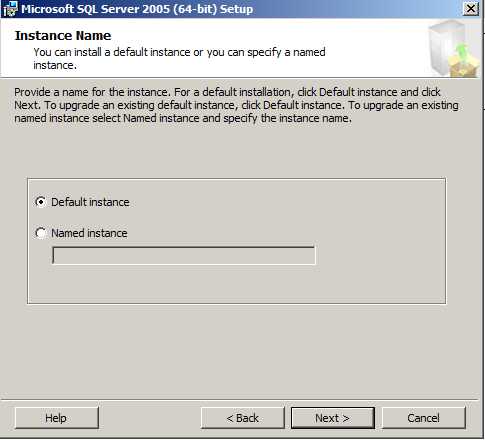
Select the instance:
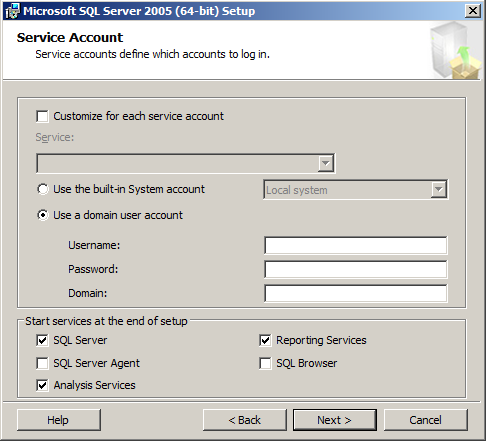
Select the accounts each service will run under:
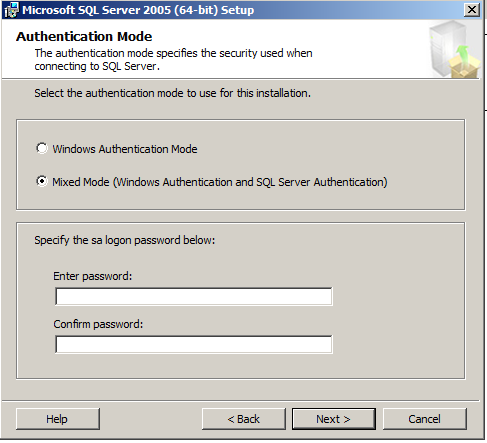
Select the authentication mode:
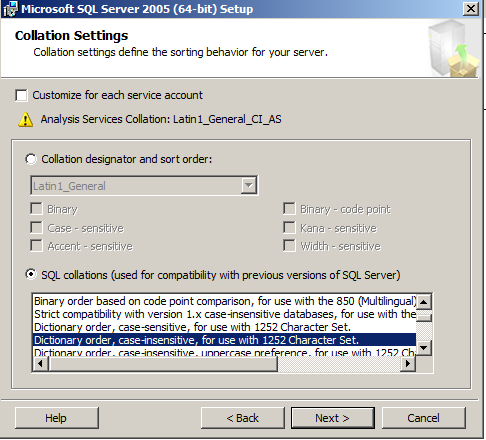
Select the collation settings:
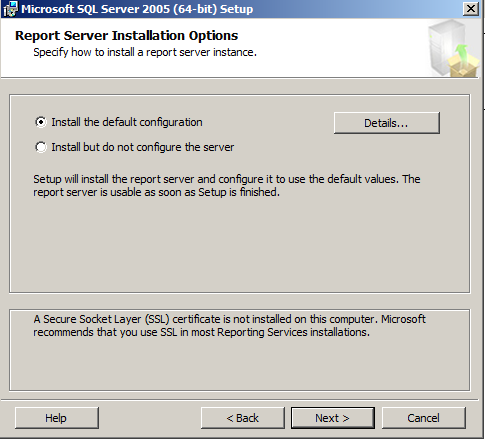
Select the report server installation:
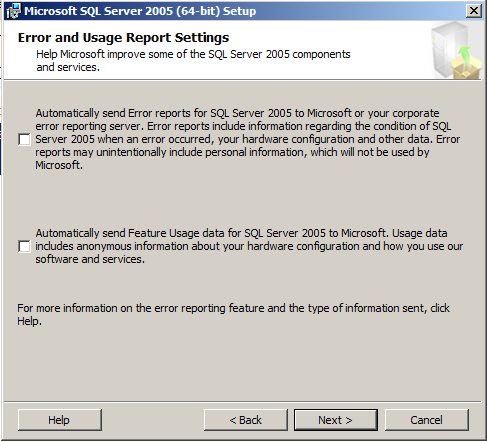
Select the error settings:
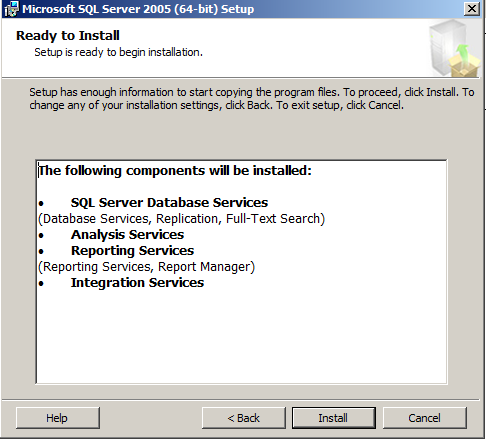
Confirm the components to install and click Install:
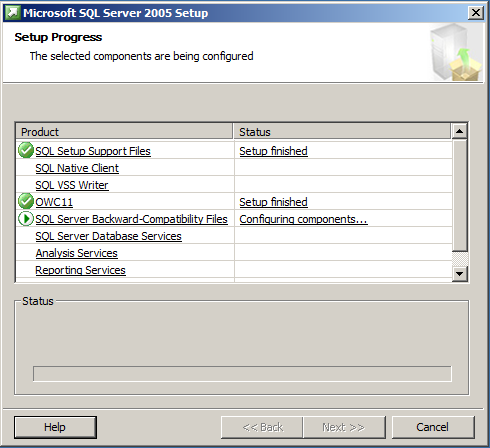
SQL Server will install:
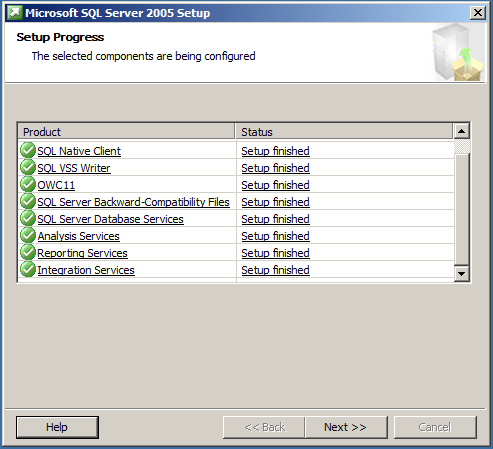
Once complete, click Next:
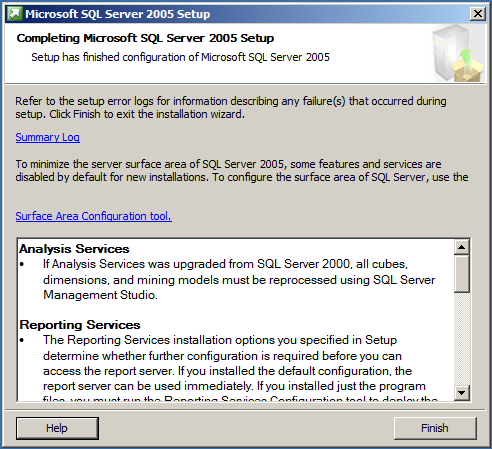
Click Finish:
Download the latest SQL Server 2005 service pack, located at: http://www.catalog.update.microsoft.com/search.aspx?q=kb2463332
We will now install the service pack.
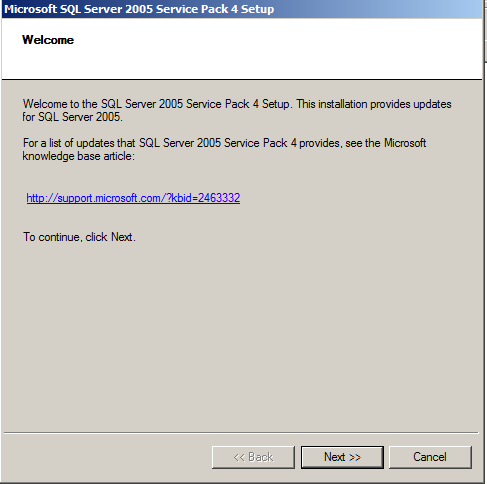
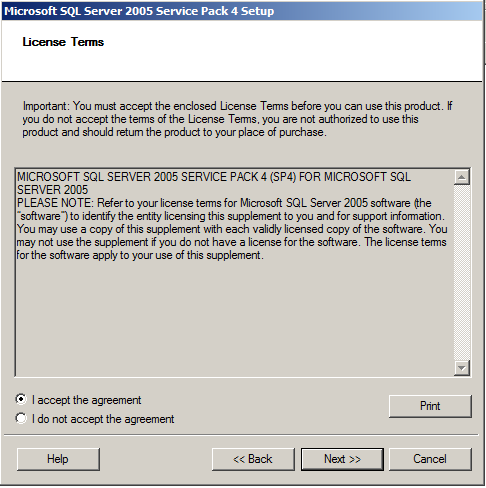
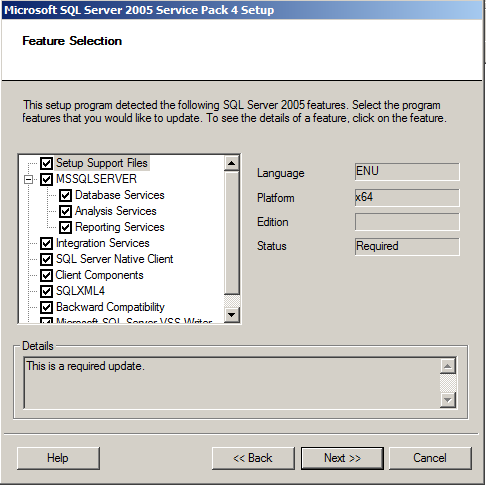
You may see this message:
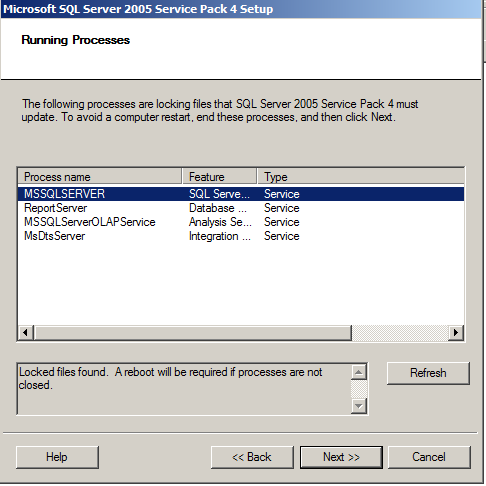
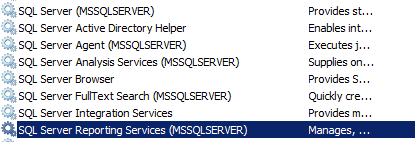
Find these in Windows Services and stop the processes:
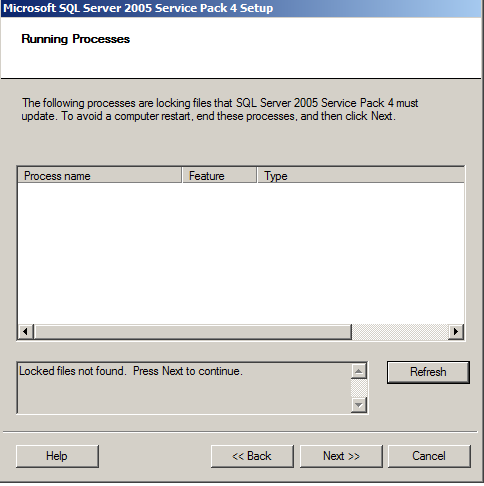
Click Refresh to confirm no running processes:
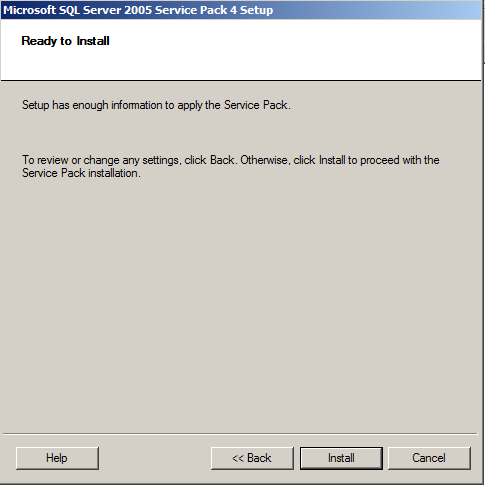
Click Install:
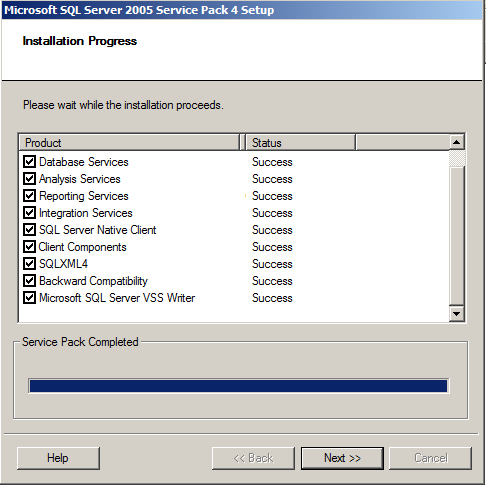
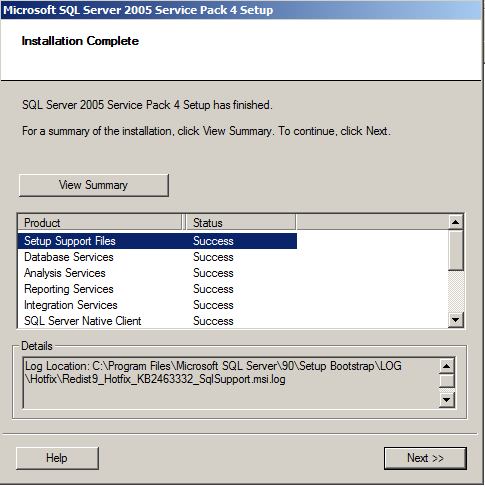
Once finished, click Next:
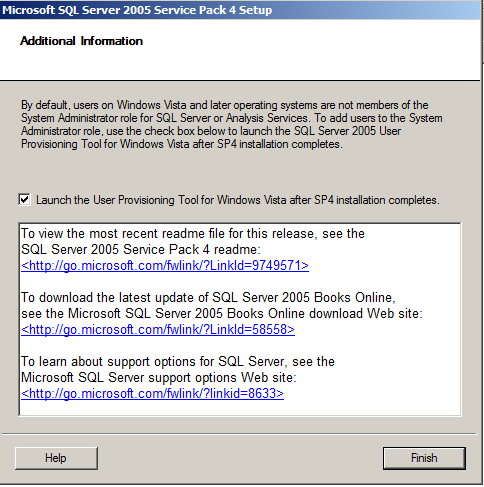
Under Services, start SQL Server. You can now use SQL Server 2005.
I AM SPENDING MORE TIME THESE DAYS CREATING YOUTUBE VIDEOS TO HELP PEOPLE LEARN THE MICROSOFT POWER PLATFORM.
IF YOU WOULD LIKE TO SEE HOW I BUILD APPS, OR FIND SOMETHING USEFUL READING MY BLOG, I WOULD REALLY APPRECIATE YOU SUBSCRIBING TO MY YOUTUBE CHANNEL.
THANK YOU, AND LET'S KEEP LEARNING TOGETHER.
CARL
