Let’s look at how we can use the Xrm.WebApi to update a record.
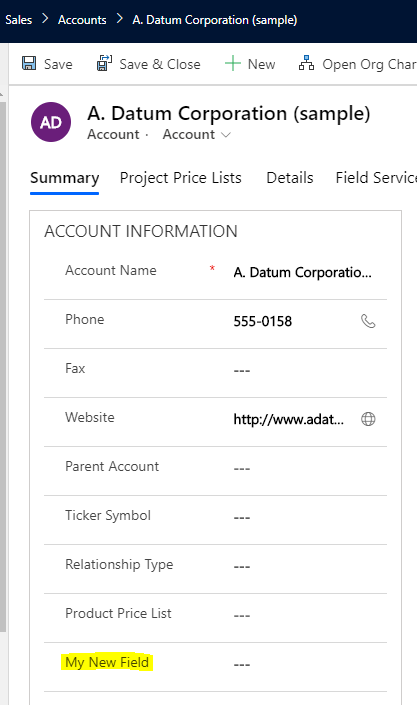
Let’s use the Account entity, where we have a field called My New Field (new_mynewfield):
Here’s the update script:
[sourcecode language=”CSharp”] var data ={
"new_mynewfield": "TEST"
}
var Id = Xrm.Page.data.entity.getId().replace("{", "").replace("}", "");
Xrm.WebApi.updateRecord("account", Id, data).then(
function success(result) {
console.log("Success");
},
function (error) {
console.log(error.message);
}
);
[/sourcecode]
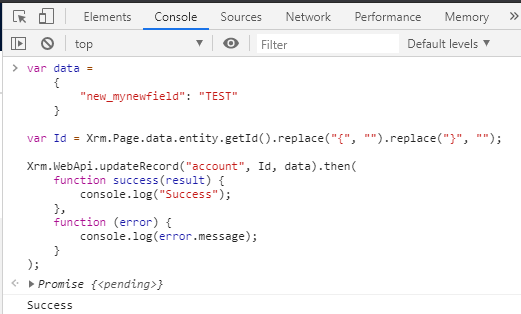
We can run this in the browser console or in a web resource. We see we get a Success callback:
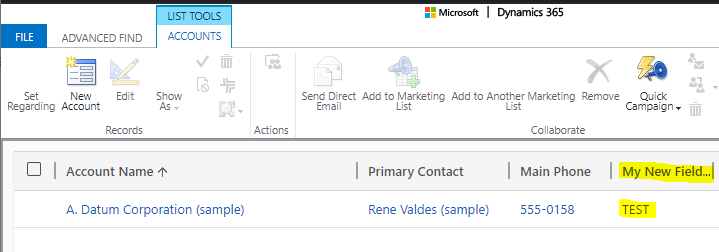
In advanced find, we see the field has been updated:
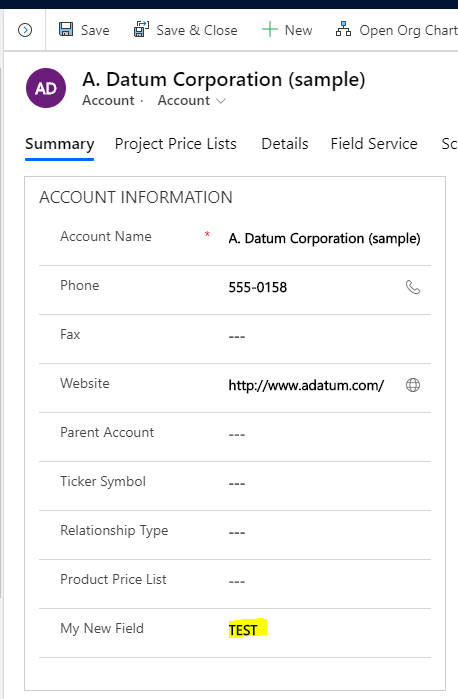
Interestingly, if we were to run this with the Account record open, as the update is being done in the background, the form does not show as being dirty (i.e. unsaved changes):
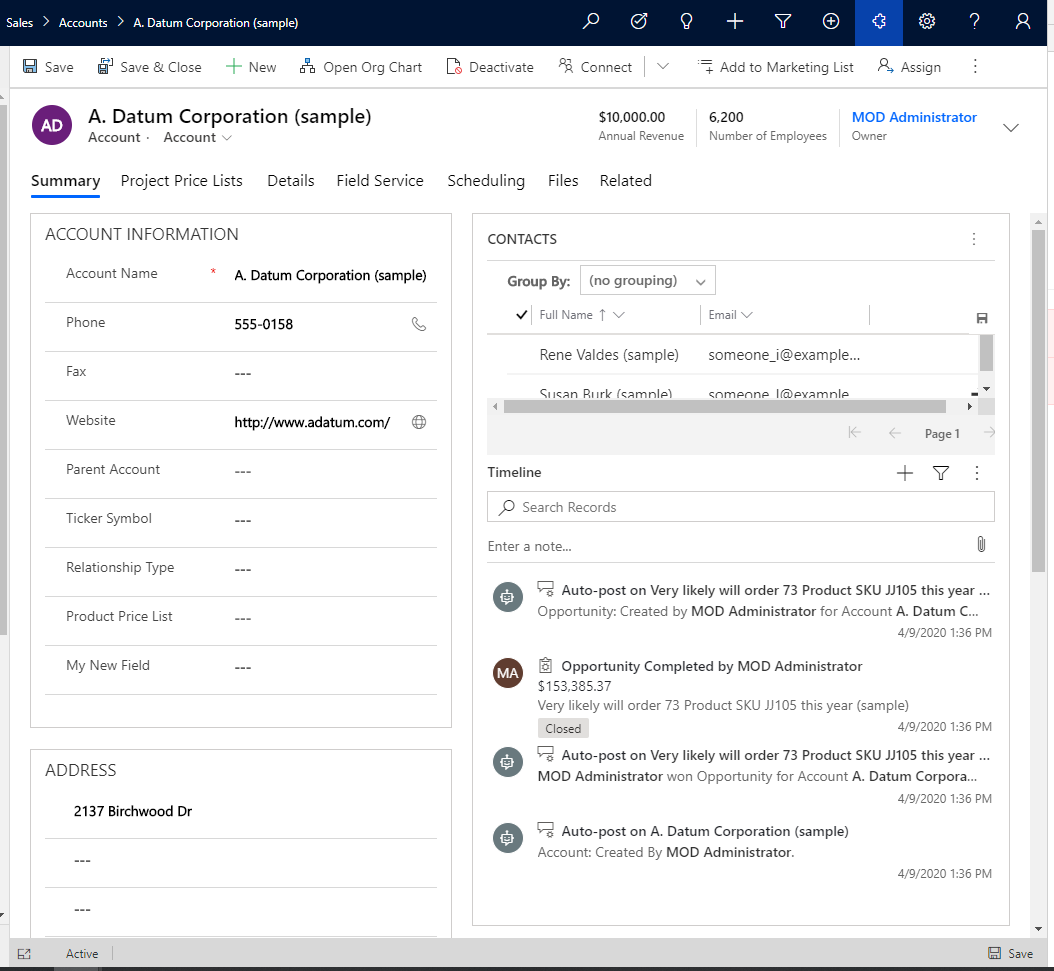
On reselecting the form, we see the field updated:
I AM SPENDING MORE TIME THESE DAYS CREATING YOUTUBE VIDEOS TO HELP PEOPLE LEARN THE MICROSOFT POWER PLATFORM.
IF YOU WOULD LIKE TO SEE HOW I BUILD APPS, OR FIND SOMETHING USEFUL READING MY BLOG, I WOULD REALLY APPRECIATE YOU SUBSCRIBING TO MY YOUTUBE CHANNEL.
THANK YOU, AND LET'S KEEP LEARNING TOGETHER.
CARL

Hi Without refreshing the screen I am not able to see the updated value in the screen. Please provide me a solution how to update the fields and show record without refreshing the page.