In this post, we will take a look at how the URL formats are different in new Unified Client Interface Apps, vs the older legacy Web Client. This may come in useful when you are upgrading to the new Unified Interface, in places where you are building a URL dynamically or in a static way.
Dashboards
Unified Interface
https://crm971021.crm.dynamics.com/main.aspx?appid=e7a248bf-f35b-ea11-a811-000d3a5698d2&pagetype=dashboard&id=2701de60-8f2a-48a4-8262-4a35ca7441fa&type=system&_canOverride=true
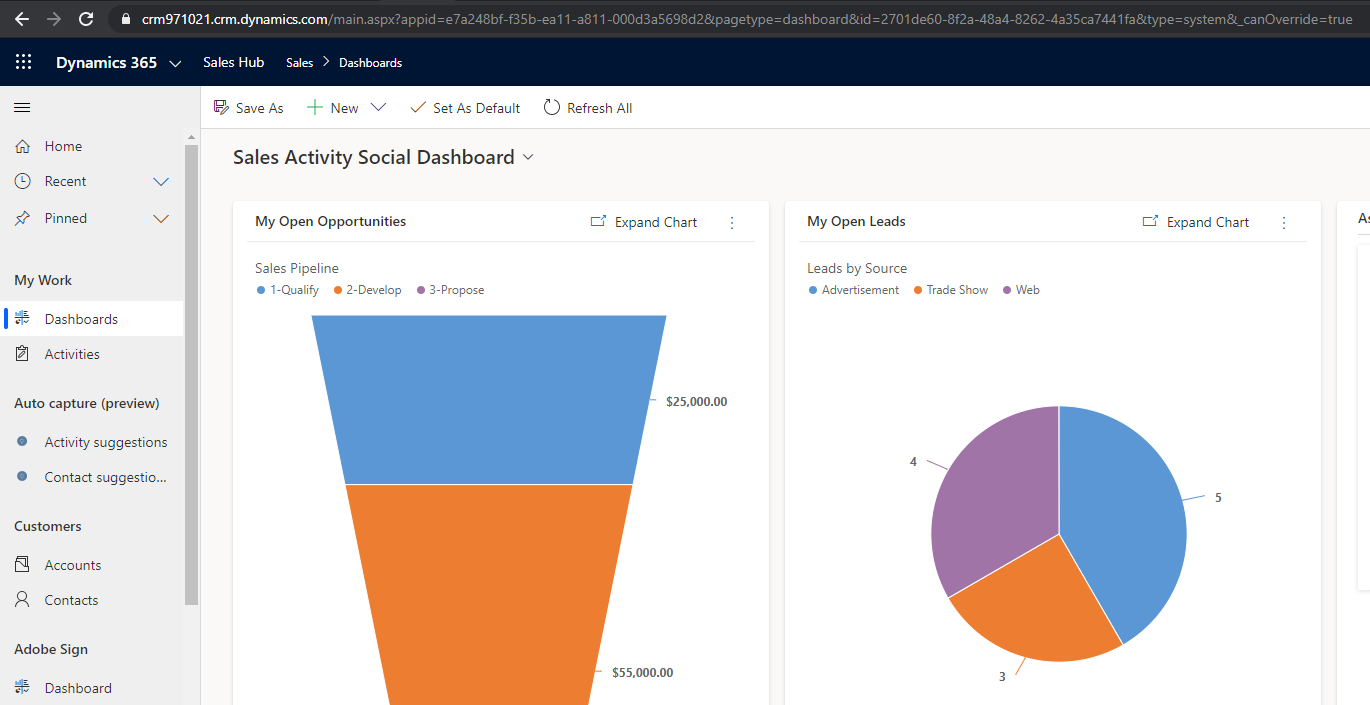
Web Client
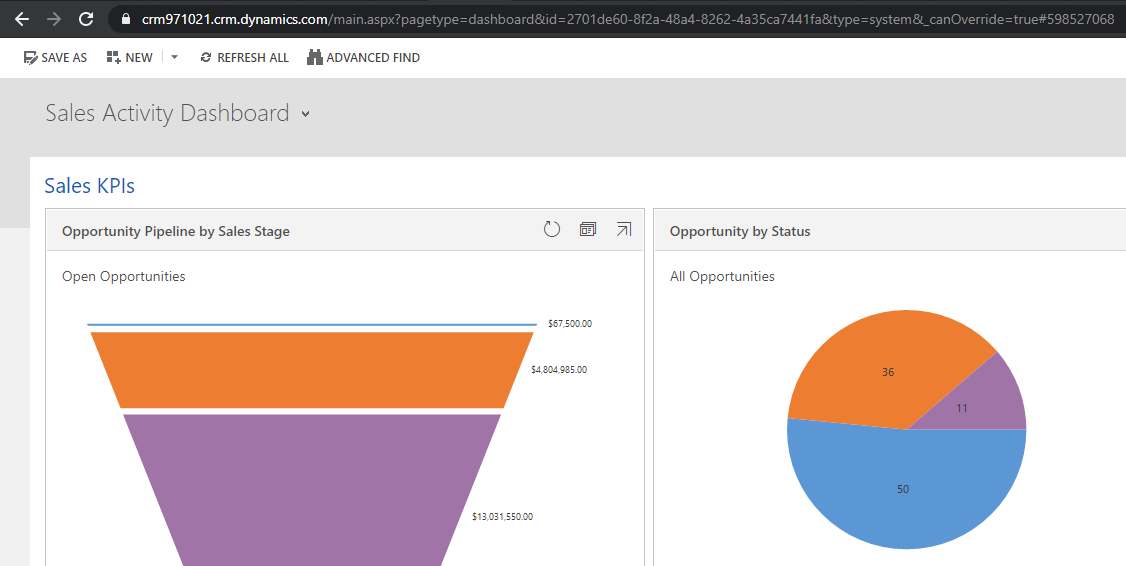
Note – this is without the navigation bars:
https://crm971021.crm.dynamics.com/main.aspx?pagetype=dashboard&id=2701de60-8f2a-48a4-8262-4a35ca7441fa&type=system&_canOverride=true#598527068
Default Entity List
Unified Interface
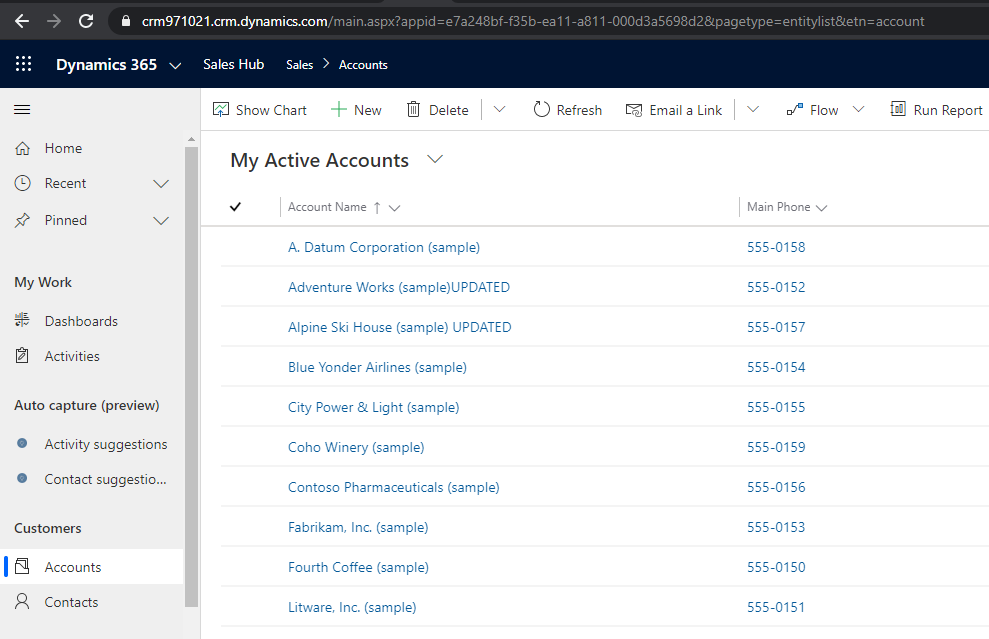
https://crm971021.crm.dynamics.com/main.aspx?appid=e7a248bf-f35b-ea11-a811-000d3a5698d2&pagetype=entitylist&etn=account
Web Client
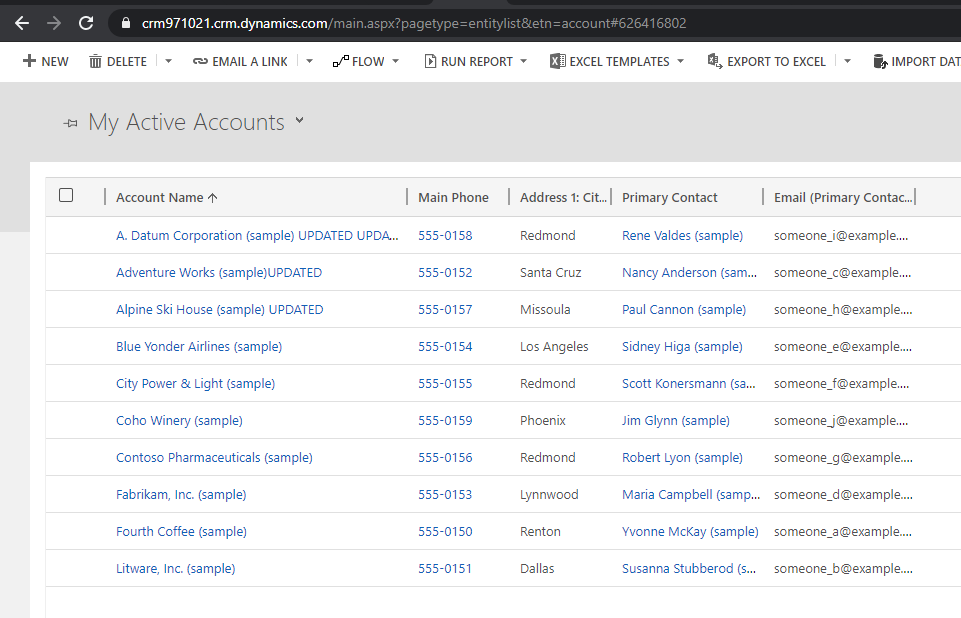
https://crm971021.crm.dynamics.com/main.aspx?pagetype=entitylist&etn=account
Entity List View
View Type:
System = 1039
Personal = 4230
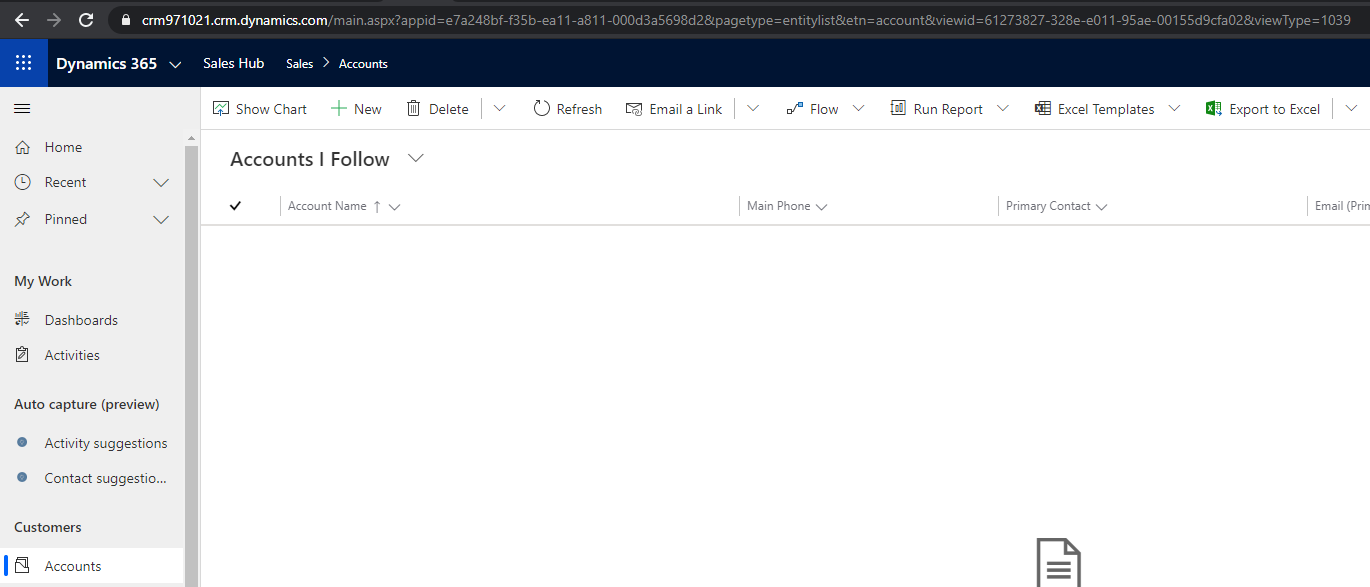
Unified Interface
https://crm971021.crm.dynamics.com/main.aspx?appid=e7a248bf-f35b-ea11-a811-000d3a5698d2&pagetype=entitylist&etn=account&viewid=61273827-328e-e011-95ae-00155d9cfa02&viewType=1039
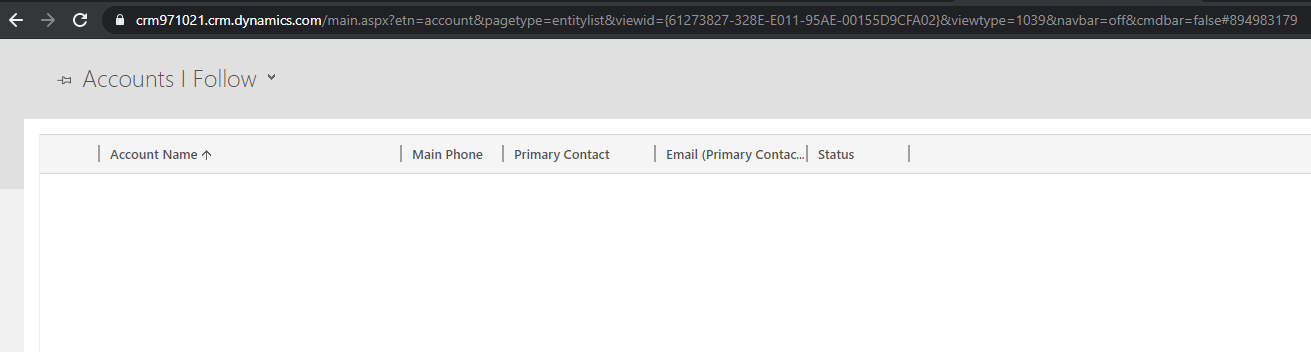
Web Client
http://crm971021.crm.dynamics.com/main.aspx?etn=account&pagetype=entitylist&viewid={61273827-328E-E011-95AE-00155D9CFA02}&viewtype=1039&navbar=off&cmdbar=false
Existing Entity Record
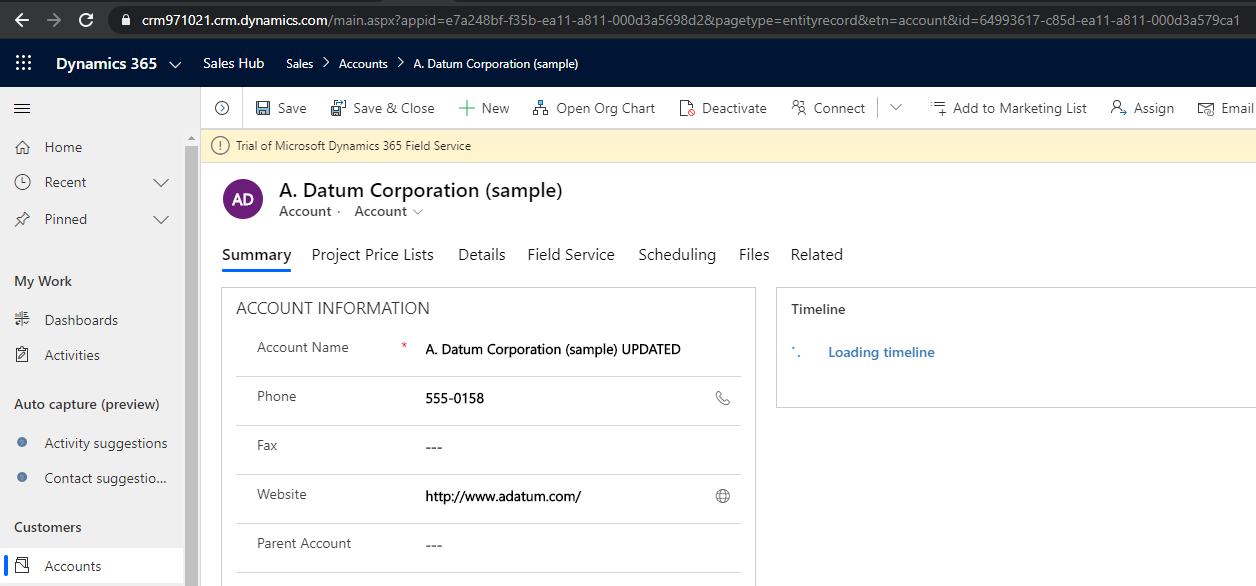
Unified Interface
https://crm971021.crm.dynamics.com/main.aspx?appid=e7a248bf-f35b-ea11-a811-000d3a5698d2&pagetype=entityrecord&etn=account&id=64993617-c85d-ea11-a811-000d3a579ca1
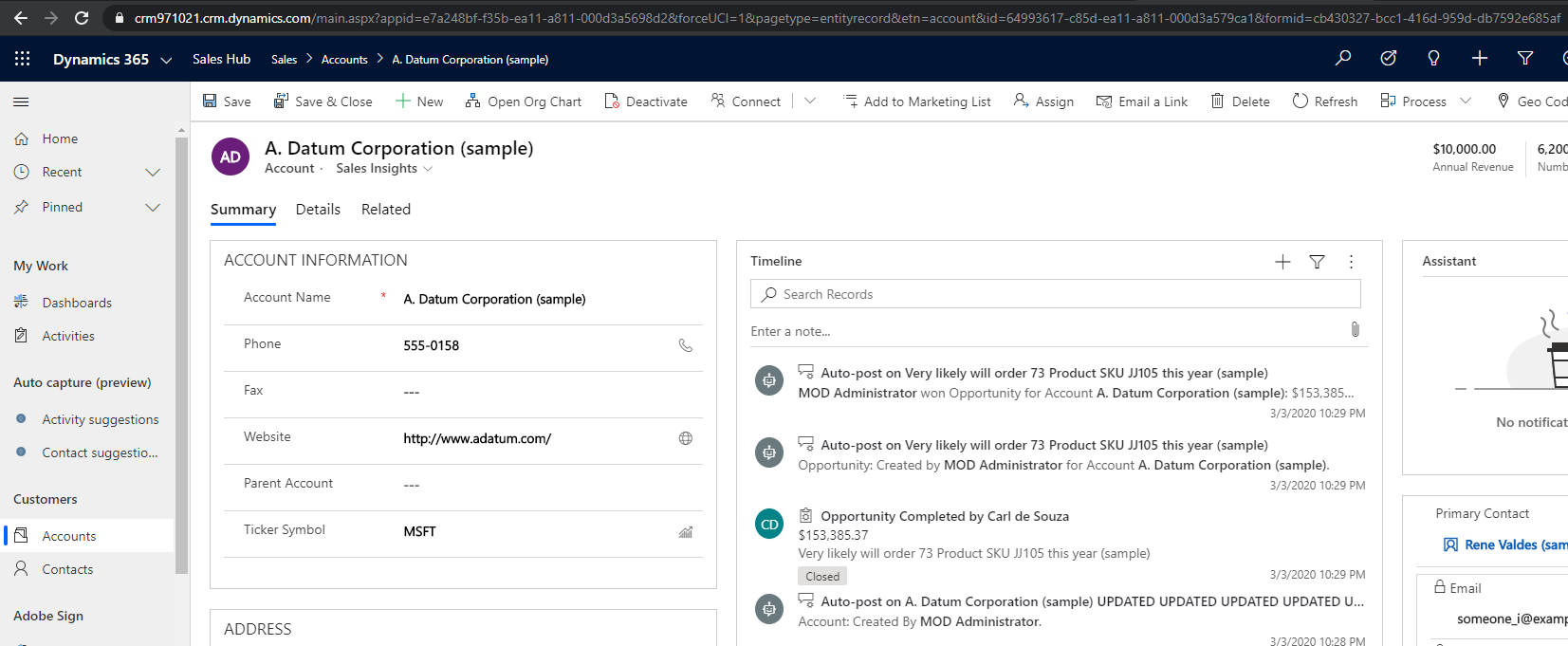
And specific form:
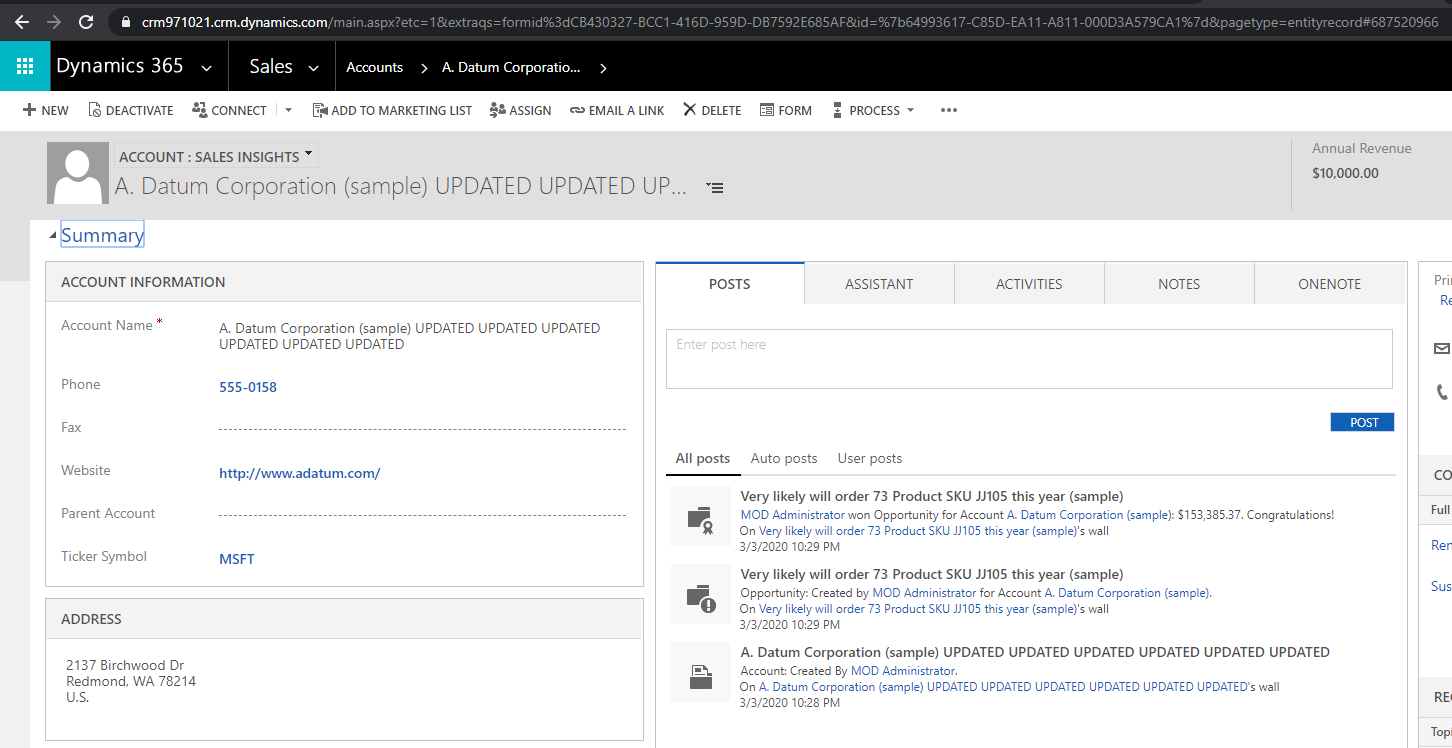
https://crm971021.crm.dynamics.com/main.aspx?appid=e7a248bf-f35b-ea11-a811-000d3a5698d2&forceUCI=1&pagetype=entityrecord&etn=account&id=64993617-c85d-ea11-a811-000d3a579ca1&formid=cb430327-bcc1-416d-959d-db7592e685af
Web Client
Note the encoded URL:
- %7B is {
- %7D is }
- %3d is =
https://crm971021.crm.dynamics.com/main.aspx?etc=1&extraqs=formid%3d8448b78f-8f42-454e-8e2a-f8196b0419af&id=%7b64993617-C85D-EA11-A811-000D3A579CA1%7d&pagetype=entityrecord
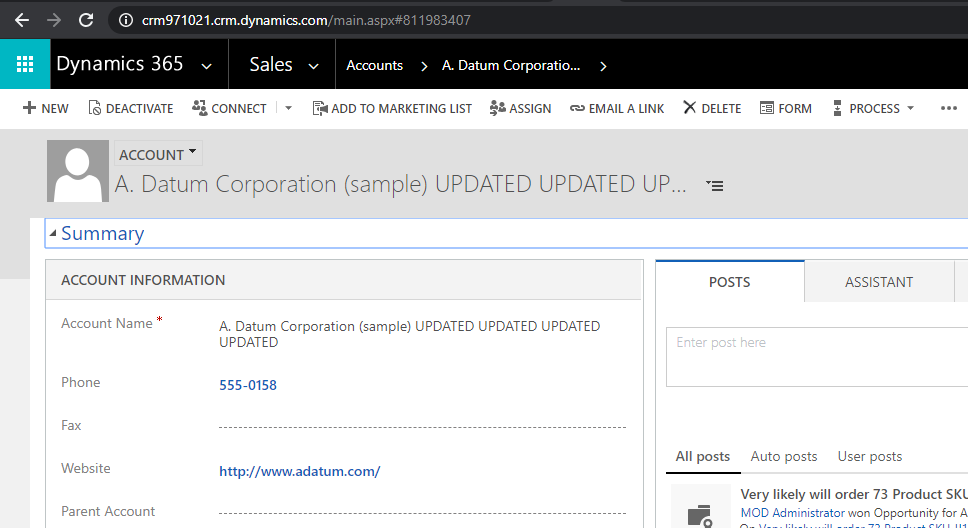
And specific form:
https://crm971021.crm.dynamics.com/main.aspx?etc=1&extraqs=formid%3dCB430327-BCC1-416D-959D-DB7592E685AF&id=%7b64993617-C85D-EA11-A811-000D3A579CA1%7d&pagetype=entityrecord
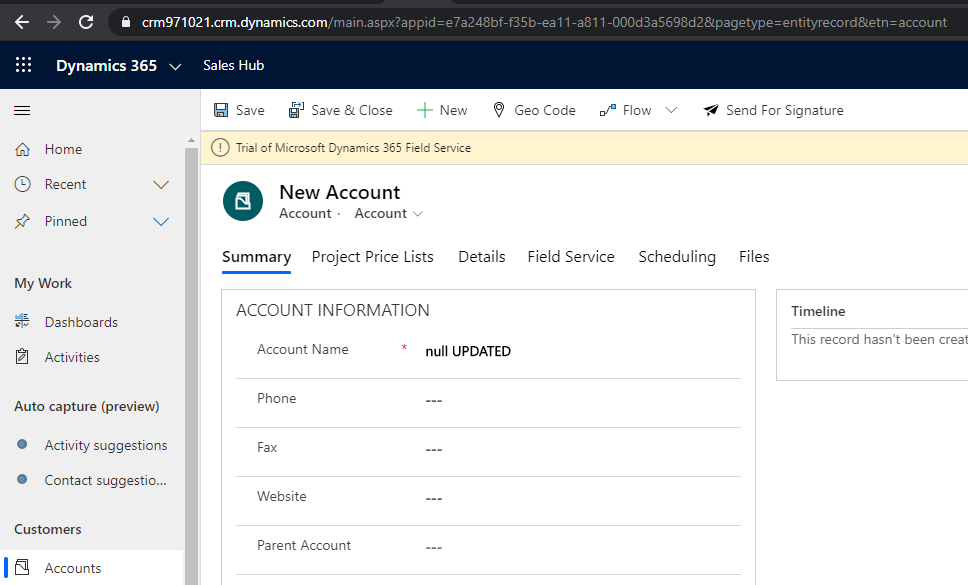
New Entity Record
Unified Interface
https://crm971021.crm.dynamics.com/main.aspx?appid=e7a248bf-f35b-ea11-a811-000d3a5698d2&pagetype=entityrecord&etn=account
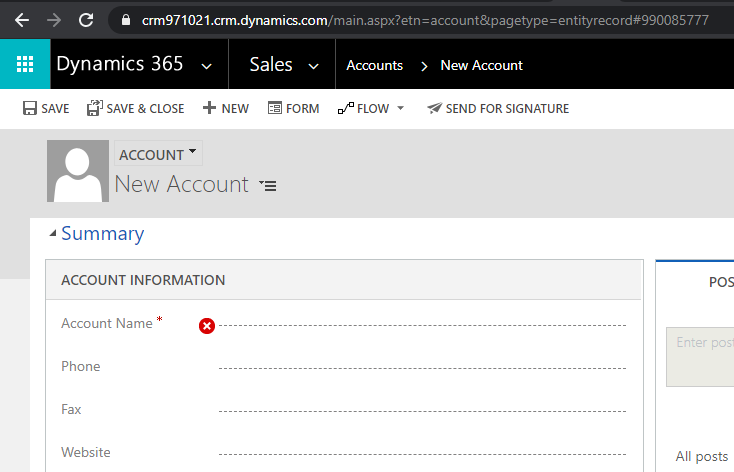
Web Client
https://crm971021.crm.dynamics.com/main.aspx?etn=account&pagetype=entityrecord
New Entity Record with Setting Fields
Unified Interface
Web Client
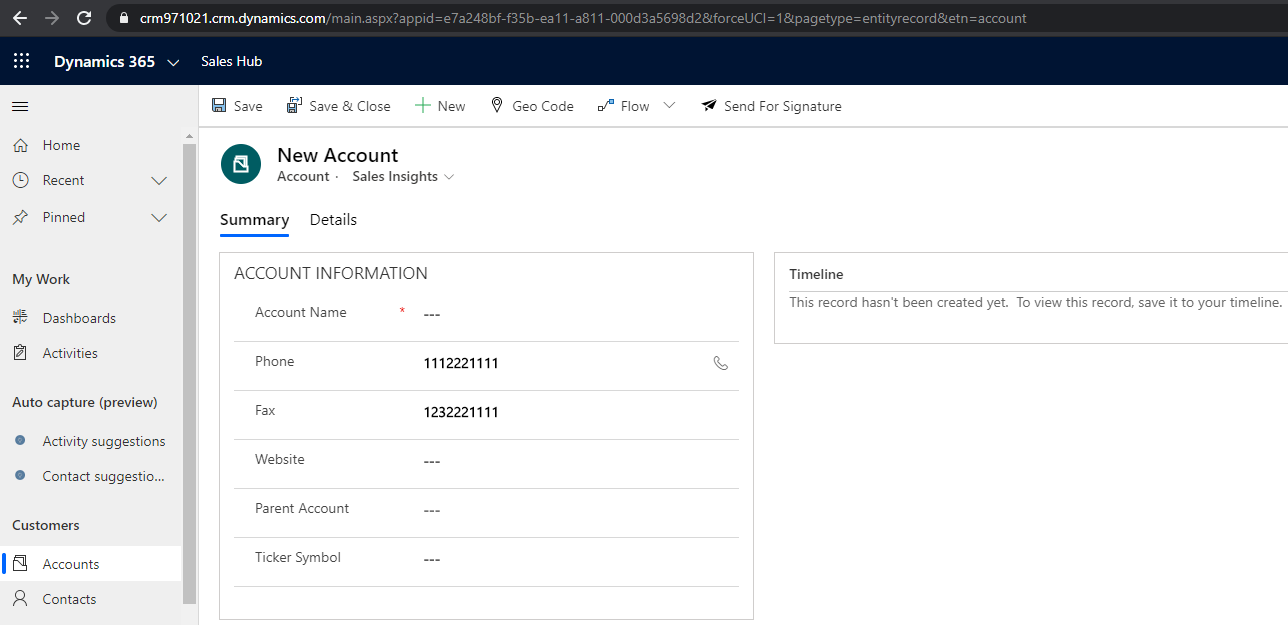
Use extraqs parameter to pass parameters. These parameters are encoded, i.e. below uses %3D (=) and %26 (&):
https://crm971021.crm.dynamics.com/main.aspx?etn=account&pagetype=entityrecord&extraqs=telephone1%3D1112221111%26fax%3D1232221111#231654931
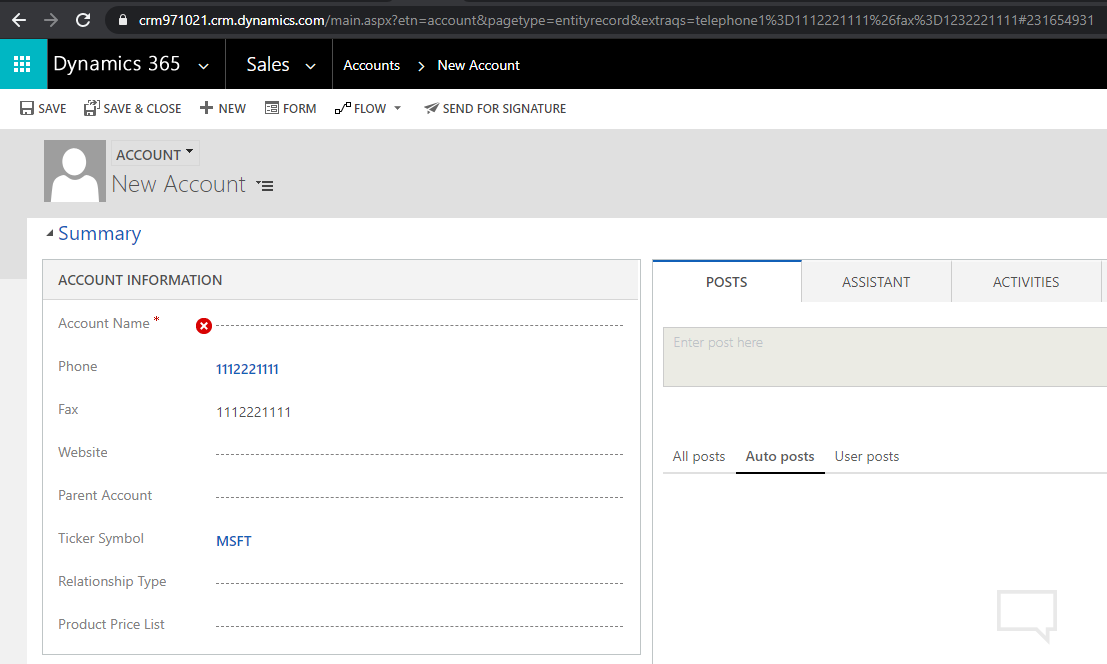
https://crm971021.crm.dynamics.com/main.aspx?etn=account&pagetype=entityrecord&extraqs=telephone1%3D1112221111%26fax%3D1232221111#231654931
I AM SPENDING MORE TIME THESE DAYS CREATING YOUTUBE VIDEOS TO HELP PEOPLE LEARN THE MICROSOFT POWER PLATFORM.
IF YOU WOULD LIKE TO SEE HOW I BUILD APPS, OR FIND SOMETHING USEFUL READING MY BLOG, I WOULD REALLY APPRECIATE YOU SUBSCRIBING TO MY YOUTUBE CHANNEL.
THANK YOU, AND LET'S KEEP LEARNING TOGETHER.
CARL

Thanks for the great summary! In section “New Entity Record with Setting Fields” did you just forget to add an example to unified interface or is not possible anymore?