There are several use cases where you may want to run a Microsoft Flow from a web page or sending an HTTP GET request. Let’s do this. We will create a flow that runs when a user accesses a web address and performs the action of posting to a Microsoft Teams chat.
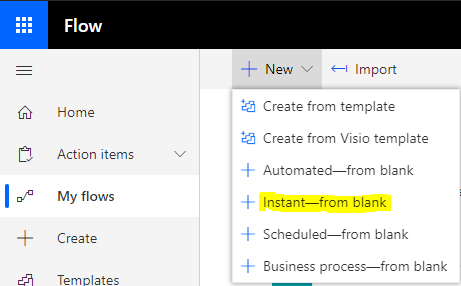
First, let’s create an Instant Microsoft Flow by going to https://flow.microsoft.com and selecting New->Instant – From Blank:
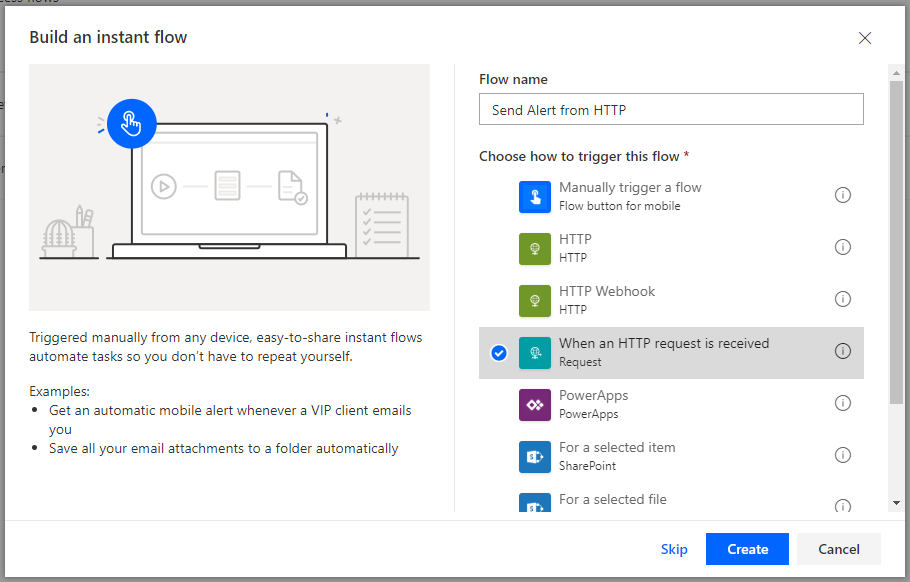
We will call the flow Send Alert from HTTP, and select When an HTTP request is received, then click Create:
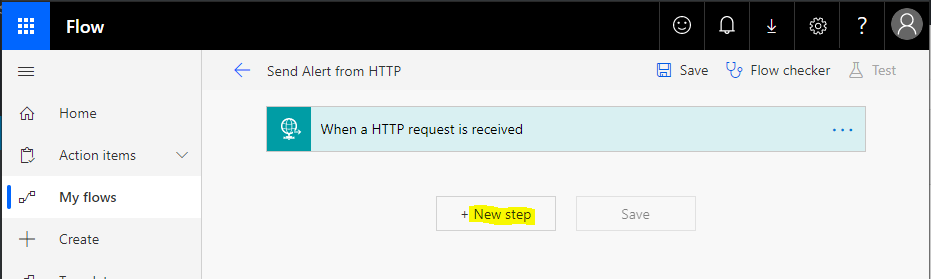
This takes us to the Flow designer. Click New step:
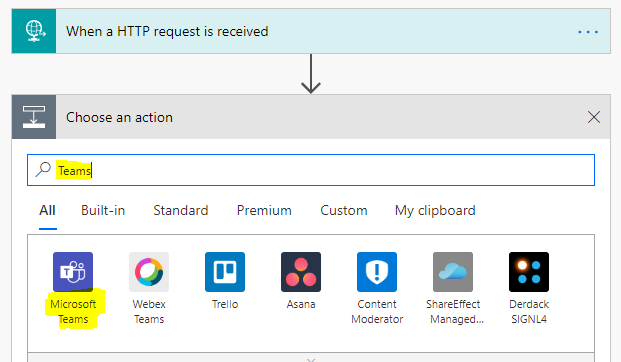
We will choose Microsoft Teams:
And Post a Message
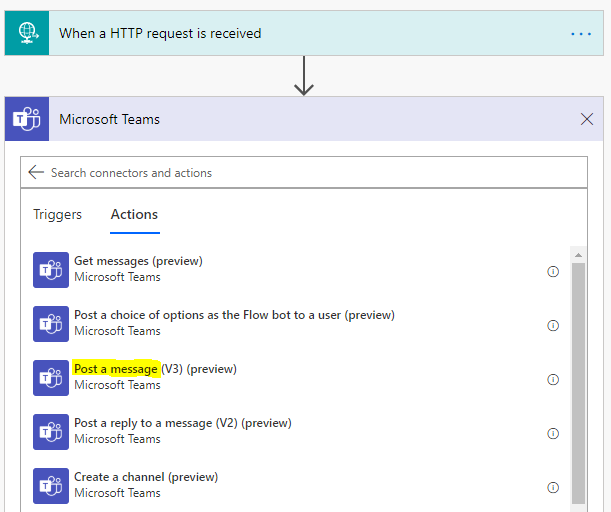
Now let’s fill in the details for our Teams message. We will post to our Warehouse Team, General Channel with the message “Stock is low, please resupply”:
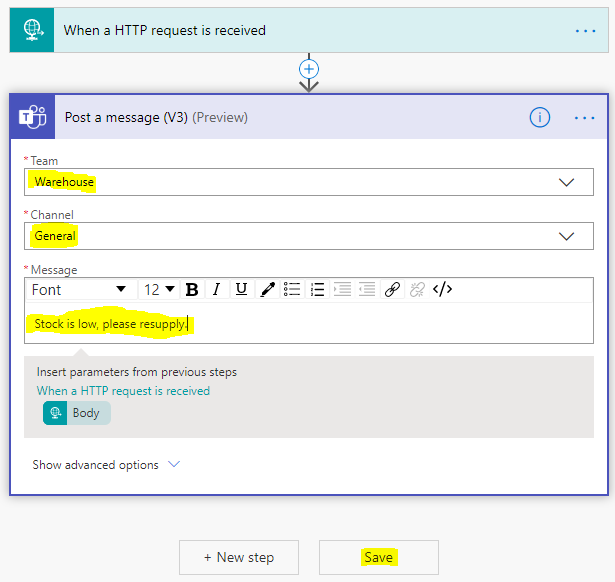
For the method, let’s choose GET:
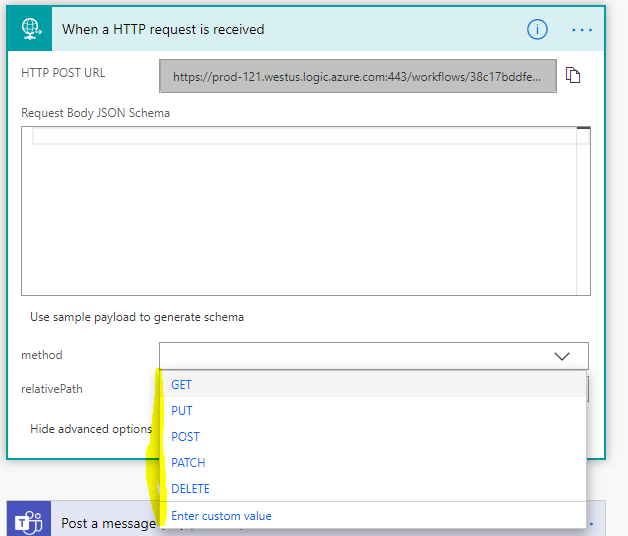
We can see an HTTP GET URL has been generated. Copy the link:
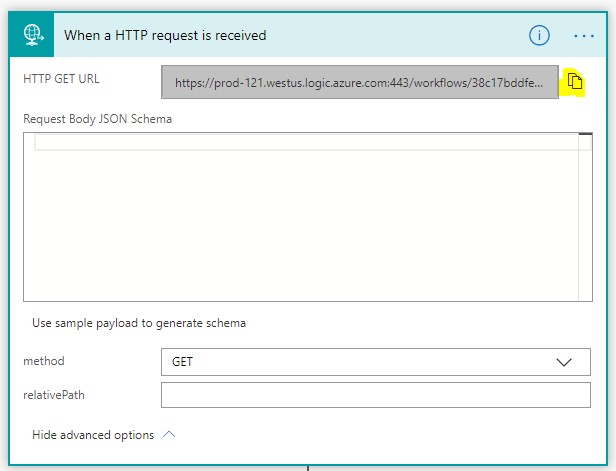
And let’s go to that web address by pasting it into a browser:
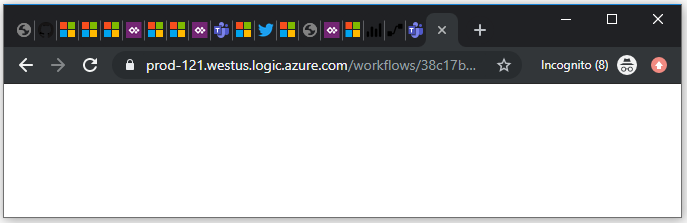
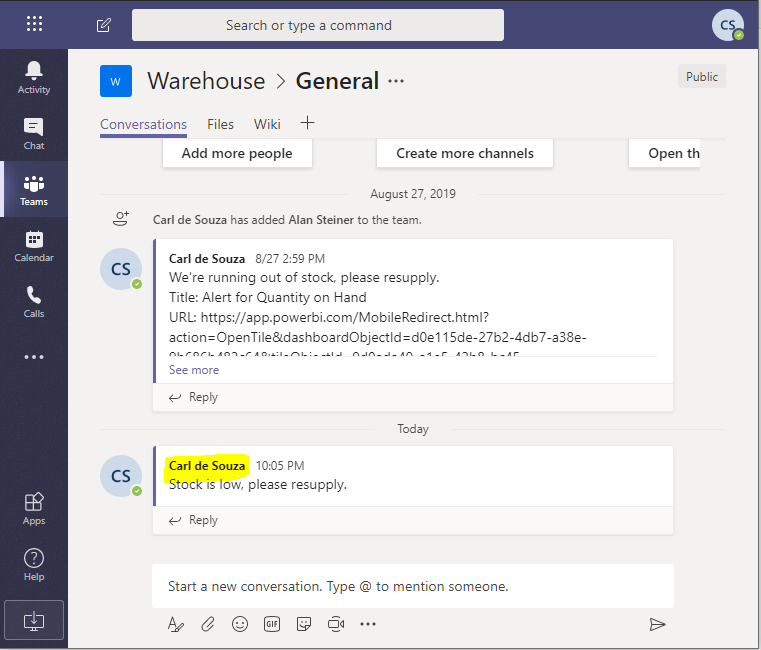
On hitting the web page, we can see our Flow is run and the message is posted to our Teams chat:
I AM SPENDING MORE TIME THESE DAYS CREATING YOUTUBE VIDEOS TO HELP PEOPLE LEARN THE MICROSOFT POWER PLATFORM.
IF YOU WOULD LIKE TO SEE HOW I BUILD APPS, OR FIND SOMETHING USEFUL READING MY BLOG, I WOULD REALLY APPRECIATE YOU SUBSCRIBING TO MY YOUTUBE CHANNEL.
THANK YOU, AND LET'S KEEP LEARNING TOGETHER.
CARL

Hi Carl
Nice one. I wonder if you have any idea of sending data through URL when triggering the flow by GET method?
Awesome stuff Carl, thanks for sharing. Question is the end point of When an “HTTP request is received” have a limit of usage?