In Dynamics 365 when running C# code, you may want to get the current user. We will go through an example if we were to run this from a console app.
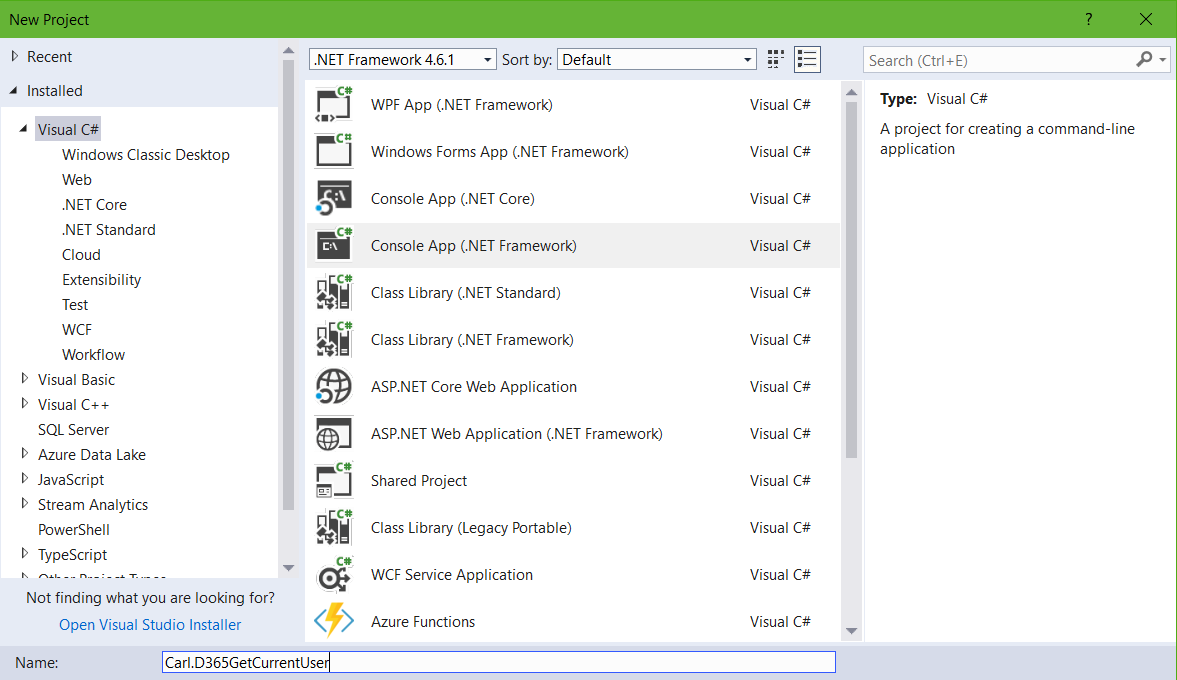
First, create a new console app in Visual Studio:
From NuGet, add:
- Microsoft.CrmSdk.CoreAssemblies
- Microsoft.CrmSdk.XrmTooling.CoreAssembly
Add using:
using Microsoft.Xrm.Tooling.Connector;
using Microsoft.Xrm.Sdk;
using Microsoft.Crm.Sdk.Messages;
using Microsoft.Xrm.Sdk.Query;
Add the code. We will first get the user id, then perform a retrieve to get the user’s name:
[sourcecode language=”CSharp”] try{
var connectionString = @"AuthType = Office365; Url = https://yourtenant.crm.dynamics.com/;Username=yourusername;Password=yourpassword";
CrmServiceClient conn = new CrmServiceClient(connectionString);
IOrganizationService service;
service = (IOrganizationService)conn.OrganizationWebProxyClient != null ? (IOrganizationService)conn.OrganizationWebProxyClient : (IOrganizationService)conn.OrganizationServiceProxy;
// Get a system user to send the email (From: field)
WhoAmIRequest systemUserRequest = new WhoAmIRequest();
WhoAmIResponse systemUserResponse = (WhoAmIResponse)service.Execute(systemUserRequest);
Guid userId = systemUserResponse.UserId;
// Lookup User
var User = service.Retrieve("systemuser", userId, new ColumnSet("fullname"));
string fullName = User["fullname"].ToString();
Console.WriteLine(userId.ToString());
Console.WriteLine(fullName);
Console.ReadLine();
}
catch (Exception ex)
{
// Implement error handling
}
[/sourcecode]
This will output:

I AM SPENDING MORE TIME THESE DAYS CREATING YOUTUBE VIDEOS TO HELP PEOPLE LEARN THE MICROSOFT POWER PLATFORM.
IF YOU WOULD LIKE TO SEE HOW I BUILD APPS, OR FIND SOMETHING USEFUL READING MY BLOG, I WOULD REALLY APPRECIATE YOU SUBSCRIBING TO MY YOUTUBE CHANNEL.
THANK YOU, AND LET'S KEEP LEARNING TOGETHER.
CARL
