ARTICLES
Latest Articles
Practical guides, tutorials, and insights on AI, agents, Microsoft technologies, enterprise applications, and communication.

Dynamics 365 Customer Engagement (CRM) · Feb 4, 2017
To install Project Service Automation for Dynamics 365, head to Microsoft AppSource and search for Project Service Automation: https://appsource.microsoft.com/en-us/?search=project%20service%20automation You will see the Project…
Read article →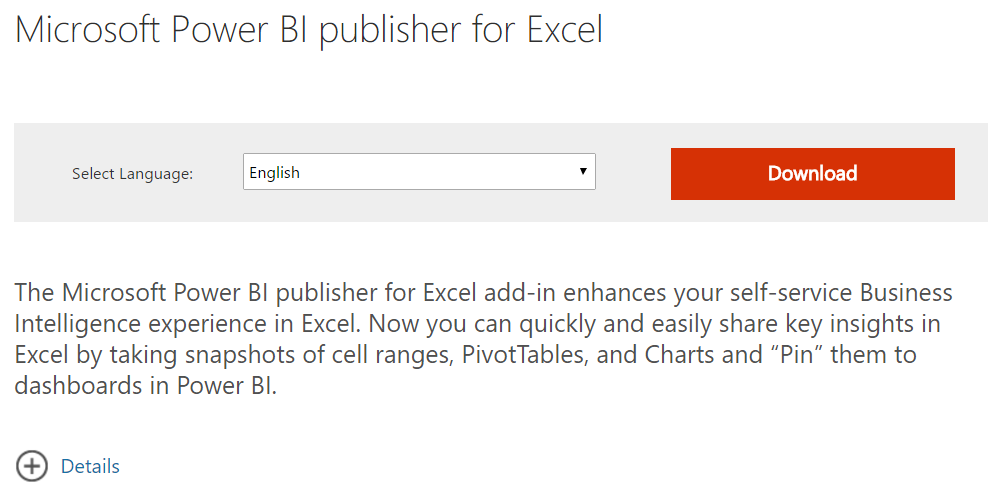
Power BI · Feb 3, 2017
The Power BI Publisher for Excel adds many features for business intelligence in Excel, including being able to analyze data from the Power…
Read article →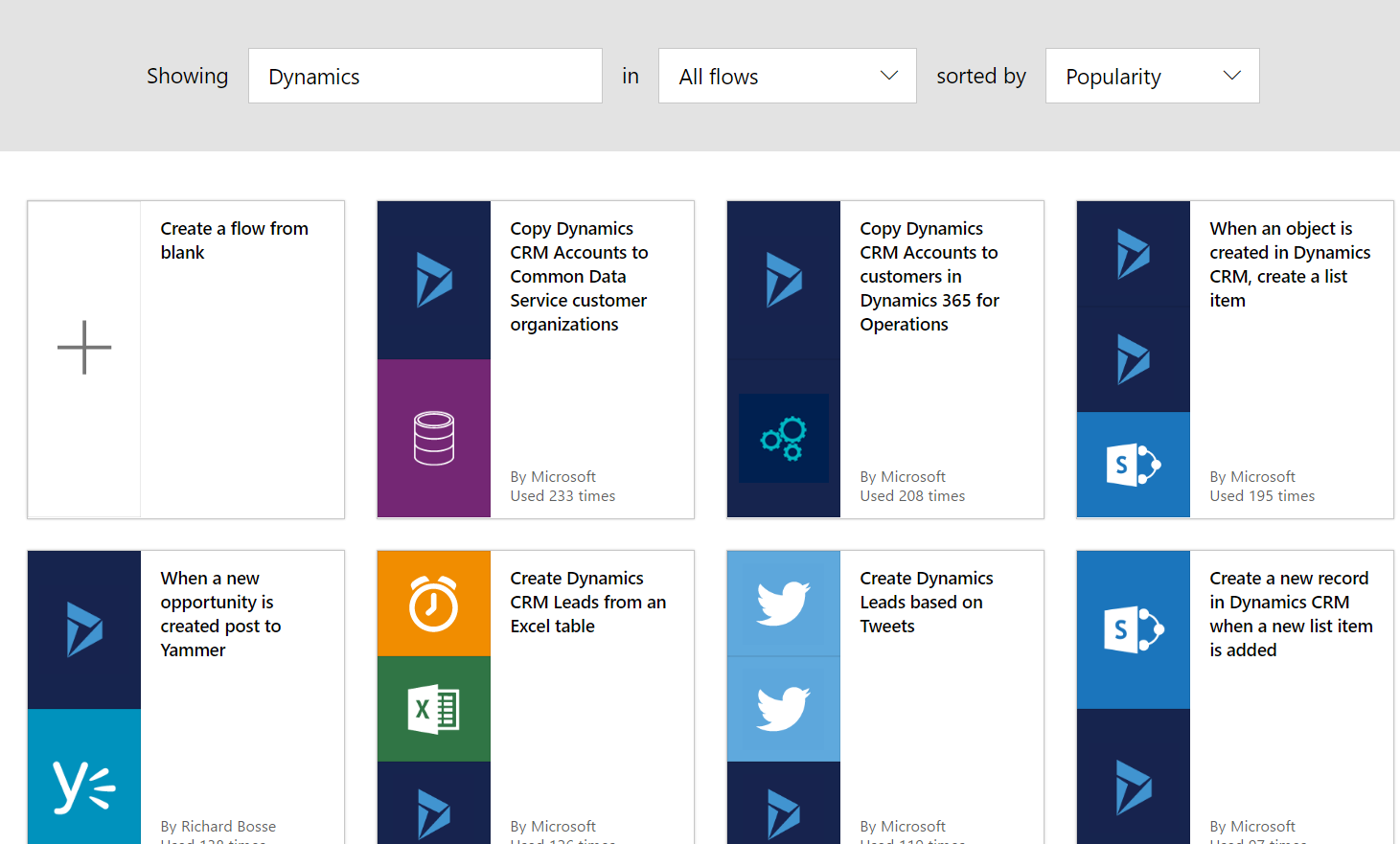
Power Automate / Flow · Feb 2, 2017
Microsoft Flow can be used with Microsoft Dynamics to create flows. Searching for Dynamics in the available flows, you can see there are…
Read article →
Power Automate / Flow · Feb 1, 2017
Microsoft Flow is a new service from Microsoft that enables creating automated workflows between applications. It is like IFTTT (if this then…
Read article →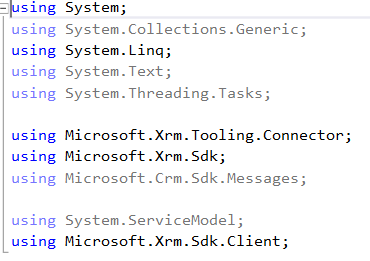
Dynamics 365 Customer Engagement (CRM) · Jan 30, 2017
In order to use LINQ queries to access Dynamics 365 data, you need to go through the following steps. This is a late-bound example.…
Read article →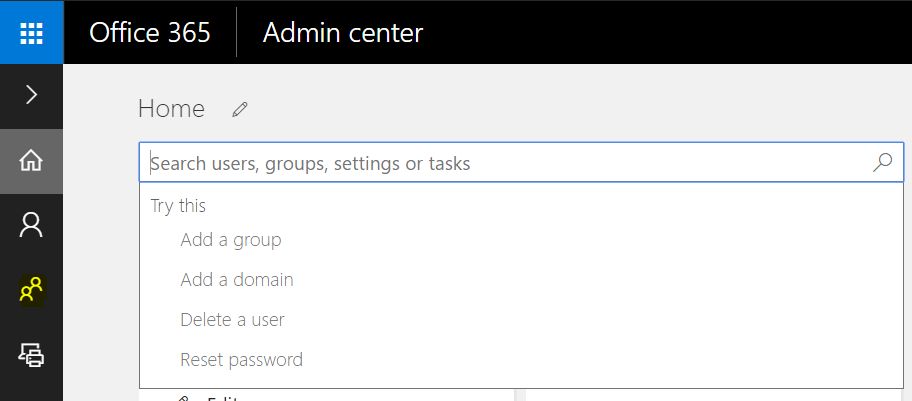
Power BI · Jan 29, 2017
In Office 365 Admin, select the Groups icon, or type in Add a group: From here, you will see all existing groups:…
Read article →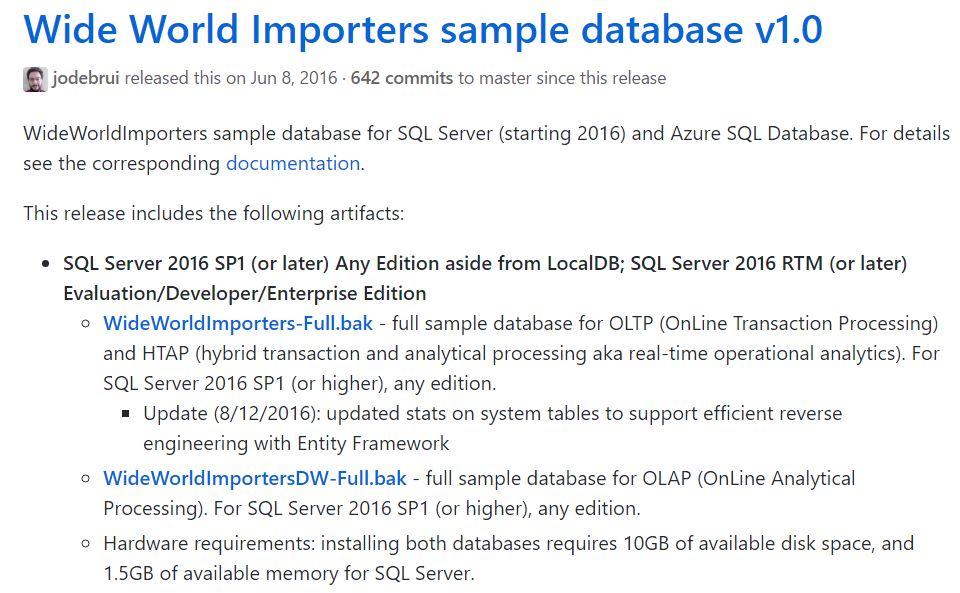
SQL Server · Jan 28, 2017
The AdventureWorks sample databases that had been used for a long time for SQL Server have been replaced with the SQL Server 2016 version. This…
Read article →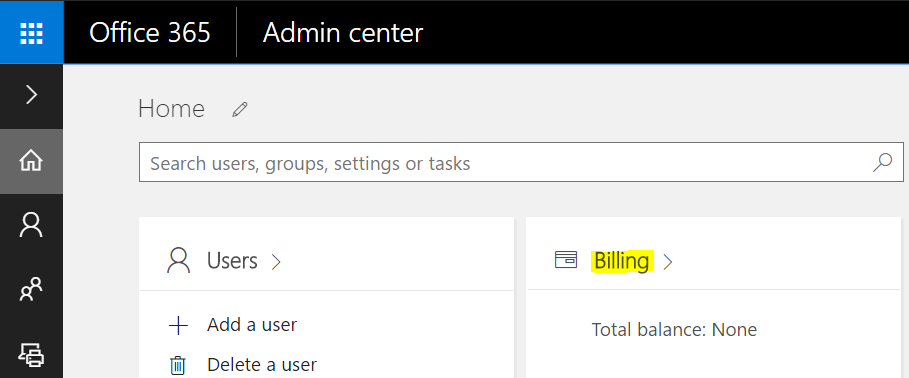
Power BI · Jan 26, 2017
To assign licenses to Power BI users, do the following. In the Office 365 Admin Portal, select Billing: Select Add Subscriptions: Scroll…
Read article →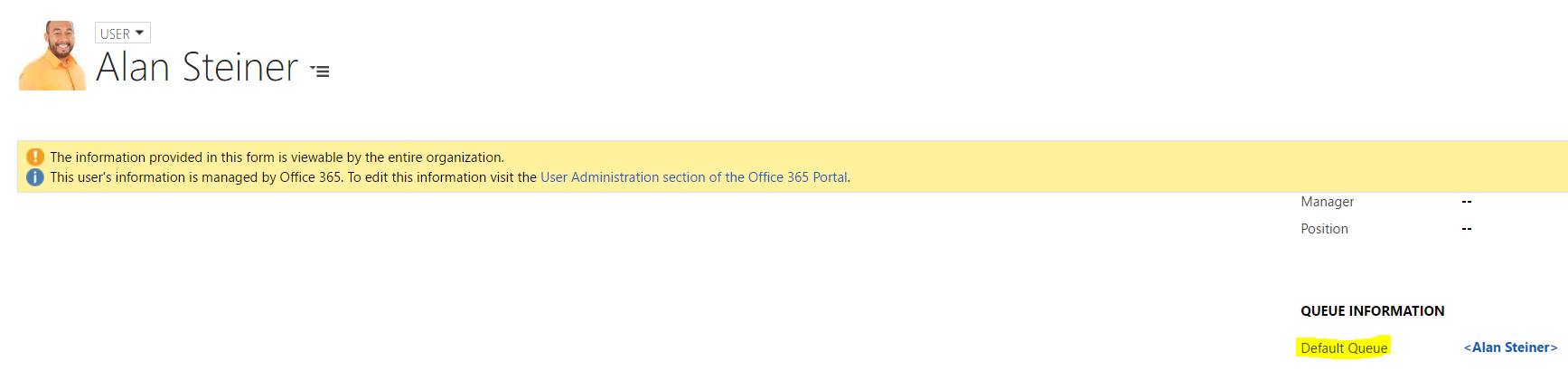
Dynamics 365 Customer Engagement (CRM) · Jan 25, 2017
Queues are used in Dynamics CRM to organize work. Each user and team in Dynamics CRM has a queue by default: To…
Read article →
Dynamics 365 Customer Engagement (CRM) · Jan 24, 2017
Business Units are used in Dynamics CRM to group users and teams. To create business unit, go to Settings->Security: There should be…
Read article →
Unified Service Desk · Jan 23, 2017
USD has caching functionality to allow the USD client to be loaded as quickly as possible. Caching can not only increase USD client…
Read article →
Unified Service Desk · Jan 21, 2017
There are several ways you can troubleshoot USD if there is an error. One of these is logging. Logging can be done at…
Read article →