Microsoft Flow can be used with Microsoft Dynamics to create flows.
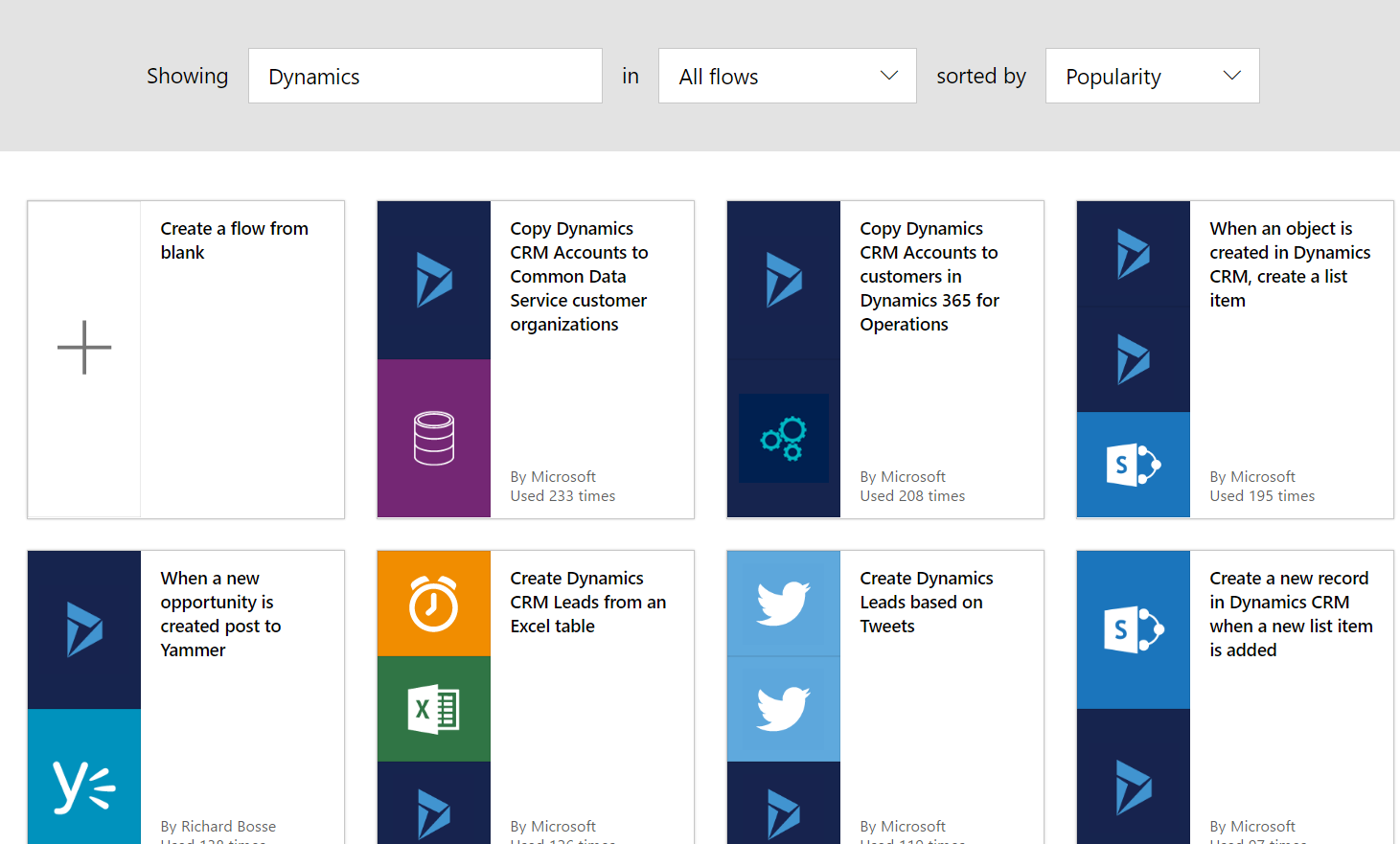
Searching for Dynamics in the available flows, you can see there are several flows out there, for example copying data from Dynamics CRM to Dynamics 365 for Operations, and creating Dynamics leads based on tweets:
There is a flow to create a push notification based on a new sales order being created in Dynamics 365 for Financials, but not one for Dynamics 365 CRM. Let’s create one to be triggered when new accounts are created in CRM.
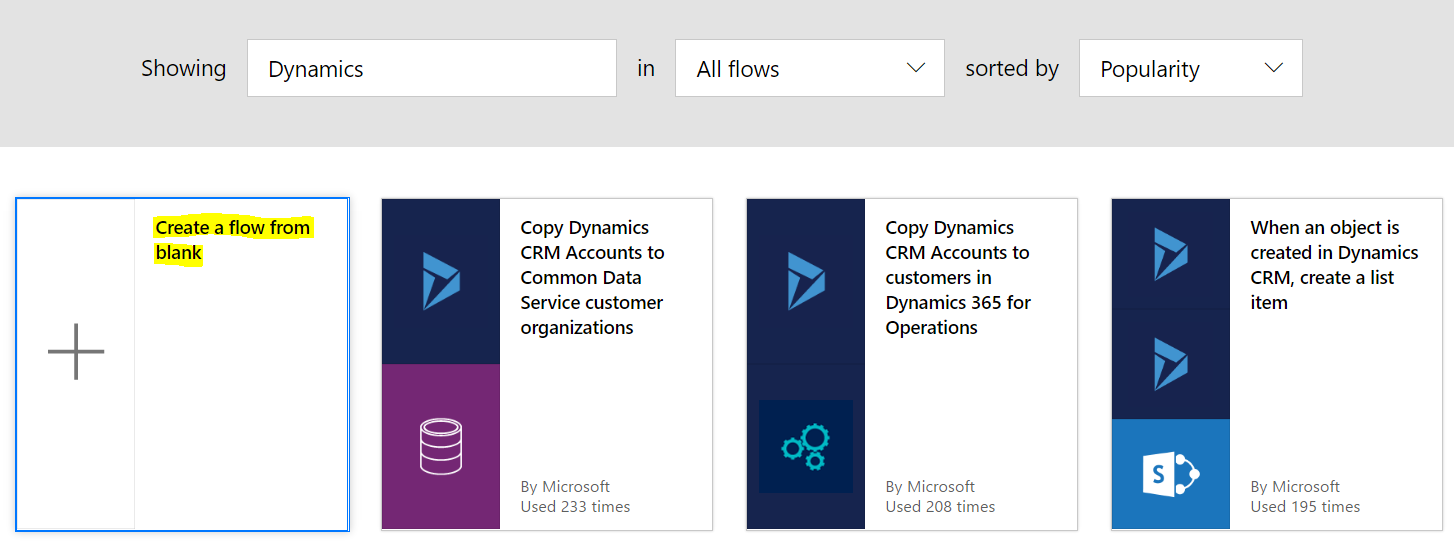
Create a new flow from Blank:
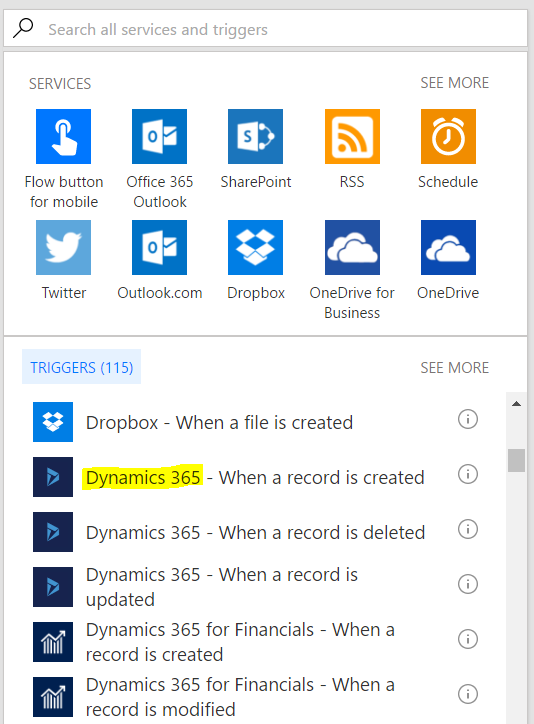
Select the trigger Dynamics 365 – When a record is created:
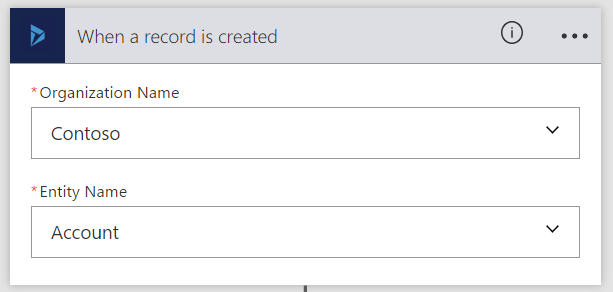
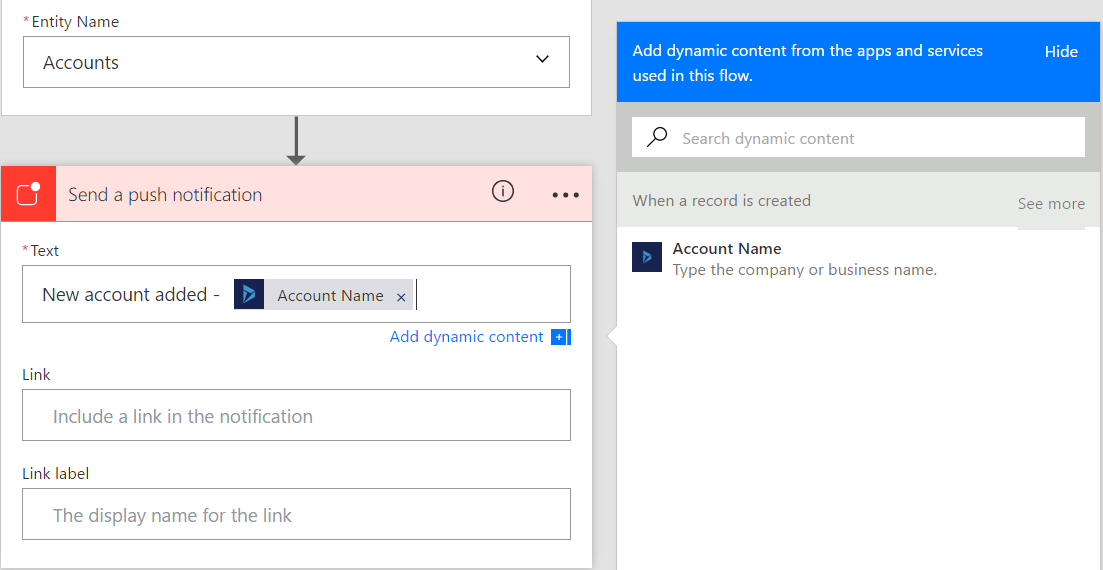
Select the CRM company and entity name.
Select to add a push notification:
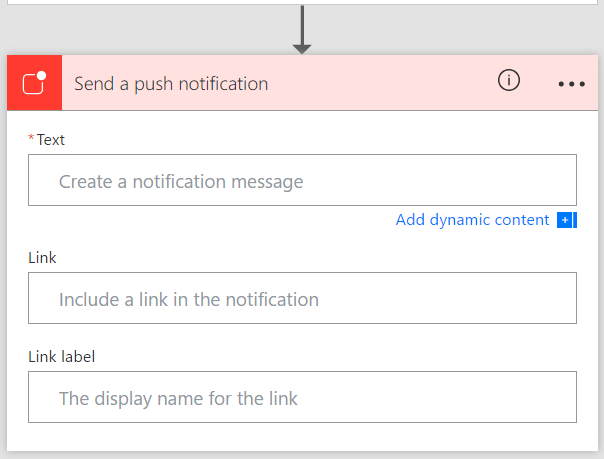
Enter a message. Here we are using dynamic content to include the account name:
Select Create Flow. Your flow will be created:

Let’s trigger the flow.
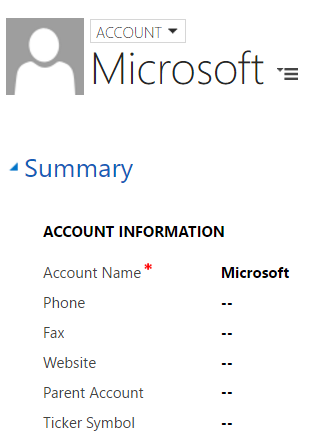
In Dynamics CRM, create a new account. Here I will create an account for Microsoft:
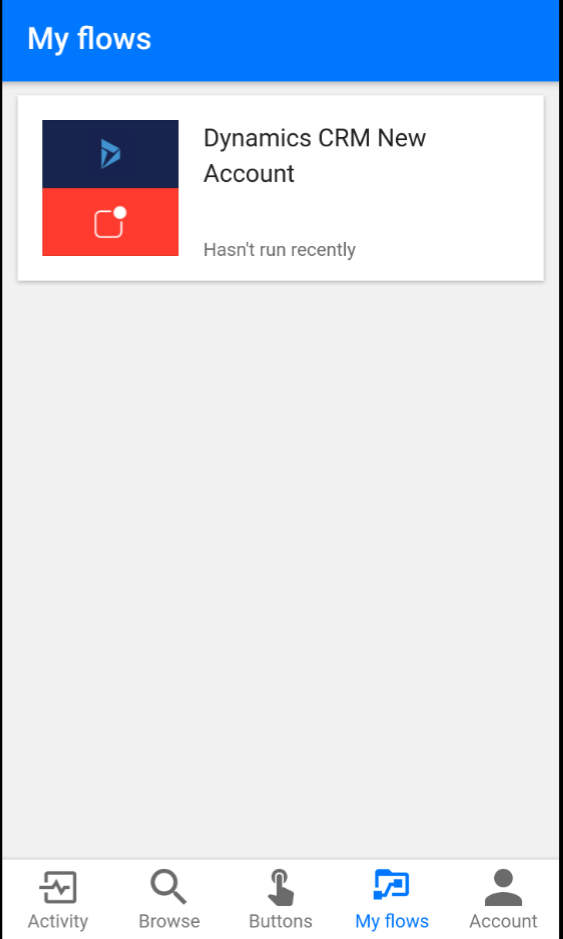
Checking my phone, I can see the app has thrown an alert that an account was added:

Explore AI, agents & Microsoft technology.
I share practical ideas, tutorials, and videos about AI, AI agents, Microsoft technologies, and the Power Platform.
Subscribe on YouTube →