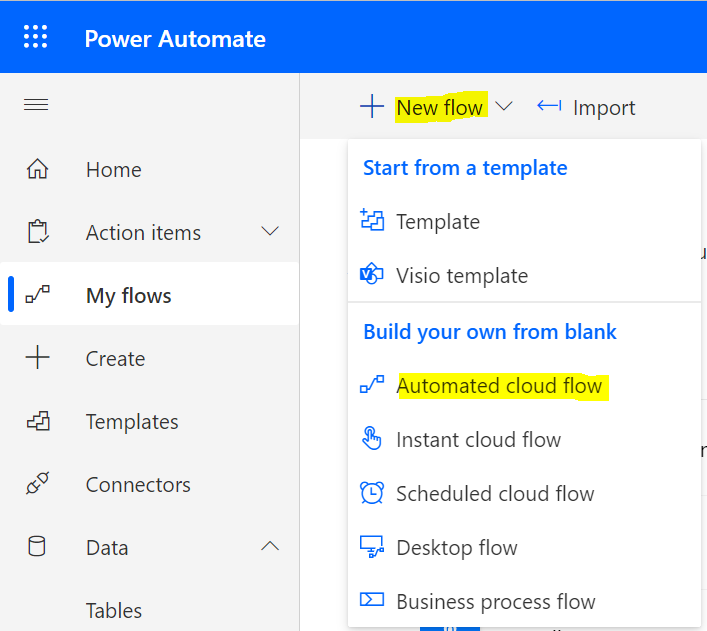
Creating an HTTP Listener with Power Automate
In this post, we will use Power Automate to create an HTTP Listener. This can be useful when subscribing to webhooks. Go…
Read article →Practical guides, tutorials, and insights on AI, agents, Microsoft technologies, enterprise applications, and communication.
In this post, we will use Power Automate to create an HTTP Listener. This can be useful when subscribing to webhooks. Go…
Read article →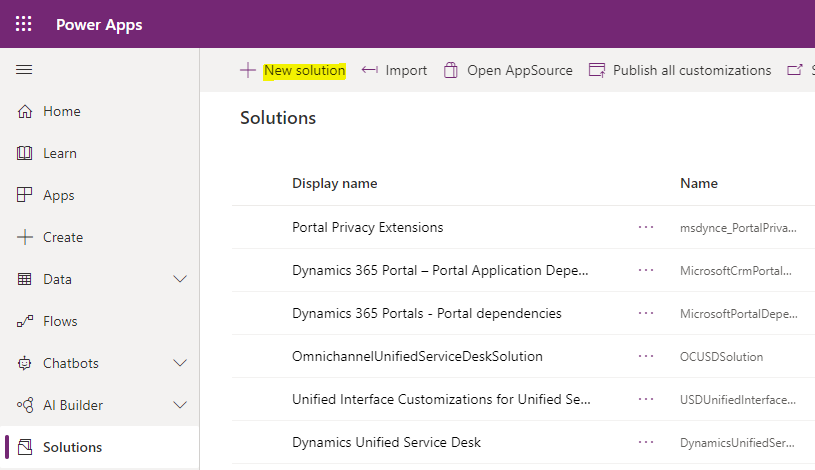
In this post, we will look at how the bulk editing of records works in Dynamics 365. Let’s create a new entity.…
Read article →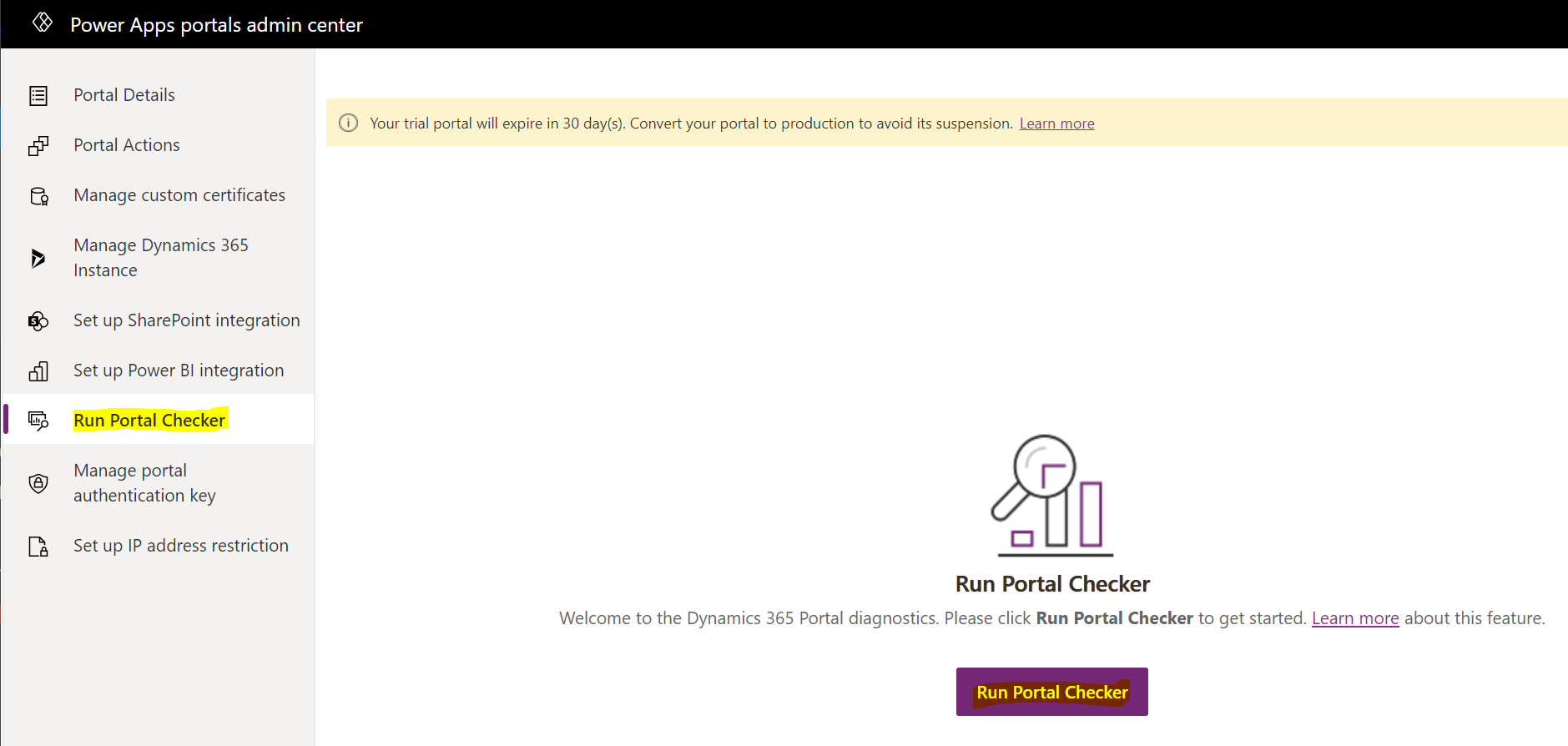
The Power Apps Portal Checker is a useful tool to check issues in your Power Apps Portal. To use it, go to…
Read article →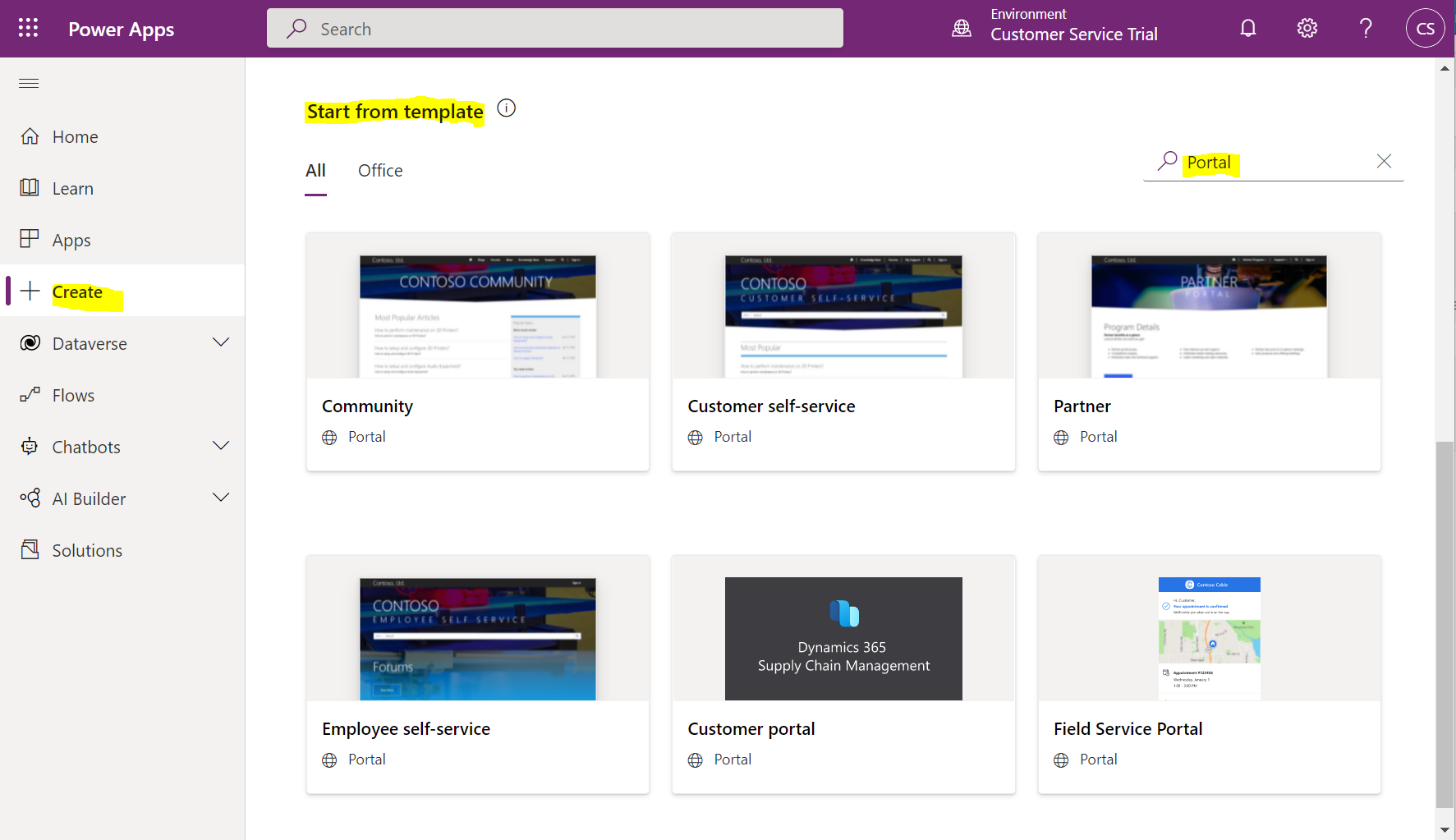
In this post, we will look at Employee Self-Service portals in Power Apps. First, go to https://make.powerapps.com and create a new portal.…
Read article →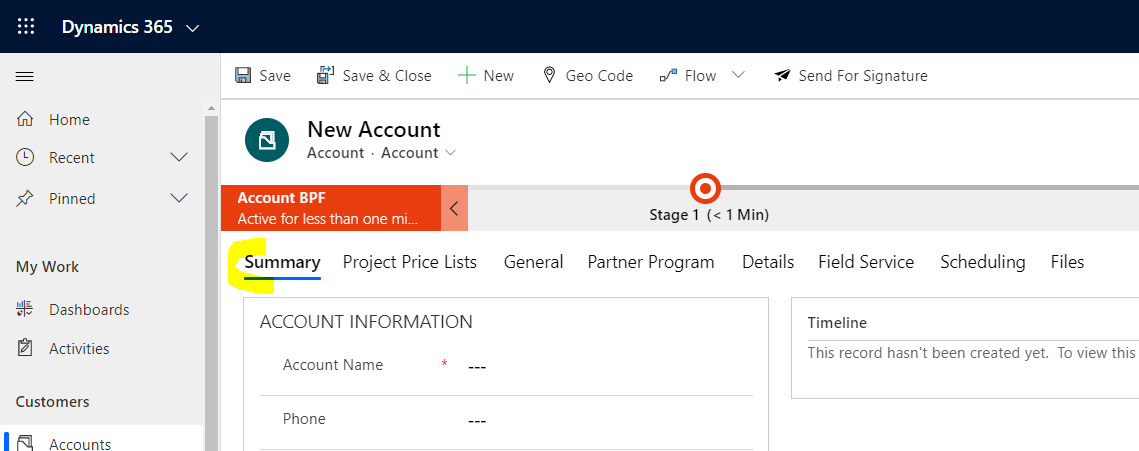
Let’s look at JavaScript code to move a user to a specific tab in Dynamics 365 / Power Apps. Below on the…
Read article →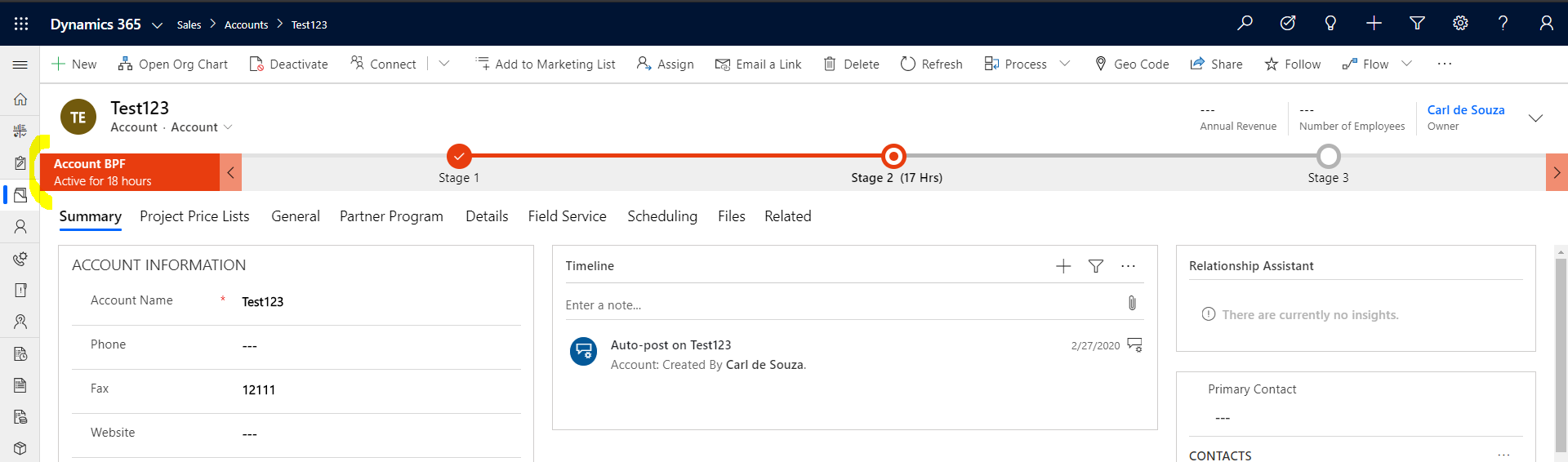
In Dynamics 365 / Power Apps, the Business Process Flow color out of the box is a hex color #E83D0F. Closer up: Let’s…
Read article →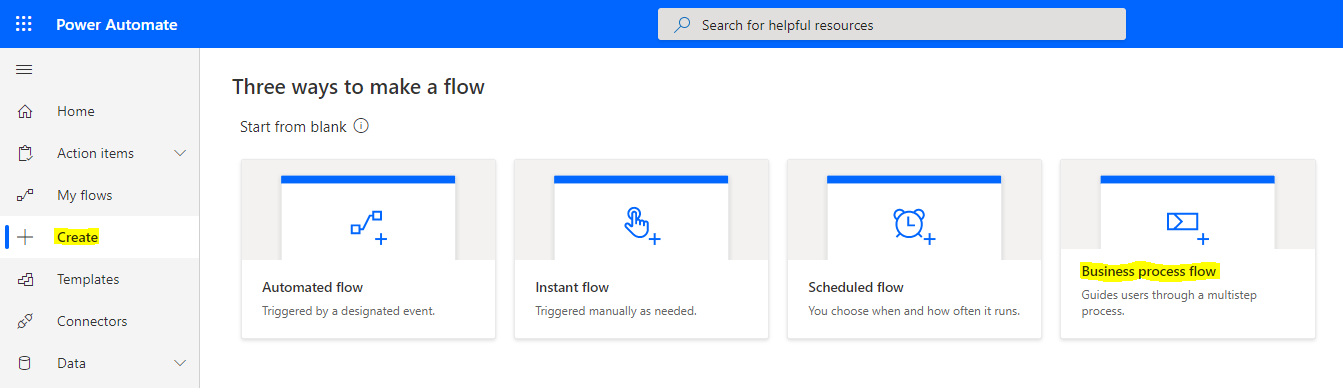
Let’s take a look at how to move a Business Process Flow to the next stage using JavaScript. If you prefer the…
Read article →
Let’s look at how to set up conditional multi-factor authentication (MFA) in Azure AD. This is useful if you want to restrict…
Read article →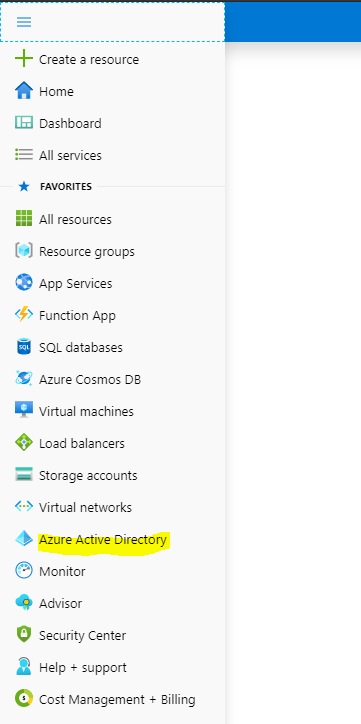
Multi-factor Authentication (MFA) is a useful feature of Azure Active Directory that helps secure resources. In this post, we will look at…
Read article →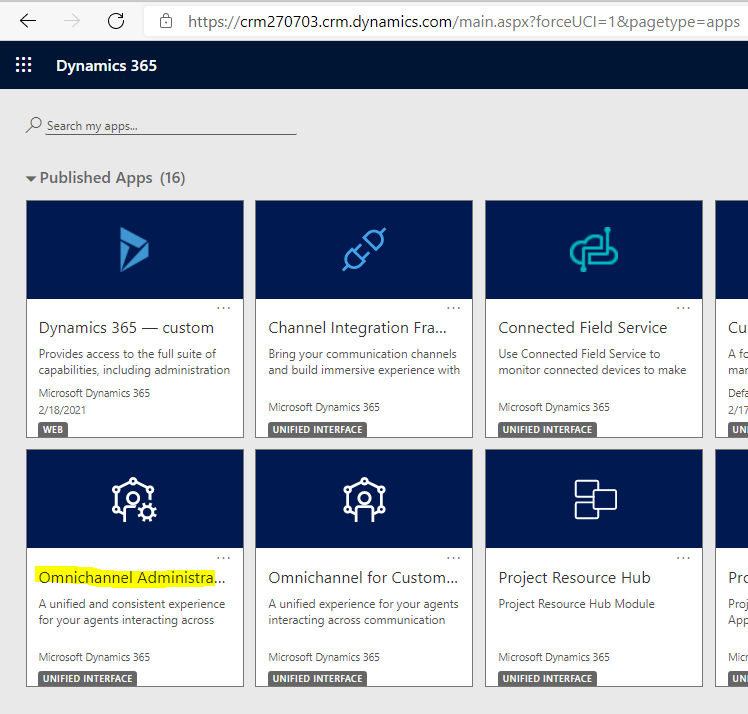
In a previous post, we installed Omnichannel for Customer Service. In this next post, we will set up Omnichannel. First, let’s head to…
Read article →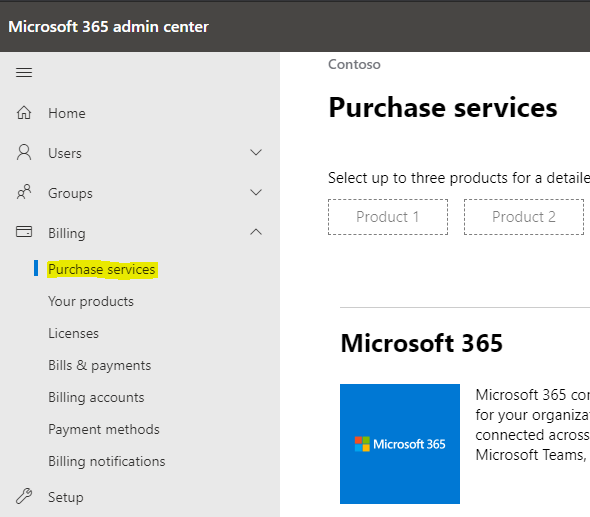
In this post, we will look at the installation of Microsoft Omnichannel for Customer Service. First, we will need to ensure the…
Read article →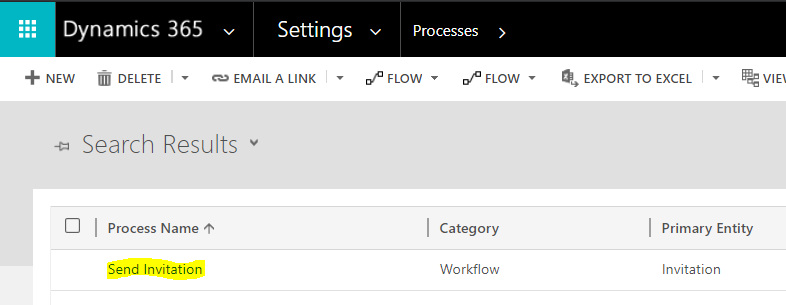
In this post, we will look at Power Apps portals and redeeming invitation codes. These come into play when you have an…
Read article →