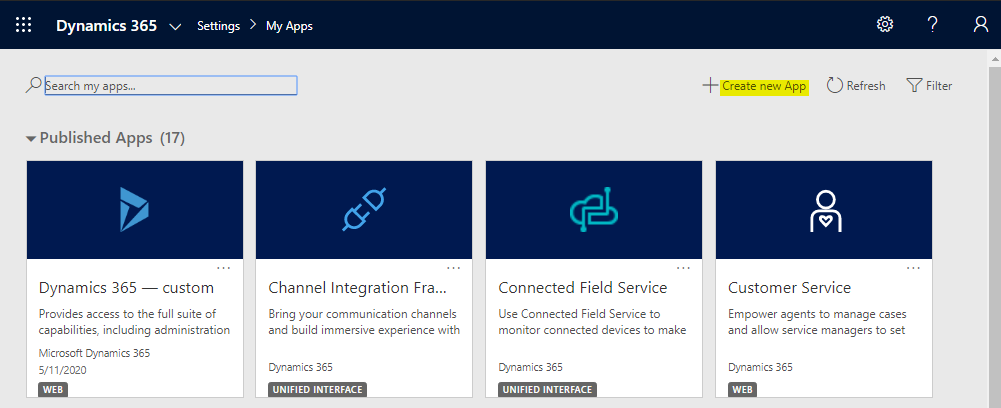
Setting the Default Unified Interface App in Unified Service Desk
In Unified Service Desk, we can set the default Unified Interface app, so when a user logs into USD, they are automatically…
Read article →Practical guides, tutorials, and insights on AI, agents, Microsoft technologies, enterprise applications, and communication.
In Unified Service Desk, we can set the default Unified Interface app, so when a user logs into USD, they are automatically…
Read article →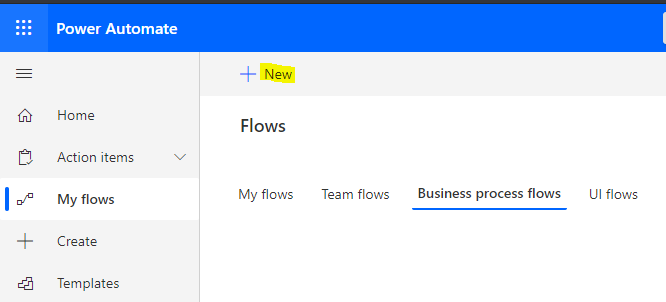
In this post, we will look at how forms with Business Process Flows can be affected by the saving of records or…
Read article →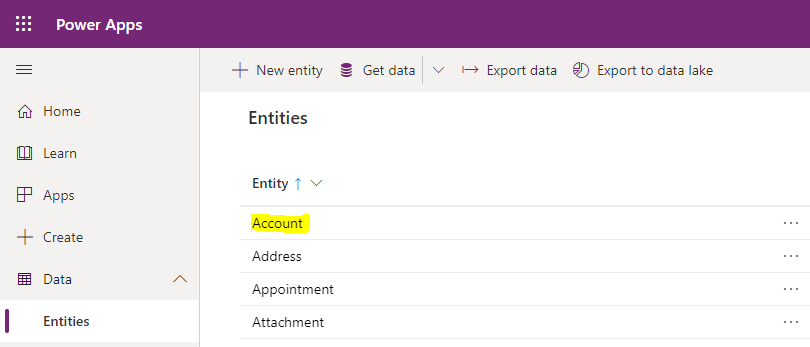
In this post, we will take a look at how to create a field in Power Apps Dynamics 365 that auto-generates a…
Read article →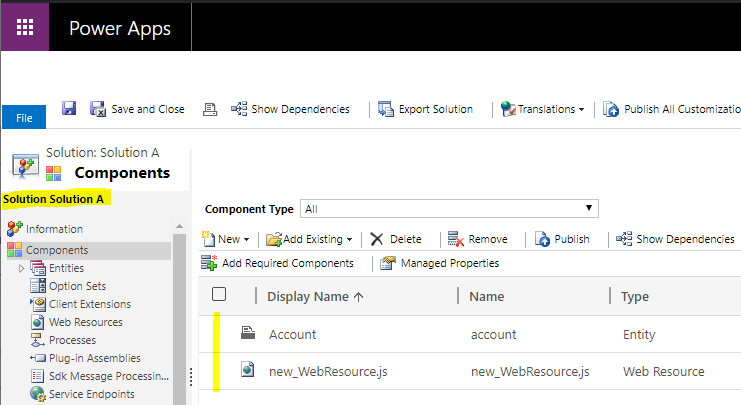
When building and deploying solutions in Dynamics 365 Power Apps across environments, we may want to merge or combine solutions into one…
Read article →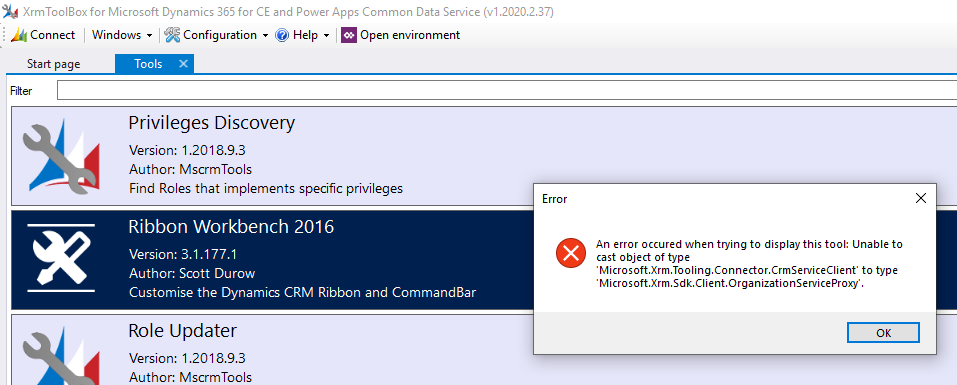
When using the Ribbon Workbench tool in XrmToolbox, you may run into this error when trying to open it: An error occurred…
Read article →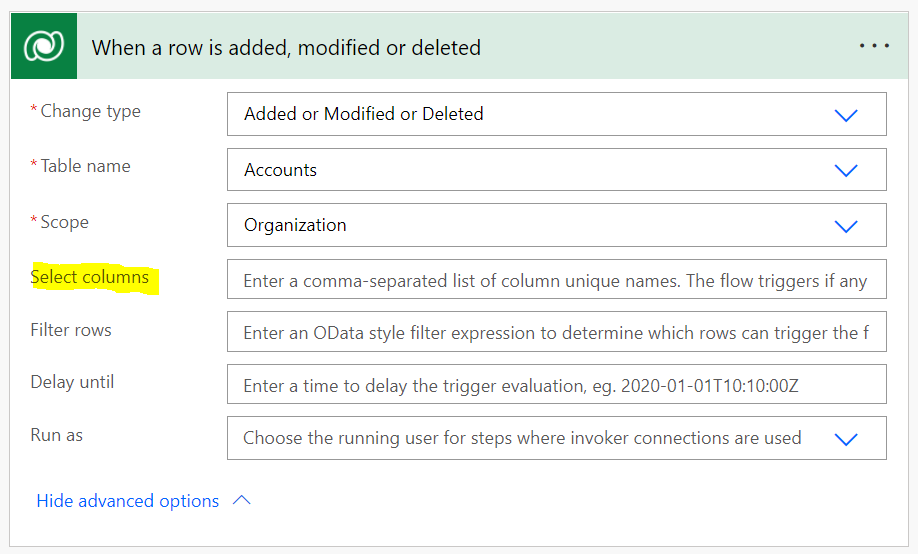
In this post, we will look at using the Power Automate Dataverse connector to run only when specified fields change. In Power…
Read article →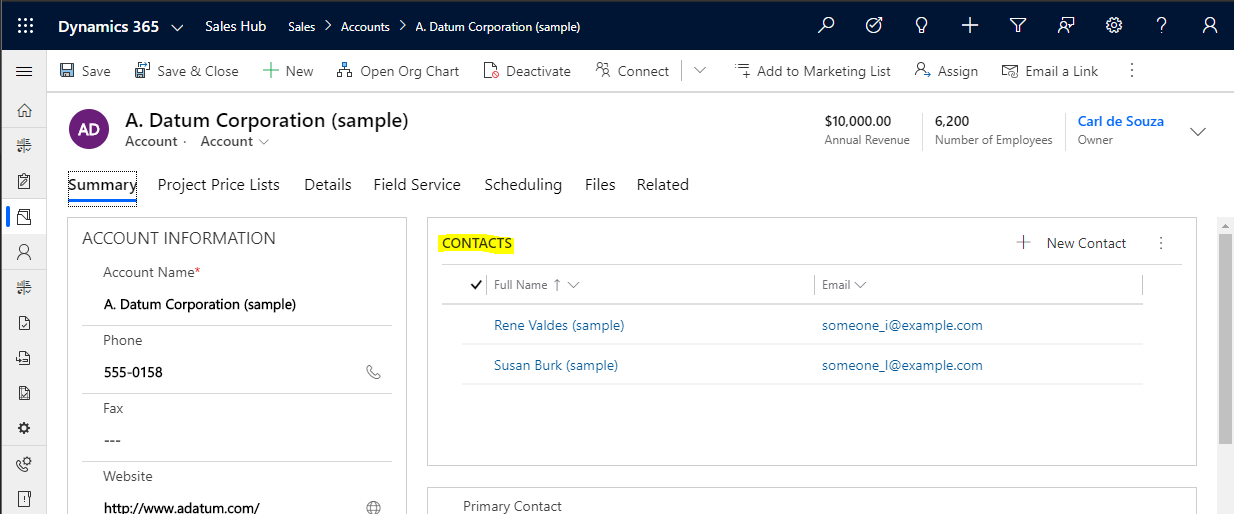
This post came at a request of a reader of this blog. She wanted to be able to click on a subgrid…
Read article →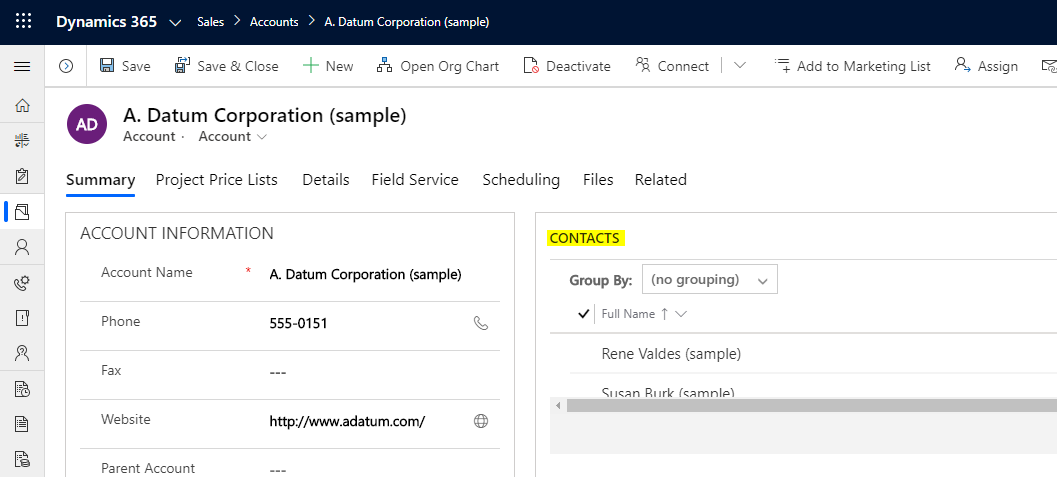
In this post, we will look at how to get the selected record in a subgrid using executionContext. Note this will work…
Read article →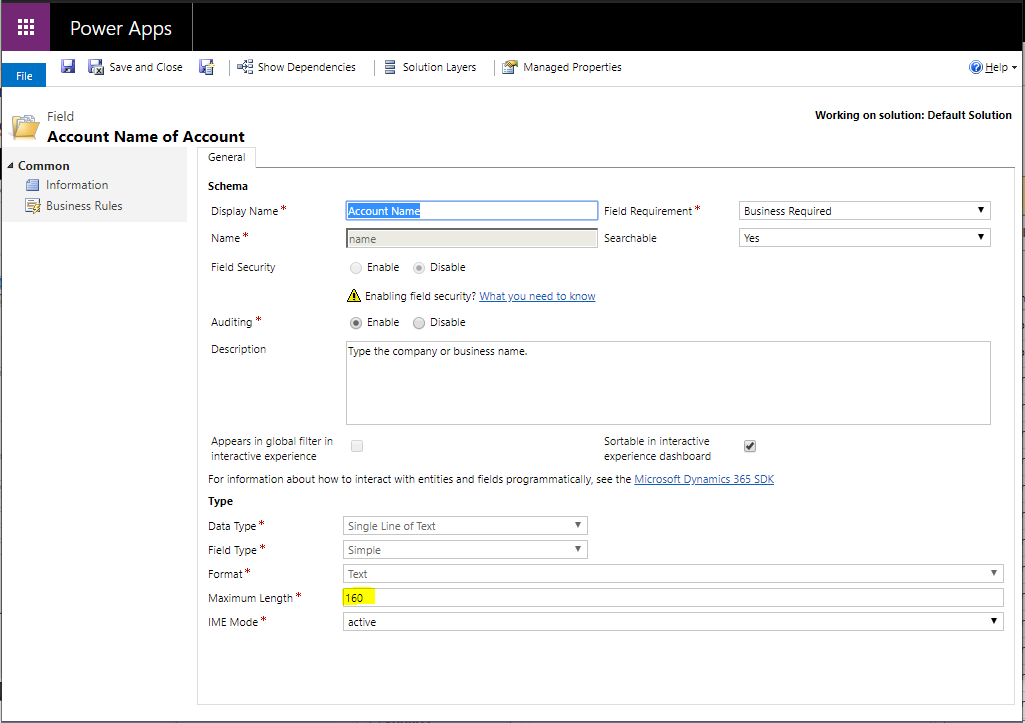
In this post, we will look at field label maximum sizes and how to overcome them. Let’s look at the account name…
Read article →
In this post, we will look at how to create a basic Babel project using Node in Visual Studio Code. Babel is…
Read article →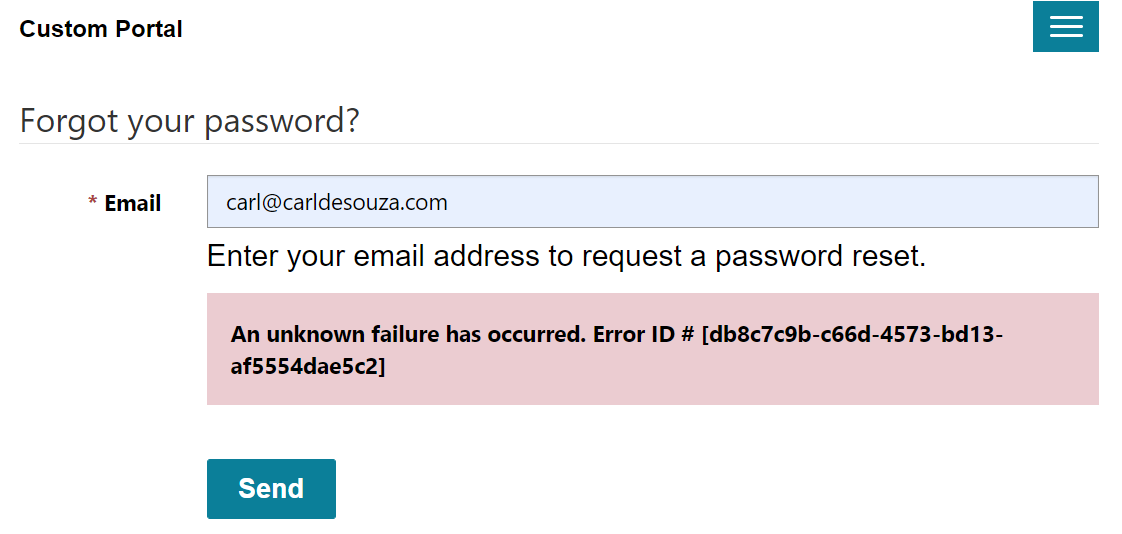
In Power Apps Portals, when a user tries to reset their password, they may run into an error message “An unknown failure…
Read article →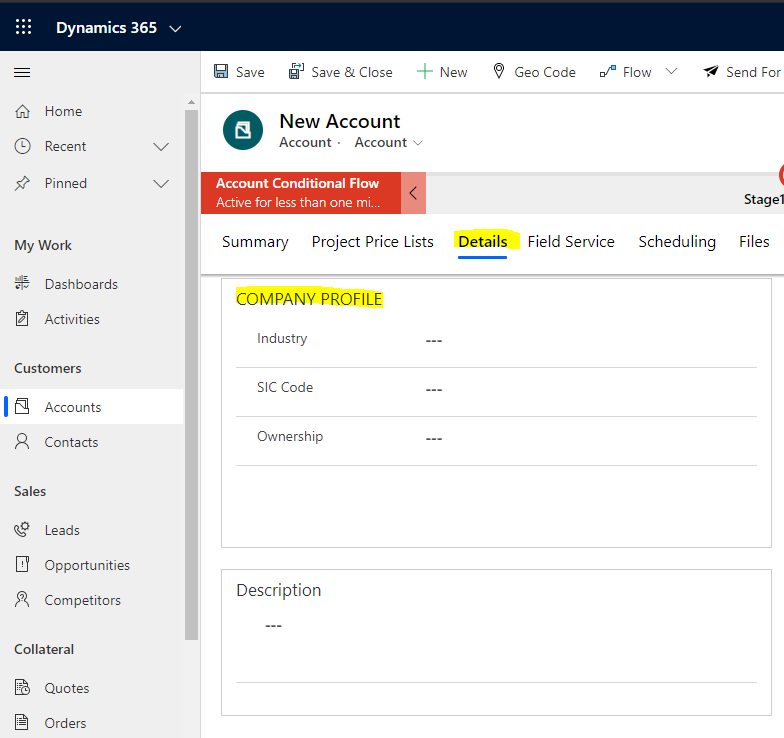
In Dynamics 365 / PowerApps, we have a flip switch control, which is a nice way to represent a two-option field. Let’s…
Read article →