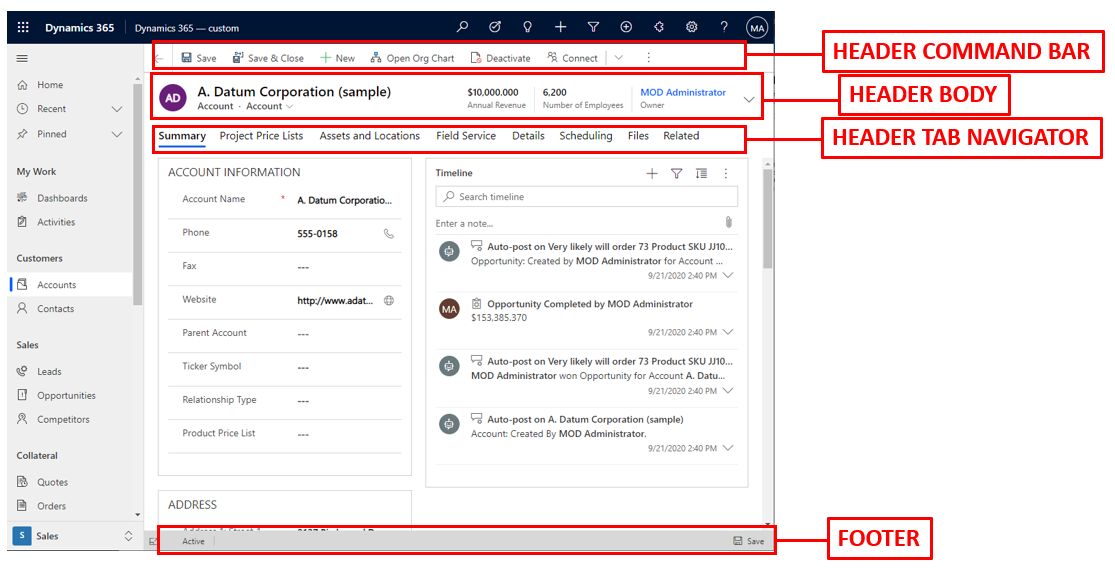
Hiding Form Header and Footer Through JavaScript in Dynamics 365 Power Apps
In this post, we will look at how to hide and show various elements of a Dynamics 365 model-driven Power App form,…
Read article →Practical guides, tutorials, and insights on AI, agents, Microsoft technologies, enterprise applications, and communication.
In this post, we will look at how to hide and show various elements of a Dynamics 365 model-driven Power App form,…
Read article →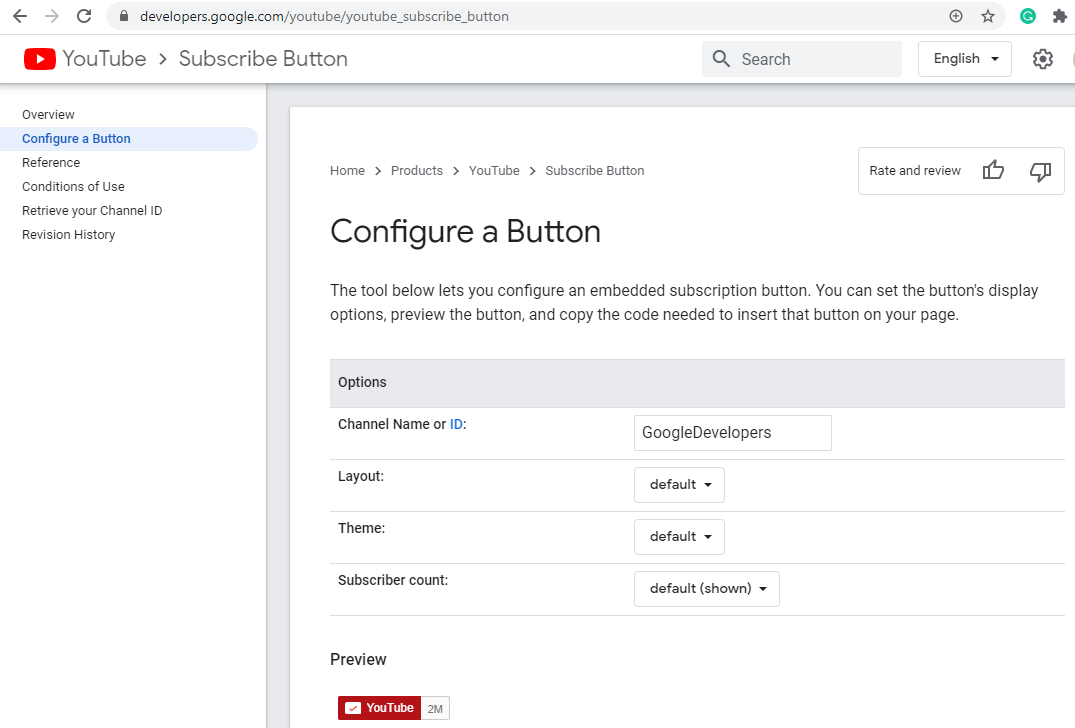
In this post, we will look at how to generate a Subscribe button for your YouTube channel, with or without the subscriber…
Read article →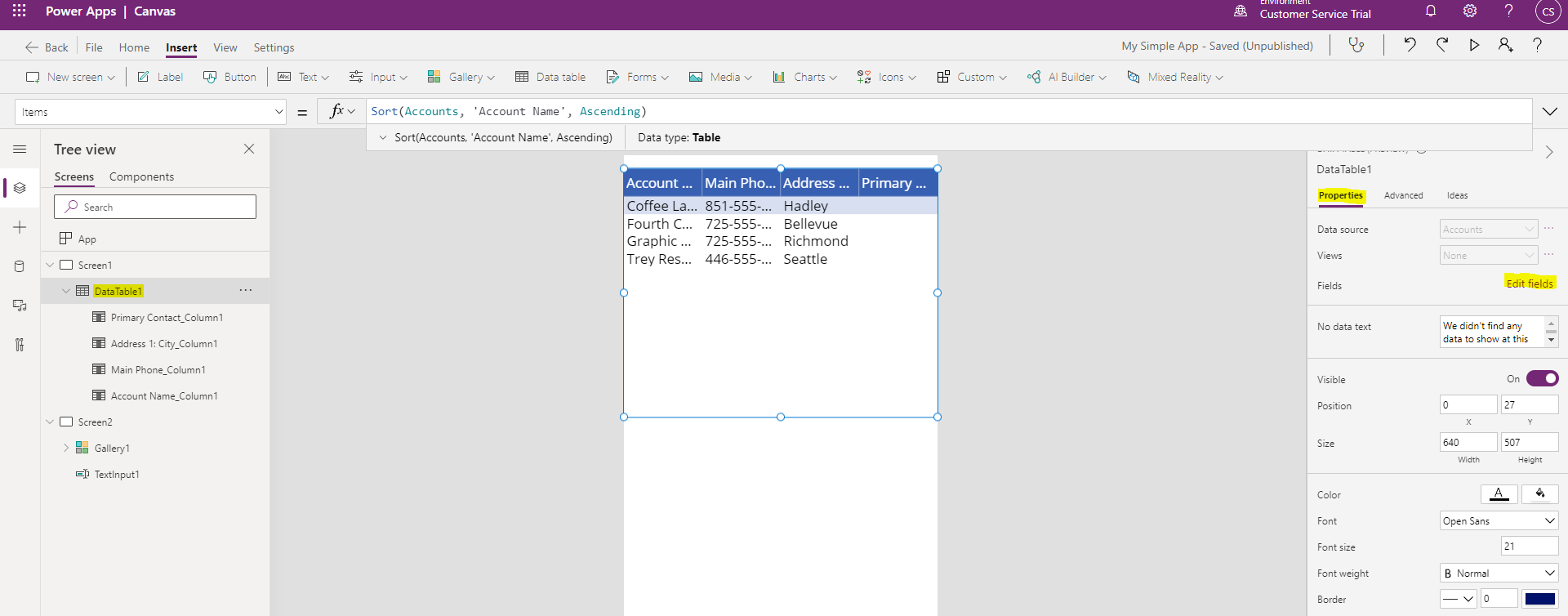
In this post, we will look at how to add fields to a data table data source in canvas apps. First, select…
Read article →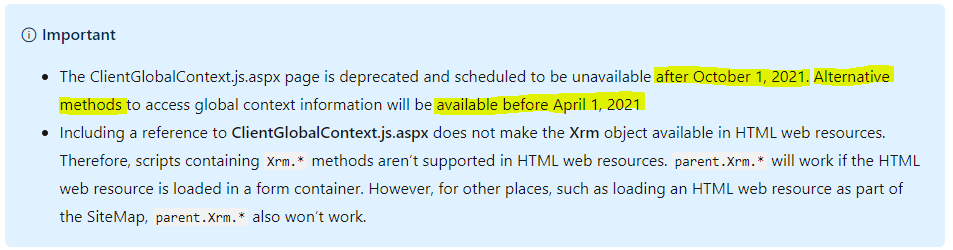
UPDATE: Since posting this article, Microsoft has updated their documentation to be “The ClientGlobalContext.js.aspx page is deprecated and scheduled to be unavailable…
Read article →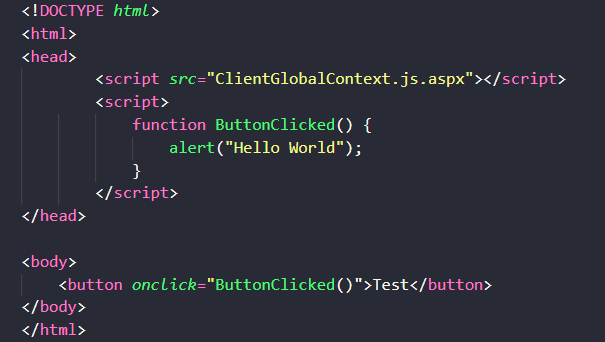
In this post, we will look at an issue in Dynamics 365 and HTML web resources. This is a known issue according…
Read article →
ESLint is a linter that runs in Visual Studio Code to analyze code for possible errors. In this post, we will look…
Read article →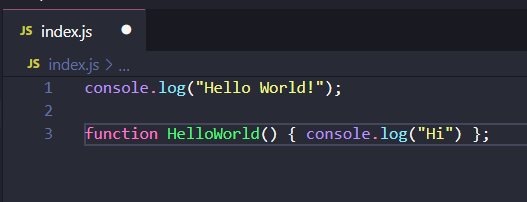
In this post, we will look at how to beautify a JavaScript file in Visual Studio Code using the Beautify extension. First,…
Read article →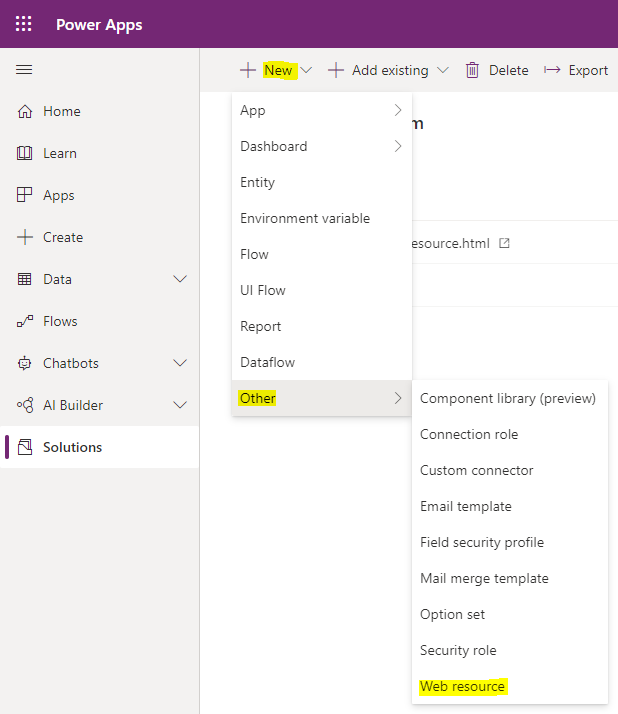
Let’s look at how to get the direct URL of a web resource in Dynamics 365 Power Apps. This can be useful…
Read article →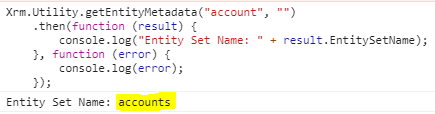
In Dynamics 365 / Power Apps, entity names can have various different plural extensions, such as “s”, “es”, “ies” etc. So when…
Read article →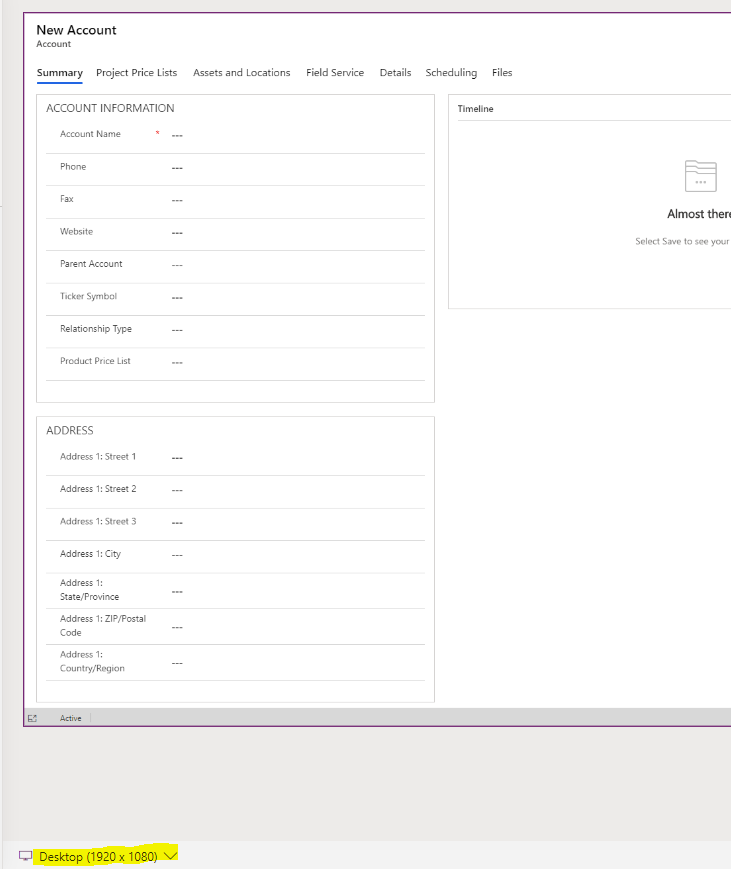
When building model-driven Power Apps, one useful feature in the Power Apps form designer is the ability to view the form being…
Read article →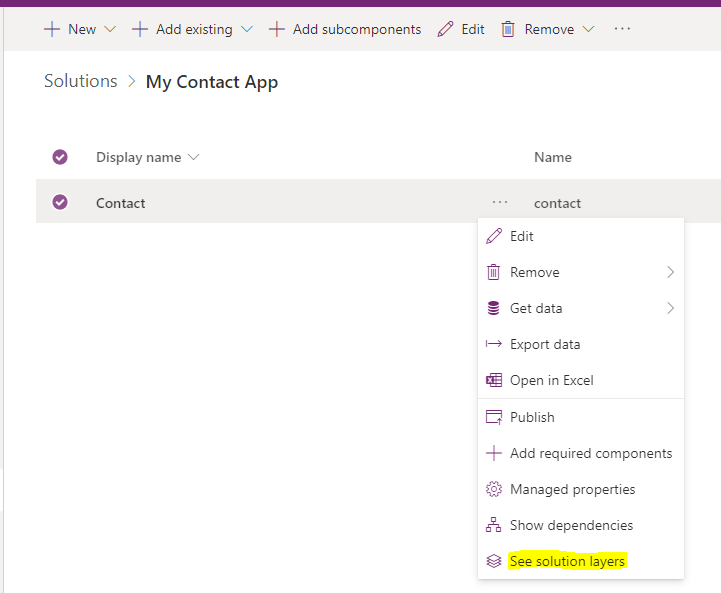
In the Microsoft Power Platform, there is a concept of patching solutions. Patches are useful when you want to deploy code from…
Read article →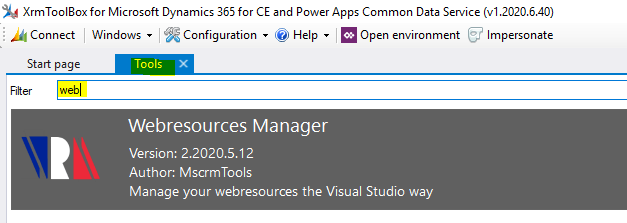
In this post, we will go over how to save the code in your Dynamics 365 instance back down to disk on…
Read article →