When building model-driven Power Apps, one useful feature in the Power Apps form designer is the ability to view the form being designed in various different resolutions.
To use this, open a form in design mode. Below we are viewing the Account Main form. You can see at the bottom of the designer, we are displaying Desktop (1920 x 1080):
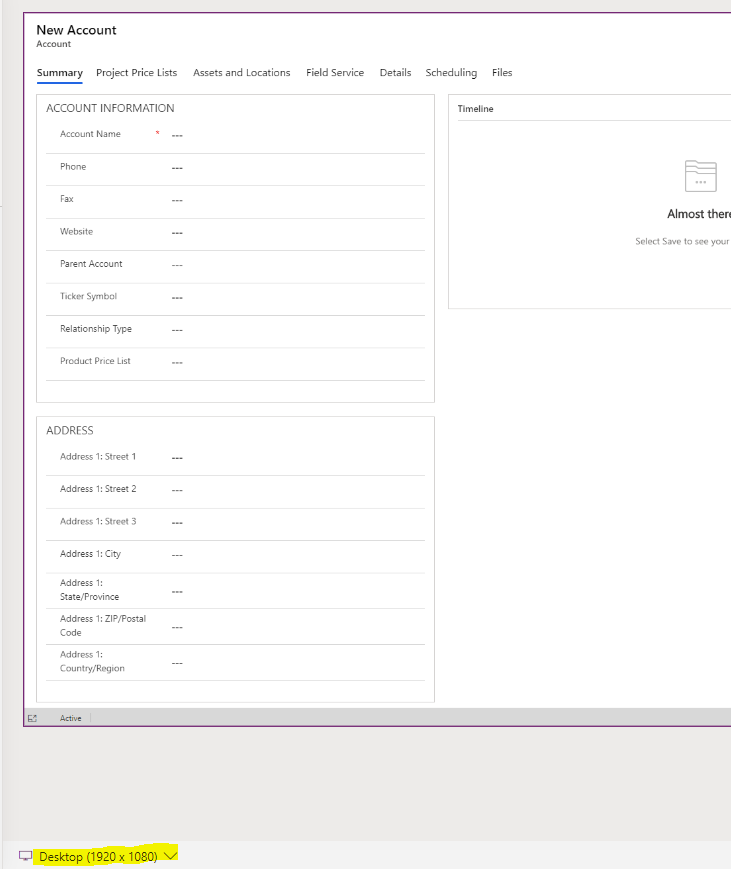
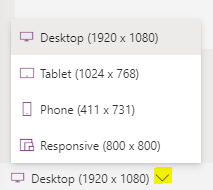
Clicking on this, we see there are other options:
- Desktop (1920 x 1080)
- Tablet (1024 x 768)
- Phone (411 x 731)
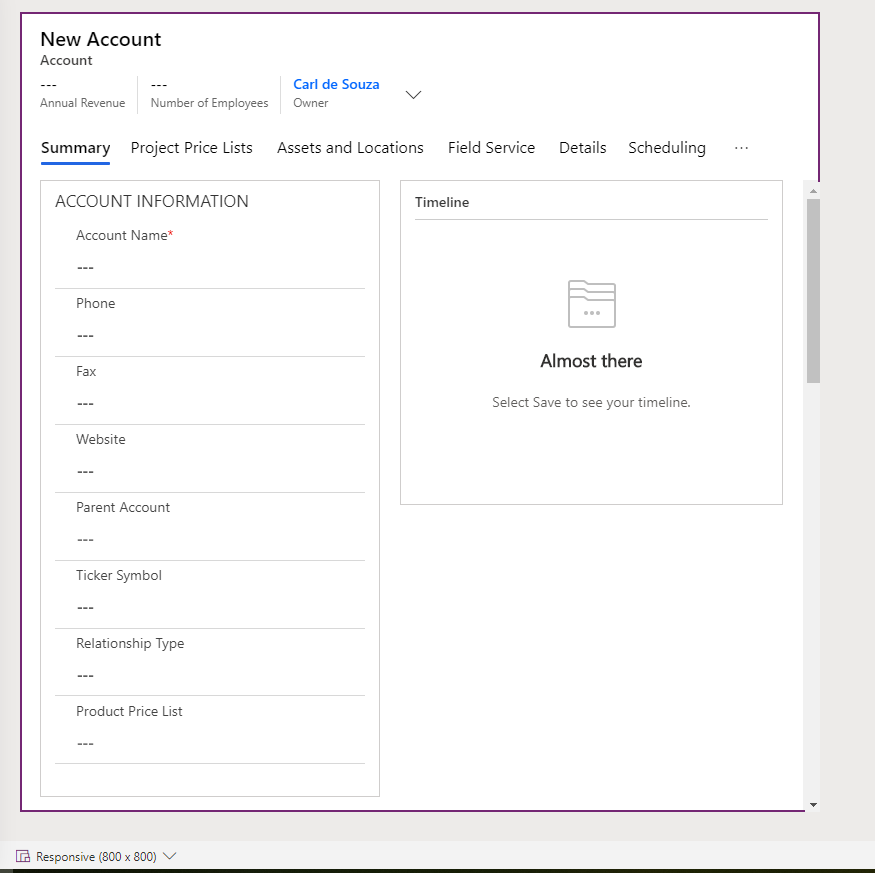
- Responsive (800 x 800)
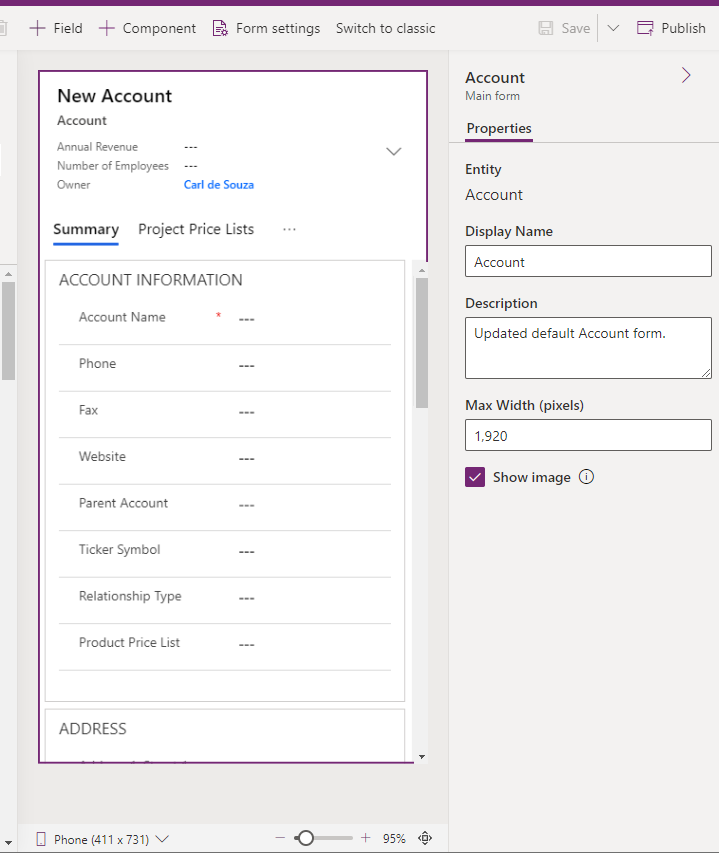
If we set it to Phone, we see the design layout redrawn to a phone view:
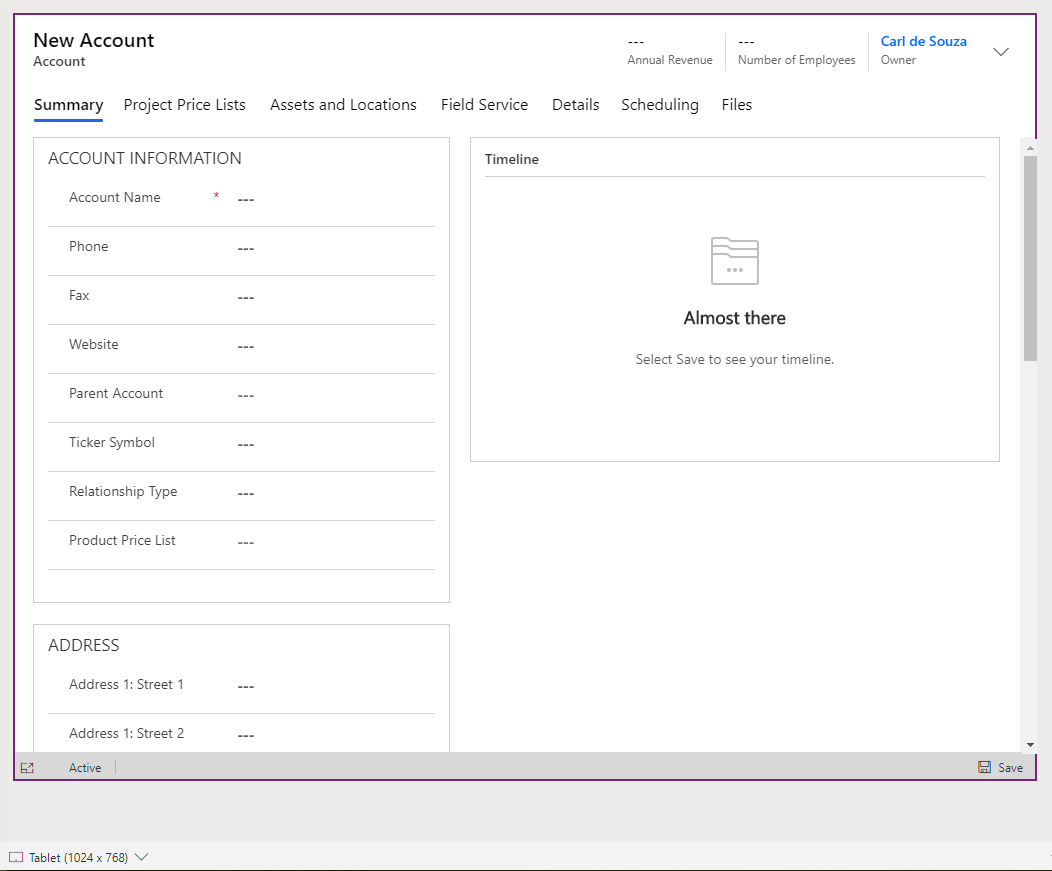
Same with Tablet:
And Responsive:
Useful when you’re building out forms targeting various consuming hardware.

Keep learning. Keep building.
Explore AI, agents & Microsoft technology.
I share practical ideas, tutorials, and videos about AI, AI agents, Microsoft technologies, and the Power Platform.
Subscribe on YouTube →Carl de Souza Enterprise Architect at Microsoft · AI Technology Expert