
Use FetchXML in the Power Automate CDS Connector for List Records
In this post, we will look at how to use FetchXML in the Power Automate Common Data Service Connector to retrieve records…
Read article →Practical guides, tutorials, and insights on AI, agents, Microsoft technologies, enterprise applications, and communication.
In this post, we will look at how to use FetchXML in the Power Automate Common Data Service Connector to retrieve records…
Read article →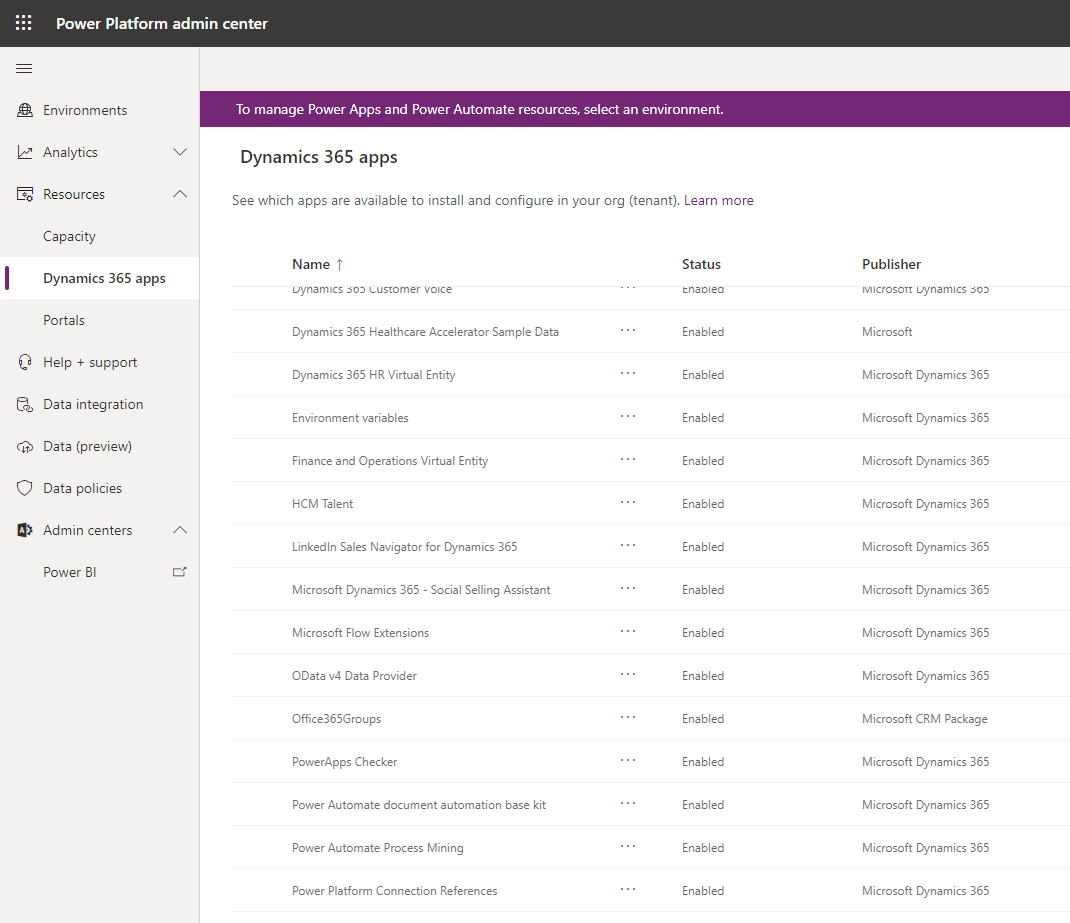
You may find that Omnichannel is missing from your list of Dynamics 365 Apps in the Power Platform Admin Center. For example,…
Read article →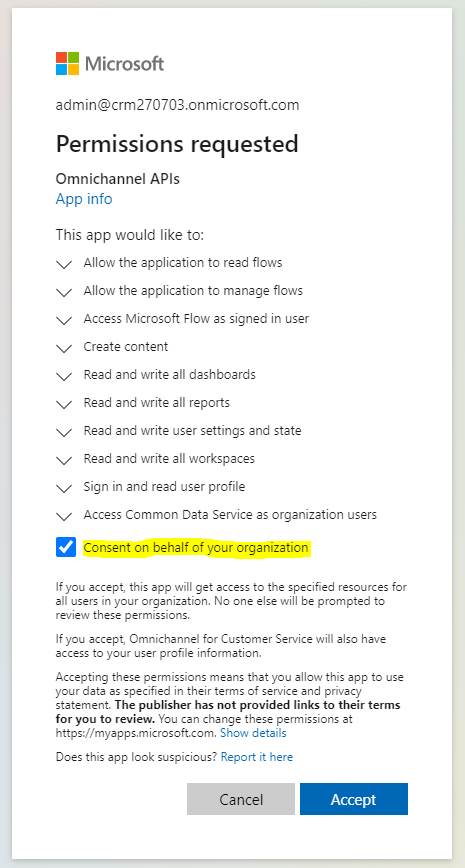
To provide Data Access consent for Omnichannel, sign in as a Global Tenant Admin and then go to the URL: https://go.microsoft.com/fwlink/p/?linkid=2070932 Or…
Read article →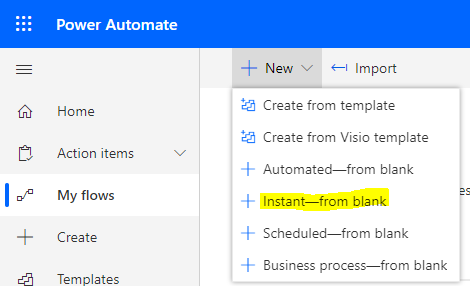
List Records is an action in the Common Data Service connector in Power Automate Flow that lists records based on a query…
Read article →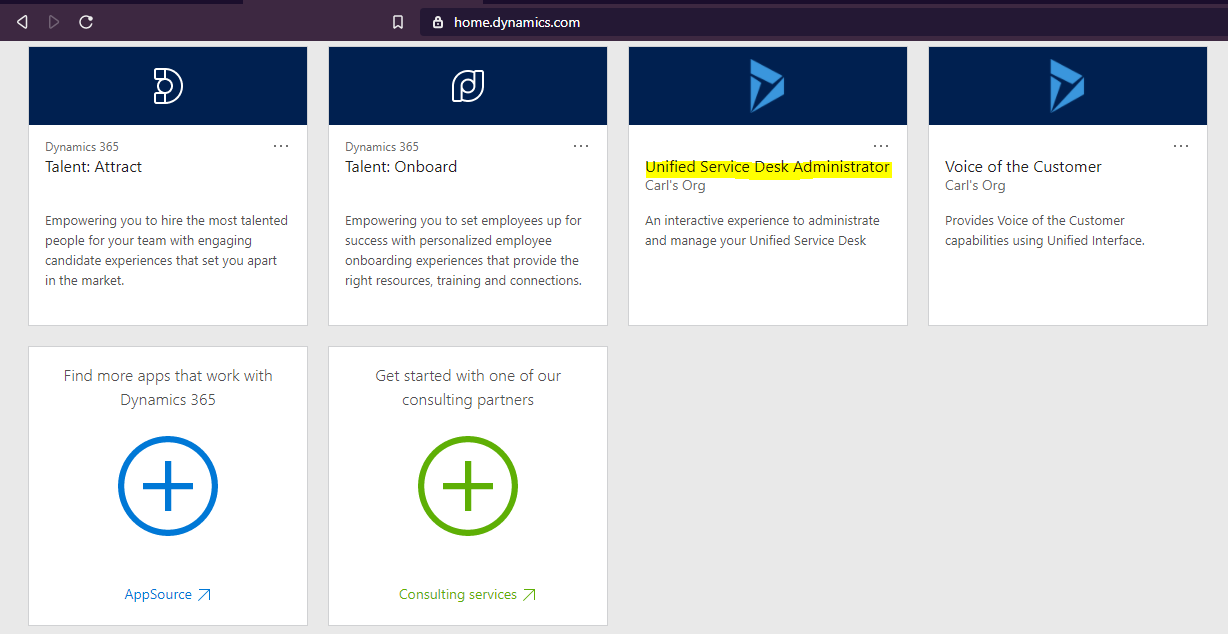
Unified Service Desk handles CTI calls that listen to http://localhost:5000 by default. We can change the port through configuration in the USD…
Read article →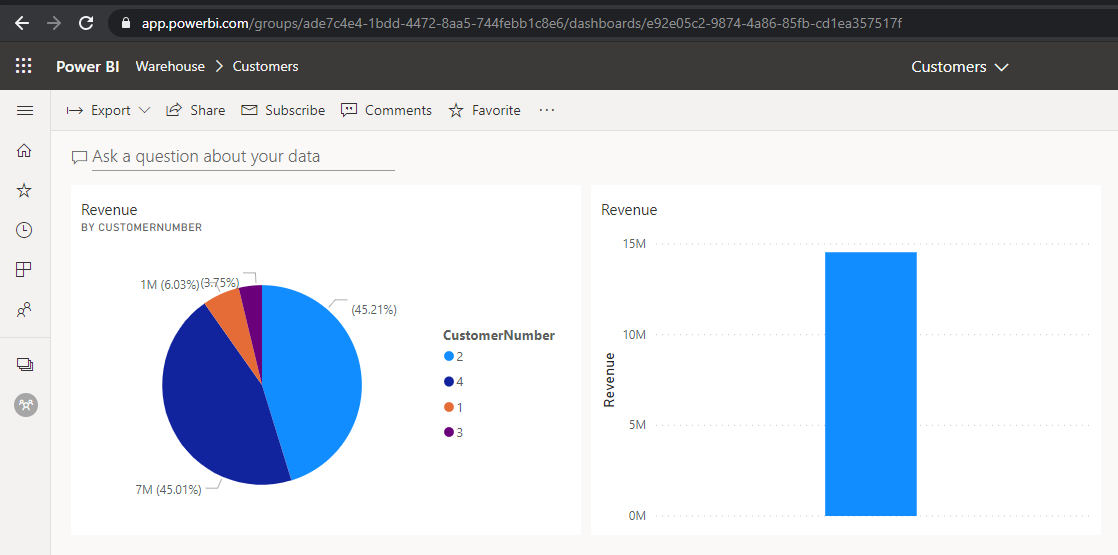
Power BI visualizations can be displayed inside Power Apps Portals using Liquid tags. In this post we will show how to set…
Read article →
Let’s look at how to add a new menu item to a Power Apps portal Primary Navigation menu. This menu is the…
Read article →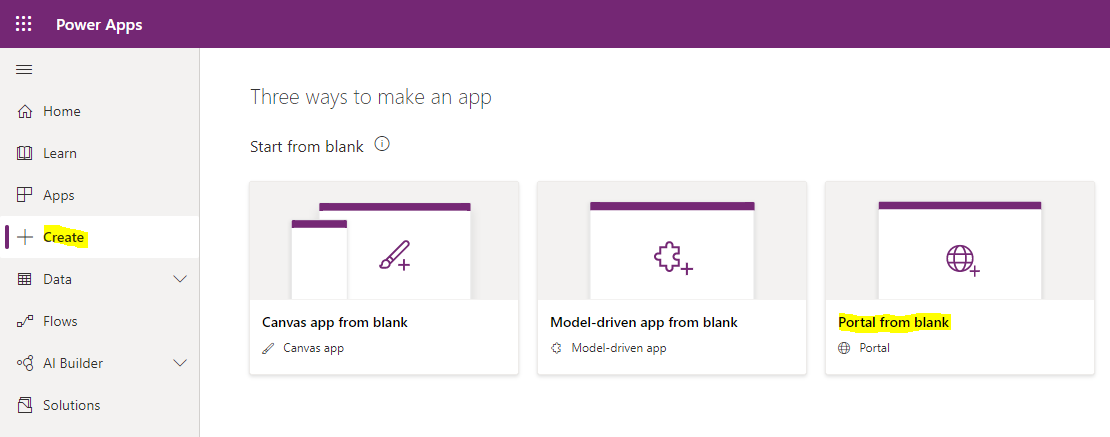
We have already looked at some great features of Power Apps portals in previous posts, such as the out of the box…
Read article →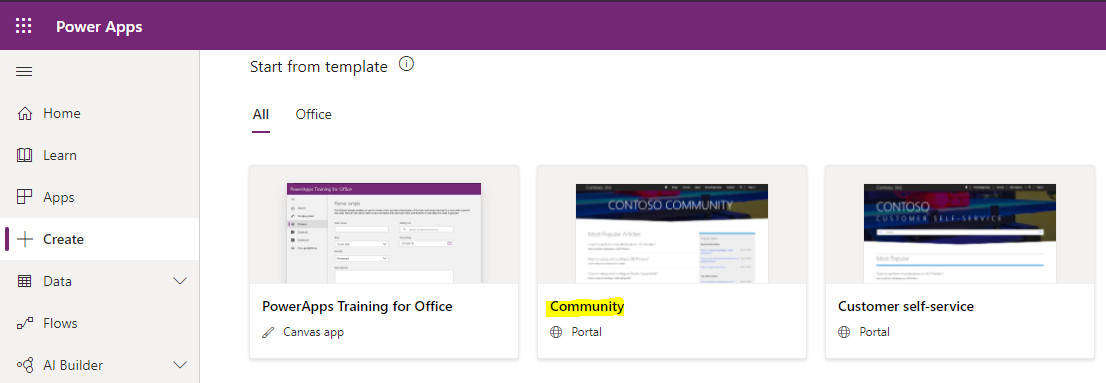
The Community Portals template is a quick and easy way for a Power Apps organizations to get up and running with their…
Read article →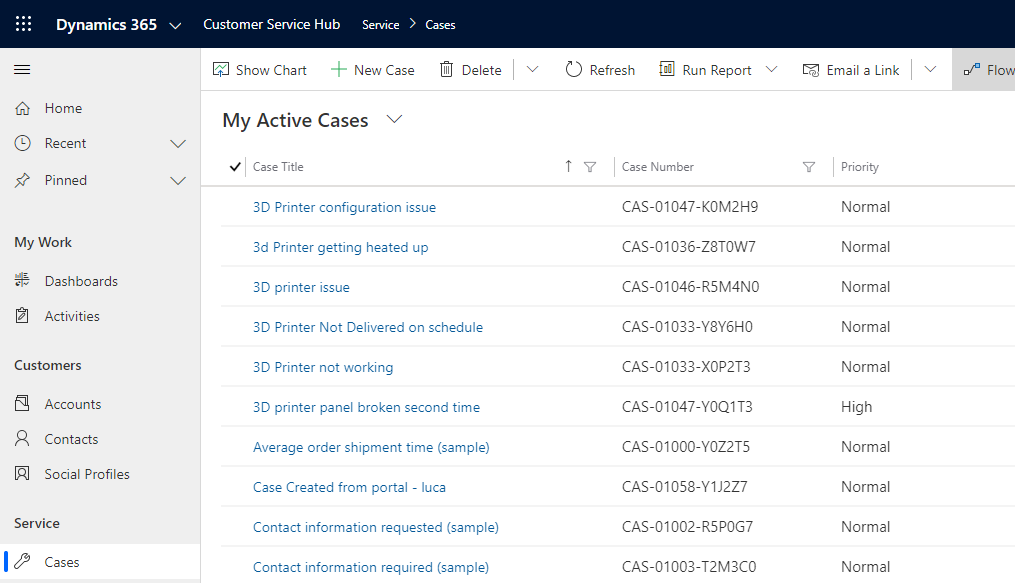
Power Apps Portals are functionality that can be used by Dynamics 365 / Power Apps environments for quick, customizable out-of-the-box portals. These portals…
Read article →
Imagine a situation where you have created a Power Automate Flow, and you want to convert it to an Azure Logic App…
Read article →
In a previous post, we built an Azure Logic App that integrates with the Common Data Service. We designed the Logic App…
Read article →