Refresh a Power BI Dataset with a Button Using the Power Automate Mobile App
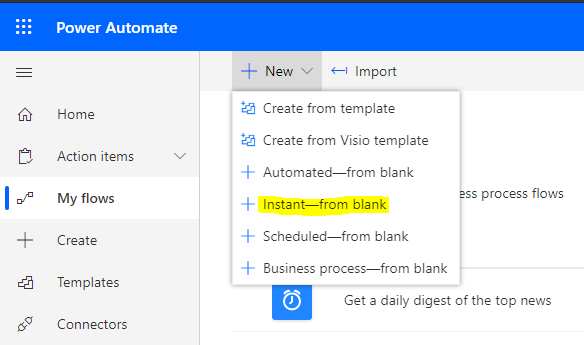
In this post, we will look at how to refresh a Power BI dataset using the Power Automate (Flow) mobile app. We…
Read article →Practical guides, tutorials, and insights on AI, agents, Microsoft technologies, enterprise applications, and communication.
In this post, we will look at how to refresh a Power BI dataset using the Power Automate (Flow) mobile app. We…
Read article →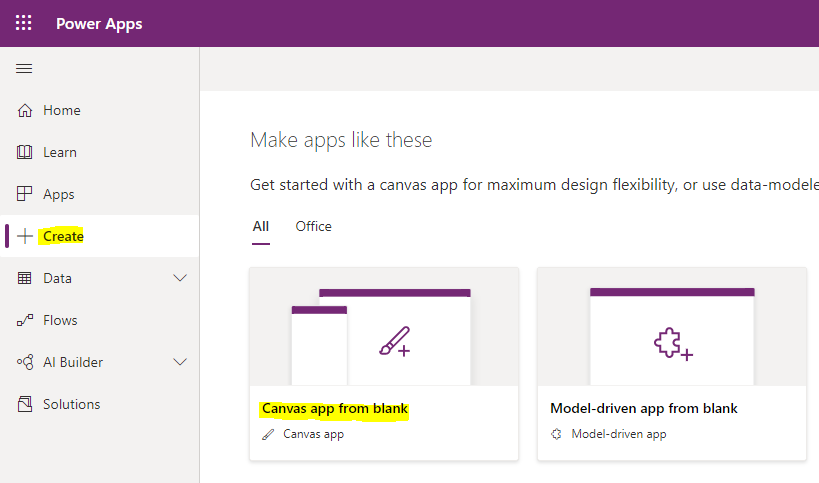
Imagine a scenario where your Power BI dataset does not show the latest data, for example, if you are in between a…
Read article →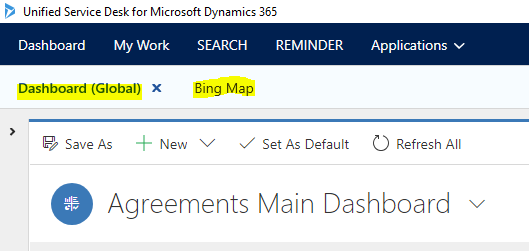
In this post, we will look at Unified Service Desk Event Parameters that can be used to help with building business logic…
Read article →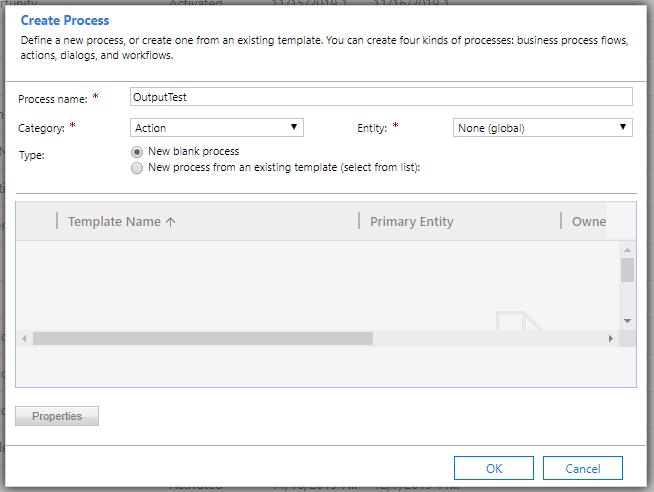
In this post we will look at sending input variables and getting output variable responses from an Action in Dynamics 365 Power…
Read article →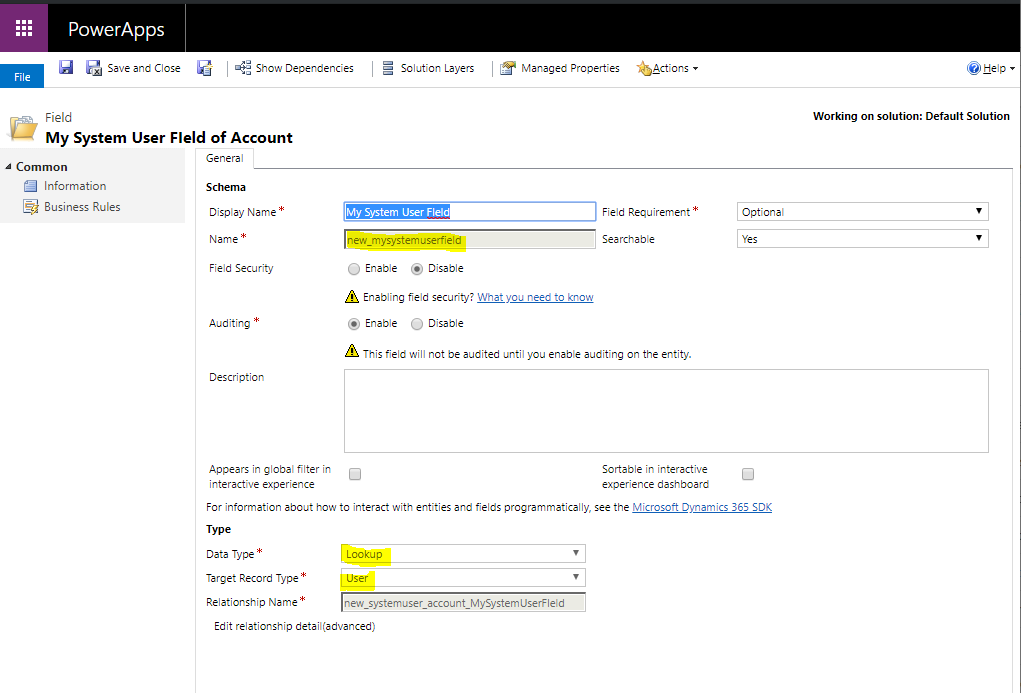
There may be cases where you need to set a lookup field on a Dynamics 365 / Power Apps form, where you…
Read article →
In a previous post we looked at setting the default zoom level of Chrome Process pages for all users in an organization.…
Read article →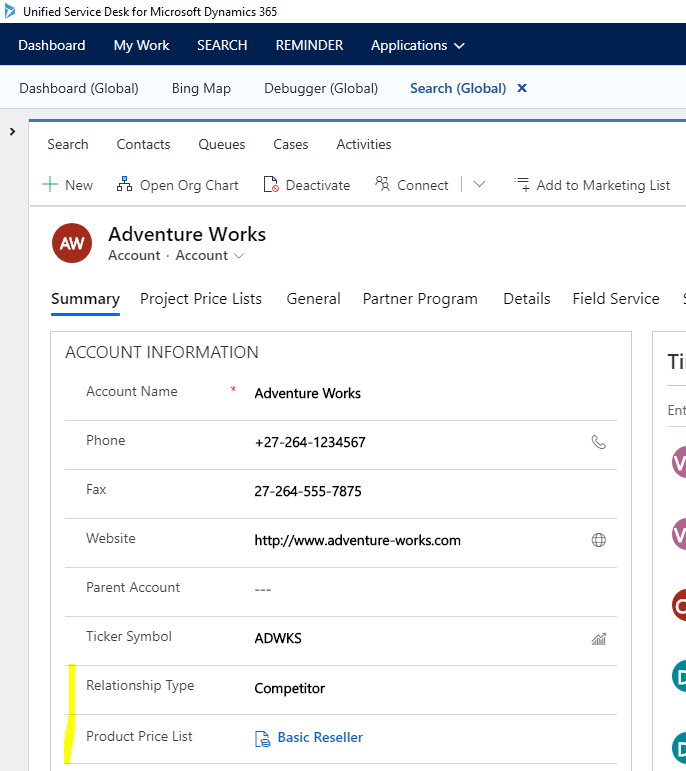
In Unified Service Desk, we can create a new entity using the New_CRM_Page action call. When we run this command, we can…
Read article →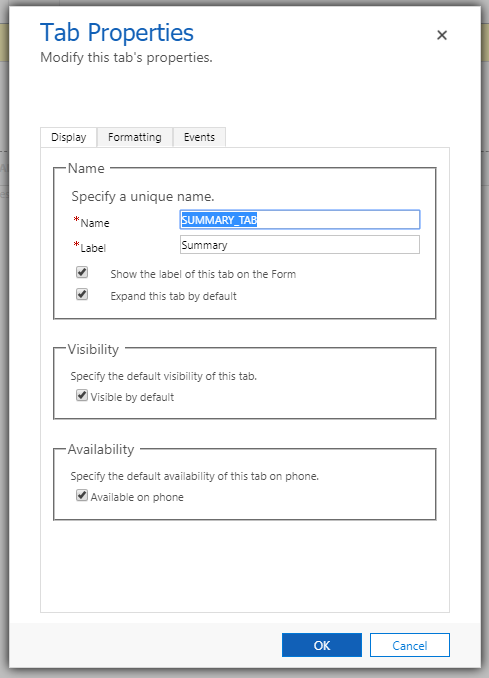
This post comes from a great find courtesy of an elite dev I work with who goes by “PV”. We had a…
Read article →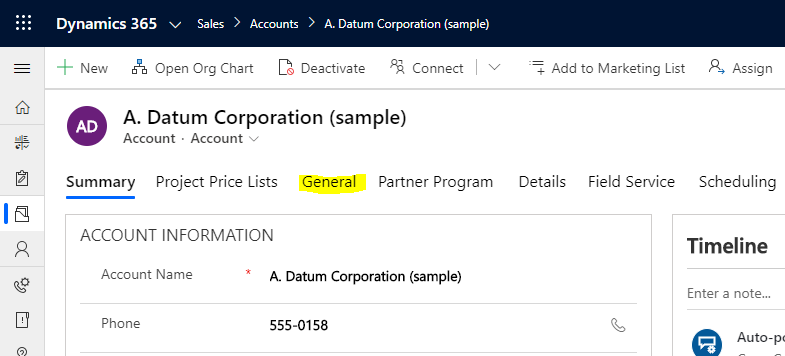
In Dynamics 365 / Power App, we may want to “do something” when a user clicks on a form tab. Let’s look…
Read article →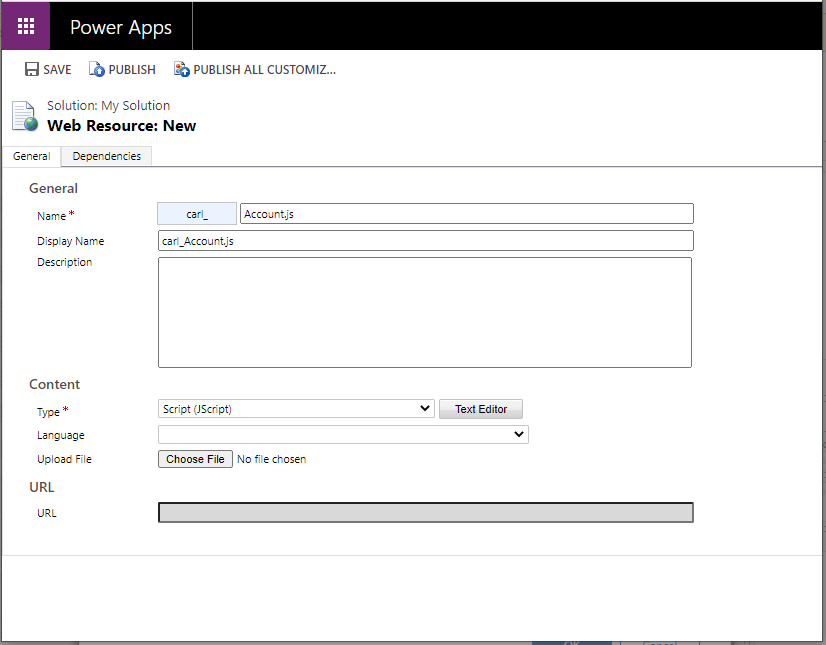
In this post, we will look at how to add a button to a Dynamics 365 Power Apps Form that receives parameter…
Read article →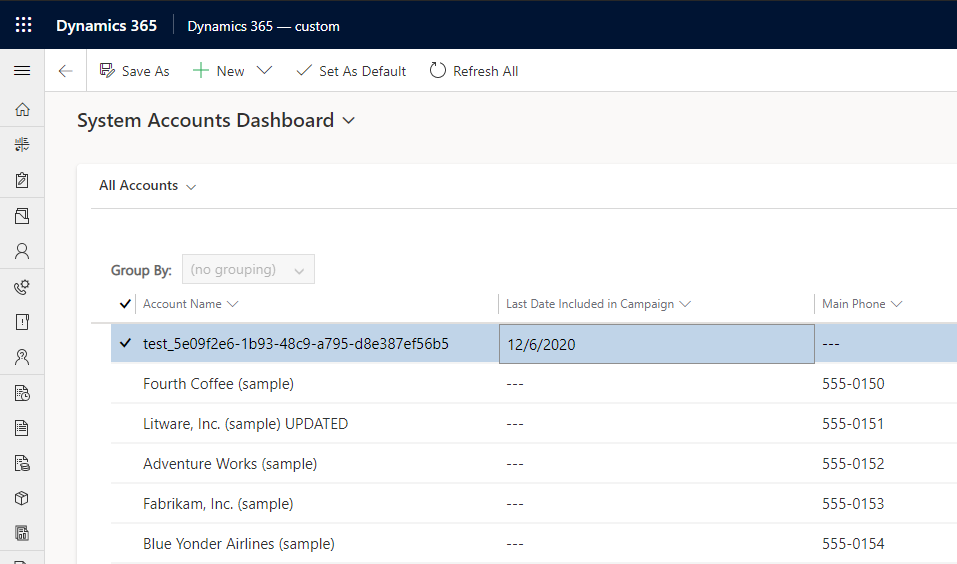
In this post, we will look at how to use the Calendar Control in Dynamics 365 Power Apps Dashboard Components. Let’s start with…
Read article →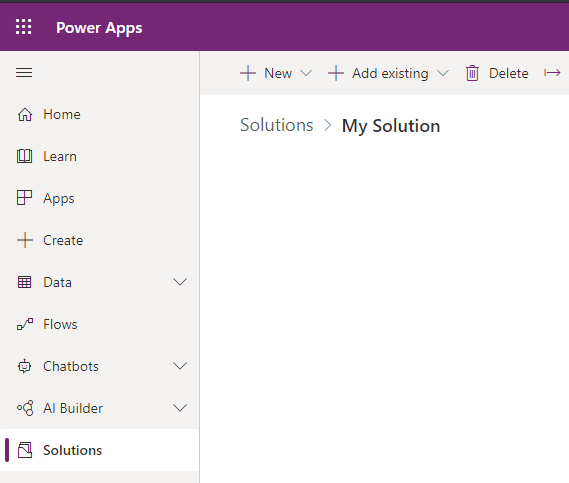
To create a system dashboard, go to the Power Apps Maker and create a new solution: Then select New->Dashboard and select the…
Read article →