In a previous post we looked at setting the default zoom level of Chrome Process pages for all users in an organization. However, we may want individual users to control the zoom level of pages themselves.
To do this, go to the location your USD is installed (E.g. C:\Program Files\Microsoft Dynamics CRM USD\USD) and open the UnifiedServiceDesk.exe.config file in notepad:

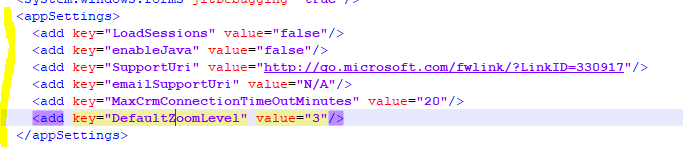
Find the AppSettings section:

We’re going to add a new entry in here:
<add key="DefaultZoomLevel" value="3"/>
Where the Value is the default zoom level.
It should look like below:
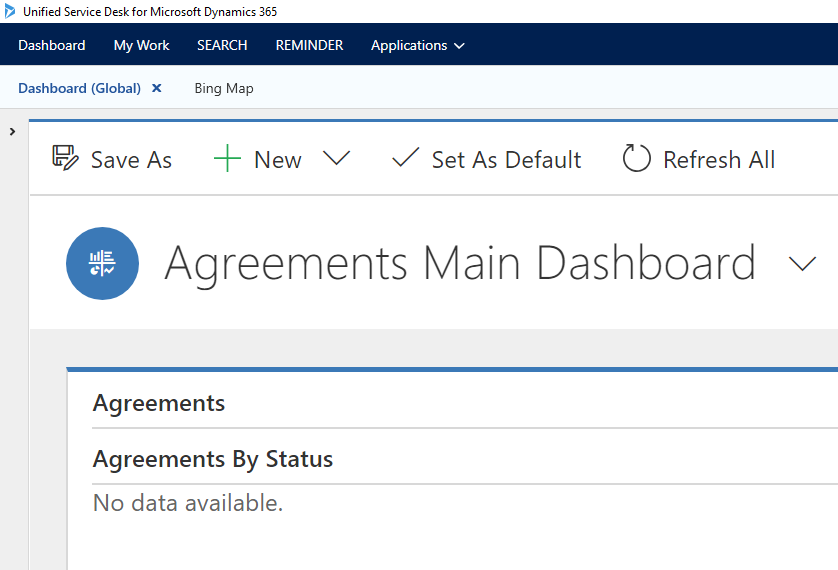
Restart USD. We can see USD is pretty zoomed in:

Keep learning. Keep building.
Explore AI, agents & Microsoft technology.
I share practical ideas, tutorials, and videos about AI, AI agents, Microsoft technologies, and the Power Platform.
Subscribe on YouTube →Carl de Souza Enterprise Architect at Microsoft · AI Technology Expert
