In USD, we have the option to set the default zoom level for all users in an organization.
To do this, in the USD Administrator App, go to Options and New:
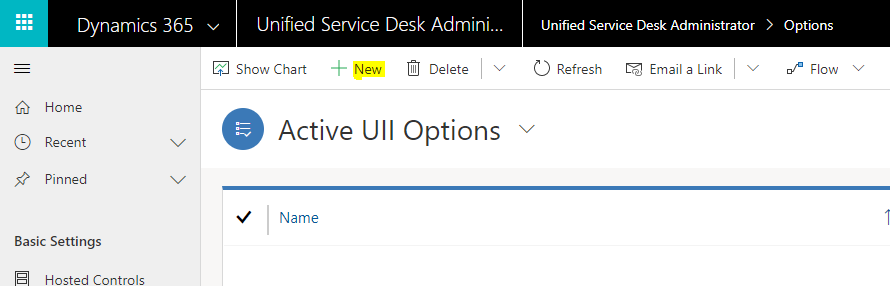
Create a new option called DefaultZoomLevel like below. In :
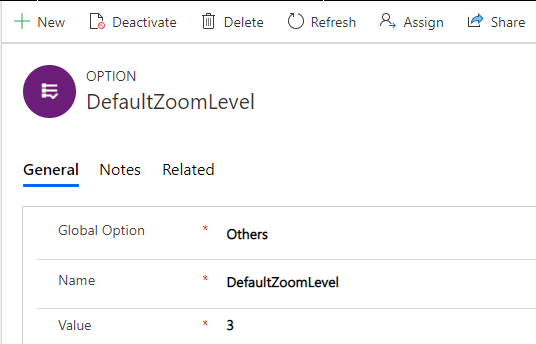
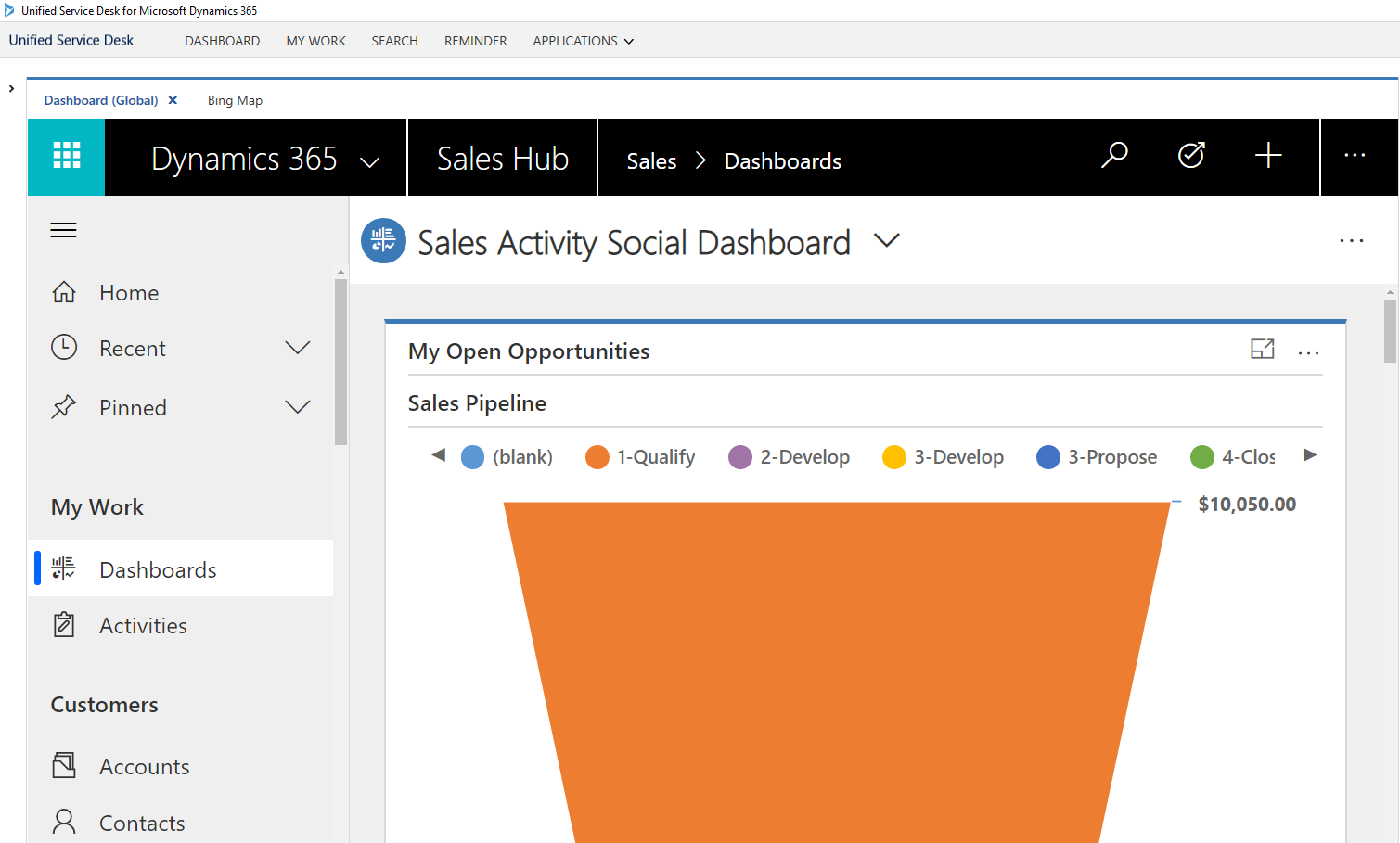
Let’s say we set this to 3, like above. This will set the zoom to 3 times. So my environment is pretty zoomed in here:
And that is for all pages:
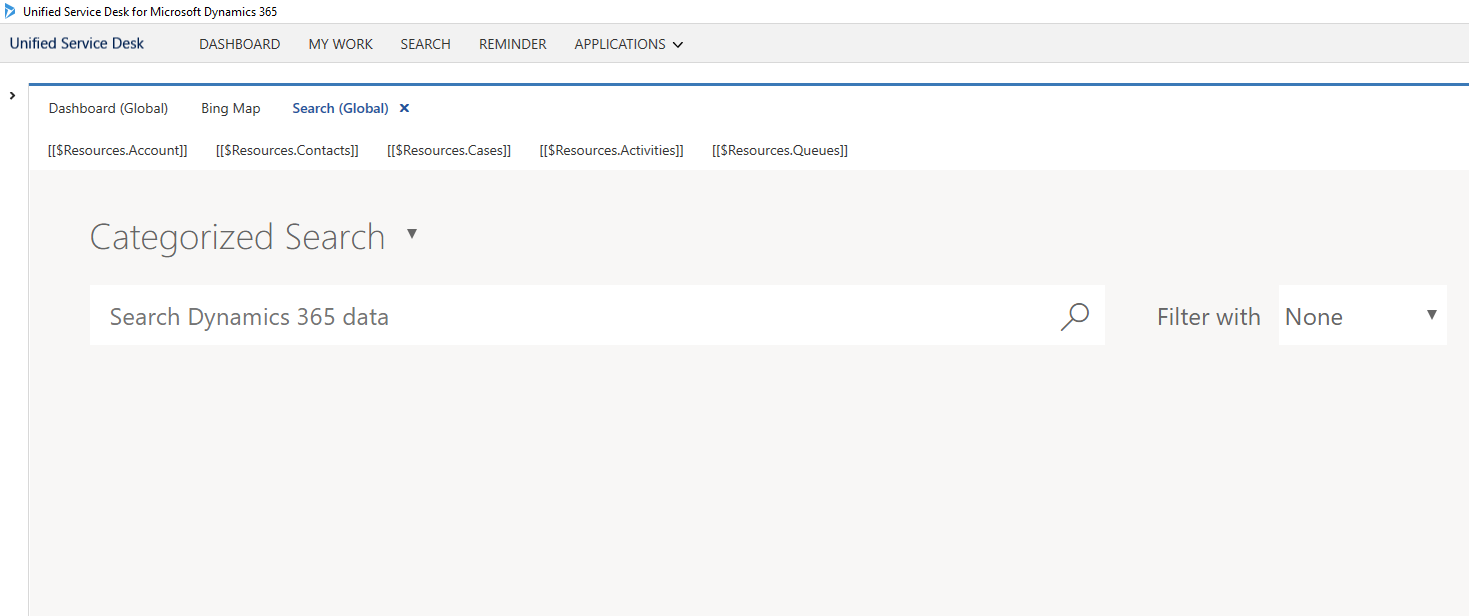
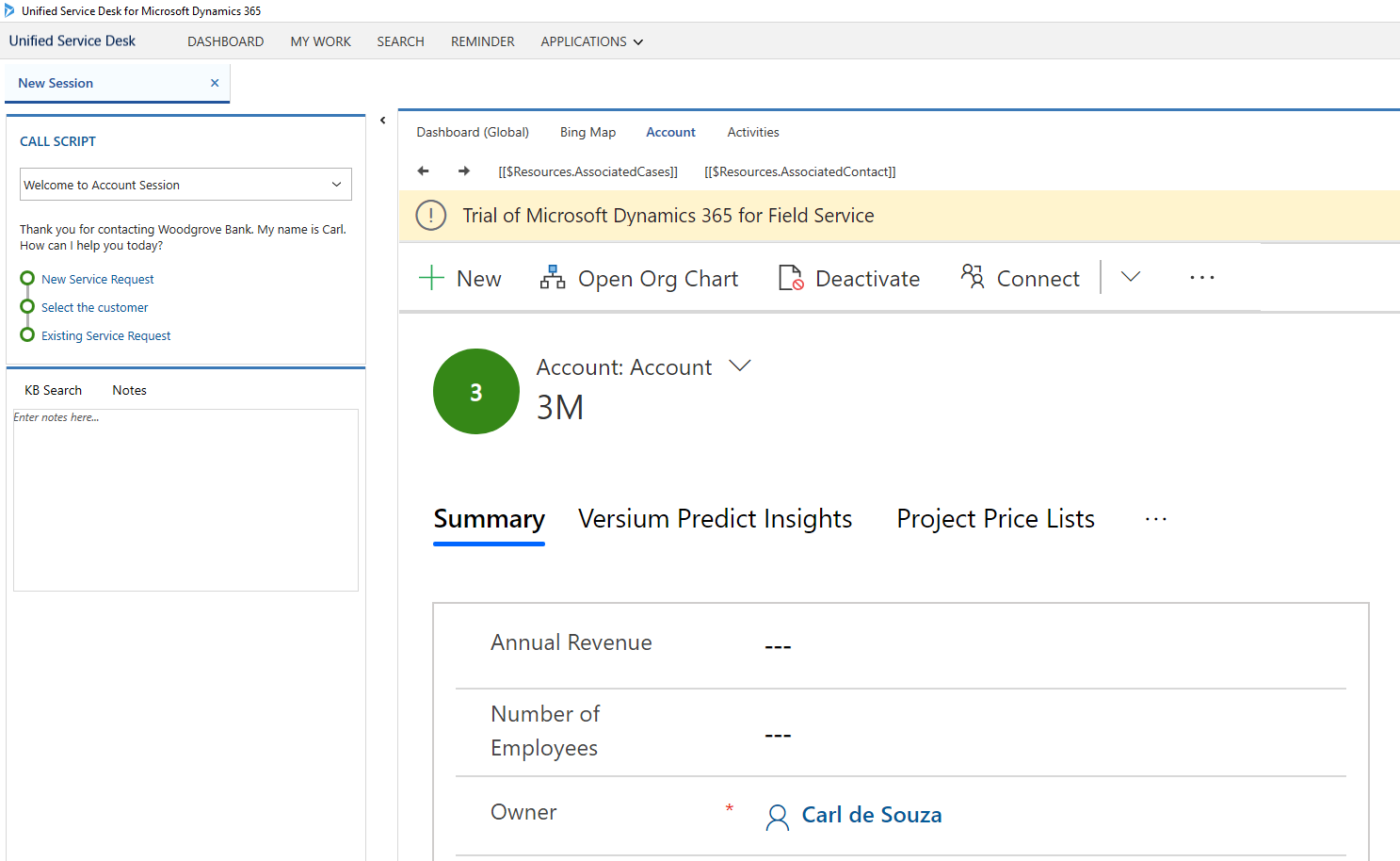
That’s it, the zoom will now apply.
UPDATE: In some situations, if zoom isn’t working as expected, try using plus and minus notation. Examples:
- +1
- +2
- +0.5
- -1
- -2
- -0.5

Keep learning. Keep building.
Explore AI, agents & Microsoft technology.
I share practical ideas, tutorials, and videos about AI, AI agents, Microsoft technologies, and the Power Platform.
Subscribe on YouTube →Carl de Souza Enterprise Architect at Microsoft · AI Technology Expert