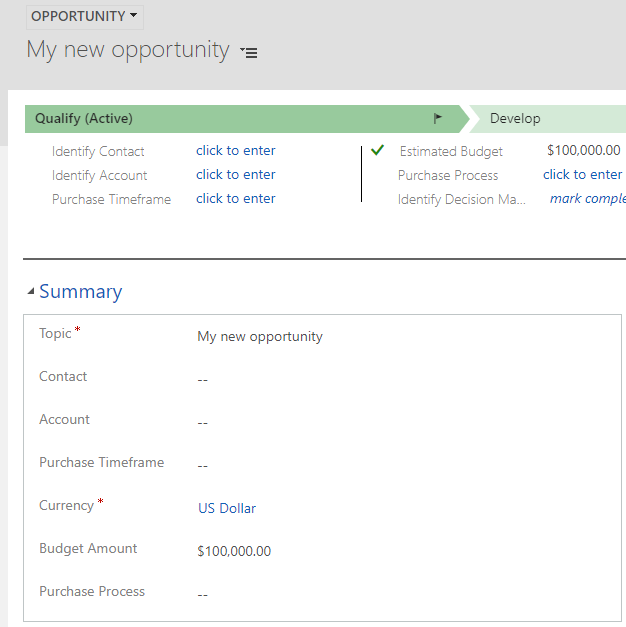
Using Power BI to View Statuses in Dynamics 365
In Dynamics 365, we can use Power BI to see statuses of records. Let’s go through an example of how to do…
Read article →Practical guides, tutorials, and insights on AI, agents, Microsoft technologies, enterprise applications, and communication.
In Dynamics 365, we can use Power BI to see statuses of records. Let’s go through an example of how to do…
Read article →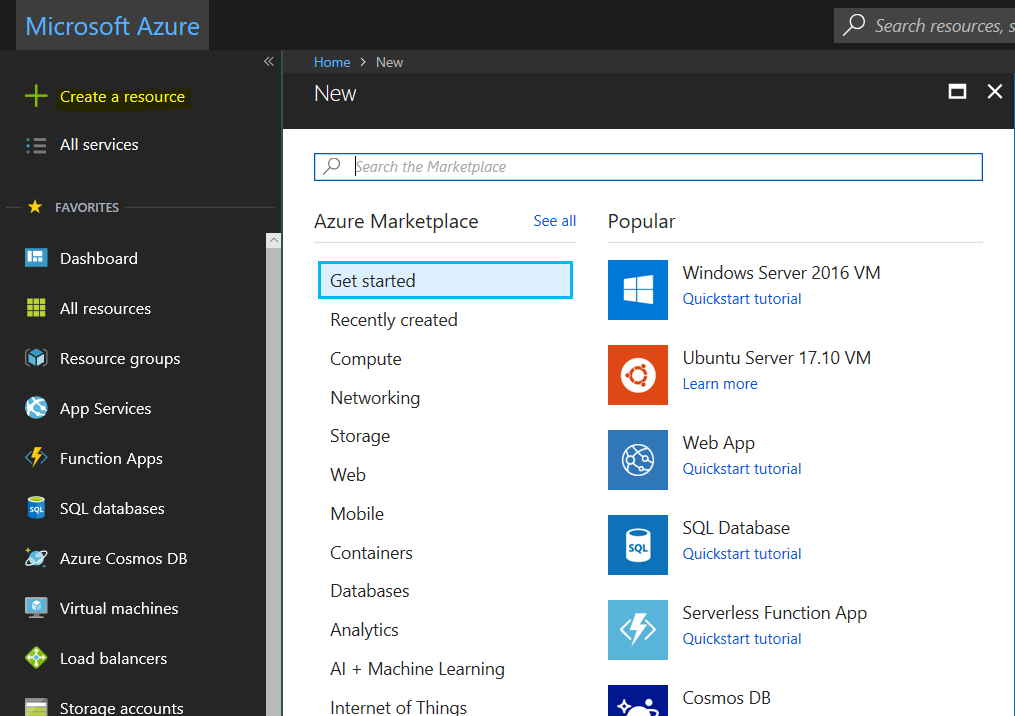
Logic Apps is a service in Microsoft Azure for connecting different apps together, without having to write code. Simply, it is a…
Read article →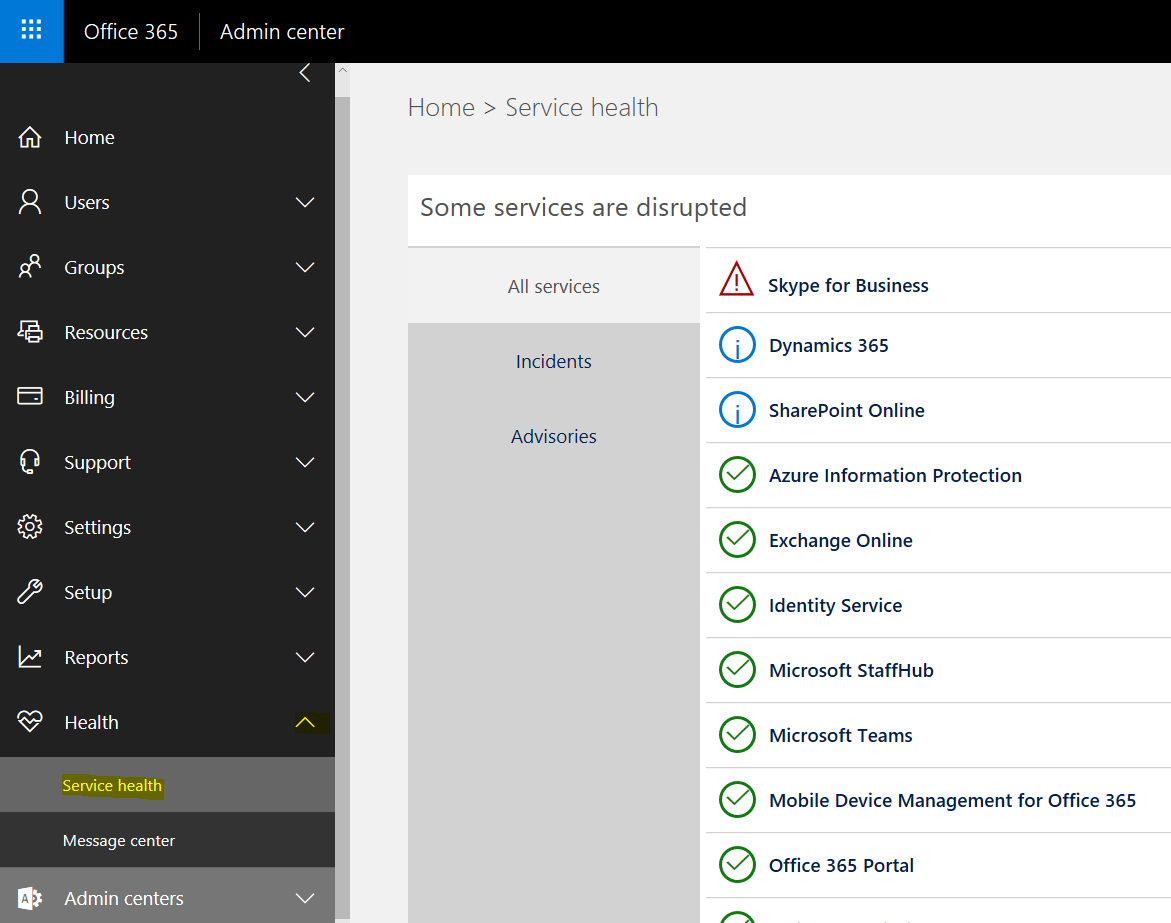
To check the status of the Dynamics 365 service, as well as other Microsoft services, first log in to: https://portal.office.com/ Expand Health, and…
Read article →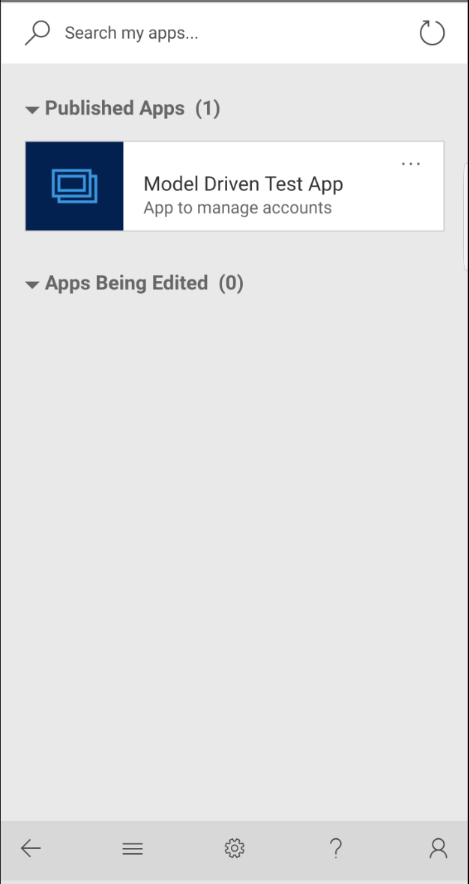
To access a model-driven app from a mobile device, you have 2 options: Download and install the Dynamics 365 mobile app Access…
Read article →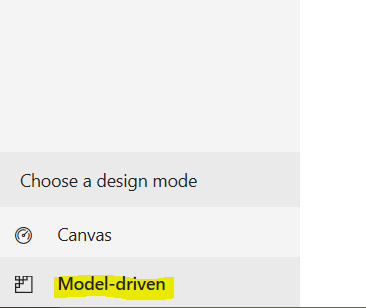
In this post we will go through creating a model-driven app. These types of apps are different from canvas apps, which we…
Read article →
Microsoft has made several exciting new releases and updates to its PowerApps and Dynamics 365 platforms. In this post, we will explain what…
Read article →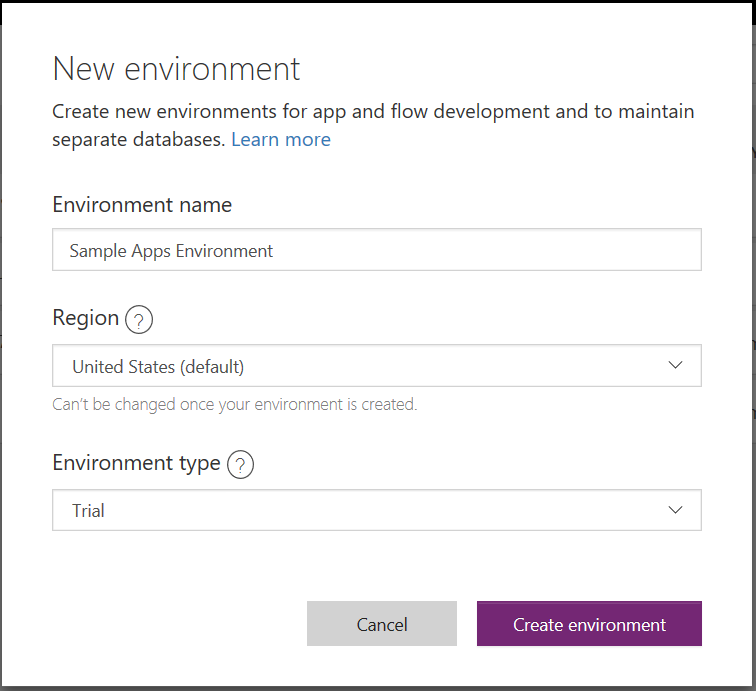
To install the model-driven PowerApps samples, you will first need to install a new environment if you have not already done so.…
Read article →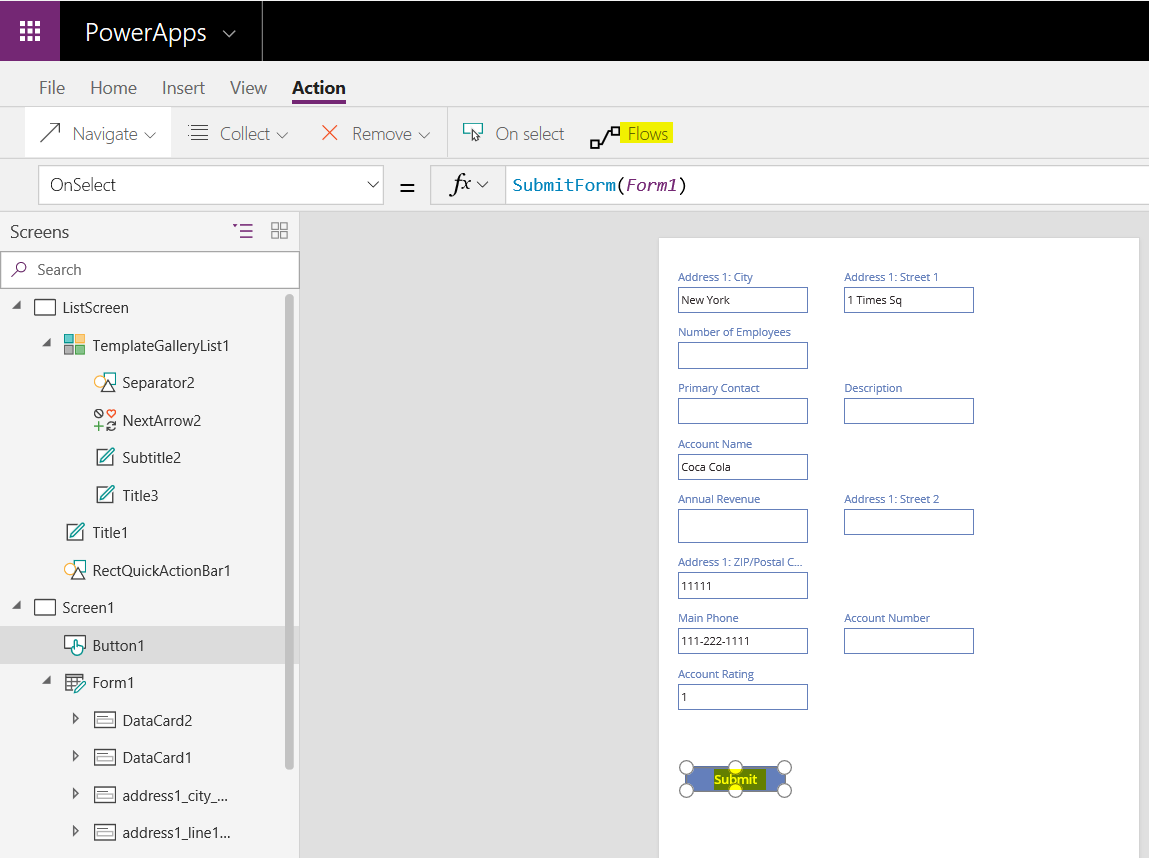
In our previous posts, we created a PowerApp that displays accounts from Dynamics 365, that a user can select and update. In…
Read article →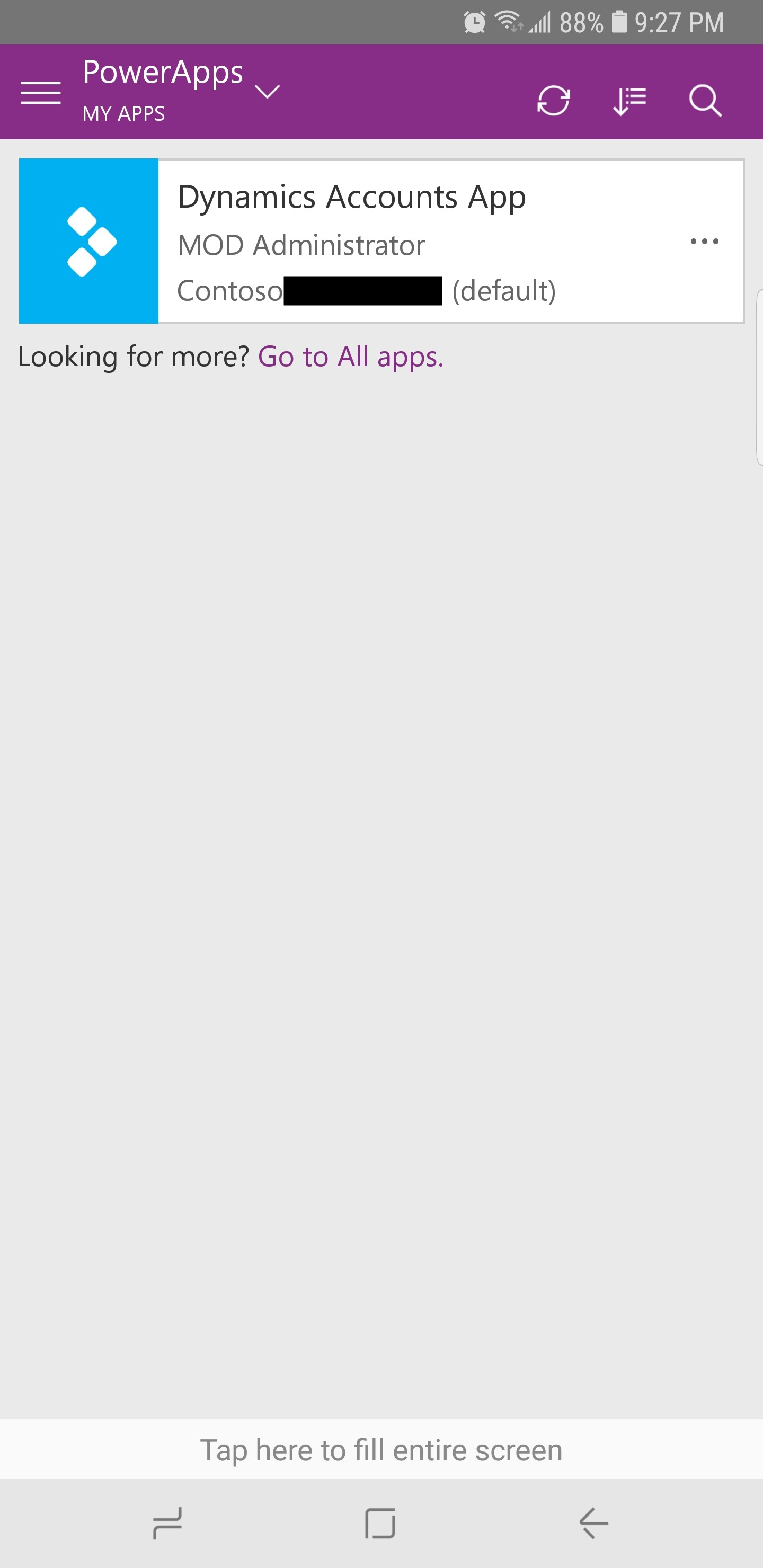
In our previous posts, we created an app that connects to Dynamics 365 and showed how to configure the app settings, share…
Read article →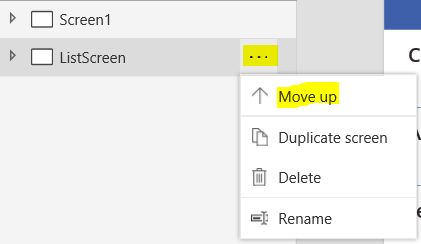
In our previous post, we created a PowerApp that connects to Dynamics 365, displays a list of Accounts and allows a user…
Read article →
PowerApps is “a service for building and using custom business apps that connect to your data and work across the web and…
Read article →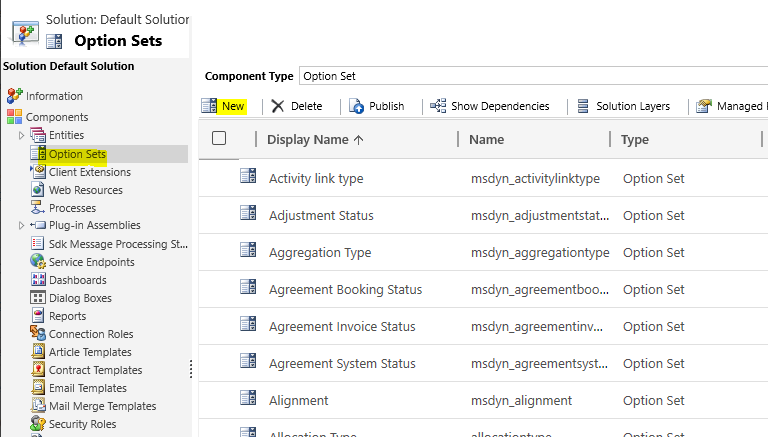
In Dynamics 365, there are 2 types of option set fields, global and local. Global option sets are stored at a “global”…
Read article →