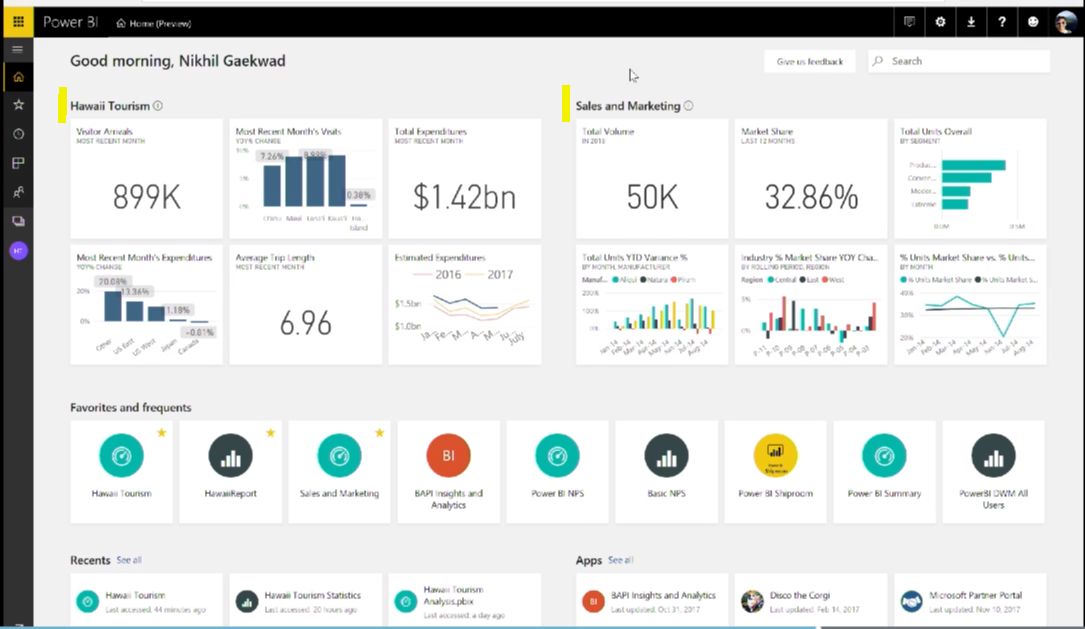
Power BI Home
As announced at the Business Applications Summit 2018 and shown by Power BI Product Manager Nikhil Gaekwad, Power BI’s user landing page…
Read article →Practical guides, tutorials, and insights on AI, agents, Microsoft technologies, enterprise applications, and communication.
As announced at the Business Applications Summit 2018 and shown by Power BI Product Manager Nikhil Gaekwad, Power BI’s user landing page…
Read article →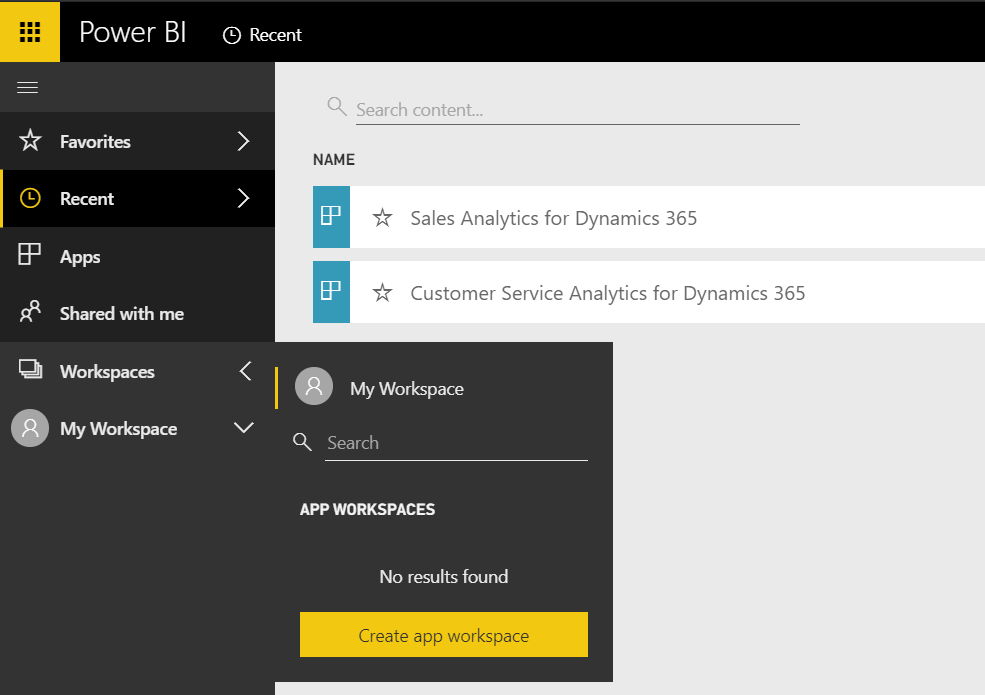
To create an app workspace, log into https://www.powerbi.com. You will see the screen below. Click on Workspaces->Create app workspace: You will see…
Read article →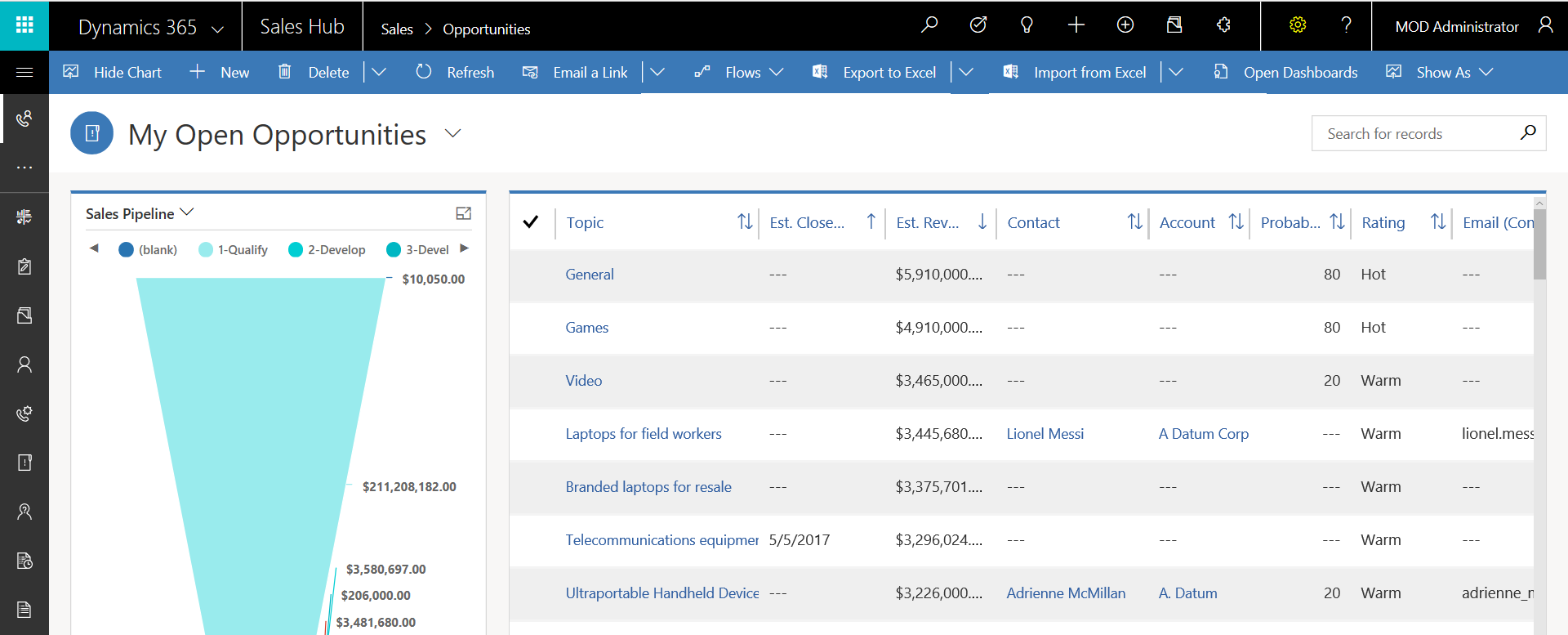
To toggle between the Unified Client Interface (UCI) and Classic Mode, do the following. First, open Dynamics 365: Select Settings->Open in classic…
Read article →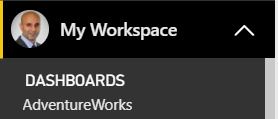
In previous versions of Power BI, on installing a Content Pack, dashboard, reports and datasets would be installed in the My Workspace…
Read article →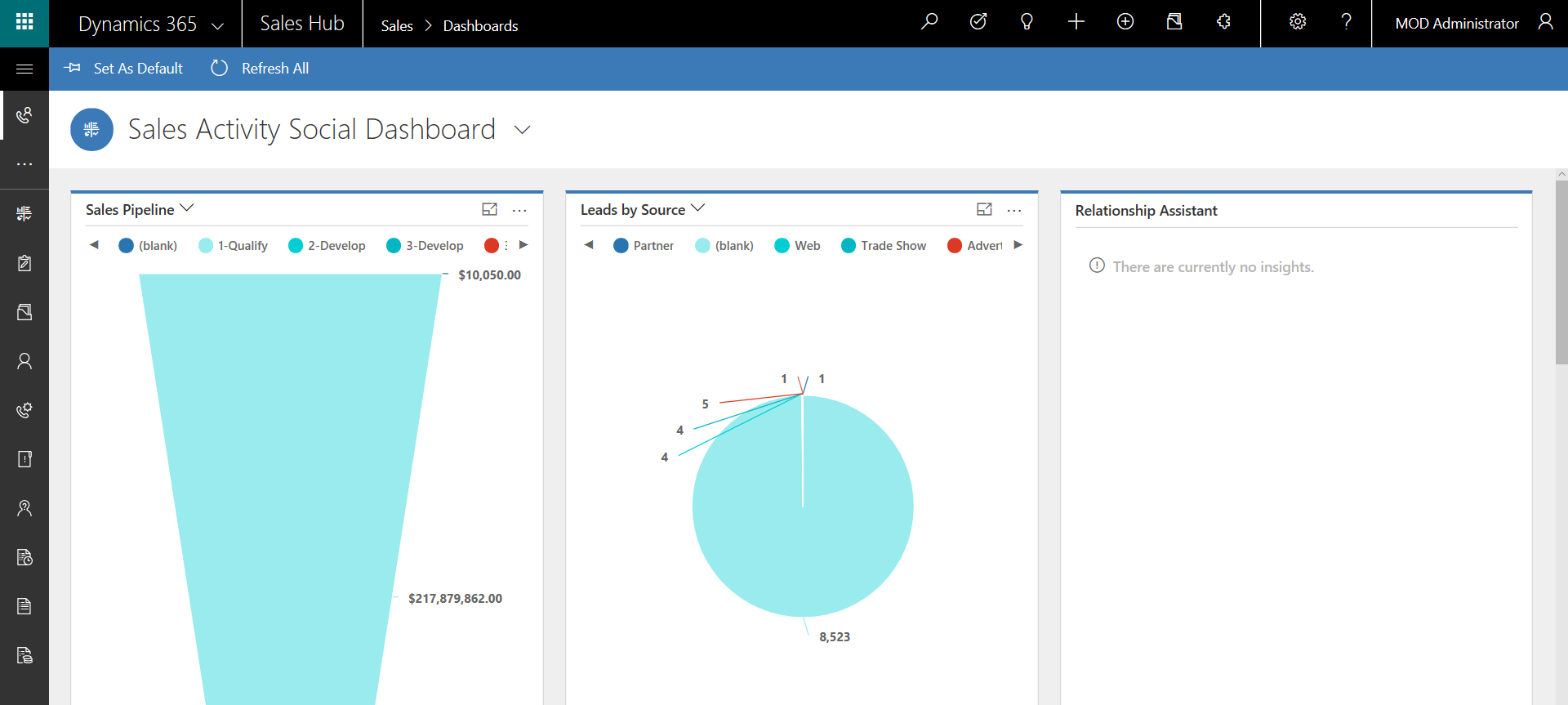
The Unified Client Interface (UCI) or Unified Interface is a new user interface in Dynamics 365. The idea is that it is…
Read article →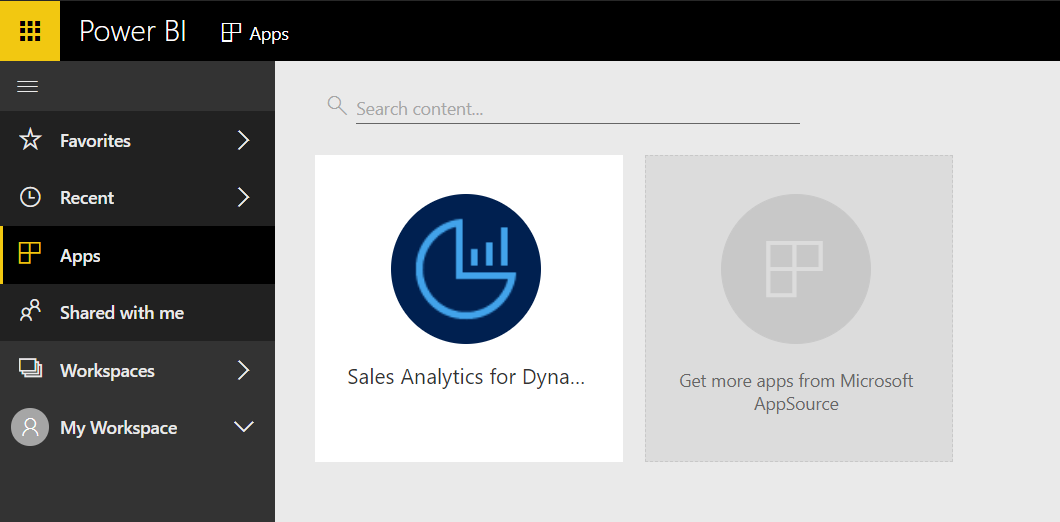
In this post we will look at how to share an App with a user in Power BI. Our admin user, MOD…
Read article →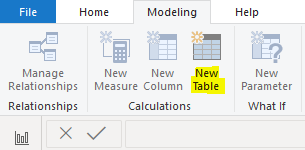
Date Tables in Power BI are used to display dates in reports, filter by dates in reports, and use time intelligence functions…
Read article →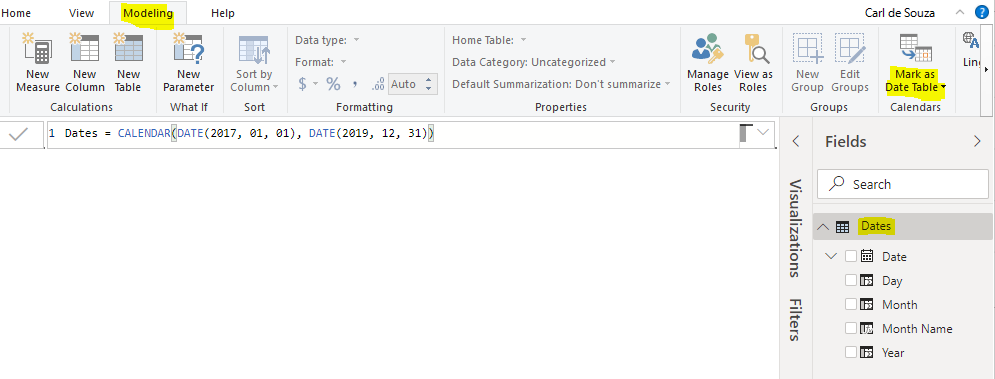
In Power BI, we can create Date Tables to work with time intelligence. One step in this process is to mark the table…
Read article →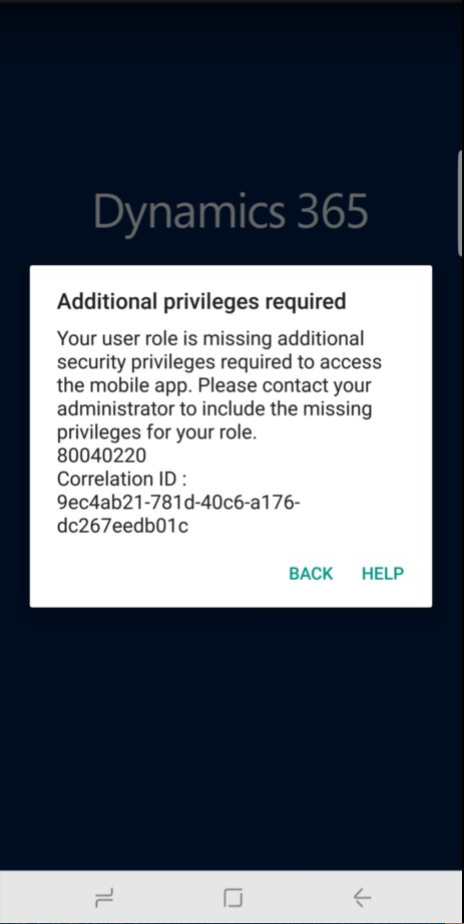
When using the Dynamics 365 for Phones app, you may encounter the error “Additional privileges required. Your user role is missing additional…
Read article →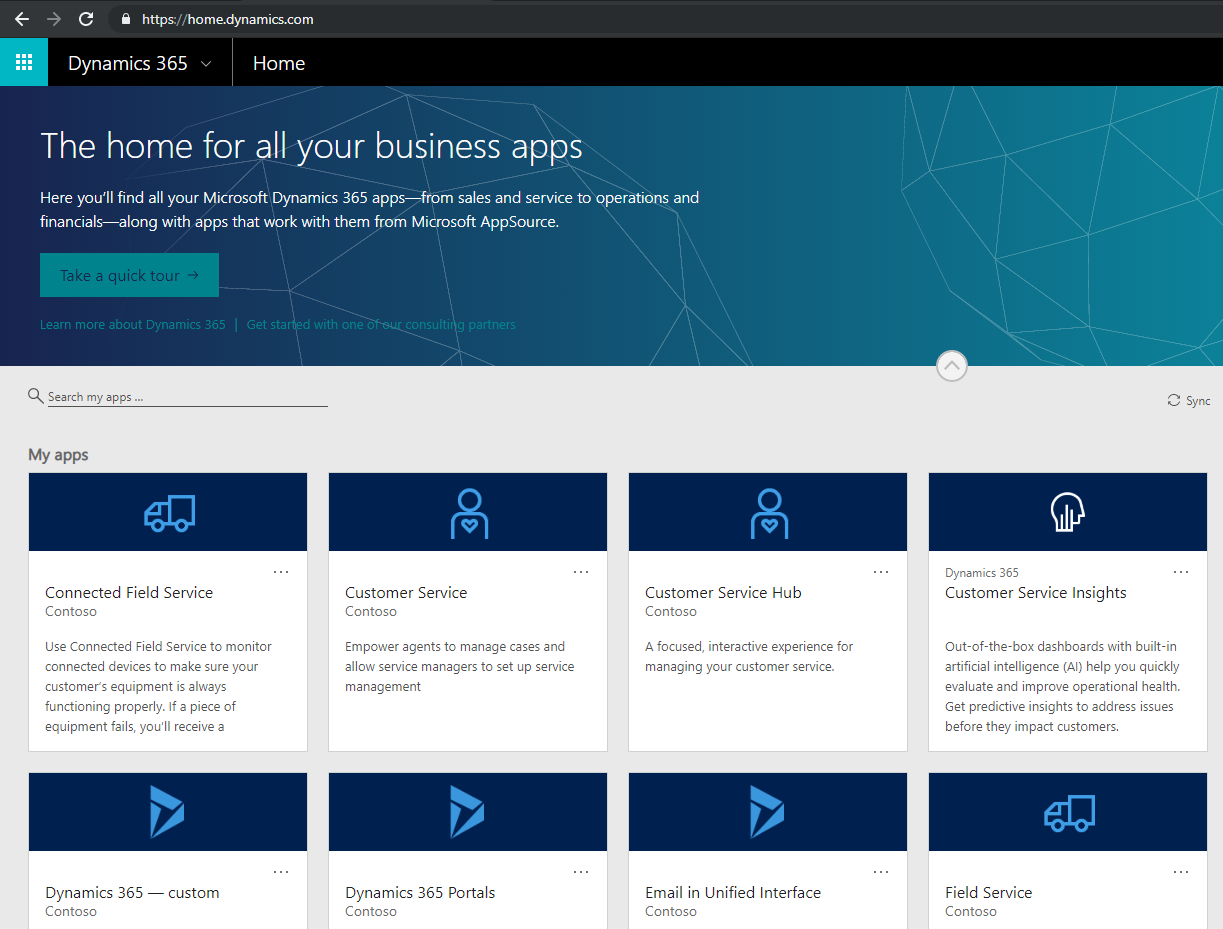
There are several ways to log into Dynamics 365 / D365. To log into the Home portal, go to https://home.dynamics.com. This takes the…
Read article →Below is a list of the Dynamics 365 CRM URL regions: CRM Identifier Region crm North America crm2 South America crm3 Canada…
Read article →
When logging into the Plugin Registration Tool in Dynamics 365, you may encounter errors. Below are some errors with logging in. Firstly,…
Read article →