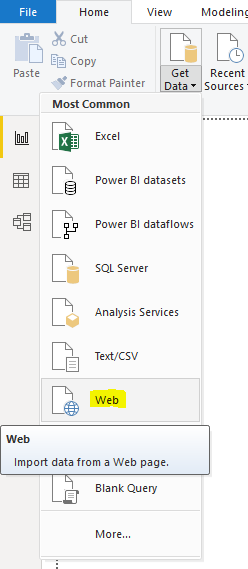
Connecting Power BI to a Website to Import Data
In this post, we will connect Power BI Desktop to a website to pull down data from the website into Power BI…
Read article →Practical guides, tutorials, and insights on AI, agents, Microsoft technologies, enterprise applications, and communication.
In this post, we will connect Power BI Desktop to a website to pull down data from the website into Power BI…
Read article →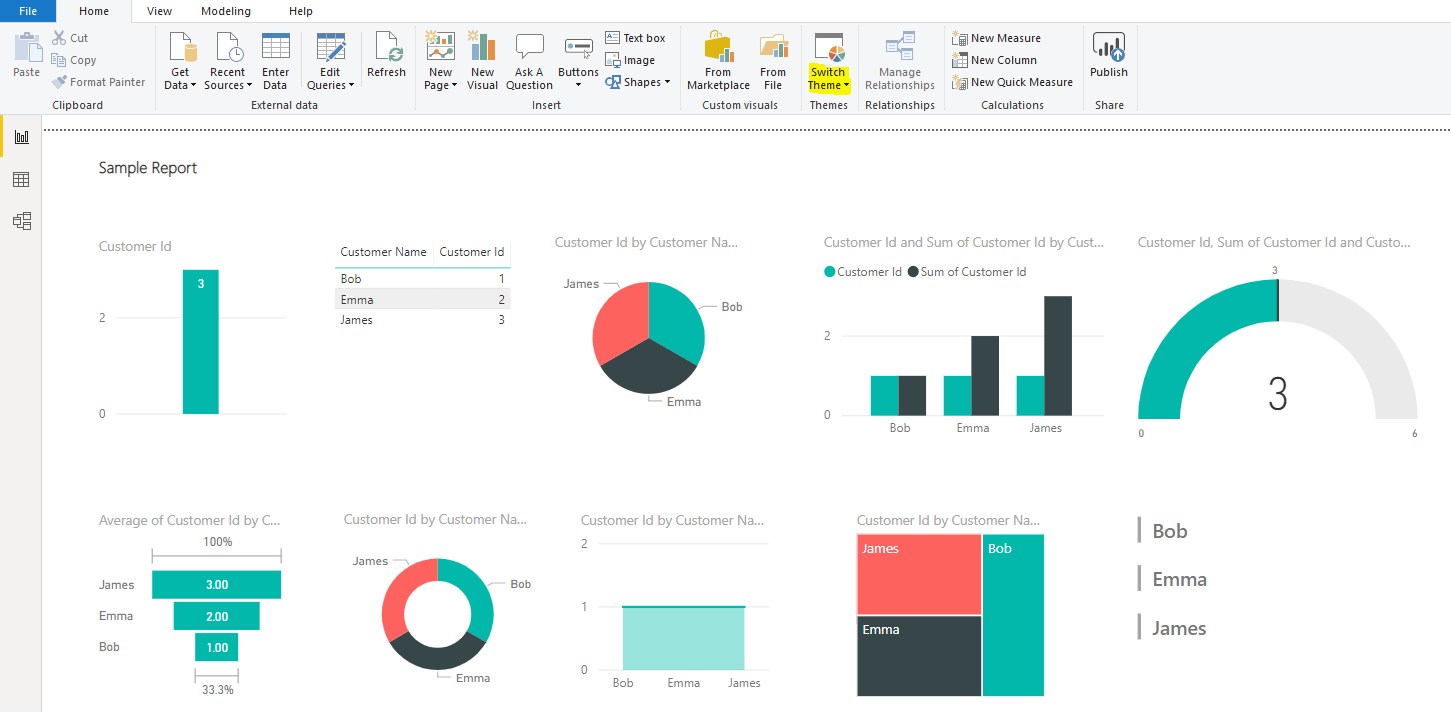
In Power BI, report authors can use themes in reports to keep the color palette consistent across visualizations. Let’s look at how…
Read article →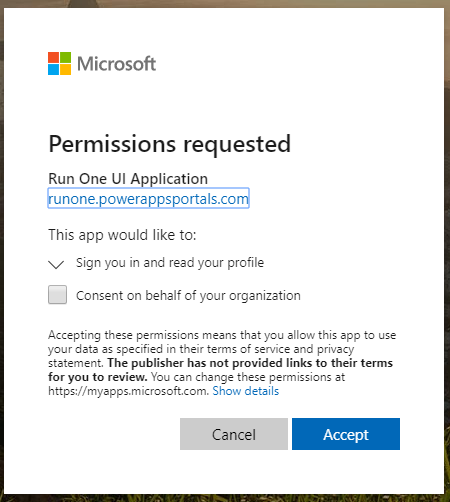
As part of the transition to Unified Interface, we can use the Unified Interface Transition Portal to help us. Go to https://runone.powerappsportals.com/. You…
Read article →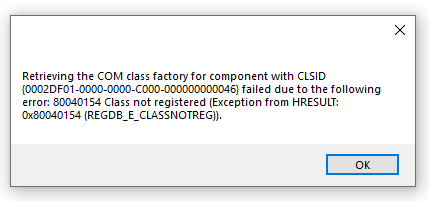
In Unified Service Desk, when you launch the application, or on some pages, you may run into the issue “Retrieving the COM…
Read article →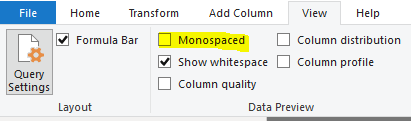
In Power BI Desktop, there is the option to display contents using a monospaced font, where each character has the same space.…
Read article →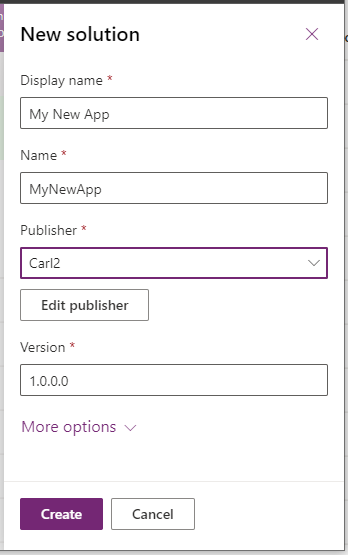
In this post, we will look at how Managed Properties in manged solutions in the Power Platform work. These can be useful…
Read article →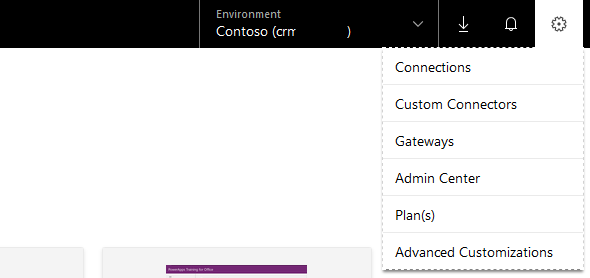
In PowerApps, we can access Advanced Customization features. This will look familiar to Dynamics 365 developers and administrators who go into Settings…
Read article →
In this post, we will go through an example of converting FetchXML to a QueryExpression. We will do this by debugging a…
Read article →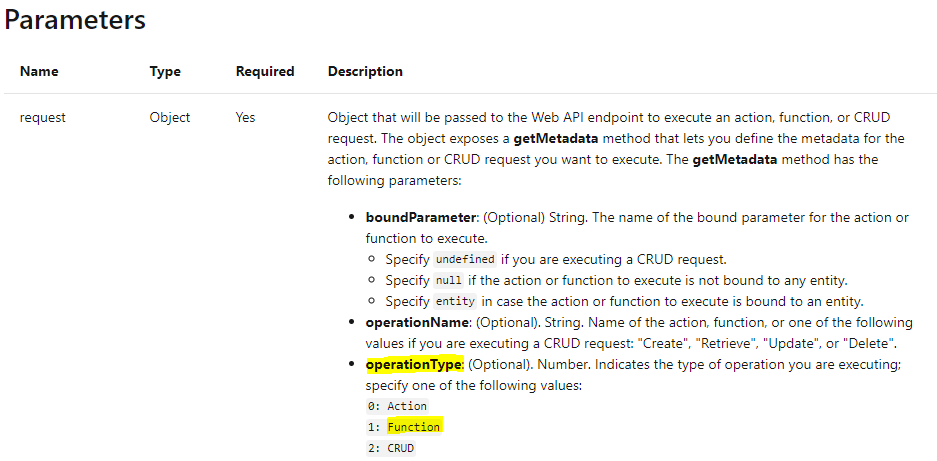
In Dynamics 365, there are several functions that we can call from the Web API. You can see a list of these…
Read article →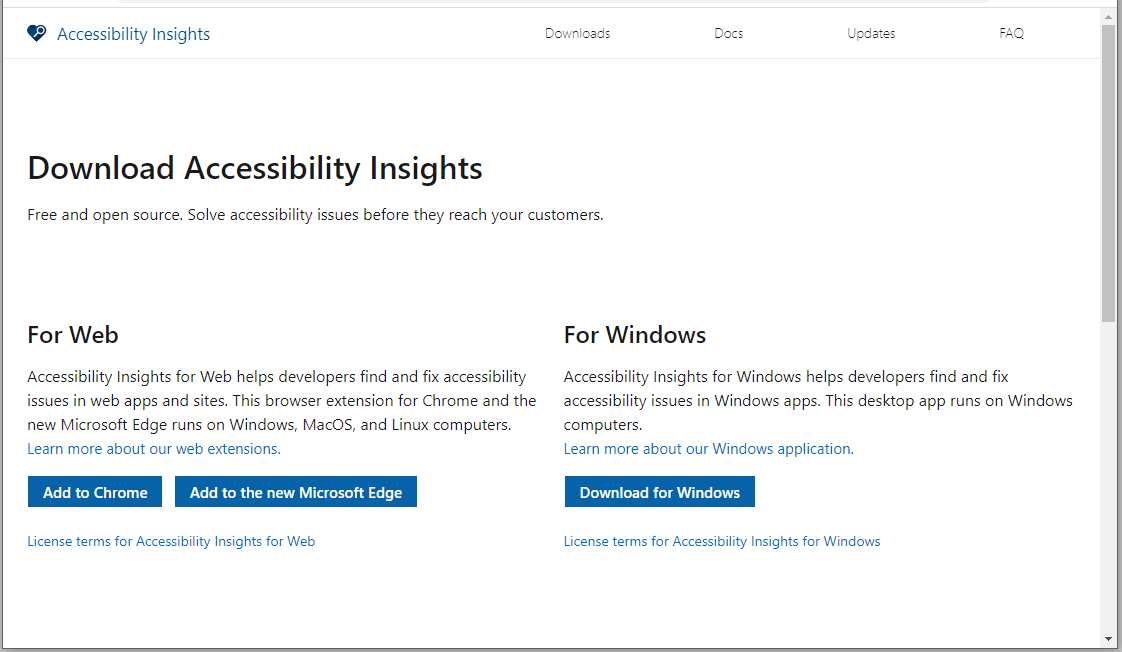
To download and install Accessibility Insights for Windows, first go to https://accessibilityinsights.io/en/downloads and click Download for Windows: Open the MSI file: Click Next: Click…
Read article →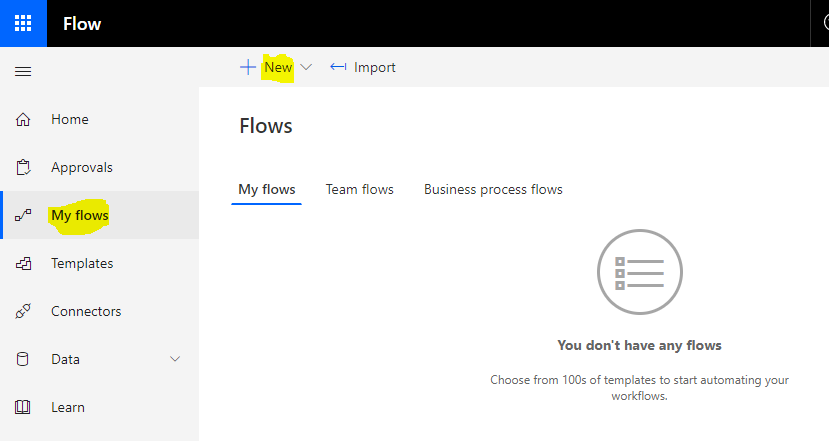
Microsoft Flow can be used to create recurring tasks in Dynamics 365. Let’s go through an example. Let’s say we want to…
Read article →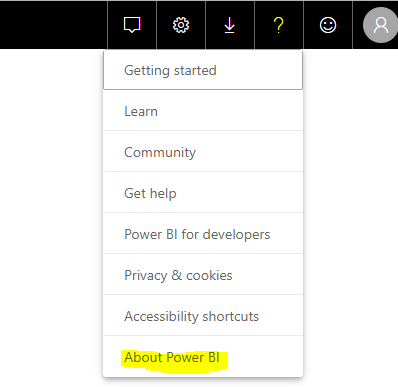
To find which tenant region your Power BI data is stored in, log into the Power BI service at https://powerbi.com and click…
Read article →