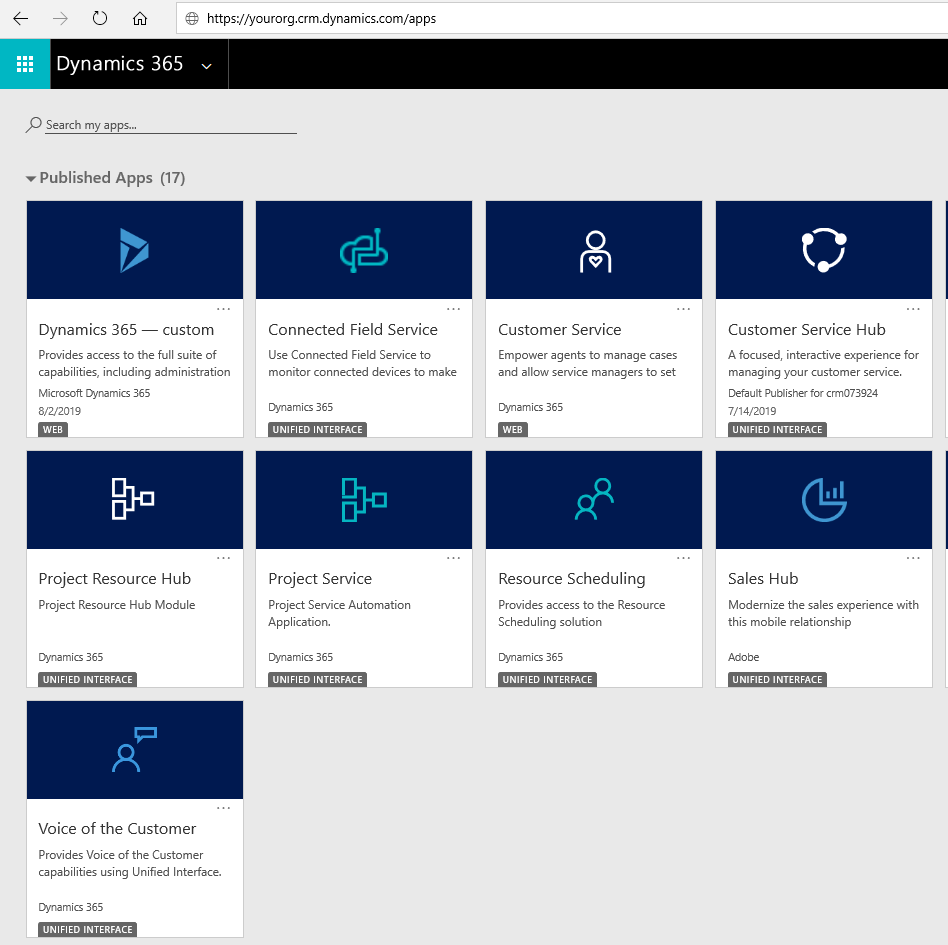
URL Shortcut to your Dynamics 365 Apps
To get to your Dynamics 365 Apps, from your web browser enter the URL of your Dynamics 365 org and add /apps…
Read article →Practical guides, tutorials, and insights on AI, agents, Microsoft technologies, enterprise applications, and communication.
To get to your Dynamics 365 Apps, from your web browser enter the URL of your Dynamics 365 org and add /apps…
Read article →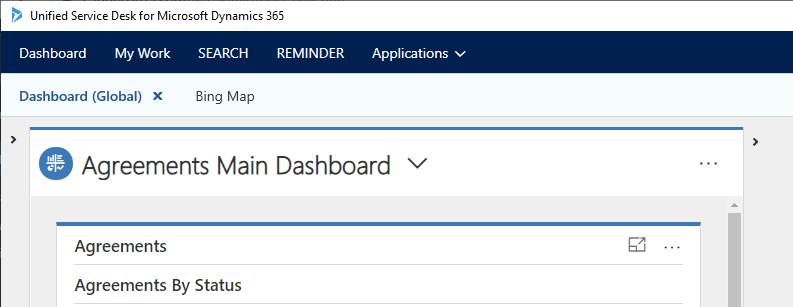
In this post we will look at how to open a web page in a browser from a menu in Unified Service…
Read article →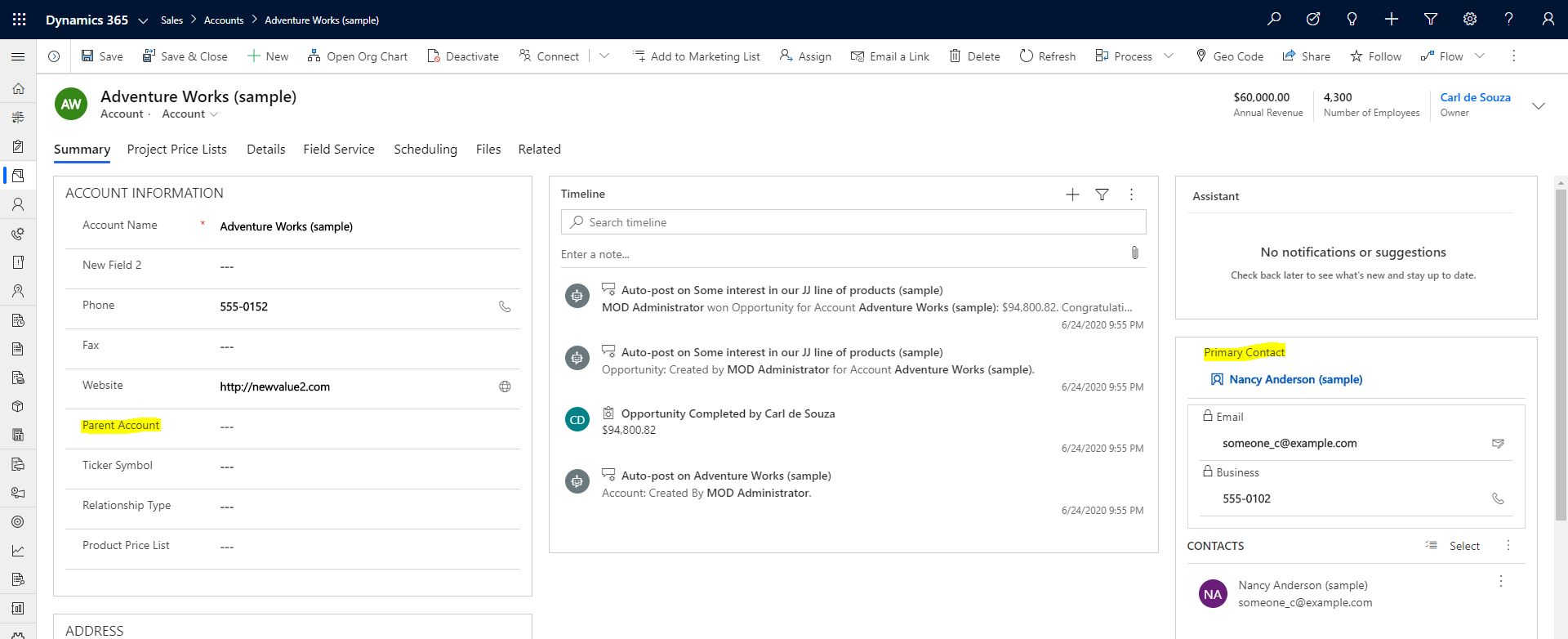
In this post, we will look at how to set lookup and option set values when creating records in the Web API.…
Read article →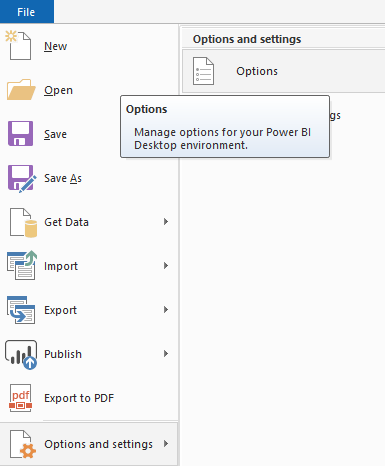
Cross-report drill through is a feature in Power BI that enables users to drill through from the data of one report to…
Read article →
We have the ability to pass filters to Power BI reports so we can contextually filter the data displayed. This is useful…
Read article →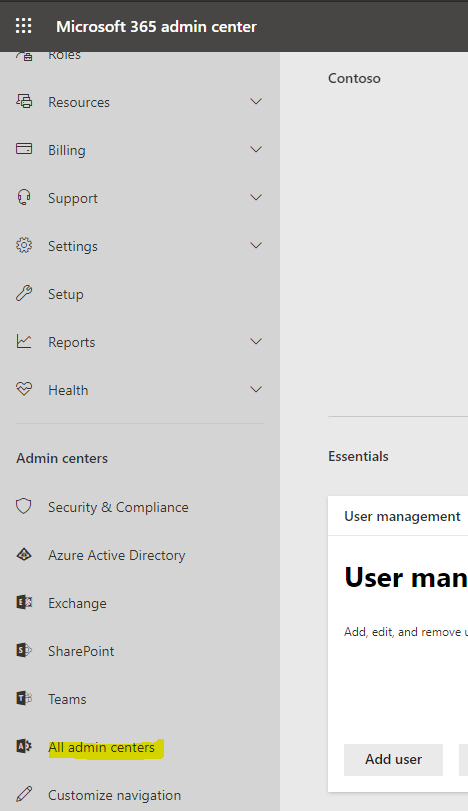
Let’s look at how to rename a Dynamics 365 organization. To do this, log into https://admin.microsoft.com/ and go to All Admin Centers: Select Dynamics…
Read article →
In Power BI, we can set up drillthrough, so users can go from one report visualization to a related visualization to see…
Read article →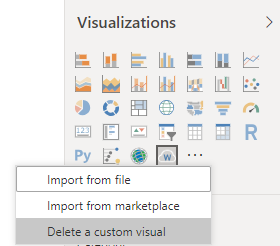
To remove a custom visualization from a Power BI report, do the following. From Visualizations, select “…“. You will see Delete a…
Read article →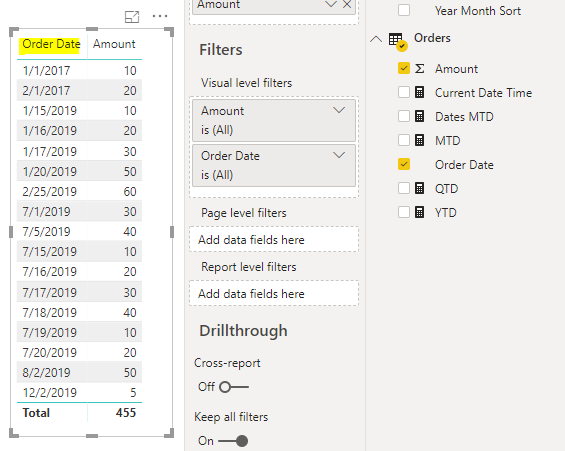
Relative Date Filtering is a nice feature in Power BI to filter date data. For example, in our dataset we have an…
Read article →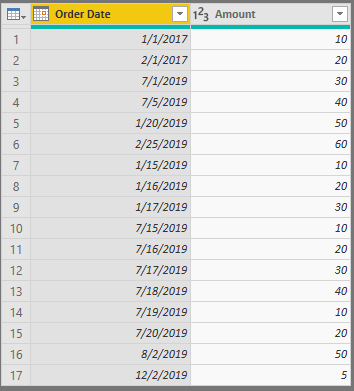
In this post, we will look at how Month to Date (TOTALMTD), Quarter to Date (TOTALQTD) and Year to Date (TOTALYTD) works and…
Read article →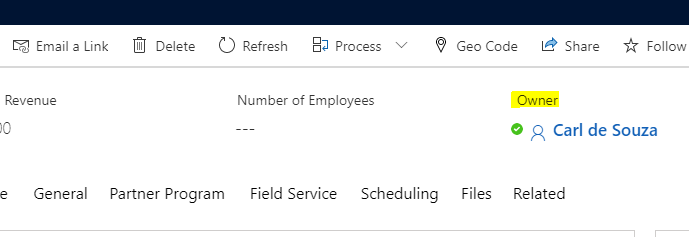
In Dynamics 365 / PowerApps, Skype / Teams statuses can be displayed next to the names of users in fields. Below we…
Read article →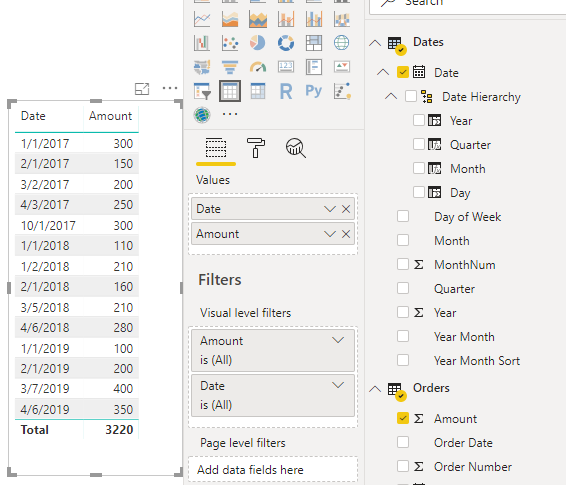
In this post, we will go through how to create a Power BI chart that compares numbers each year vs each previous…
Read article →