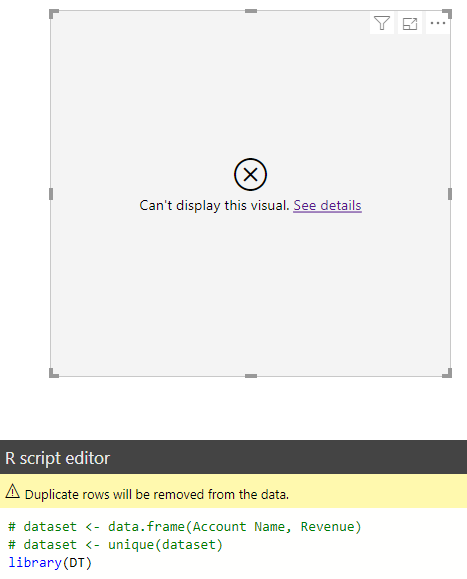
Install R Packages for Power BI R Visualizations
In Power BI, when using the R custom visualization, we may need to use an R package that is not installed. Note…
Read article →Practical guides, tutorials, and insights on AI, agents, Microsoft technologies, enterprise applications, and communication.
In Power BI, when using the R custom visualization, we may need to use an R package that is not installed. Note…
Read article →
In Dynamics 365, when using the Web Client, when a field limit size is reached, the user will be prevented from typing…
Read article →
Following on from a previous post where we introduce changes to the Client API and form context, let’s look more at using…
Read article →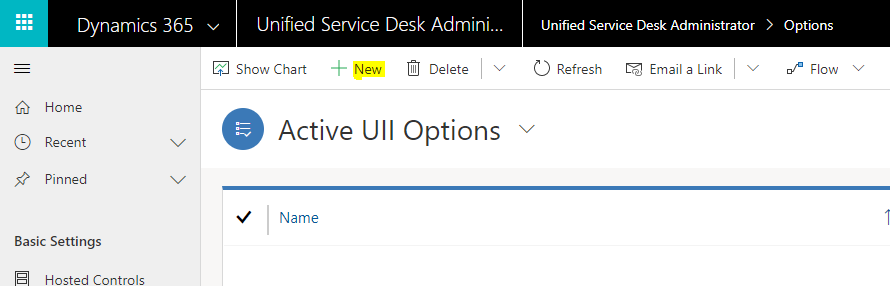
In USD, we have the option to set the default zoom level for all users in an organization. To do this, in…
Read article →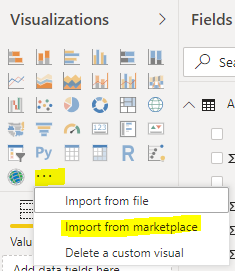
In the previous posts, we installed R for Windows and RStudio as an IDE for R. Both are configured to work with…
Read article →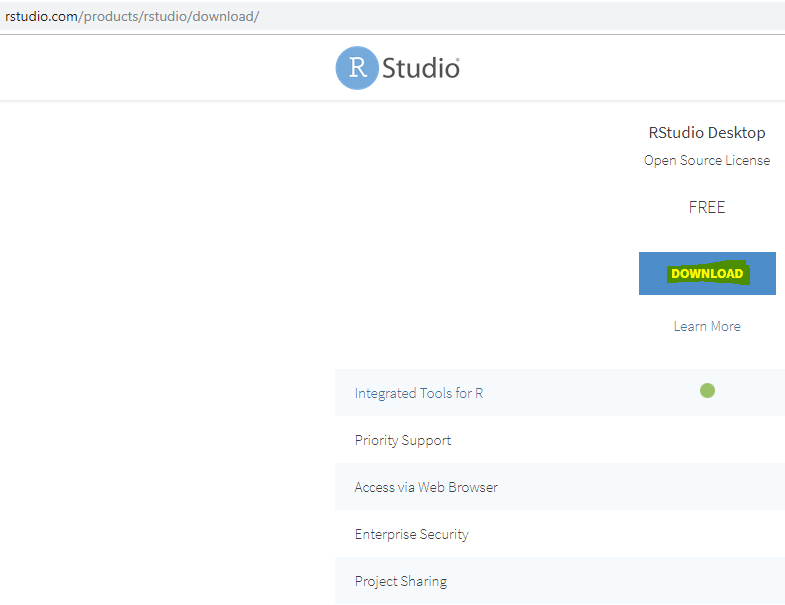
In our last post, we installed R for Power BI. Let’s now install RStudio, which is an IDE for R. First, download…
Read article →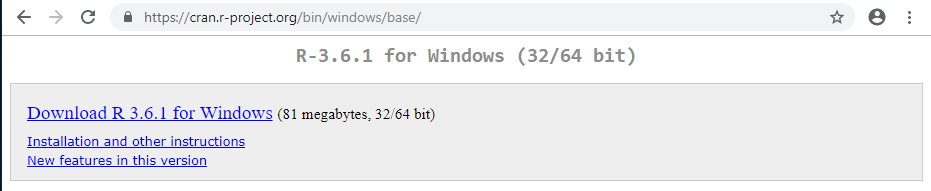
To install R for Power BI on Windows, go through the following steps. First, we will download R for Windows. Go to…
Read article →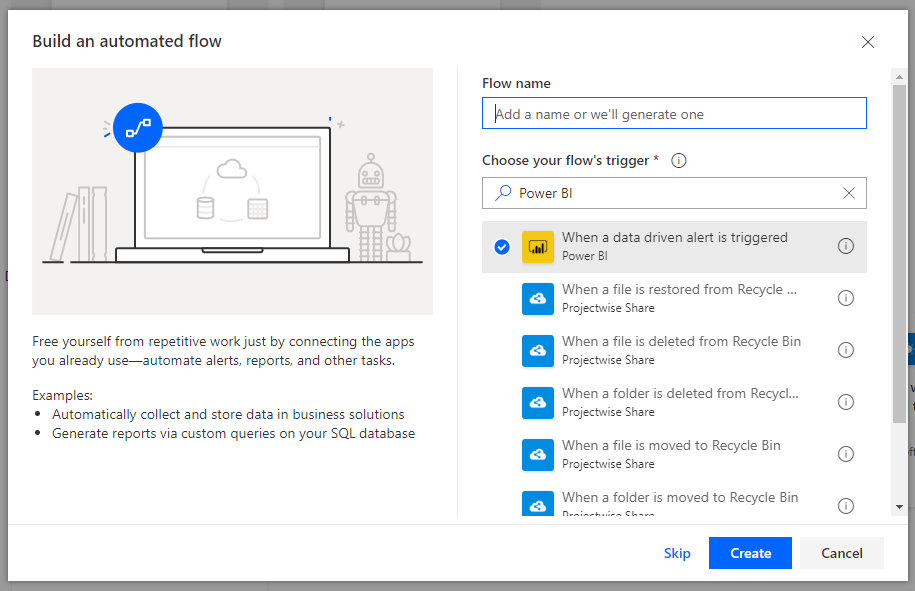
In this post we will look at how you can perform an action based on a data-driven alert using Microsoft Flow. In…
Read article →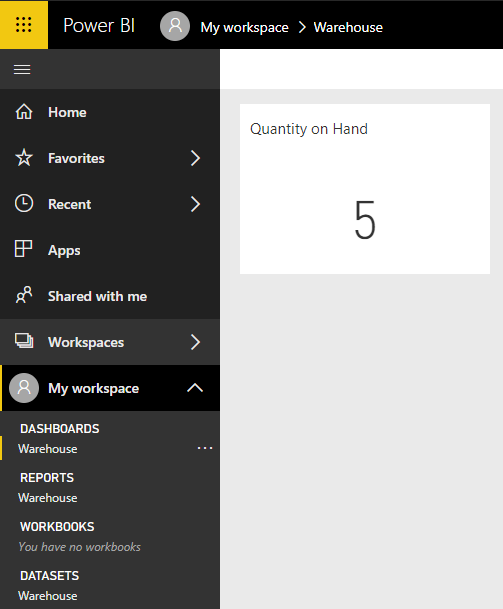
A useful feature of Power BI is setting up alerts when your data changes. Let’s look at how this works. In our…
Read article →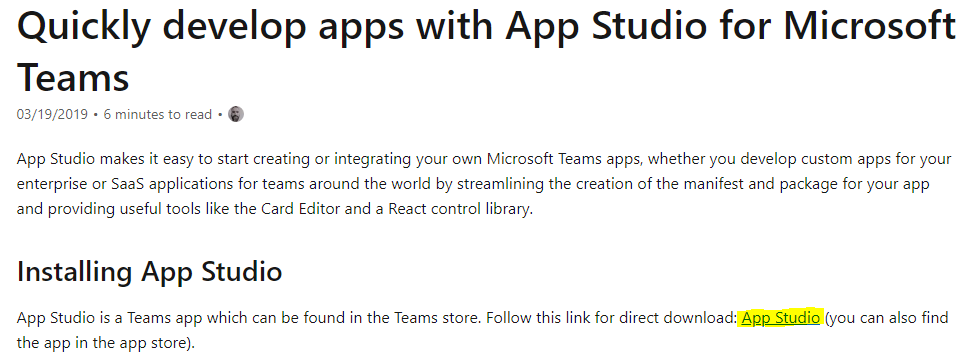
To install, go to https://docs.microsoft.com/en-us/microsoftteams/platform/concepts/build-and-test/app-studio-overview and click on the link to download App Studio: Click to open Microsoft Teams (or you can launch…
Read article →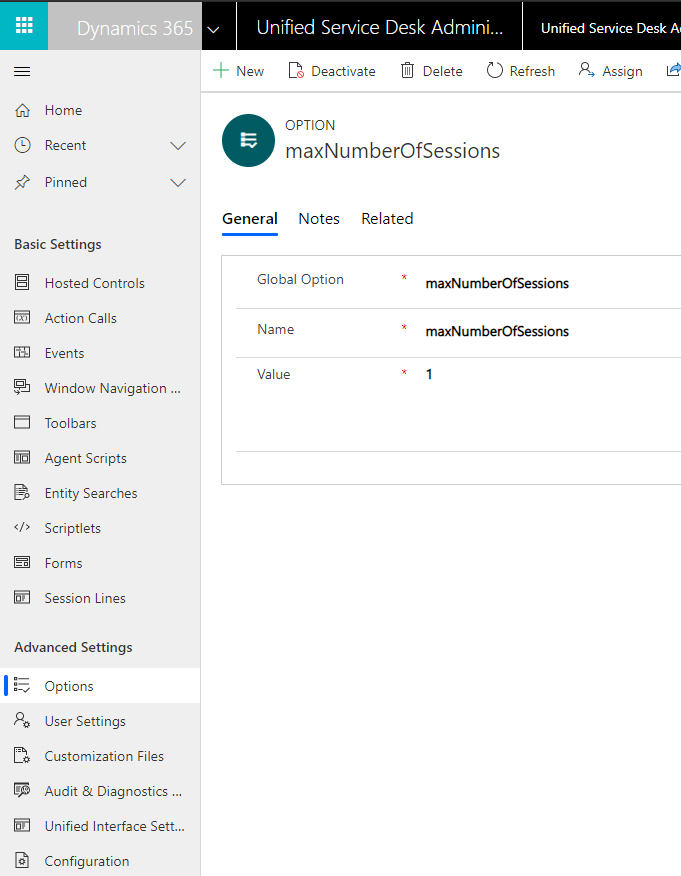
In USD, we can set the Maximum Number of Sessions by using maxNumberOfSessions. To do this, go to the USD App and…
Read article →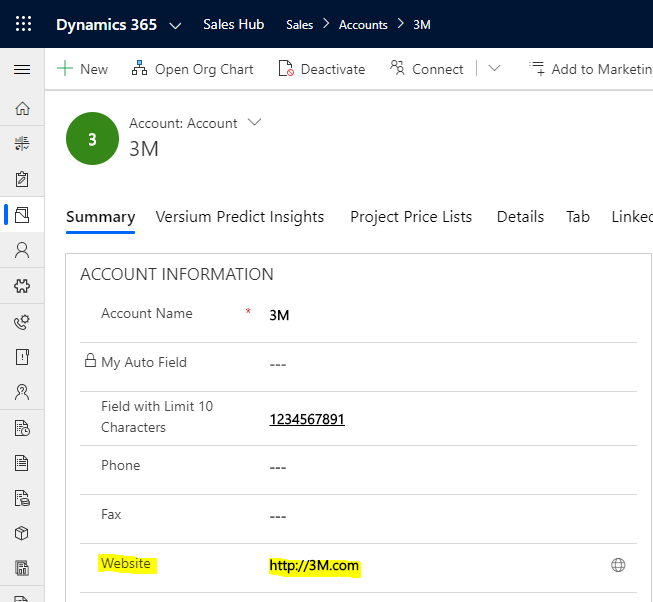
In this post, we will look at how to get and set field values using FormContext and JavaScript. Let’s say we want…
Read article →