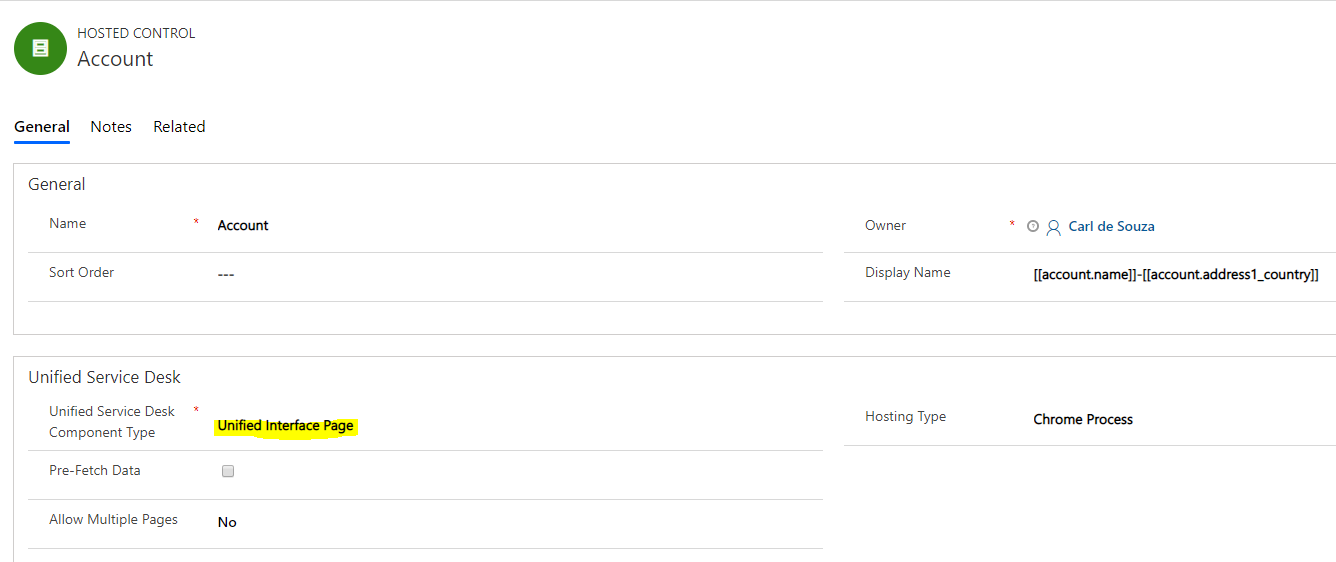
Calling JavaScript Functions in Unified Service Desk running Unified Interface Pages
In this post, we will look at how to call JavaScript functions from Unified Service Desk running the Dynamics 365 Unified Client…
Read article →Practical guides, tutorials, and insights on AI, agents, Microsoft technologies, enterprise applications, and communication.
In this post, we will look at how to call JavaScript functions from Unified Service Desk running the Dynamics 365 Unified Client…
Read article →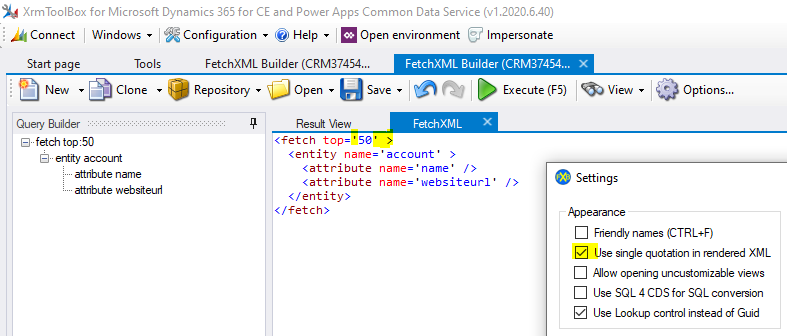
In this post, we will look at how to run FetchXML using the Xrm.WebApi with JavaScript in Dynamics 365. First, let’s create…
Read article →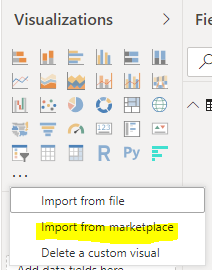
The Horizontal Bar Chart is a Power BI visualization from Microsoft. To install it, in Power BI Desktop, select Import from Marketplace:…
Read article →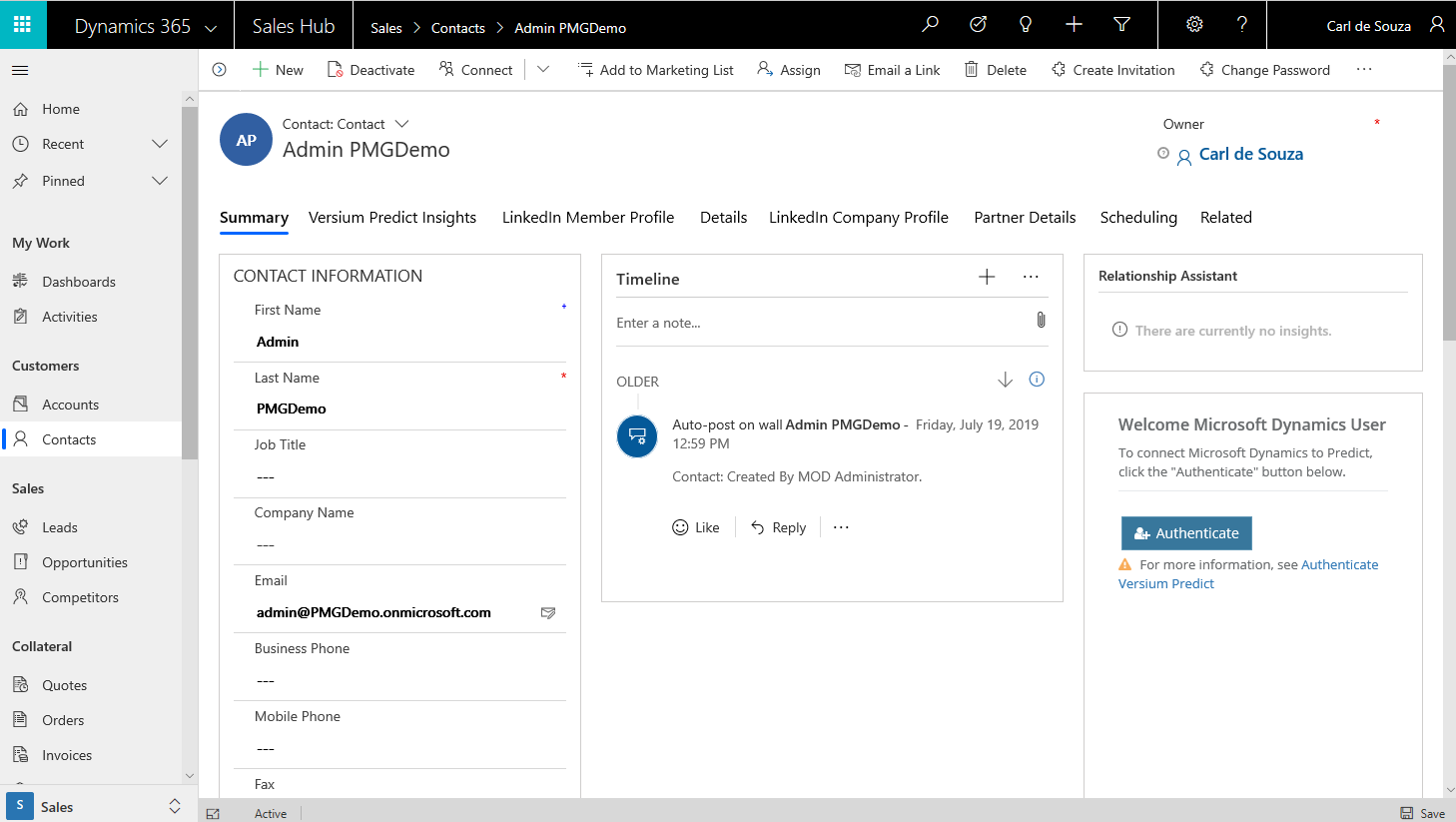
We can use Xrm.Navigation.openForm to open a Quick Create using JavaScript. Let’s say we want to open the Account quick create form on…
Read article →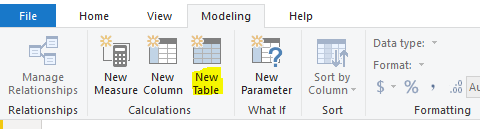
GENERATESERIES is a useful DAX function when you need to create a table with a series of values. Let’s go through how…
Read article →
The Power Apps CLI is the command-line interface that is used to build Power Apps Component Framework controls. To install it, go…
Read article →
The React DevTools are useful browser extensions for when developing React. To install the React DevTools extension, for Chrome go to https://chrome.google.com/webstore/detail/react-developer-tools/fmkadmapgofadopljbjfkapdkoienihi?hl=en and…
Read article →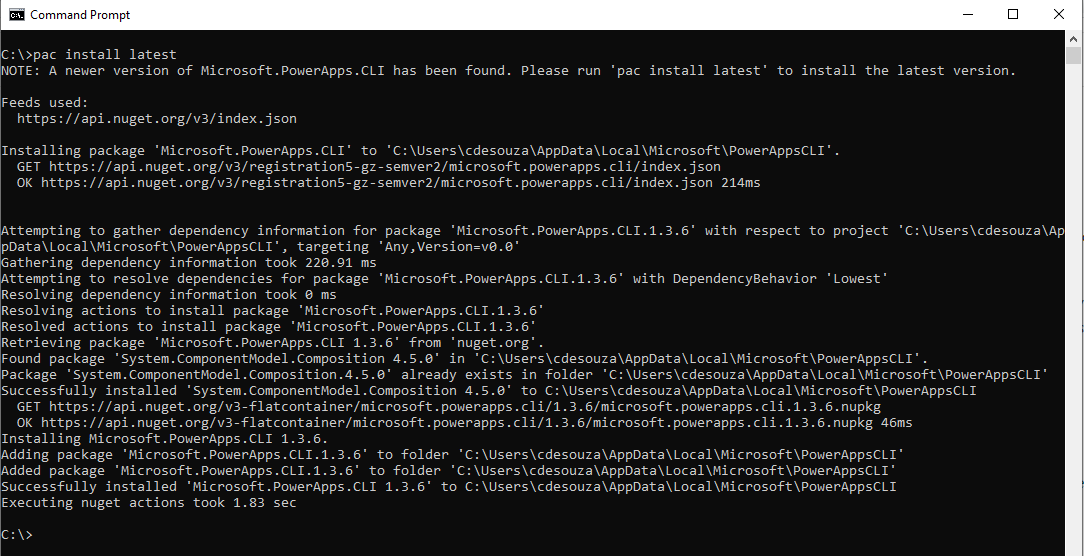
To update PowerApps CLI to the latest version, open a command prompt and type in: pac install latest Now type pac to…
Read article →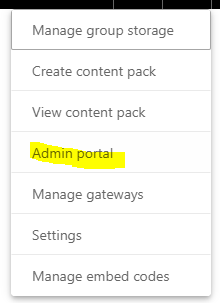
Power BI has a feature that helps users understand the sensitivity of the data they are dealing with. This is referred to…
Read article →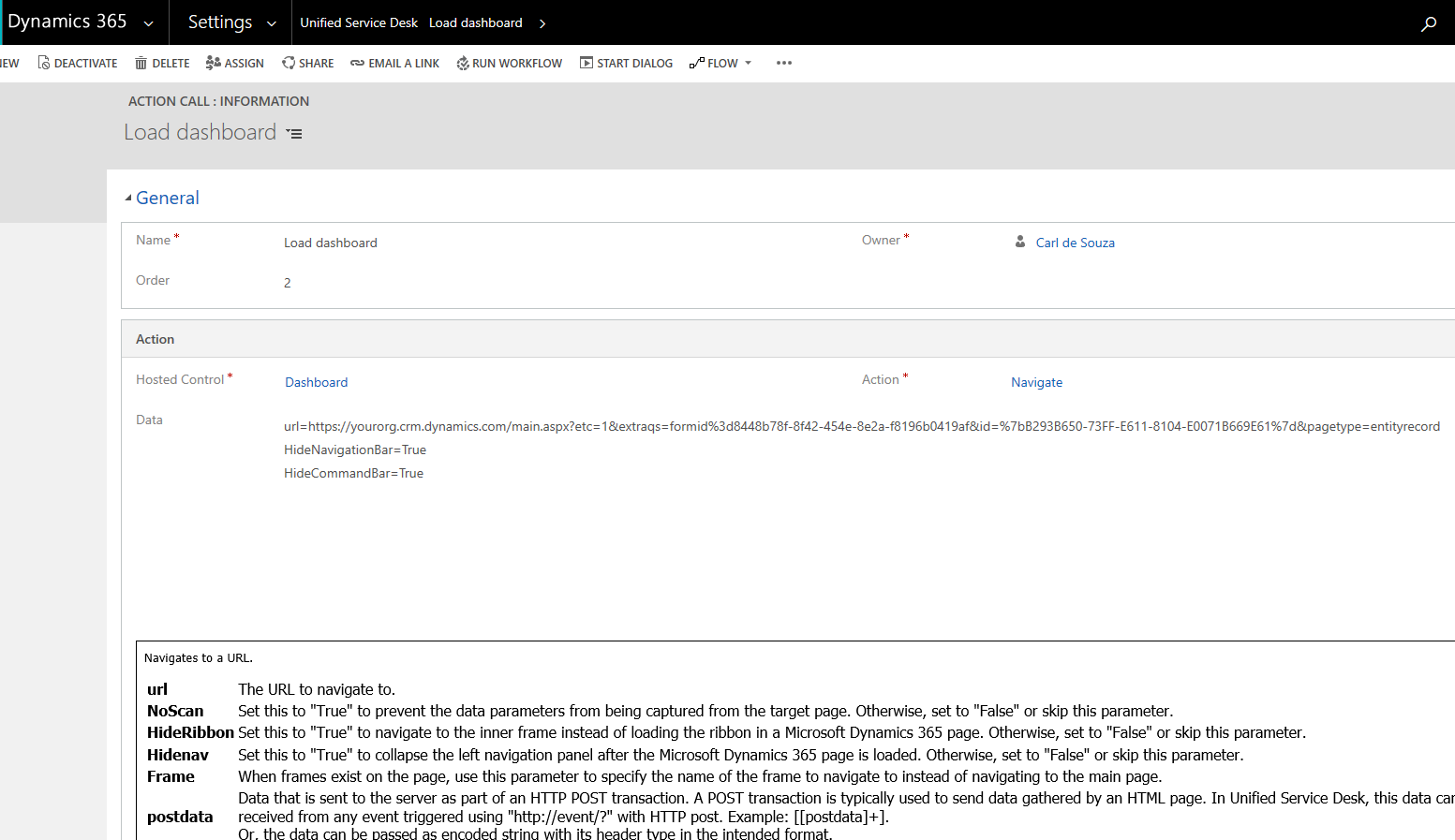
In Unified Service Desk, we may like to hide the Dynamics 365 navigation bar and/or command bar. Let’s look at how to…
Read article →
In Dynamics 365, we can hide the command bar and navigation bar through the Dynamics 365 browser URL. Let’s look at how…
Read article →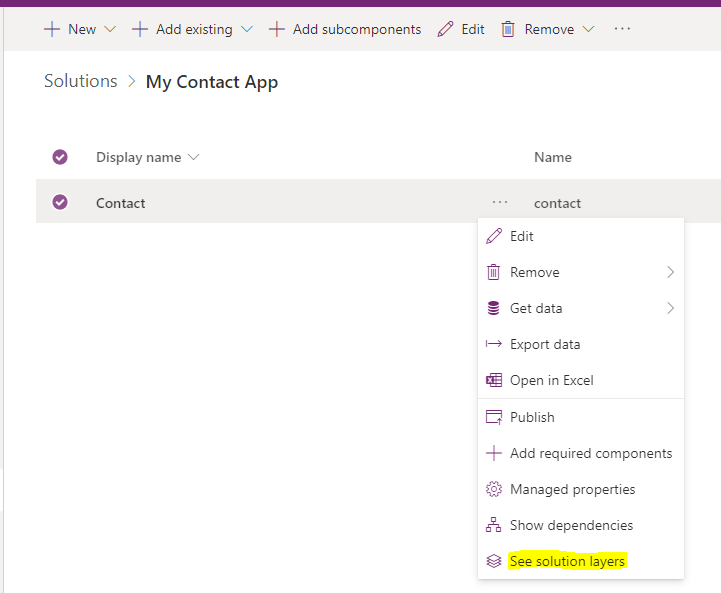
To find which layer a component belongs to in the Power Platform, open the component and select it, then go to See…
Read article →