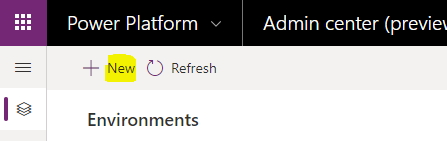
Create Database vs Don’t Create Database in Model-Driven Power Apps
When creating model-driven Power Apps, you will be presented with an option if you would like to create a database or not.…
Read article →Practical guides, tutorials, and insights on AI, agents, Microsoft technologies, enterprise applications, and communication.
When creating model-driven Power Apps, you will be presented with an option if you would like to create a database or not.…
Read article →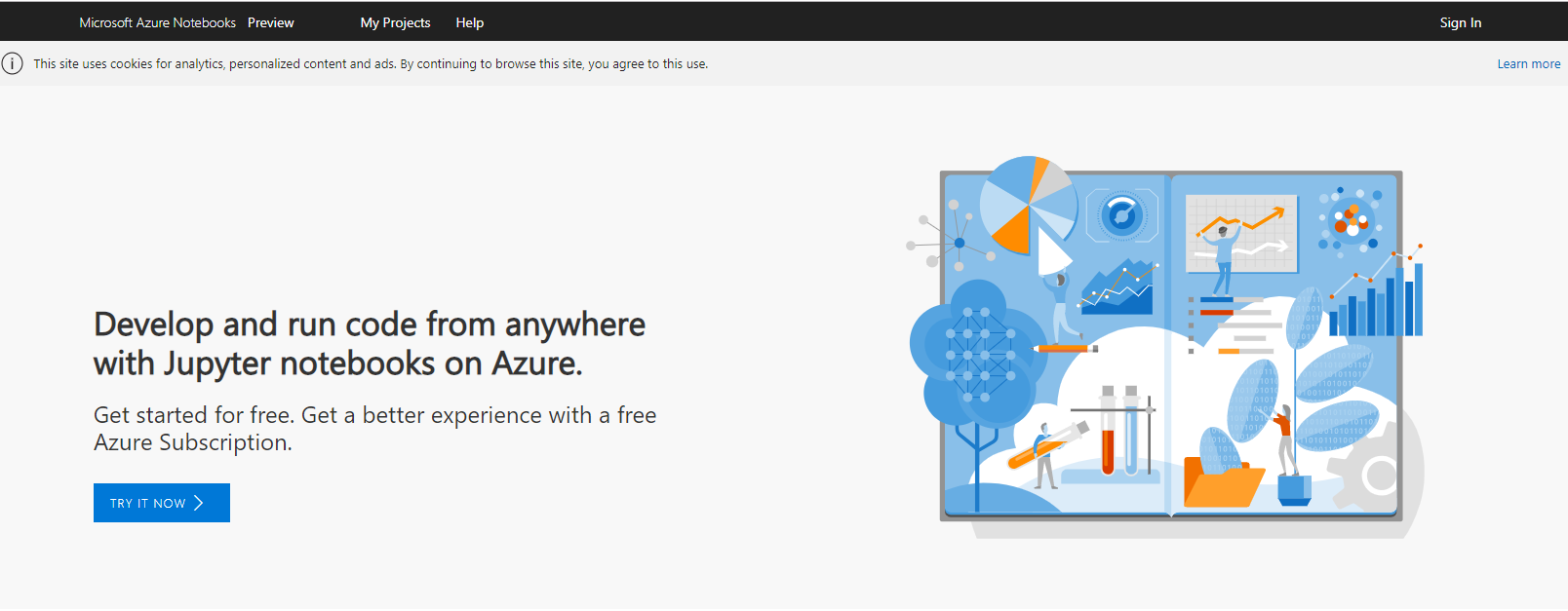
Azure Notebooks are Jupyter notebooks running on Azure, which is great as users don’t need to install any software locally, and it…
Read article →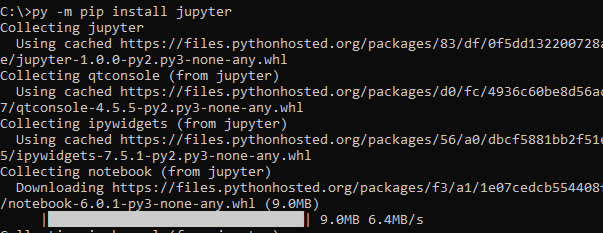
In a previous post, we looked at installing Python on Windows. In this post, we will install Jupyter Notebook running Python 3.…
Read article →
In this post, we will look at what to do if Python 3 is installed in your Windows environment but it is…
Read article →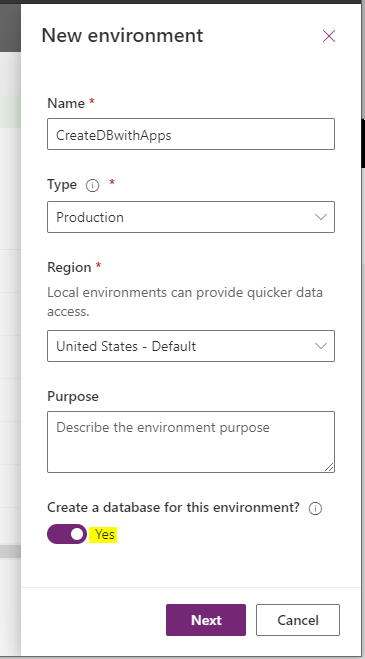
In Power Apps, when we create a model-driven app, get the option to add Sample Apps. Let’s take a quick look at…
Read article →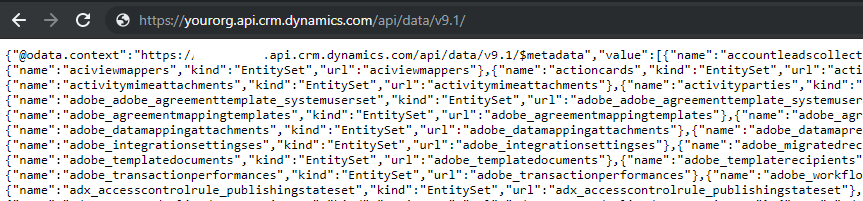
In Dynamics 365, we can use the Web API to return records through a web browser URL. In this post, we will…
Read article →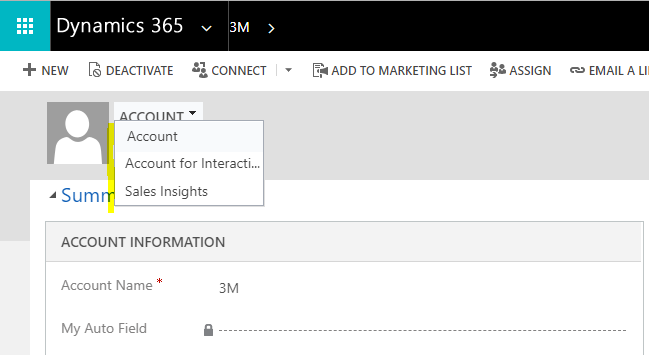
In Dynamics 365, we can restrict access to forms through security roles. Let’s look at how to do this. Let’s look at…
Read article →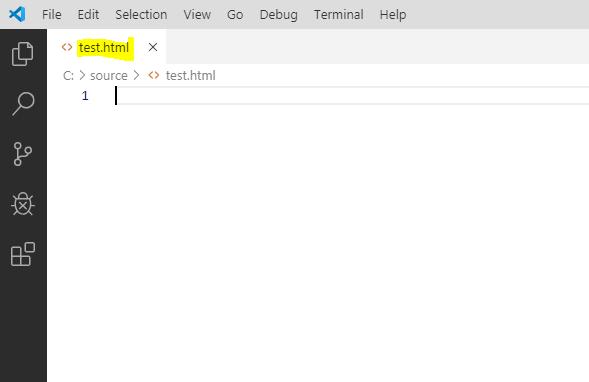
In Visual Studio Code, we can use Emmet to speed up our development. Let’s look at how to do this. In VS…
Read article →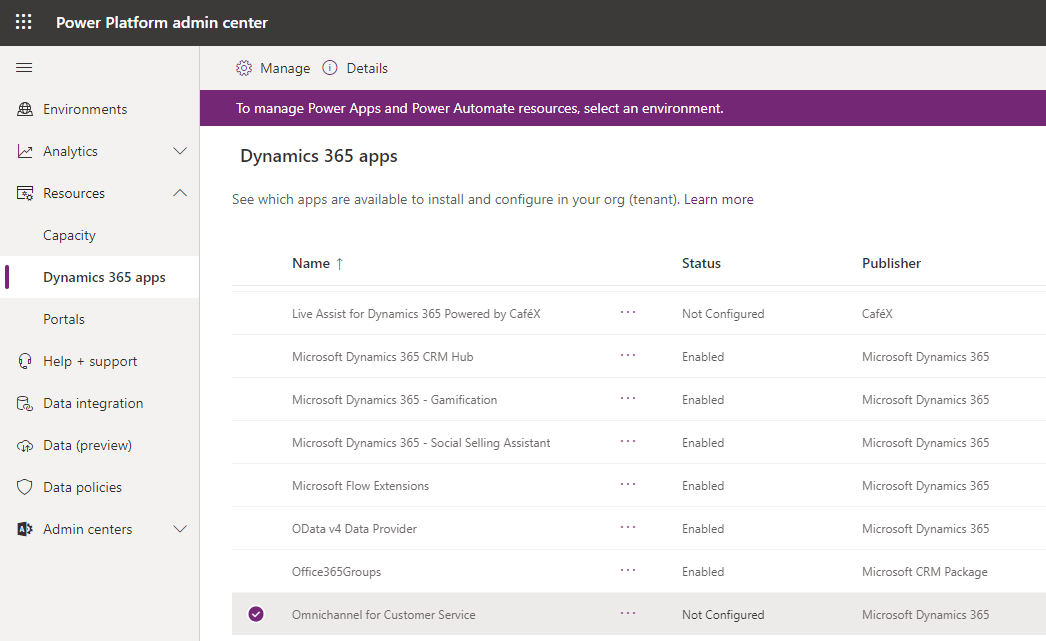
In this post, we will go through the setup process for Omnichannel for Customer Service in a Dynamics 365 org. Head to…
Read article →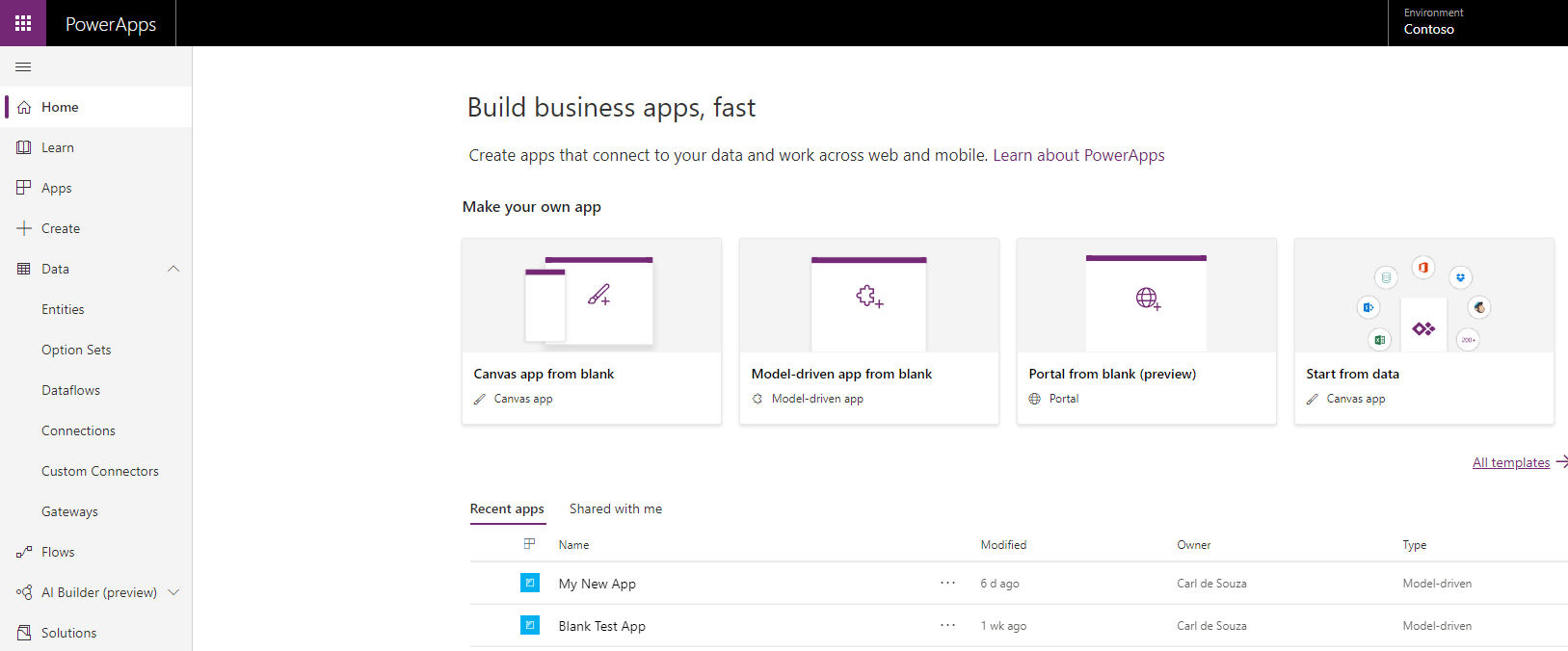
In PowerApps, Dynamics 365 and the Common Data Service, we have the option to use a field type called AutoNumber, which automatically…
Read article →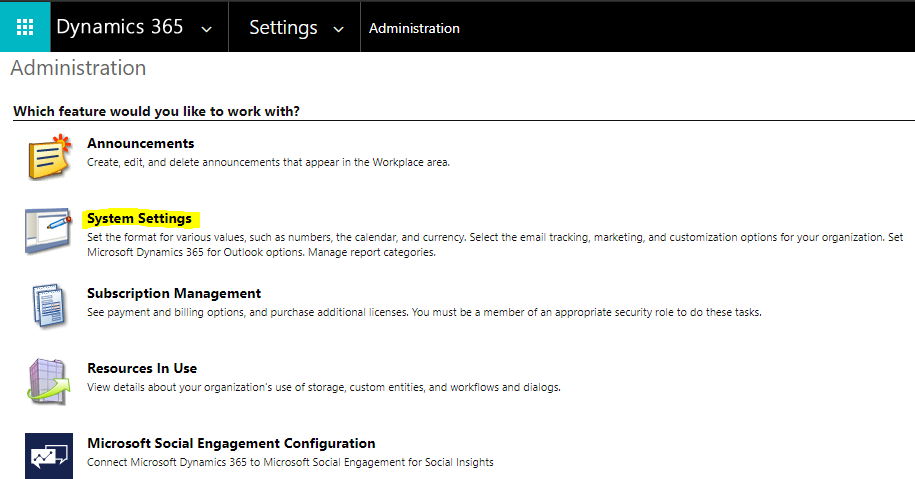
In this post, we will look at how to read and update the Dynamics 365 System Settings using C#. If you are…
Read article →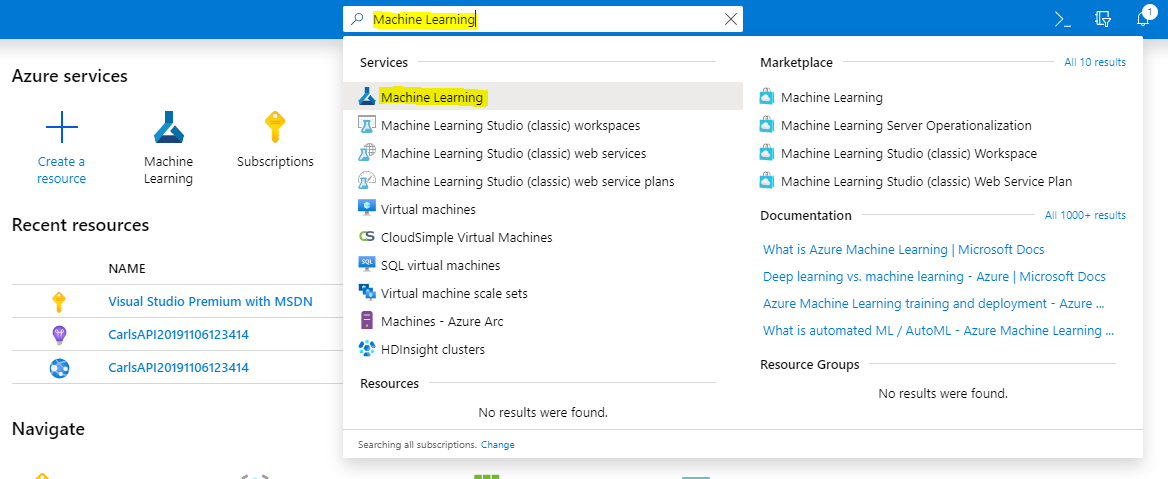
In this post, we will look at how to create an Azure Machine Learning workspace. First, sign into https://portal.azure.com/ and search for and…
Read article →