Sample Date – Orders Table 2019
Orders Table with 2019 data for use in Power BI and other examples. Order Number Amount Order Date Ship Date 1 100…
Read article →Practical guides, tutorials, and insights on AI, agents, Microsoft technologies, enterprise applications, and communication.
Orders Table with 2019 data for use in Power BI and other examples. Order Number Amount Order Date Ship Date 1 100…
Read article →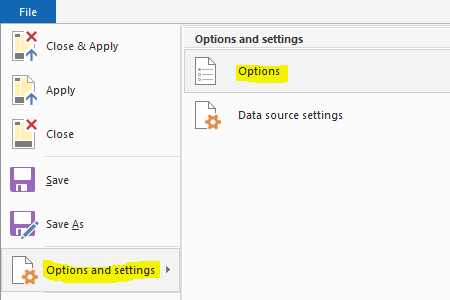
In Power BI Desktop, we can automatically detect data types of the fields we are importing. This is useful in that we…
Read article →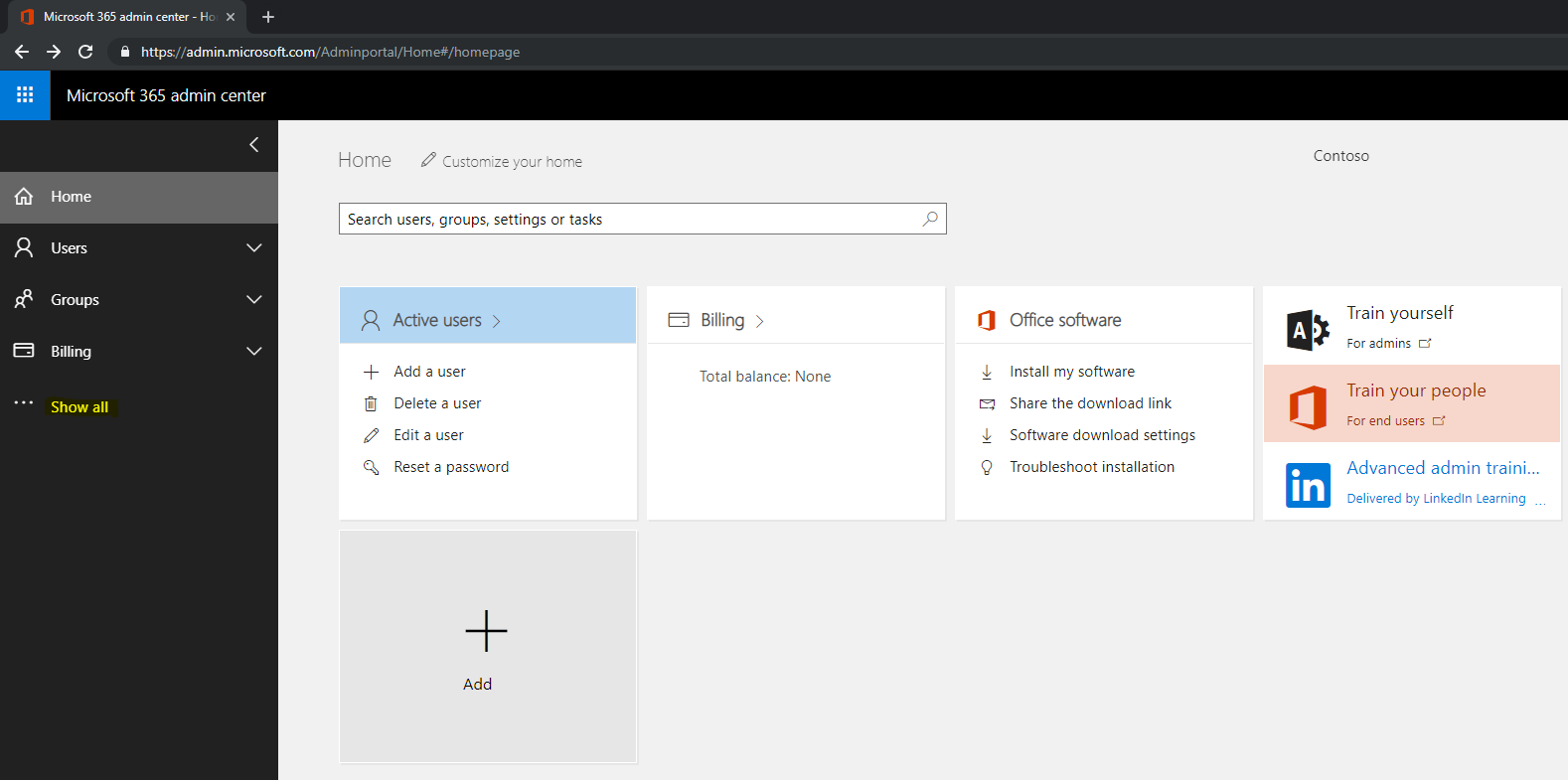
To check the Service Health of Microsoft 365 services, log into https://admin.microsoft.com. Click Show All on the left: Then Health->Service Health. You will…
Read article →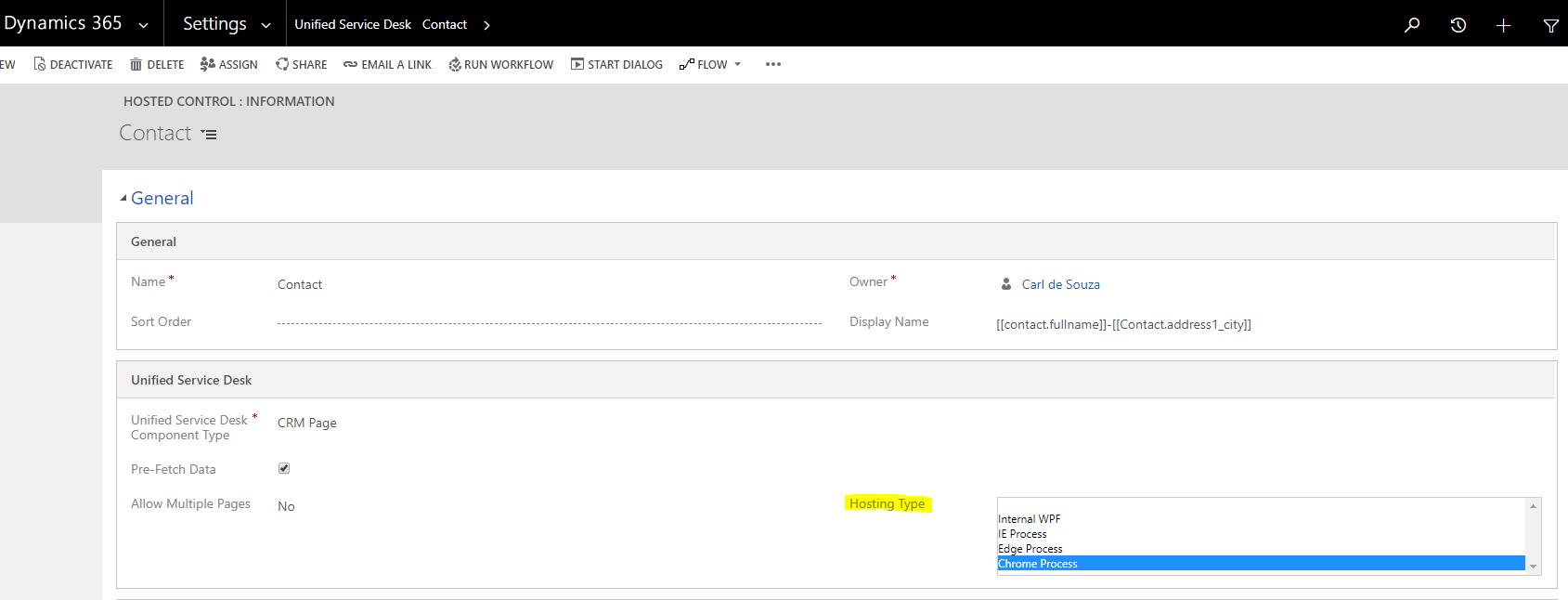
The recent release of Unified Service Desk 4.1 brings support for Chrome and Edge processes, which should bring performance enhancements over previous…
Read article →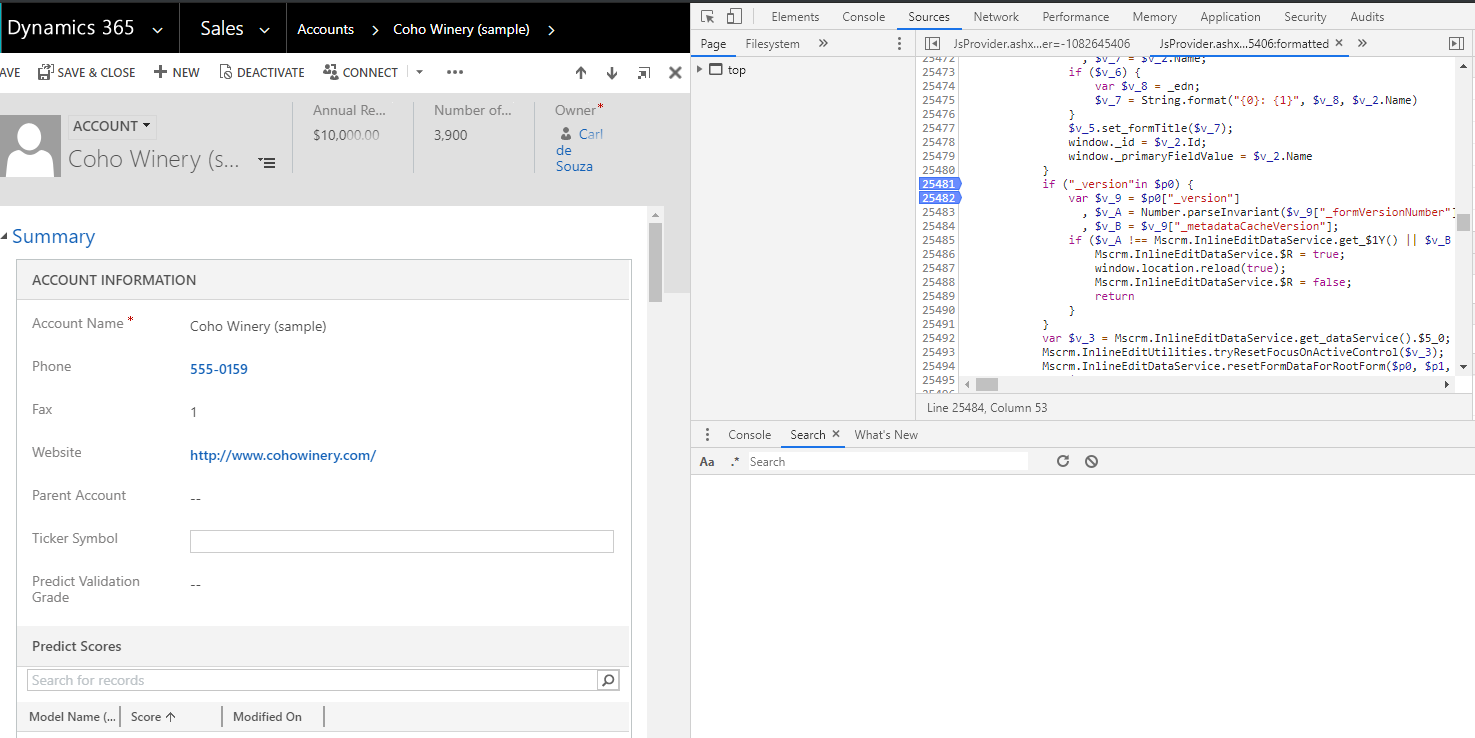
In Dynamics 365, when a developer publishes a customization, users may see a page refresh. This piece of code appears to be…
Read article →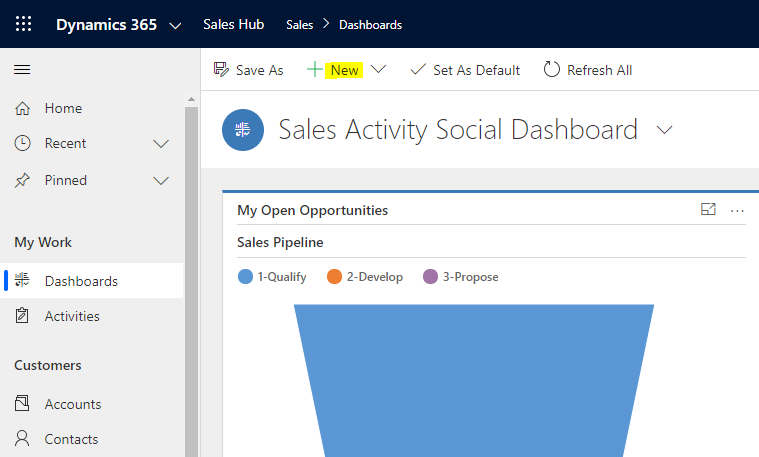
In Dynamics 365, it is easy to create dashboards that users have access to that display critical information. In this post, we…
Read article →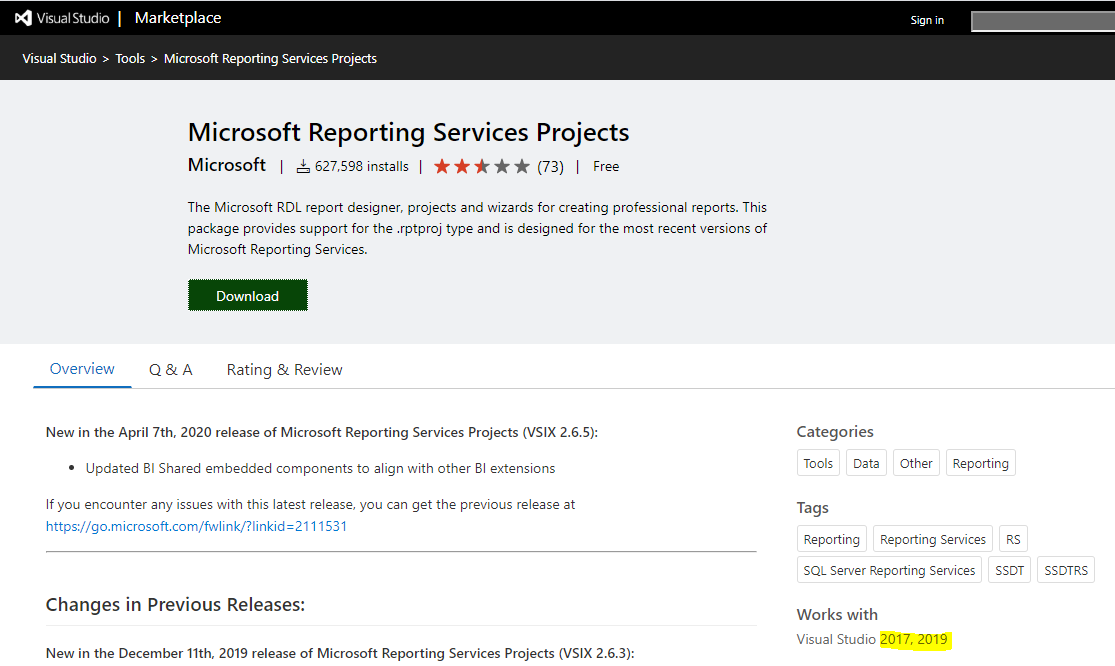
Let’s look at how to open an SSRS RDL Report in Visual Studio 2017 and Visual Studio 2019. First, download the Microsoft Reporting…
Read article →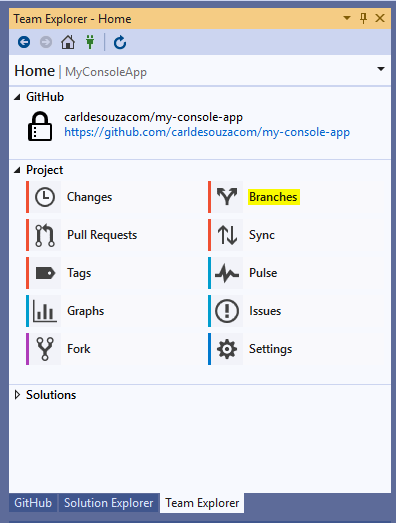
In this post, we will look at how to switch between GitHub branches in Visual Studio. First, open a solution that is…
Read article →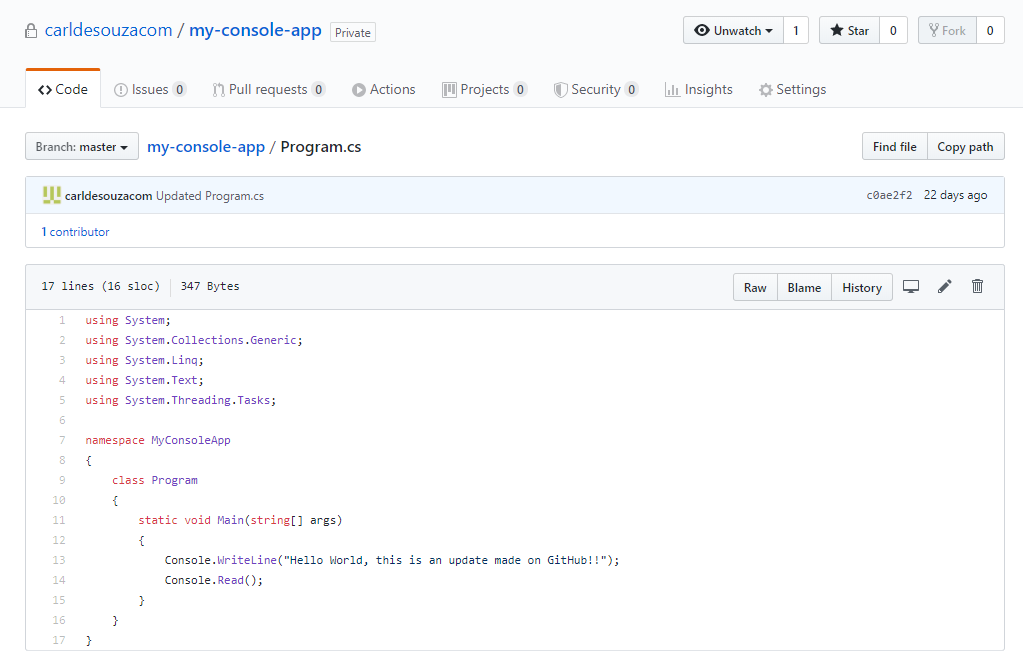
Let’s follow on from the example of creating a new branch in Github. We used 2 methods to create 2 branches, Release…
Read article →
ExecuteMultiple in Dynamics 365 is used to execute multiple requests, as opposed to executing requests one at a time. For example, if…
Read article →
In this post we will look at how to use Upsert to insert/update a record in Dynamics 365. Let’s say we have…
Read article →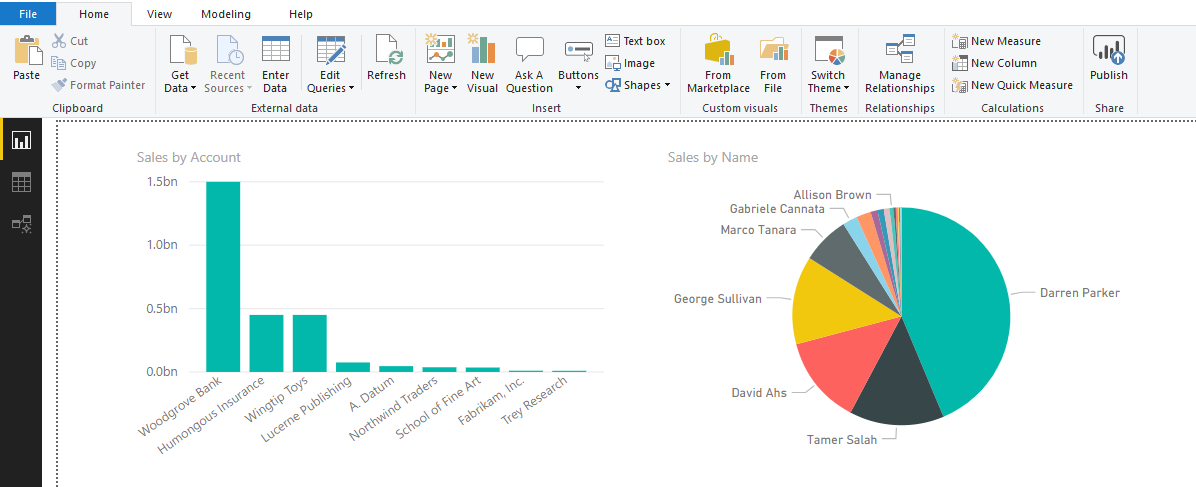
In Power BI, visualizations can interact with each other based on user selections. For example, let’s say we have 2 visualizations on…
Read article →