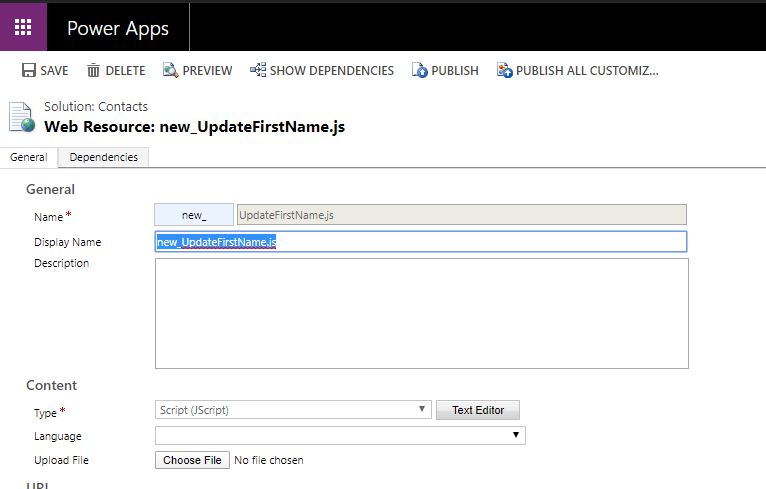
Passing Context from a Toolbar Button in Dynamics 365 UCI
In this post, we will look at how to pass context from a toolbar button in Dynamics 365 in the Unified Client…
Read article →Practical guides, tutorials, and insights on AI, agents, Microsoft technologies, enterprise applications, and communication.
In this post, we will look at how to pass context from a toolbar button in Dynamics 365 in the Unified Client…
Read article →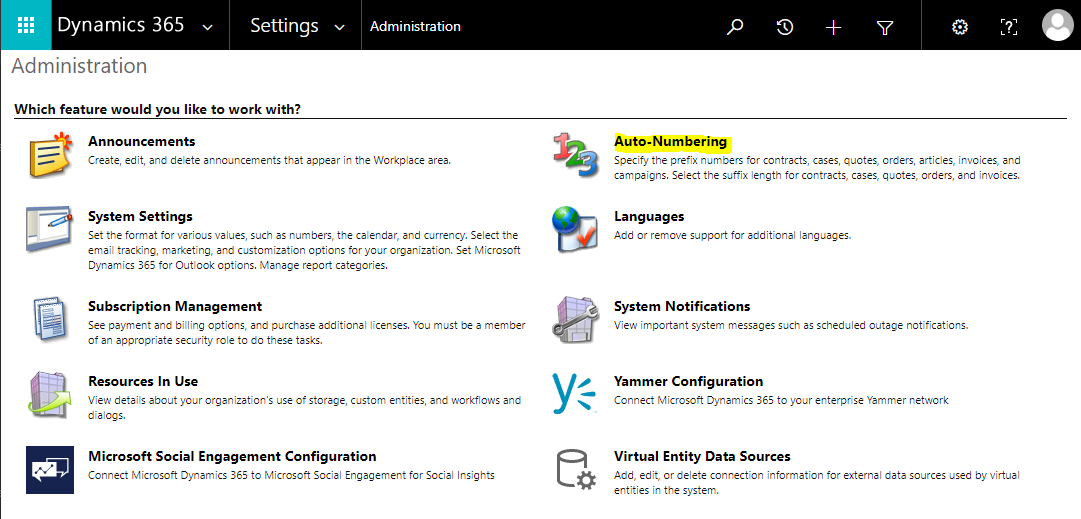
In Dynamics 365, there are some entities which use auto-number prefixes that can be configured. These entities are: Contracts Cases Articles Quotes…
Read article →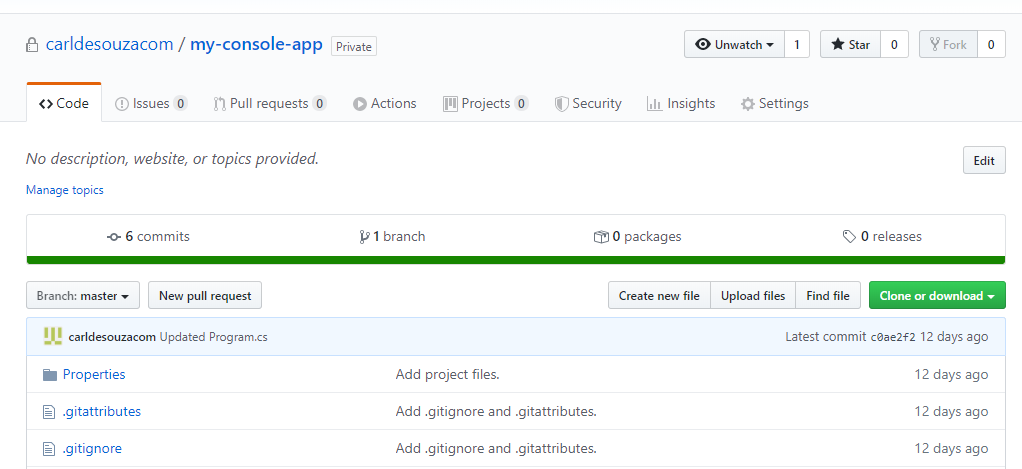
In this post, we will look at how to create a new branch in GitHub from Visual Studio. Method 1 – Creating…
Read article →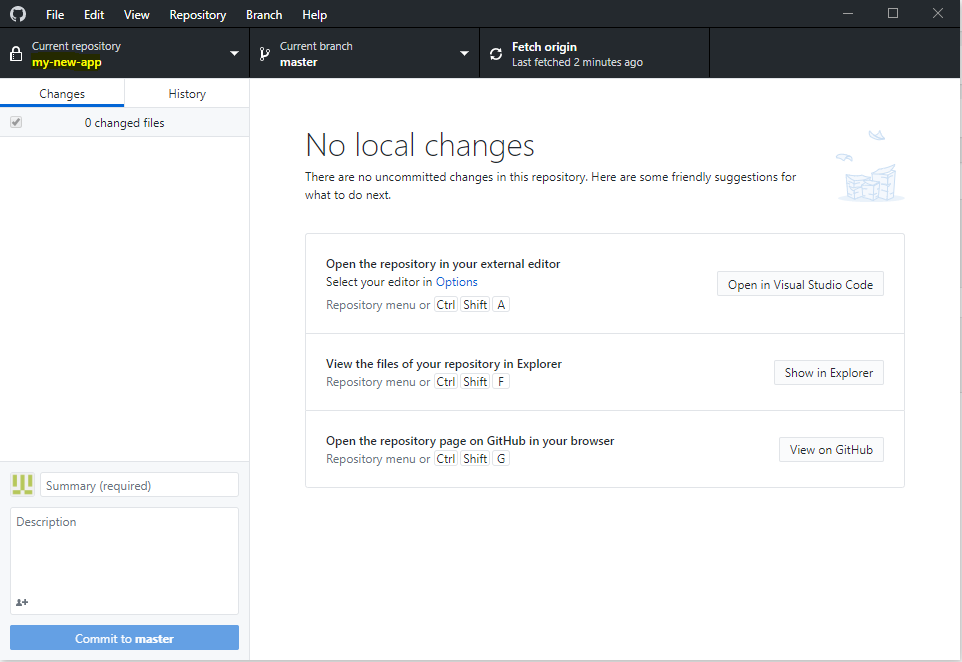
In this post we will look at how to create a branch in GitHub. In previous posts, we: Installed Git on Windows…
Read article →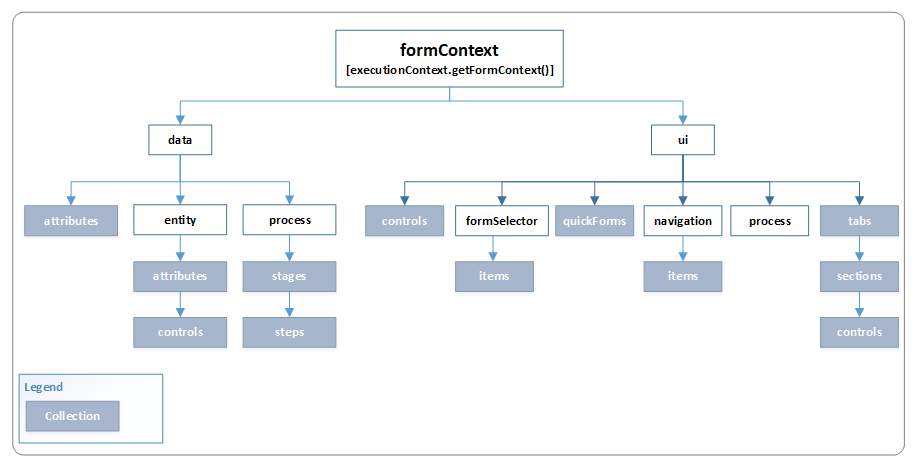
In Dynamics 365, the formContext provides a reference to a form or form item through JavaScript. The formContext is part of executionContext,…
Read article →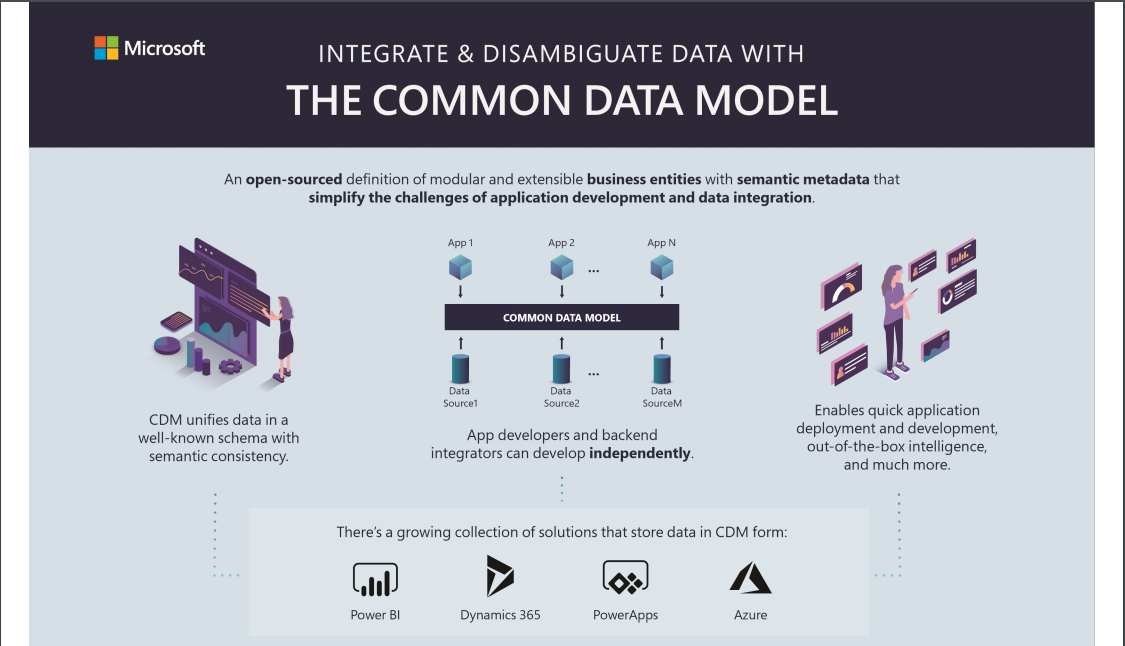
Quick link to the Common Data Model poster on the CDM GitHub Repository. A nice one to print out. “Integrate and Disambiguate…
Read article →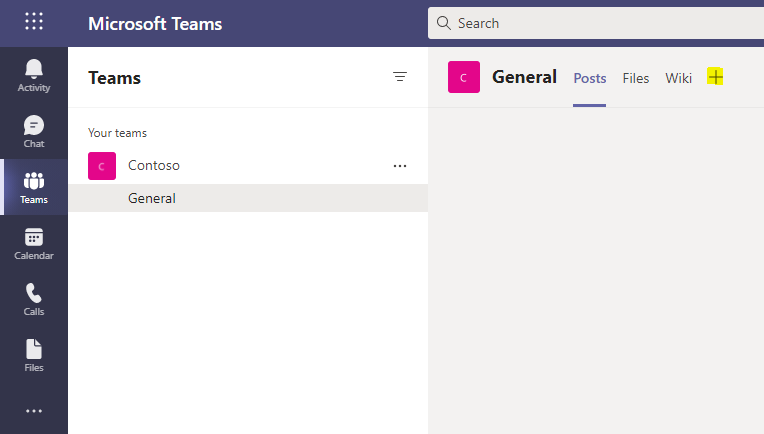
In this post, we will look at how to add a SharePoint site to Teams. Sign into Teams, and go to a…
Read article →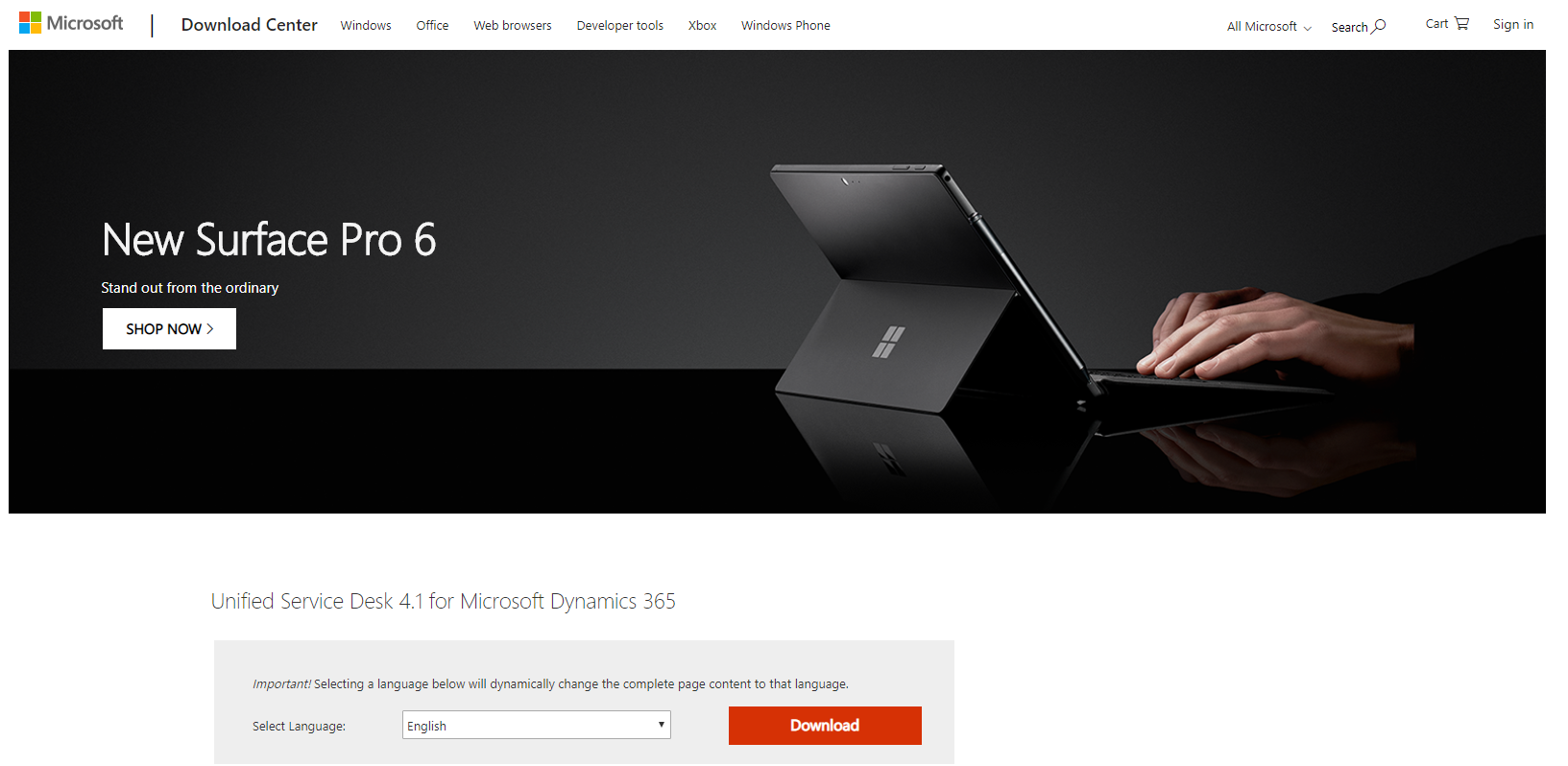
In this post we will install Unified Service Desk 4.1 as an upgrade from USD 4.0. First, download Unified Service Desk 4.1…
Read article →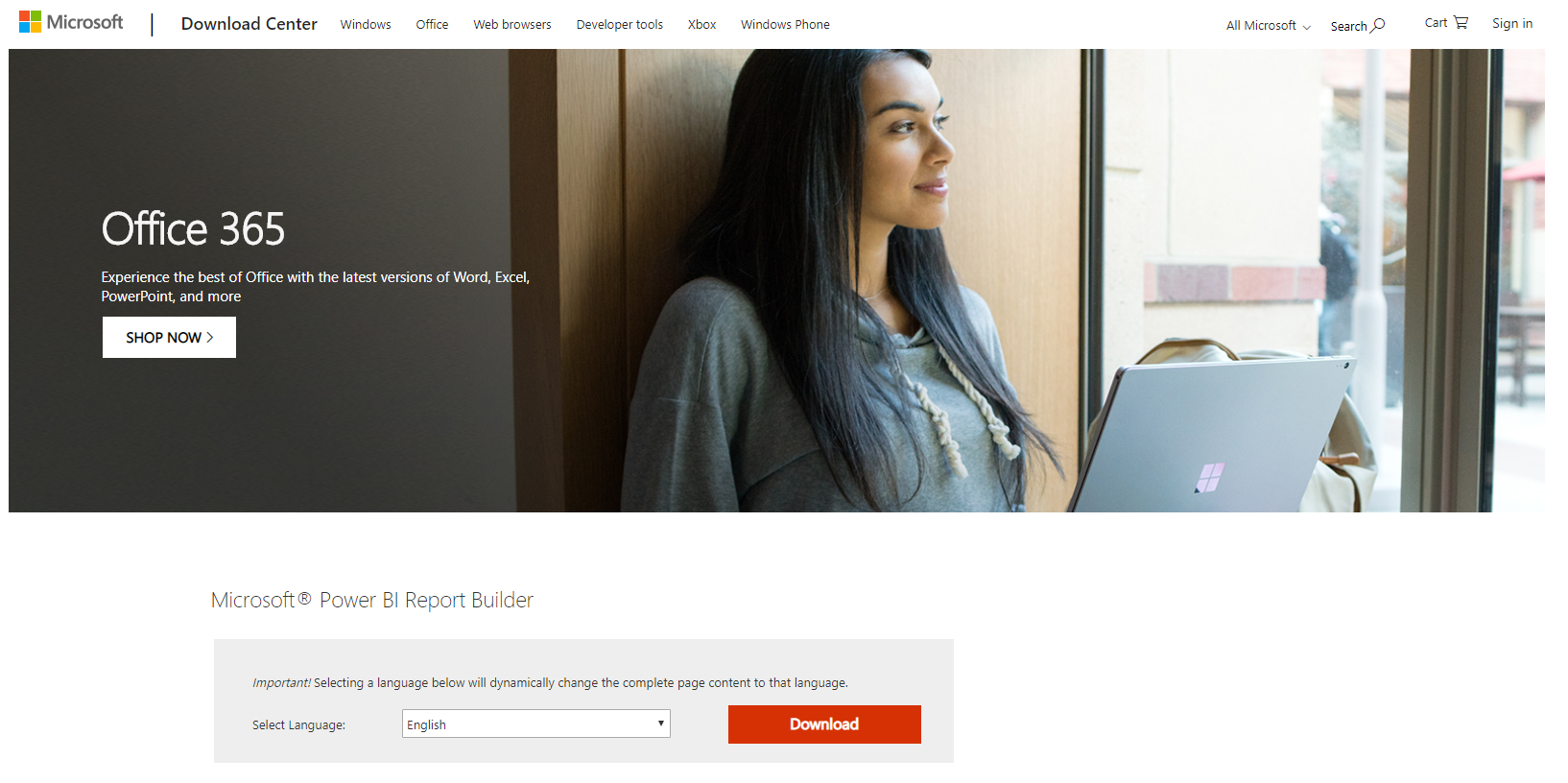
Power BI Report Builder is a downloadable Windows application that allows you to build paginated reports. In this post we will show…
Read article →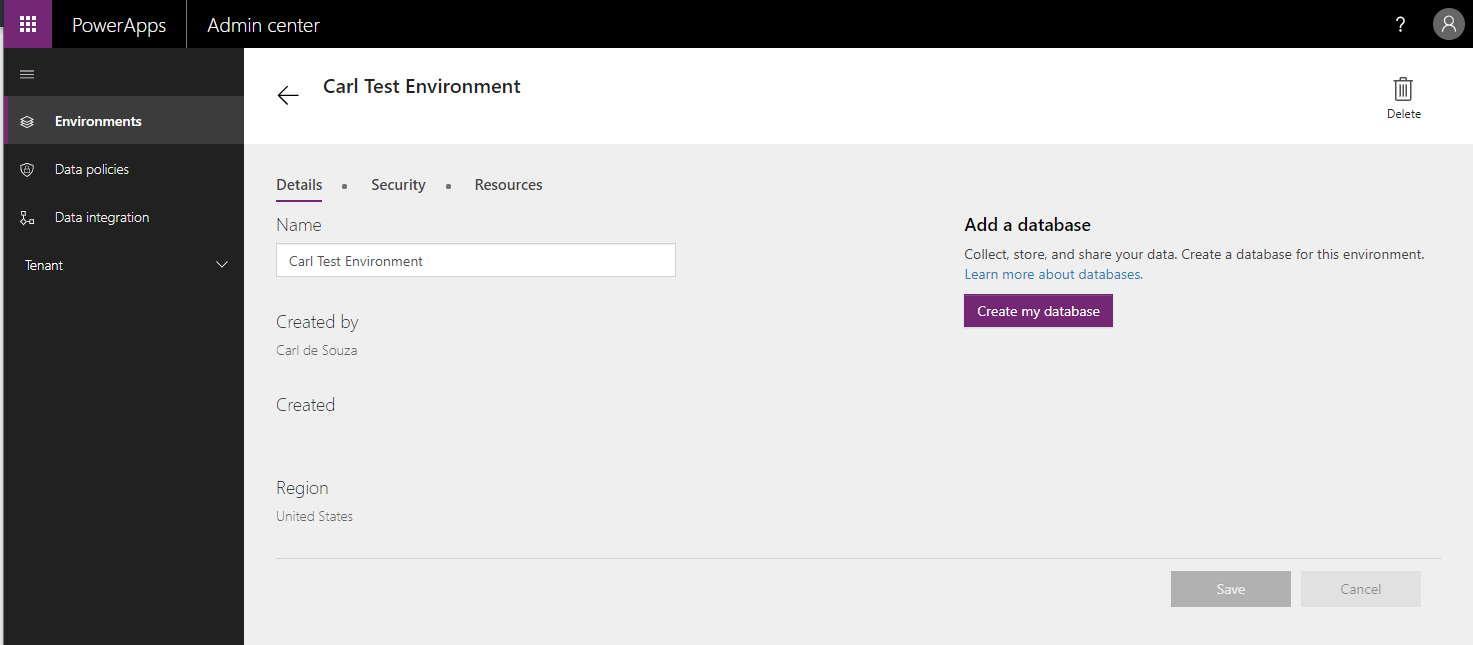
To add a database to an existing PowerApps environment, do the following. Log into https://admin.powerapps.com/ and go to Environments, then select the environment. You…
Read article →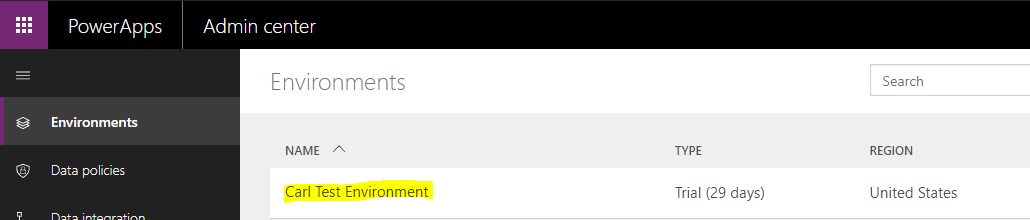
To convert a PowerApps environment from a Trial to Production, log into https://admin.powerapps.com/ and go to Environments. Select the environment: On the right, click…
Read article →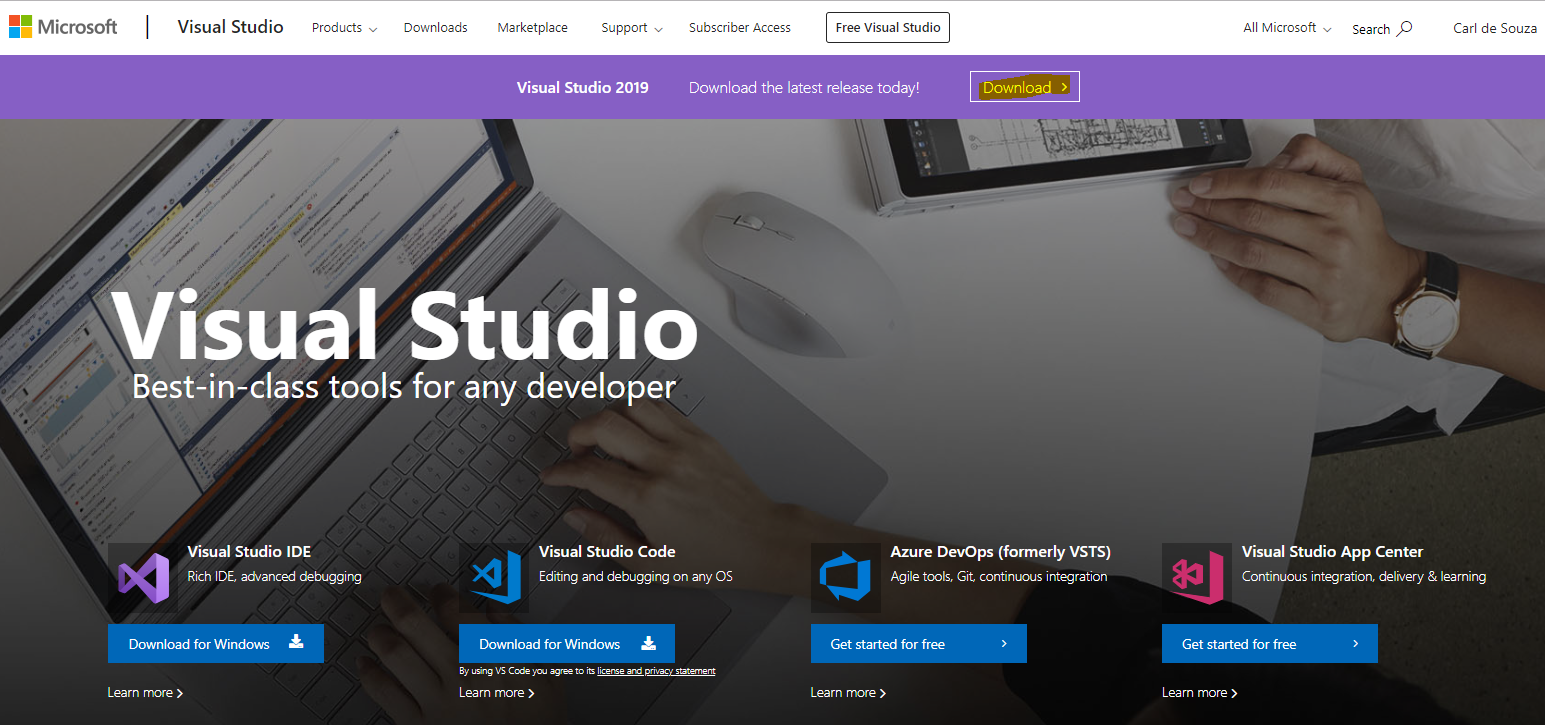
The install Visual Studio 2019, go to https://visualstudio.microsoft.com/ and click Download: Select the edition. We will install Enterprise: Open the file. Click Continue: You…
Read article →