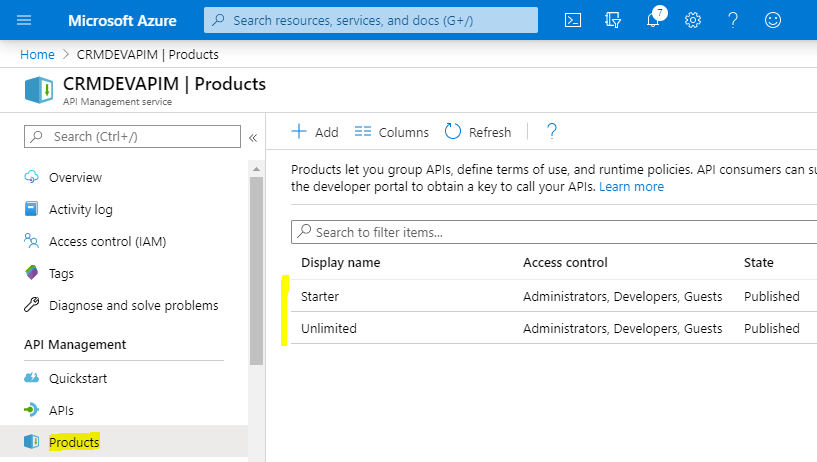
Using Products in Azure API Management
In this post, we will look at using Products in API Management. Products let you “group APIs, define terms of use, and…
Read article →Practical guides, tutorials, and insights on AI, agents, Microsoft technologies, enterprise applications, and communication.
In this post, we will look at using Products in API Management. Products let you “group APIs, define terms of use, and…
Read article →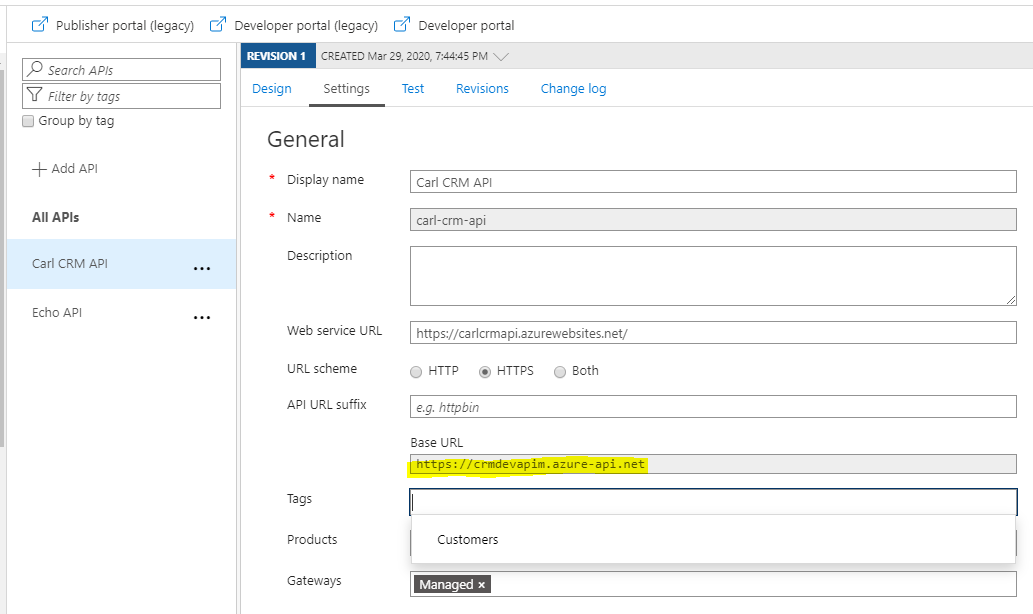
In our previous posts, we created an App Service and an API Management in Azure. Let’s now use Postman to send a…
Read article →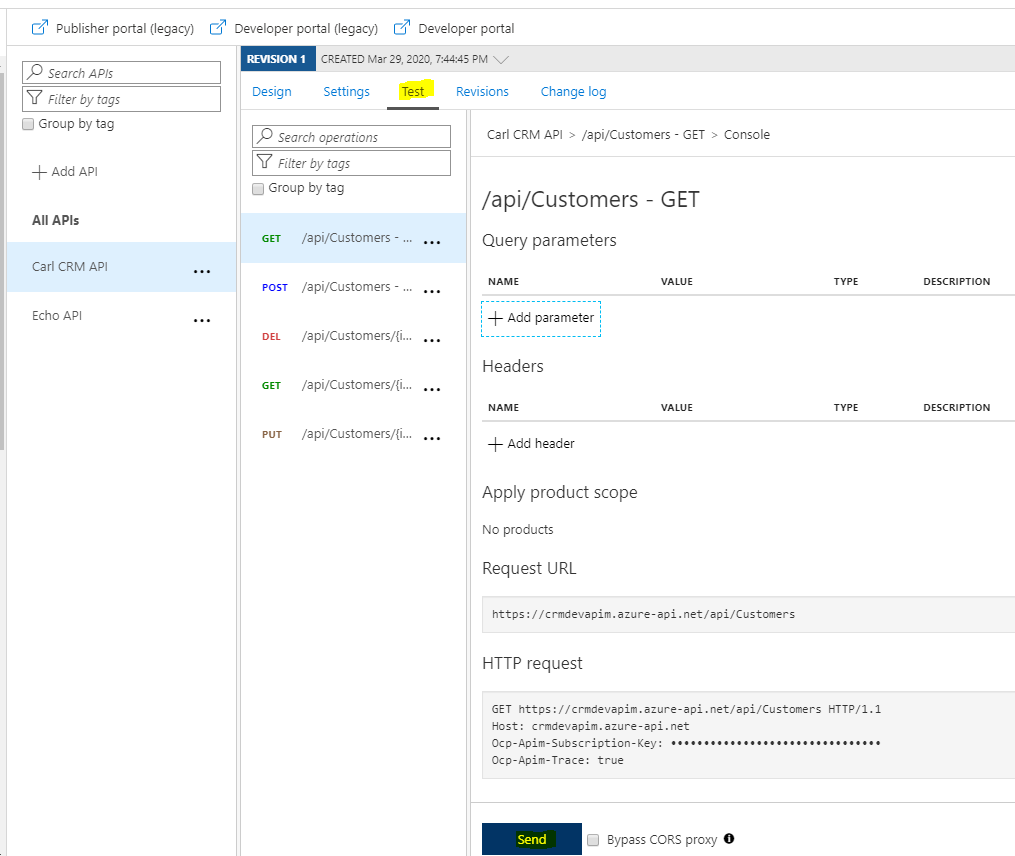
In this post, we will look at the error “Backend service URL is not defined” when making a request to an ASP.NET…
Read article →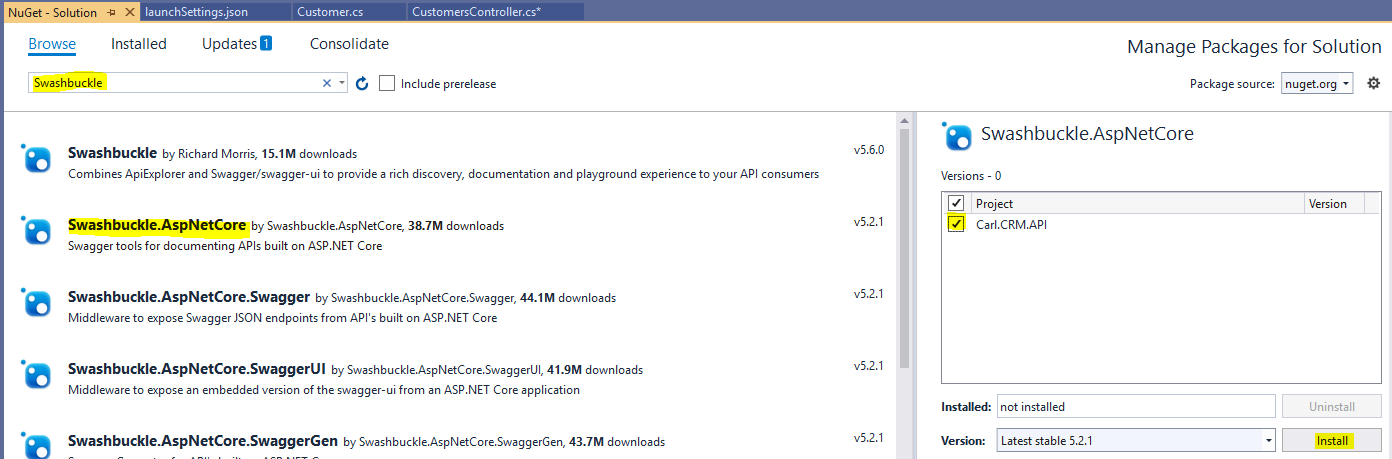
In this post, we will add Swagger OpenAPI to an ASP.NET Web API project. Swagger OpenAPI is a way to document the…
Read article →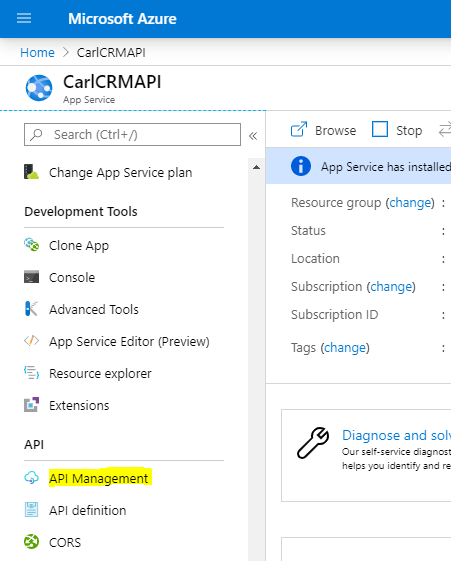
In this post, we will look at how to add Azure API Management (APIM) to an Azure App Service. We will follow…
Read article →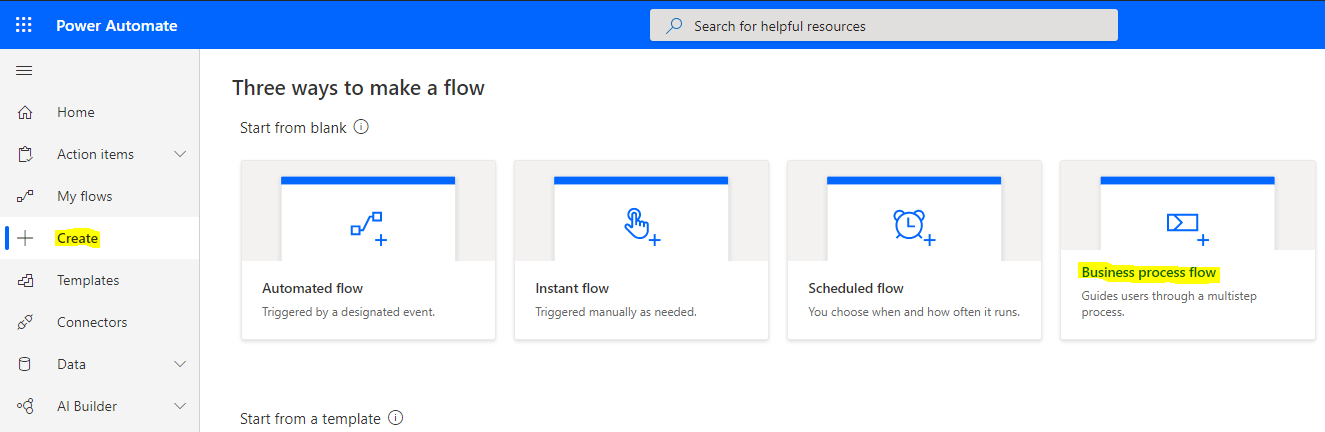
In this post, we will look at how conditional branching works with Business Process Flows in Dynamics 365. Let’s create a new…
Read article →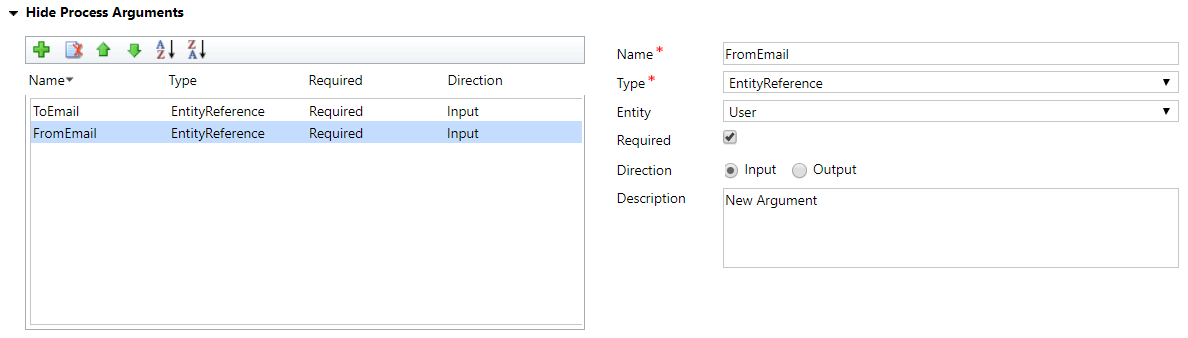
In this post, we will continue with our example of calling a Dynamics 365 action from JavaScript, this time using the Xrm.WebApi.…
Read article →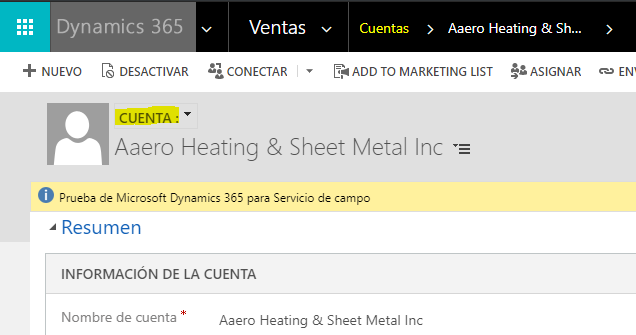
In this post, we will look at how to translate and rename Dynamics 365 artifacts for other languages or for localized meanings.…
Read article →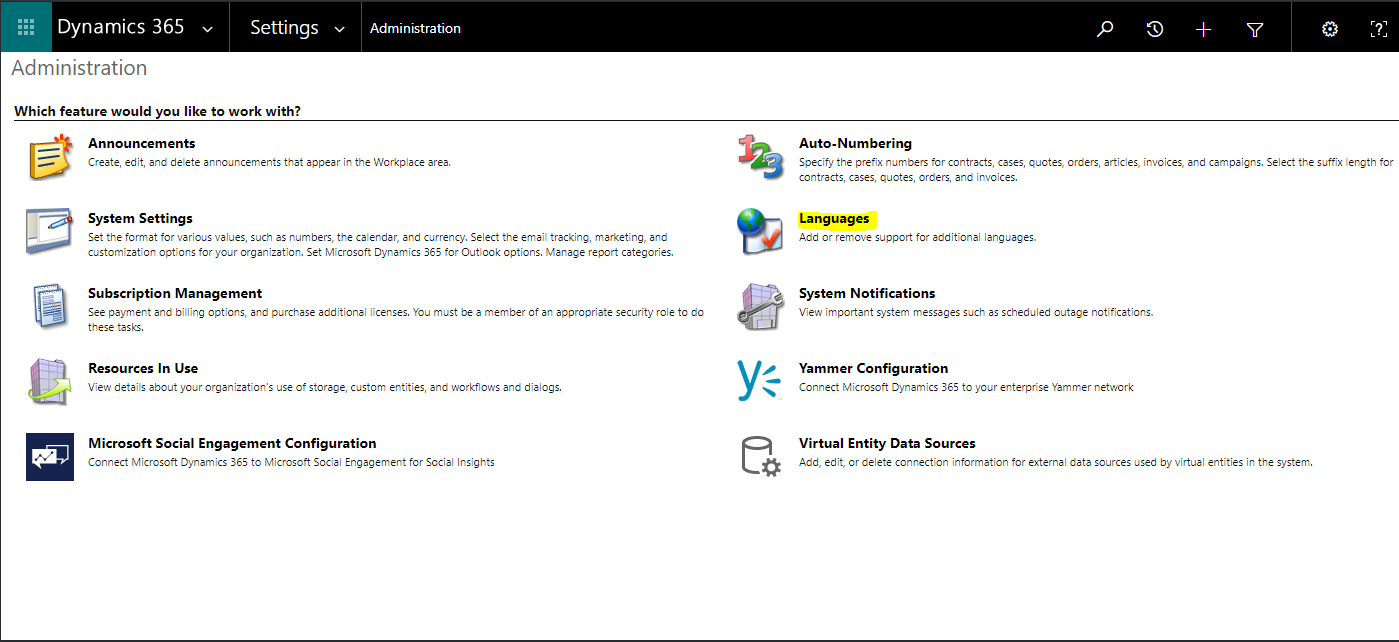
To install languages in Dynamics 365, go through the following steps. First, go to Settings->Administration and select Languages: You will see a…
Read article →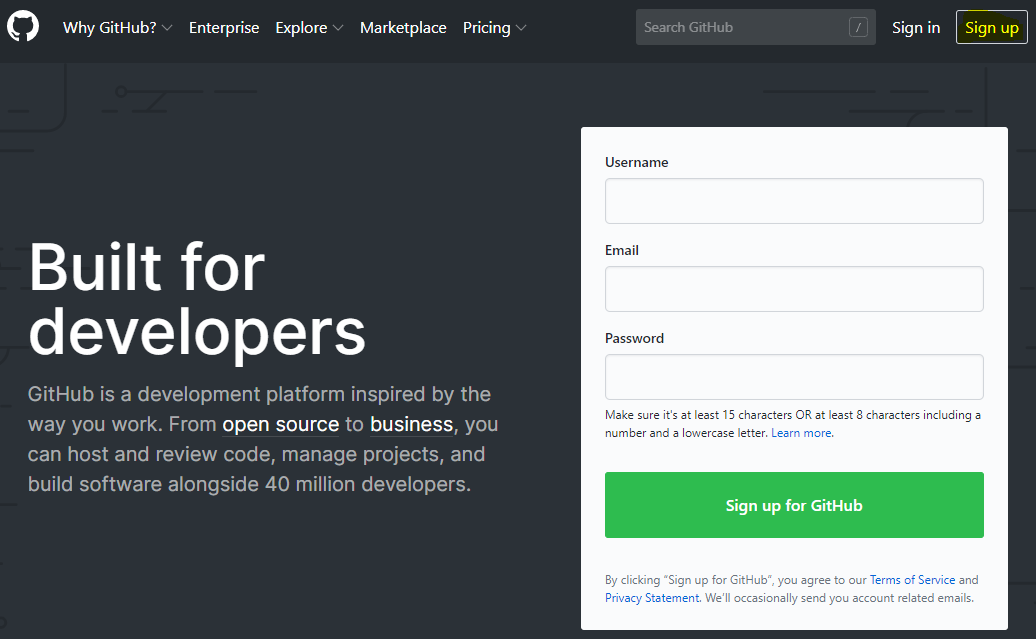
GitHub is a development platform which you can use for source control. In this series of posts, we will look at how…
Read article →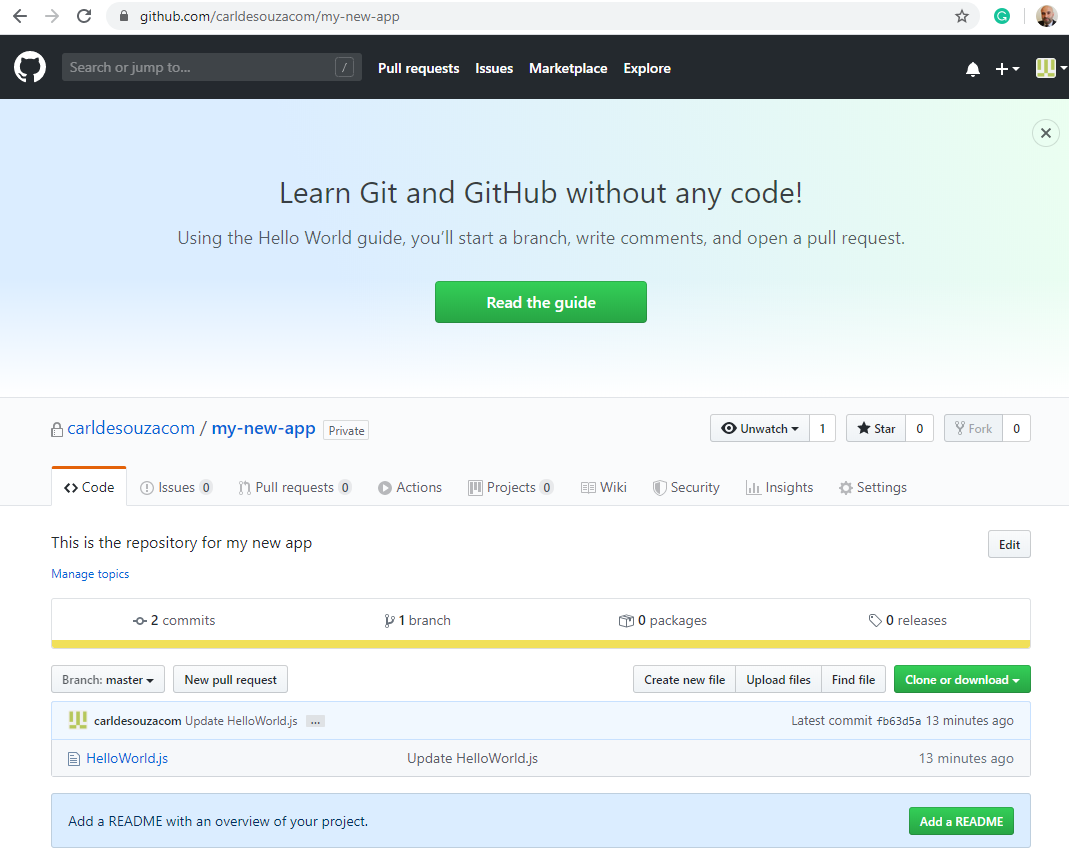
We have a private GitHub repo which looks like below: If a user that does not have access were to access this…
Read article →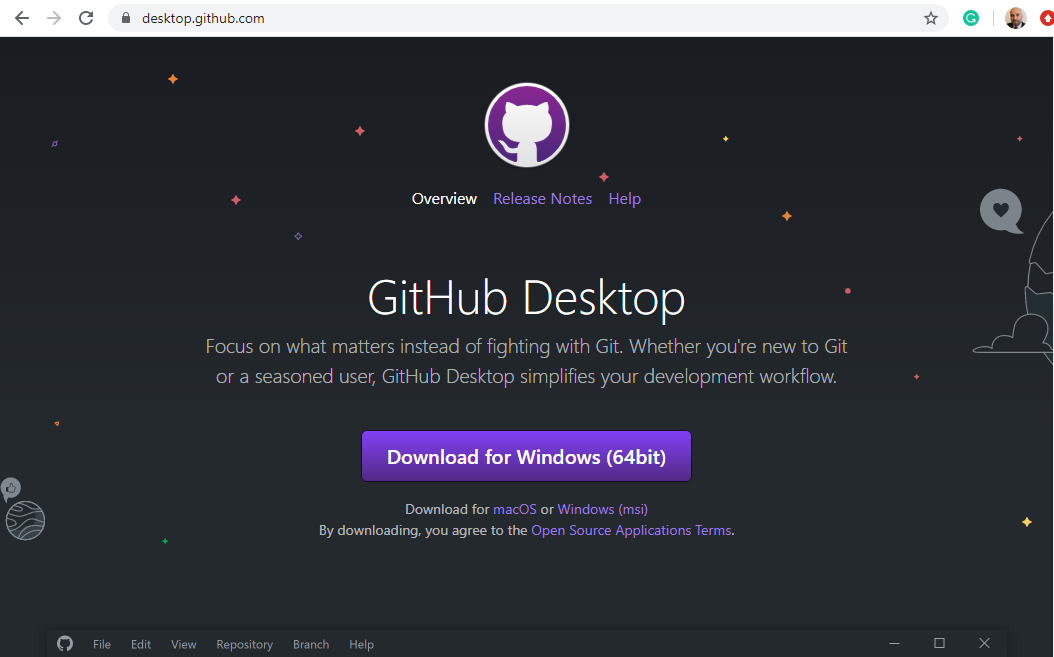
Before getting started, you will want to install Git on Windows. Once you have Git installed, let’s install GitHub Desktop for Windows.…
Read article →