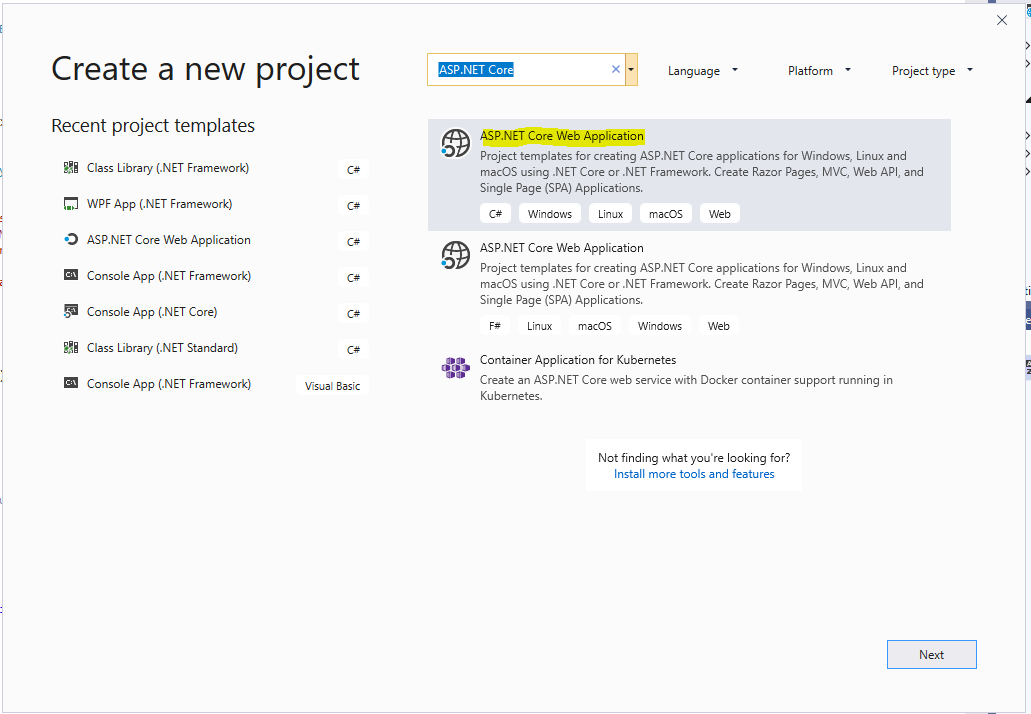
Create an ASP.NET Core API in Visual Studio and Publish to Azure
In this post, we will create a Web Api using ASP.NET Core. We will create a basic CRM API system that manages…
Read article →Practical guides, tutorials, and insights on AI, agents, Microsoft technologies, enterprise applications, and communication.
In this post, we will create a Web Api using ASP.NET Core. We will create a basic CRM API system that manages…
Read article →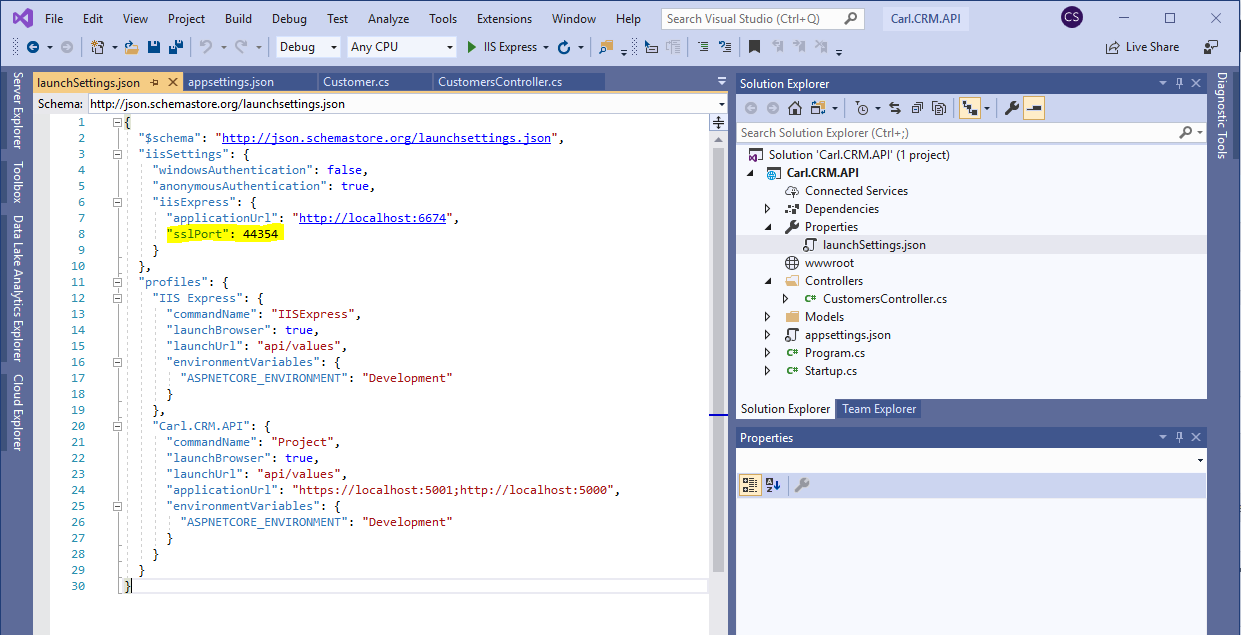
To change the port in an ASP.NET Web API, under Properties go to the launchSettings.json file. In this case, let’s change the…
Read article →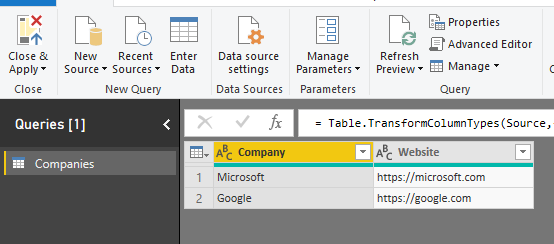
In Power BI, your data may contain a hyperlink to a webpage. For example, consider the query of Companies below that has…
Read article →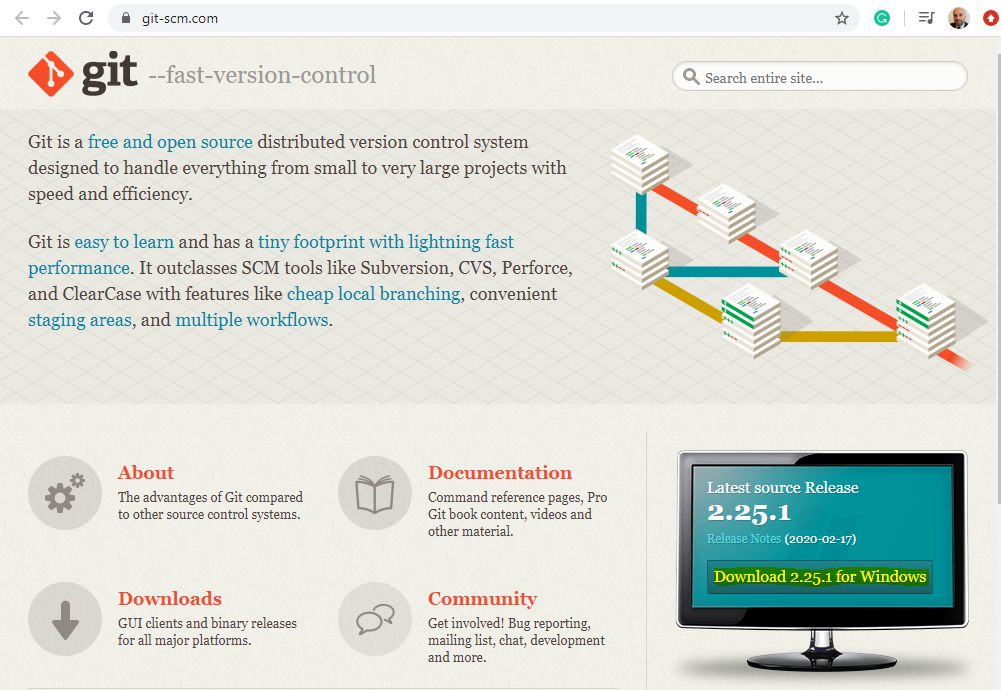
To install Git on Windows, go to https://git-scm.com: and click on Download for Windows: Click to open the file: Click Next: And…
Read article →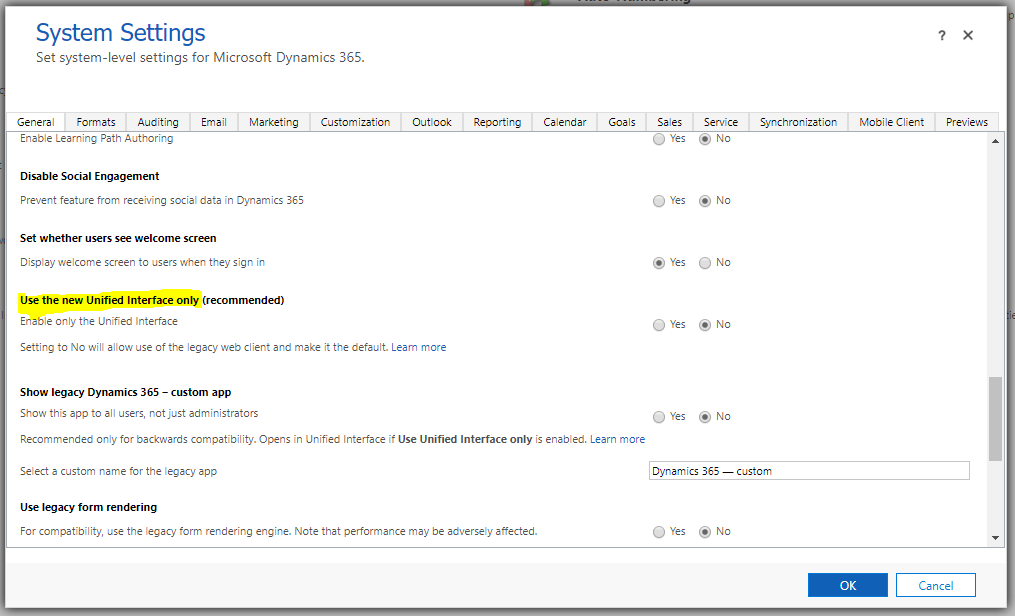
In Dynamics 365, there are applications running on the legacy Web Client and those running on the Unified Interface (or Unified Client…
Read article →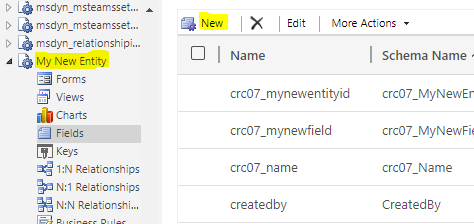
In Dynamics 365 and Power Apps, when we create forms we will probably require users to fill out certain fields. Fields are…
Read article →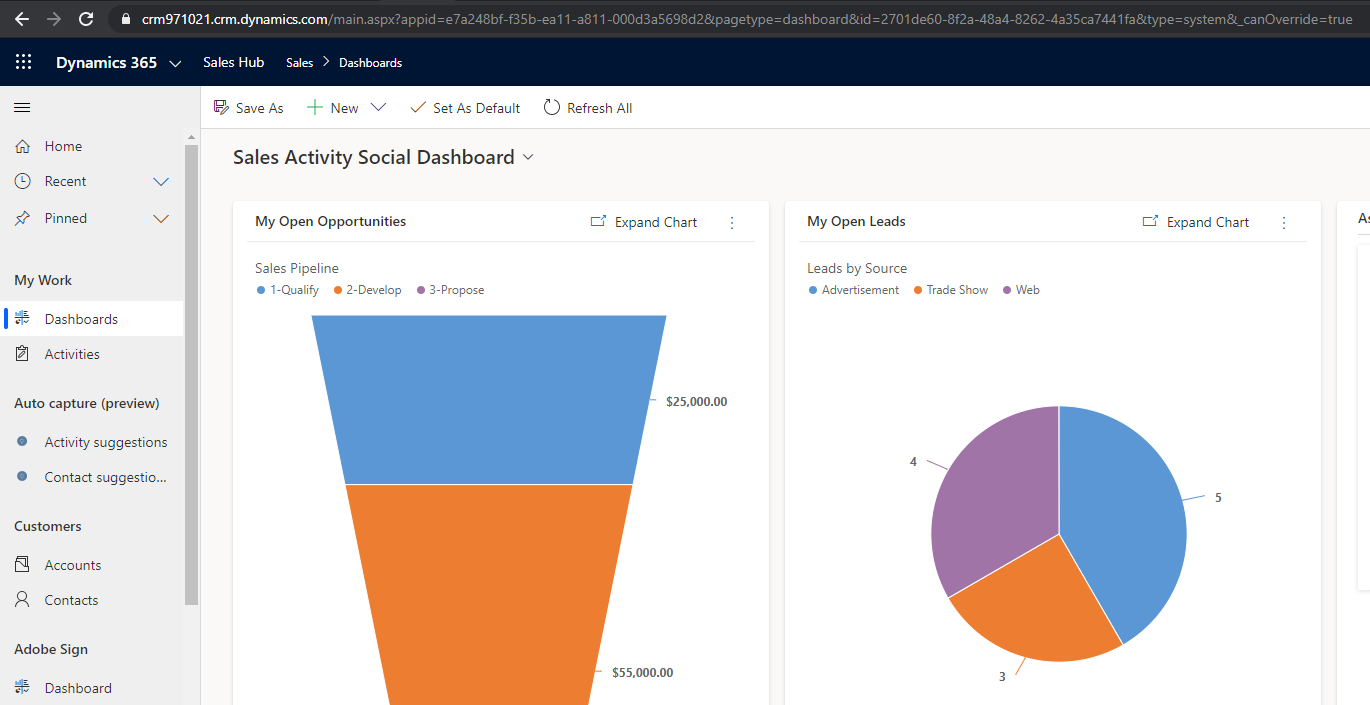
In this post, we will take a look at how the URL formats are different in new Unified Client Interface Apps, vs…
Read article →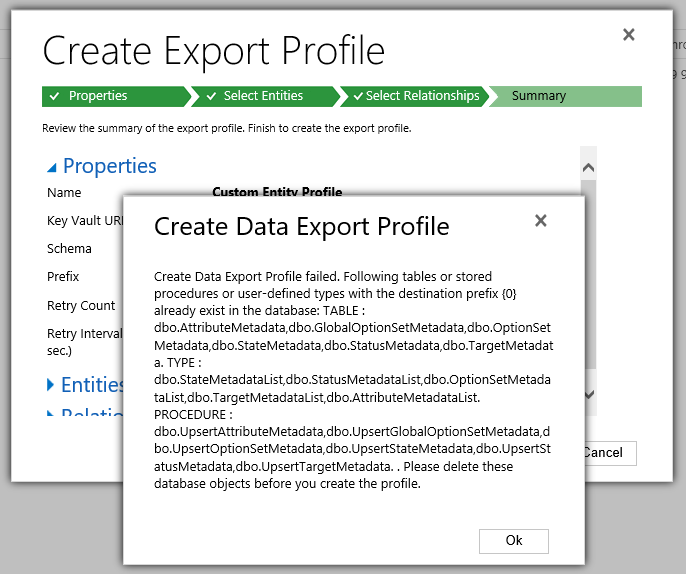
When using the Data Export Service, you may run into the following error when creating a new profile: “Create Data Export Profile…
Read article →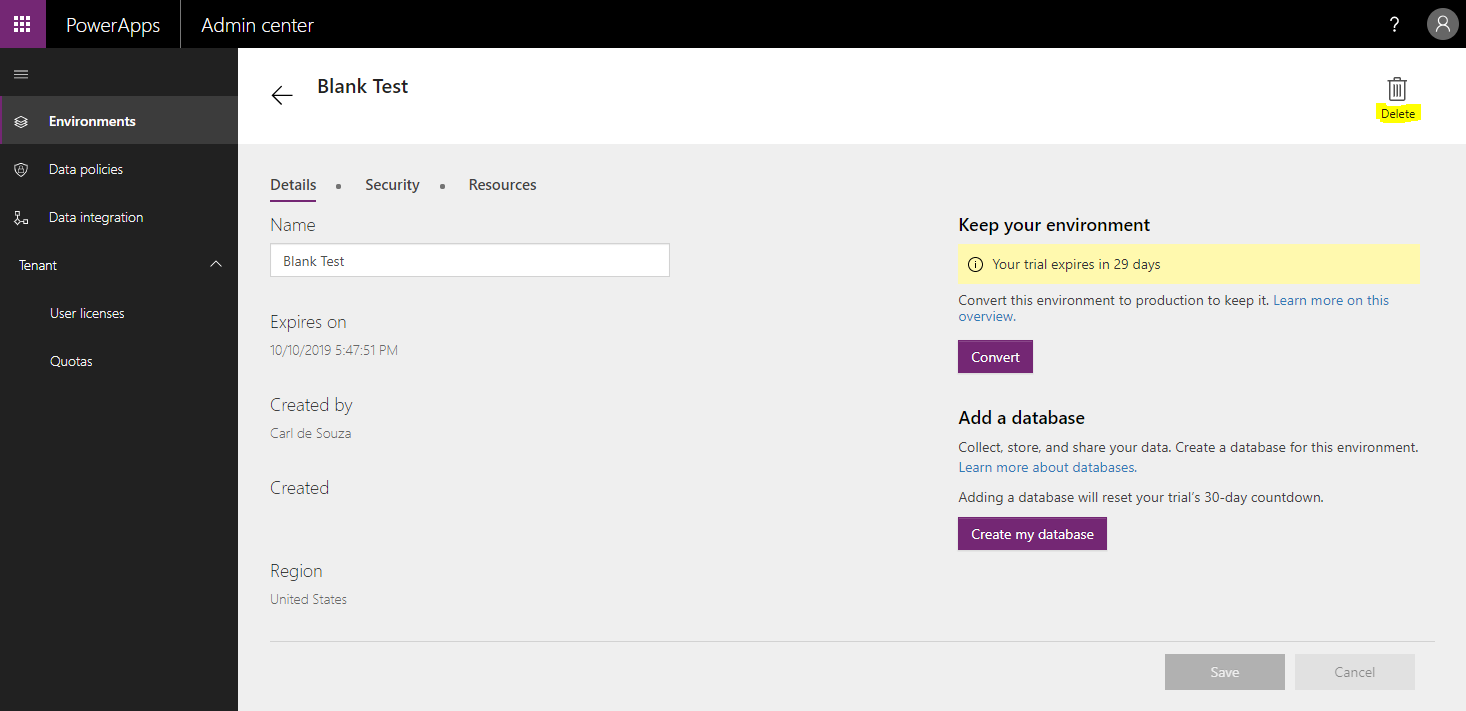
To delete a PowerApps environment, log into https://admin.powerapps.com/ and go to Environments, then select the environment. Click Delete: Enter the name of the…
Read article →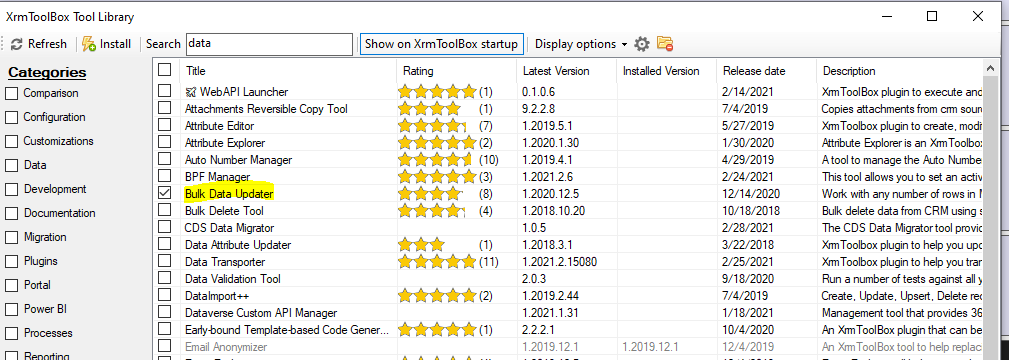
In this post, we will look at using the Bulk Data Updater by Jonas Rapp to update data in bulk in Dynamics…
Read article →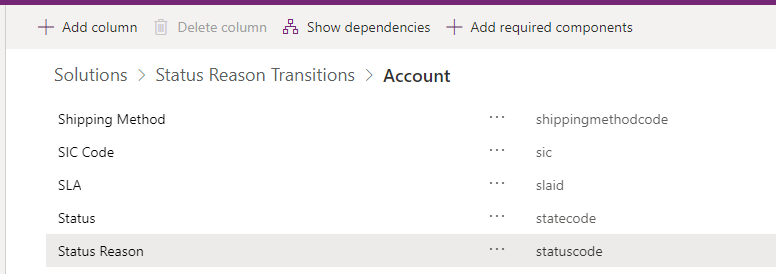
In this post, we will look at how to use custom status reasons and status reason transitions in Dynamics 365. Status Reason…
Read article →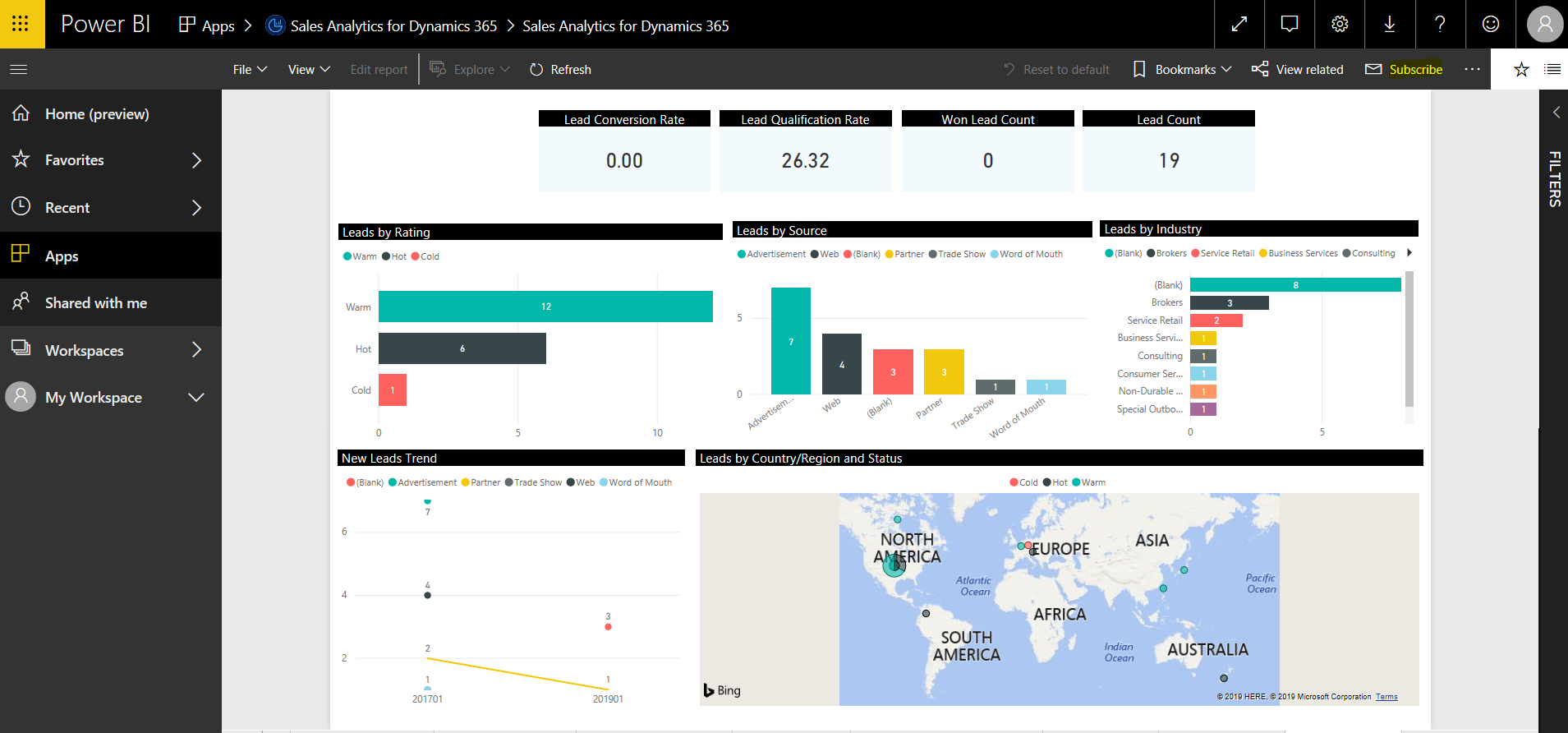
In Power BI, you can subscribe to reports or dashboards on a schedule or after data refresh. This is very useful if…
Read article →