To install Git on Windows, go to https://git-scm.com: and click on Download for Windows: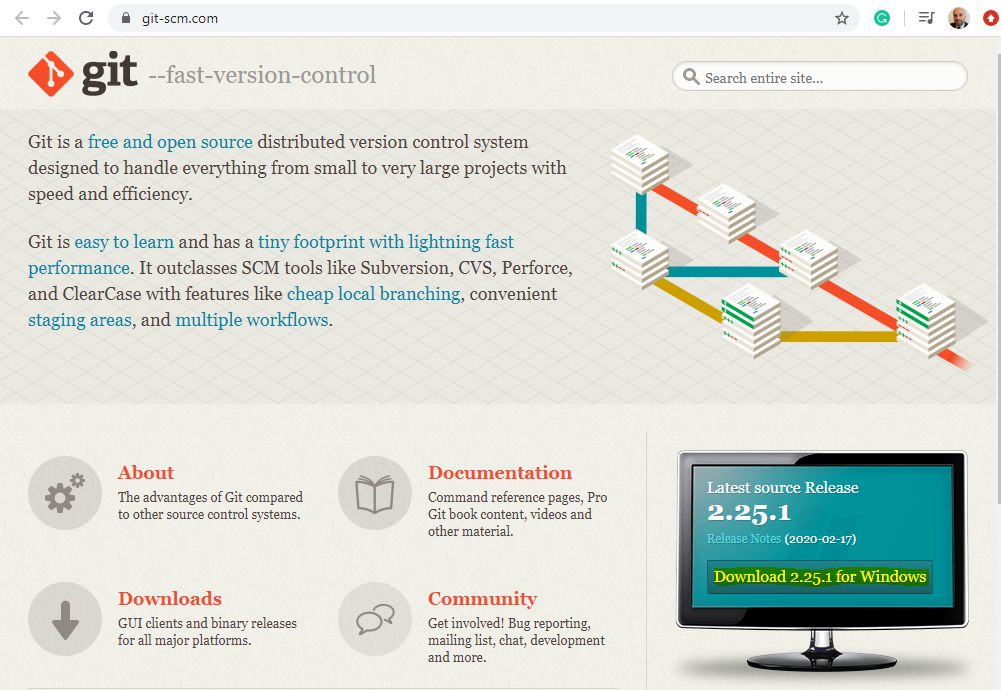
Click to open the file:

Click Next:
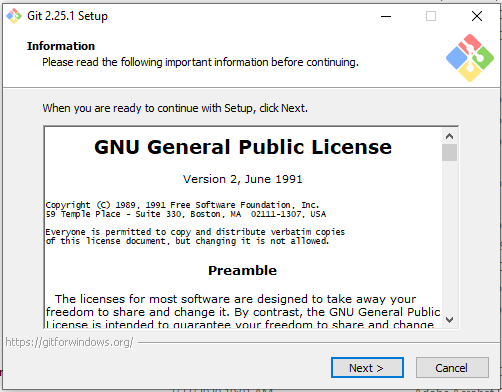
And Next:
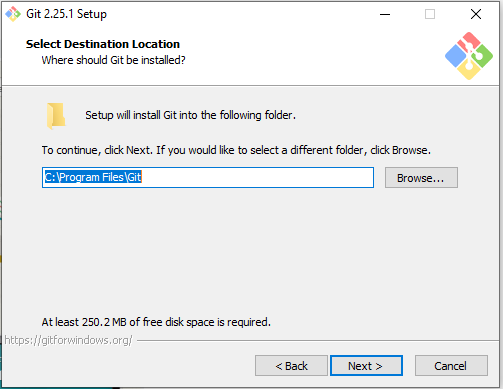
Click Next:
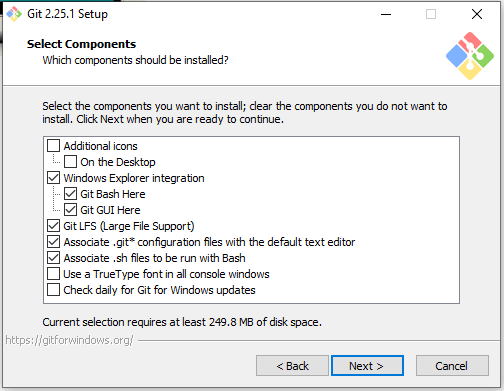
Click Next:
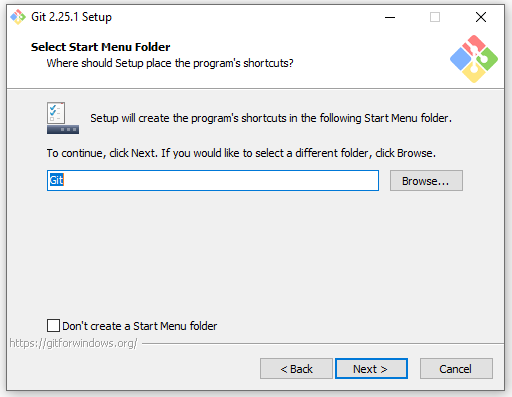
Click Next:
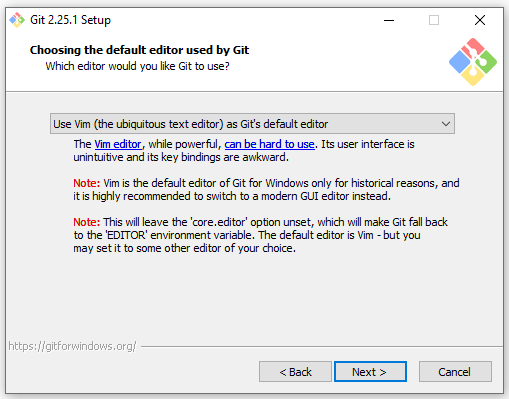
Click Next:
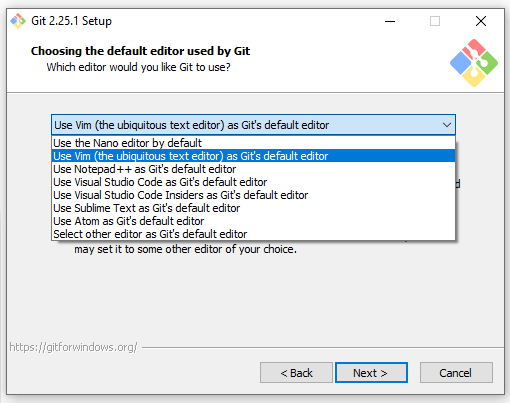
Click Next:
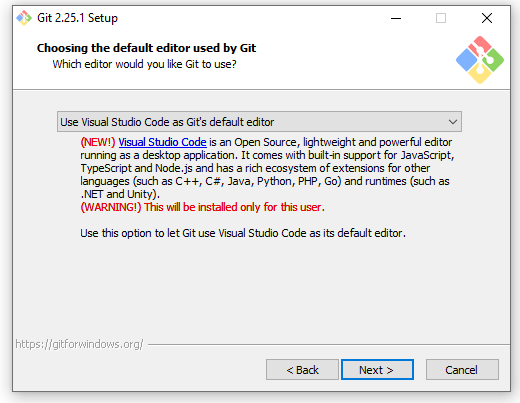
Click Next:
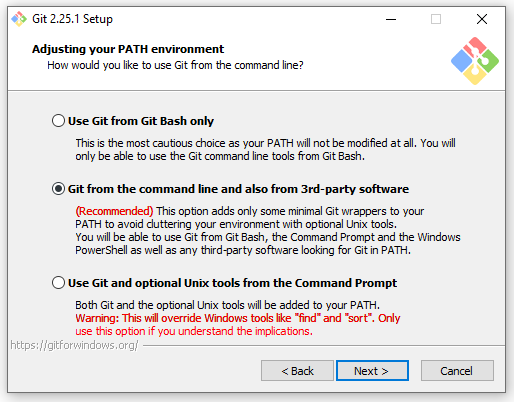
Click Next:
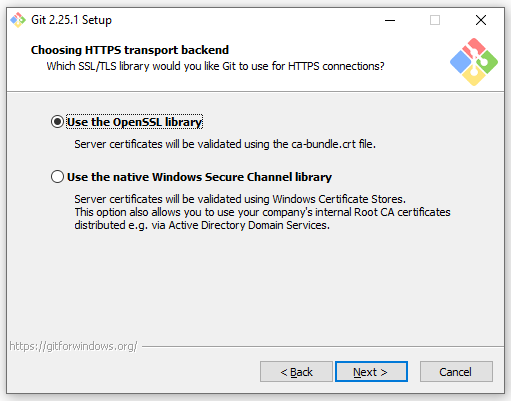
Click Next:
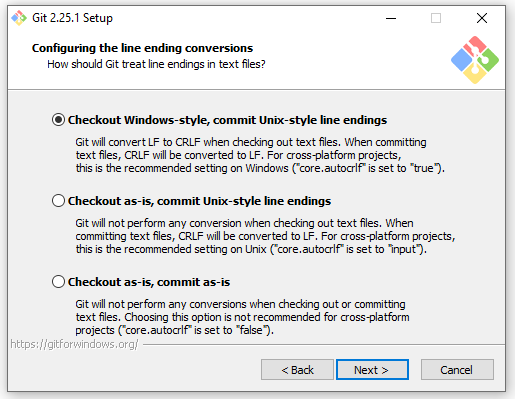
Click Next:
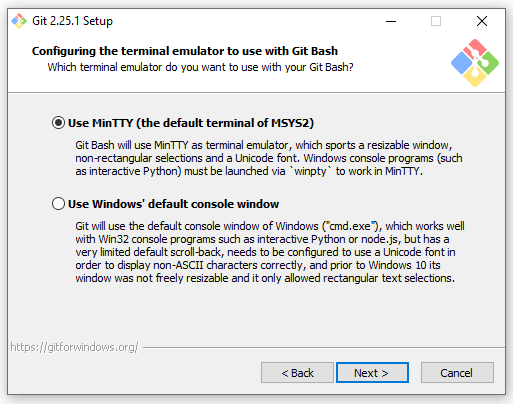
Click Install:
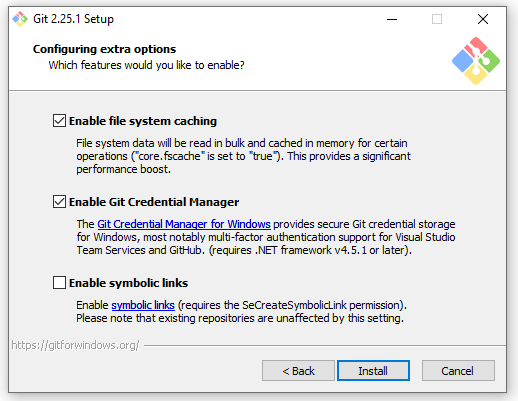
Click Next:
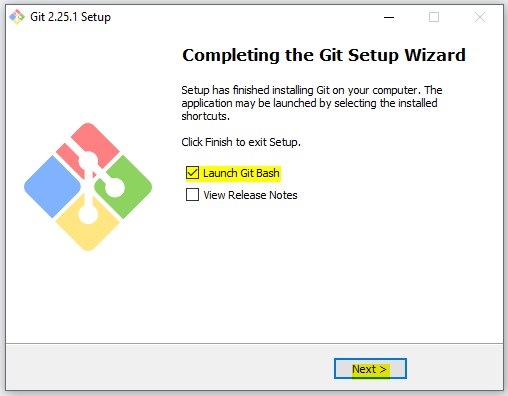
We see GitBash is open:
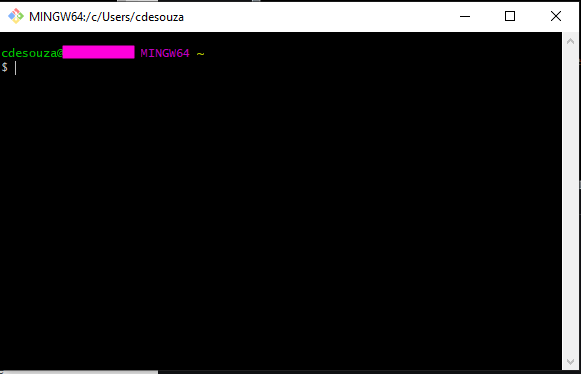
You can now start using Git.
To get the version of Git, type:
git –version


Keep learning. Keep building.
Explore AI, agents & Microsoft technology.
I share practical ideas, tutorials, and videos about AI, AI agents, Microsoft technologies, and the Power Platform.
Subscribe on YouTube →Carl de Souza Enterprise Architect at Microsoft · AI Technology Expert
