In Power BI, you can subscribe to reports or dashboards on a schedule or after data refresh. This is very useful if you would like to see a snapshot of the report without logging into Power BI. For example, if you want to see the leads generated each day, you can get this report sent automatically to your email.
To do this, go to the report or dashboard. Click Subscribe in the top right:
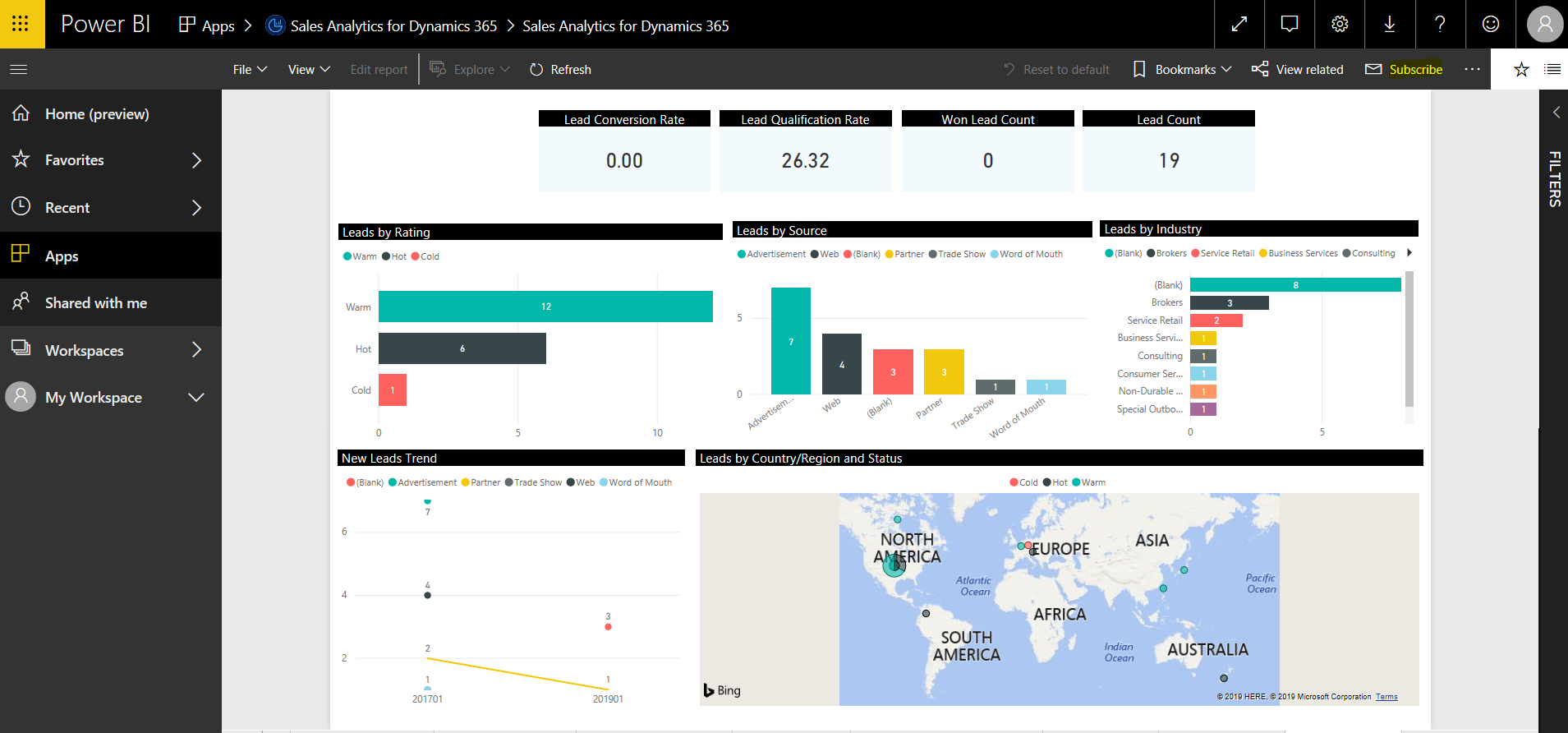
You will see below:
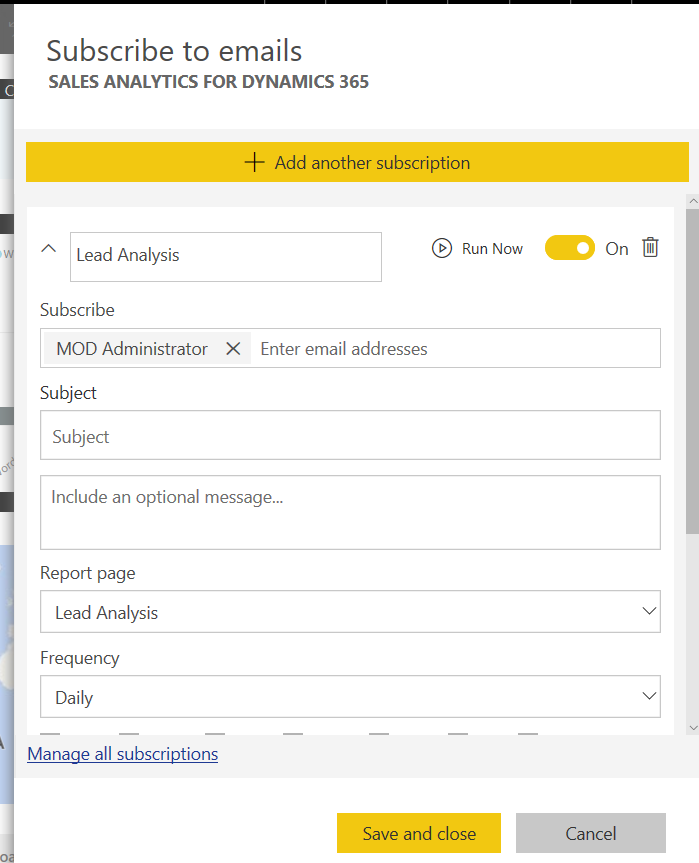
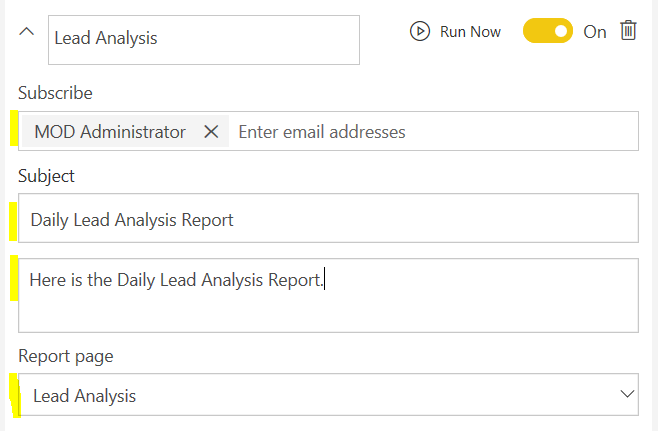
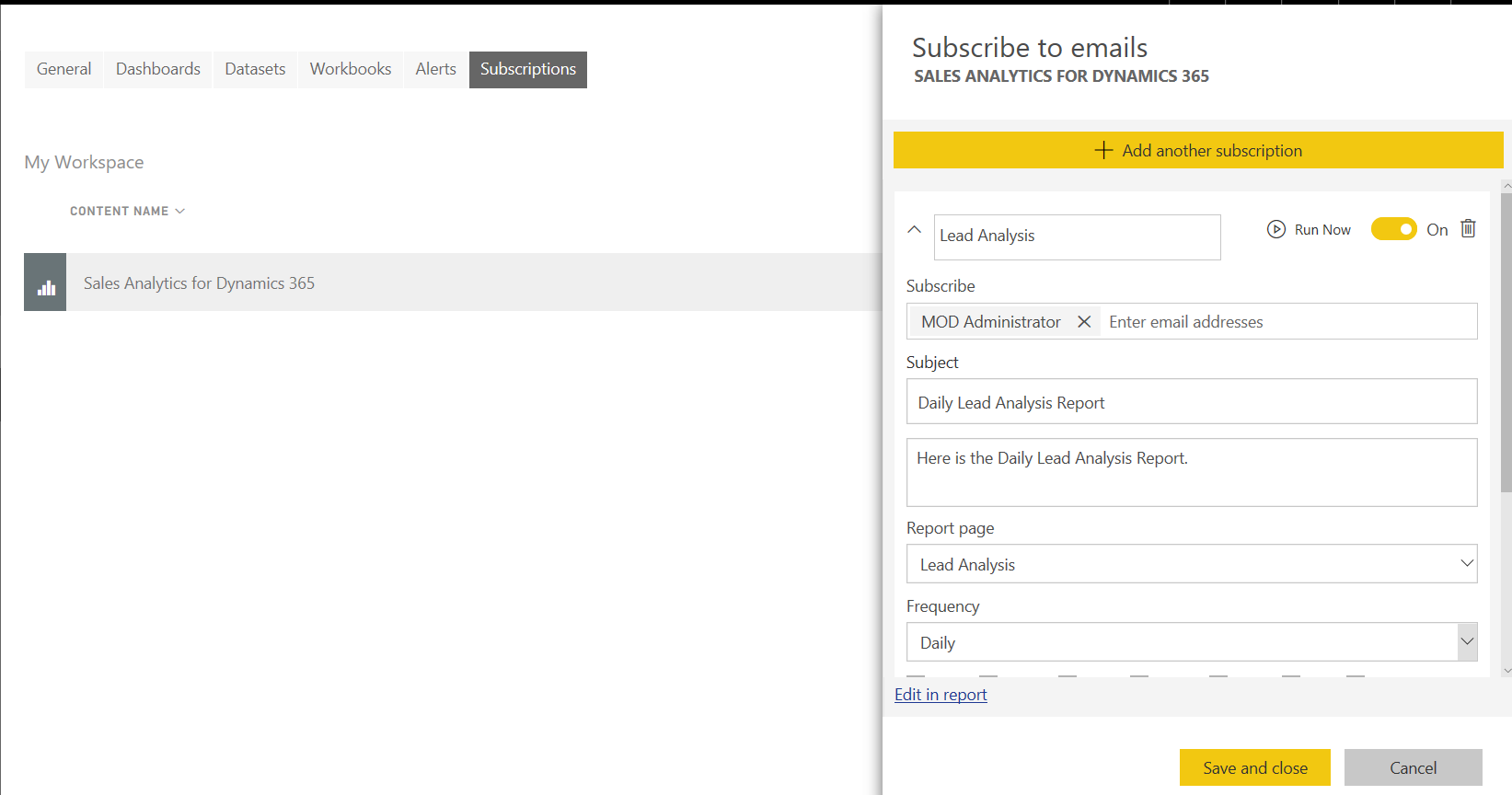
Enter the users who will receive the subscription, the subject of the email, the body of the email, and the report page:
Set the frequency:
- After data refresh (Daily) – after first scheduled refresh of the day
- Daily
- Weekly
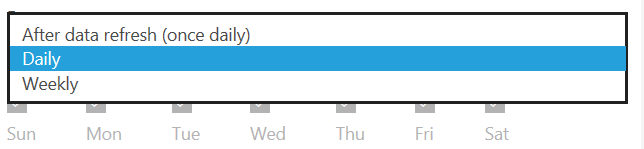
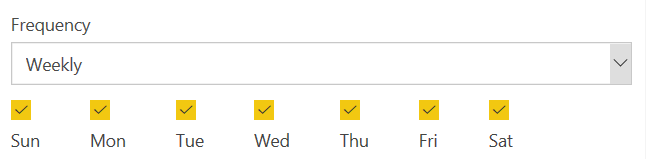
If we chose weekly we can select the day of the week:
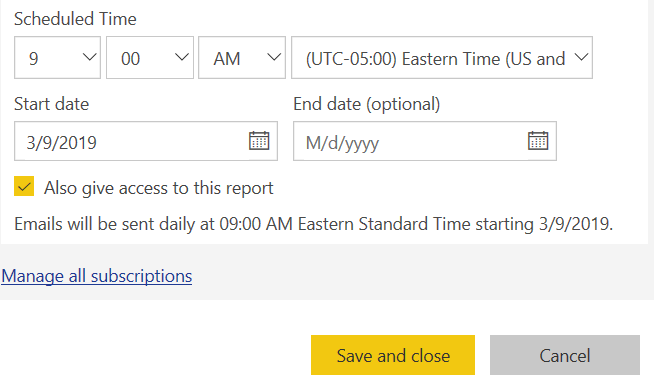
Set the schedule time, and any start and end date. Click Save and close:
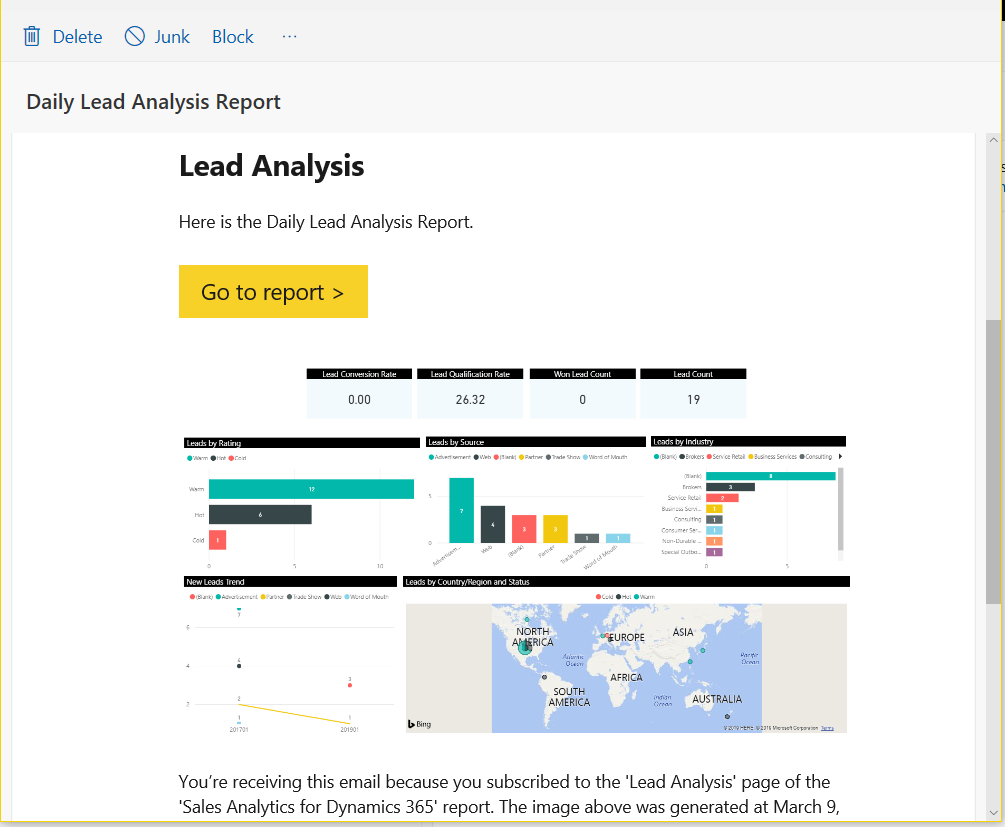
When the time is met, the subscribers will see an email like below:
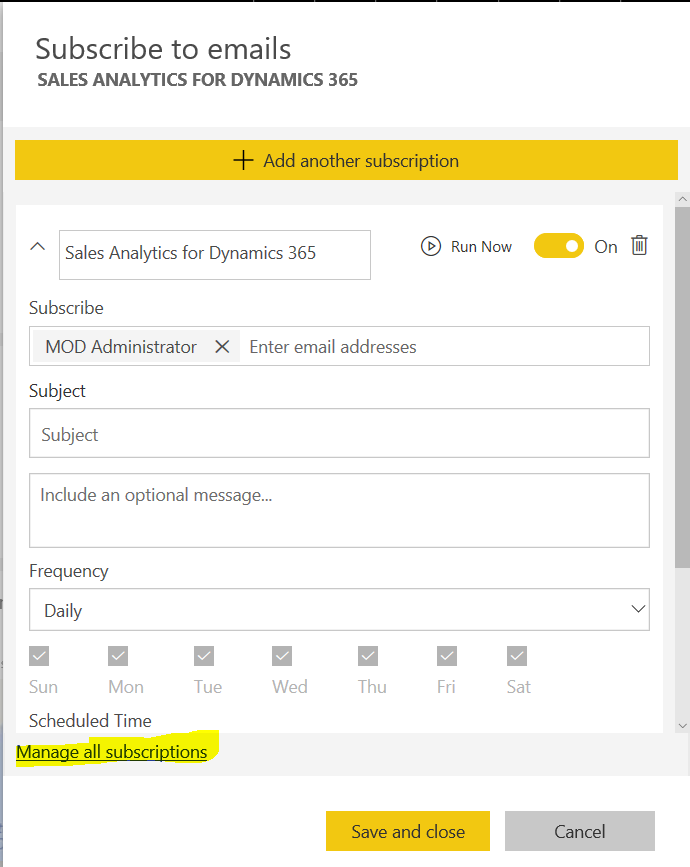
To manage your subscriptions, click on Subscriptions and then Manage All Subscriptions:
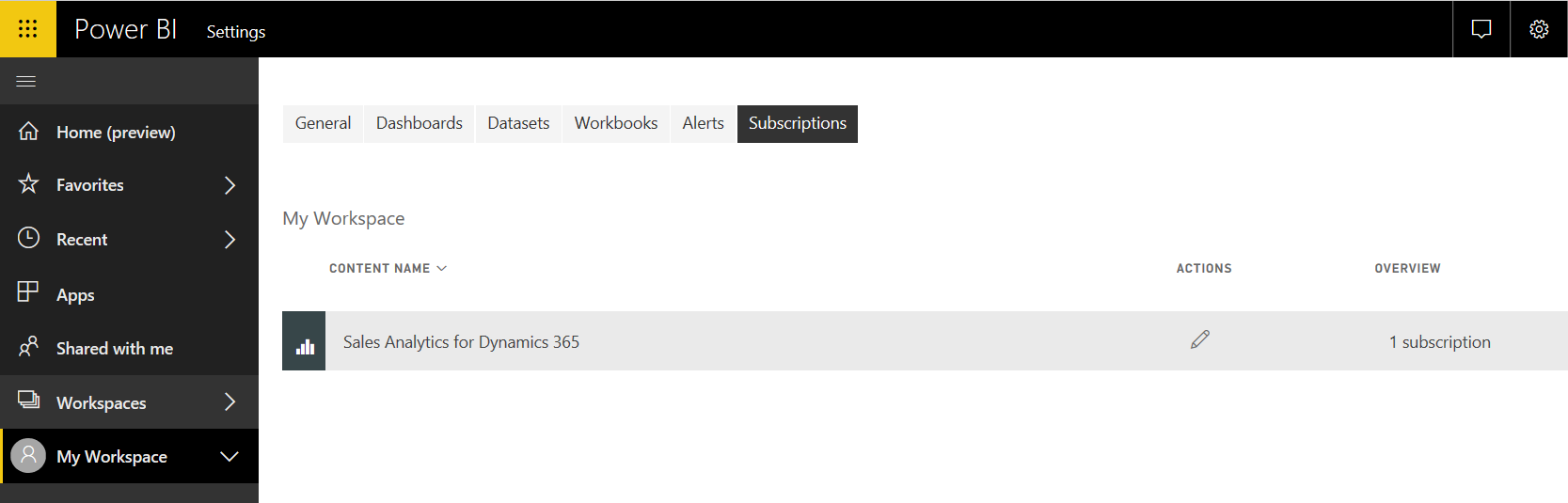
This will take you to the Settings page to Subscriptions. You can select a subscription to edit it:

Explore AI, agents & Microsoft technology.
I share practical ideas, tutorials, and videos about AI, AI agents, Microsoft technologies, and the Power Platform.
Subscribe on YouTube →
Hello,
I’m trying to do the same but it’s not allowed for reports with row level security. I can’t add additional users who will receive the notification.
Do you have any workaround for this?
Thanks,
Rez
Add to email list!