As part of the transition to Unified Interface, we can use the Unified Interface Transition Portal to help us.
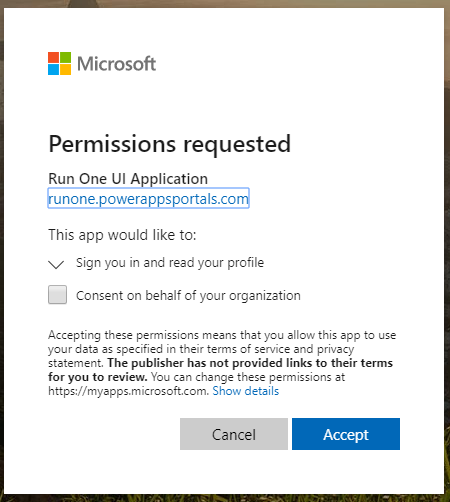
Go to https://runone.powerappsportals.com/. You will be prompted to log in and accept the permissions:
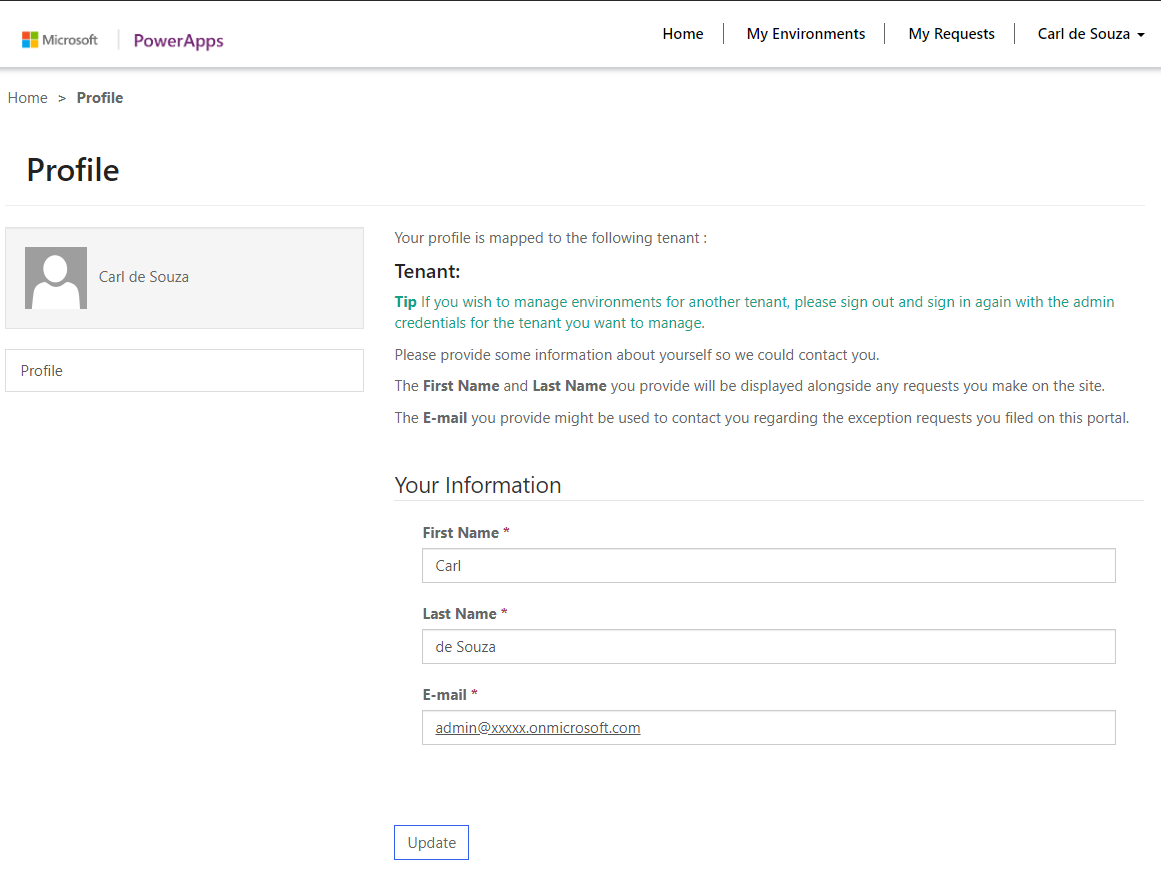
Then confirm your details:
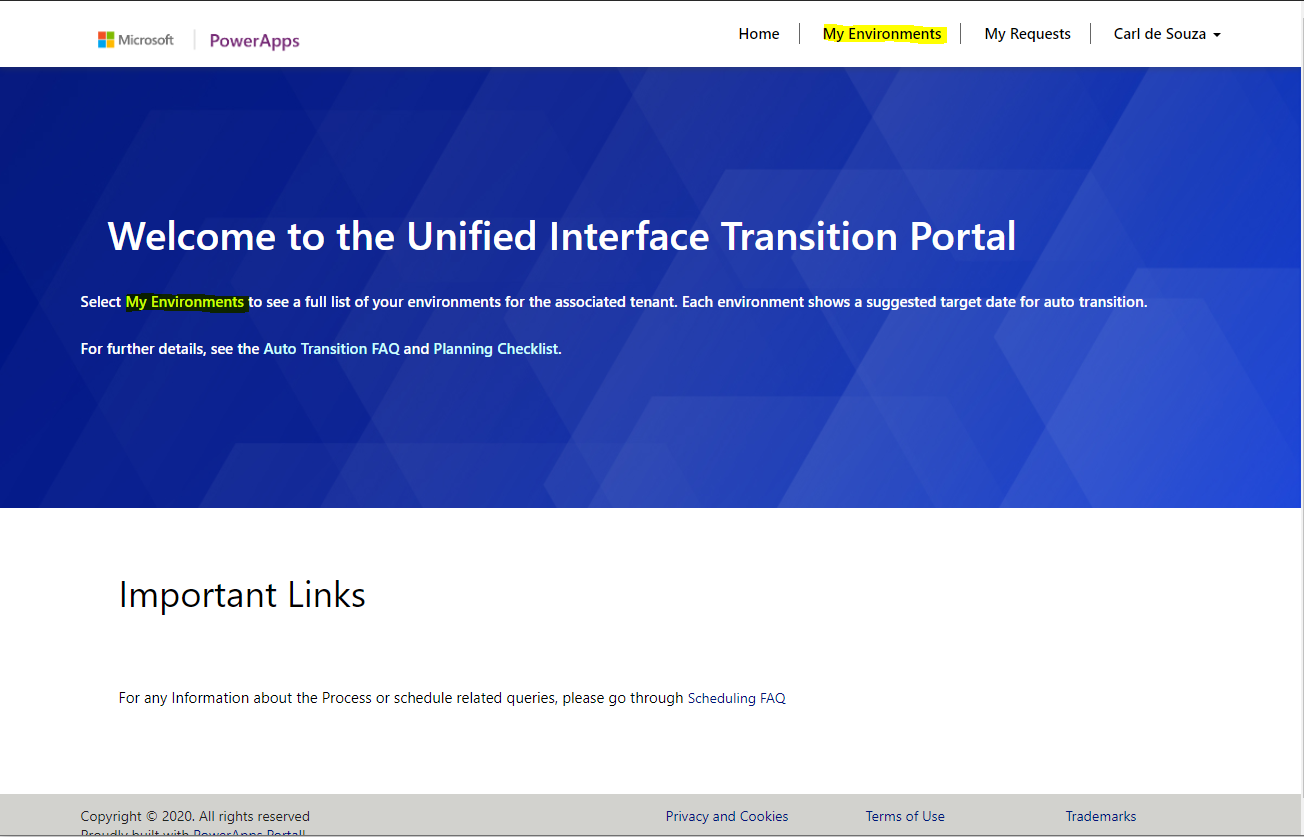
Select My Environments:
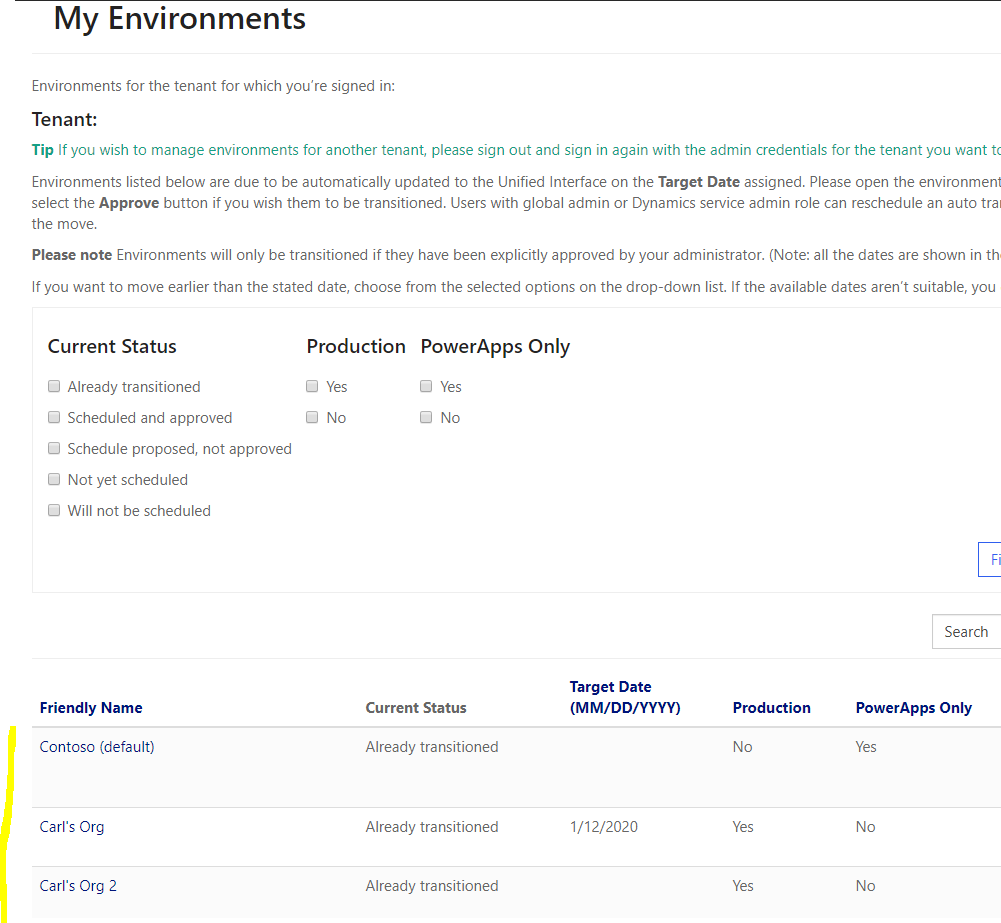
From here, you can see the current transition status, and the target date:
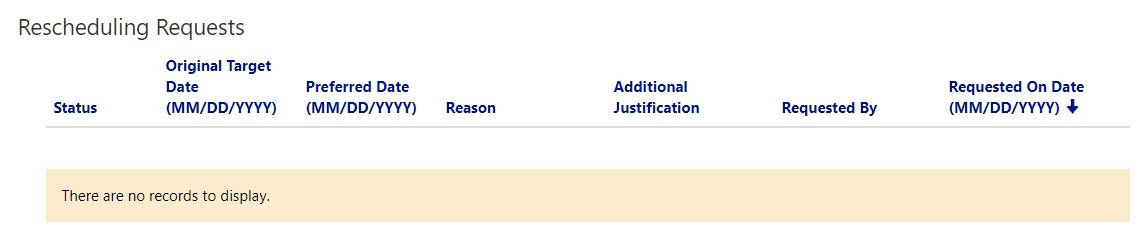
Selecting an org will show details on the Rescheduling Requests:
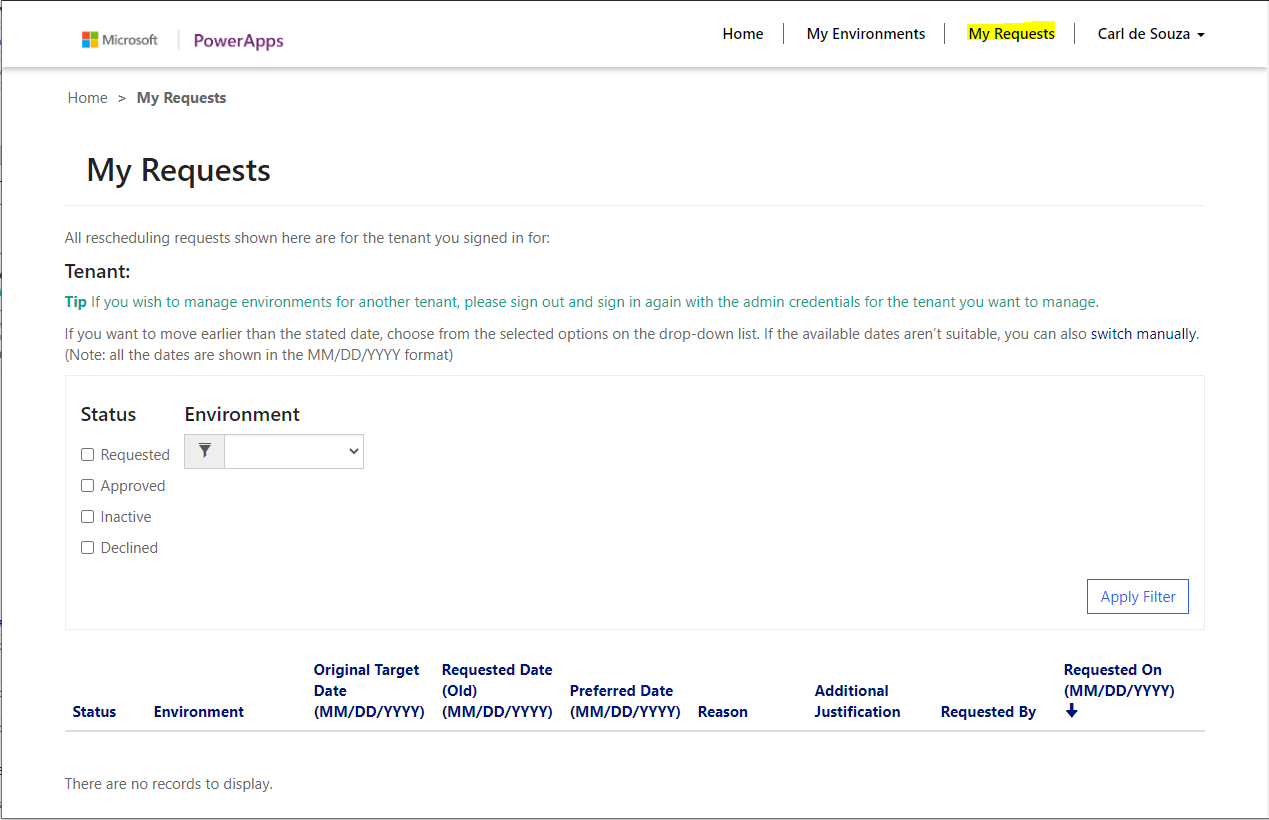
And you can also click on My Requests to see a list of requests:
Also see:

Keep learning. Keep building.
Explore AI, agents & Microsoft technology.
I share practical ideas, tutorials, and videos about AI, AI agents, Microsoft technologies, and the Power Platform.
Subscribe on YouTube →Carl de Souza Enterprise Architect at Microsoft · AI Technology Expert
