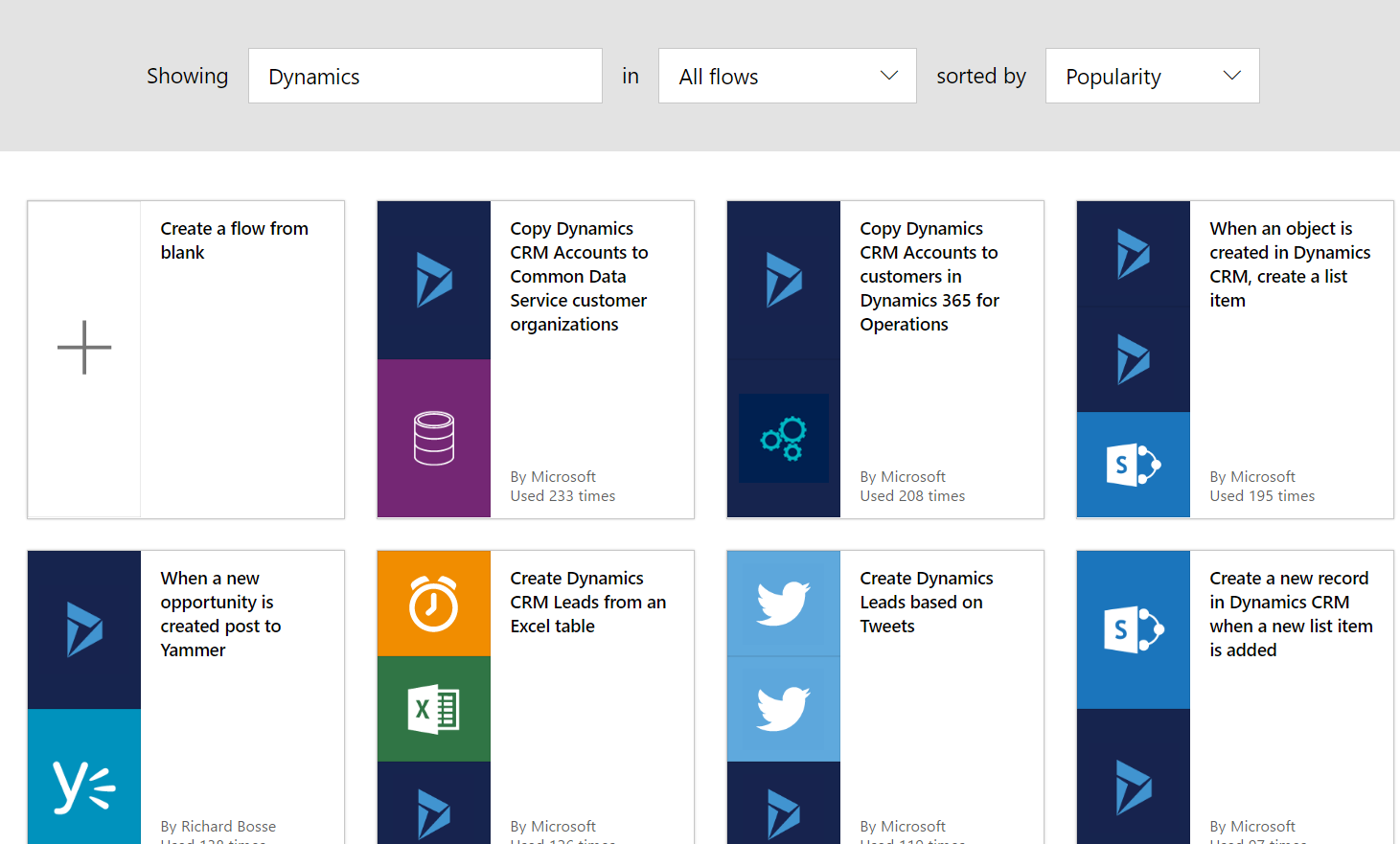
Creating Microsoft Flows for Microsoft Dynamics
Microsoft Flow can be used with Microsoft Dynamics to create flows. Searching for Dynamics in the available flows, you can see there are…
Read article →Microsoft Flow can be used with Microsoft Dynamics to create flows. Searching for Dynamics in the available flows, you can see there are…
Read article →
Microsoft Flow is a new service from Microsoft that enables creating automated workflows between applications. It is like IFTTT (if this then…
Read article →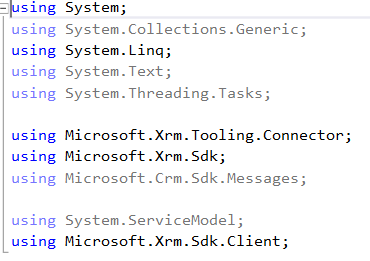
In order to use LINQ queries to access Dynamics 365 data, you need to go through the following steps. This is a late-bound example.…
Read article →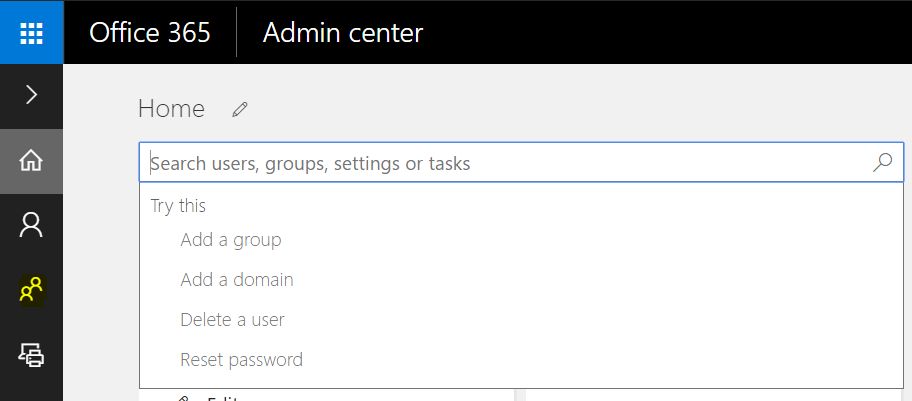
In Office 365 Admin, select the Groups icon, or type in Add a group: From here, you will see all existing groups:…
Read article →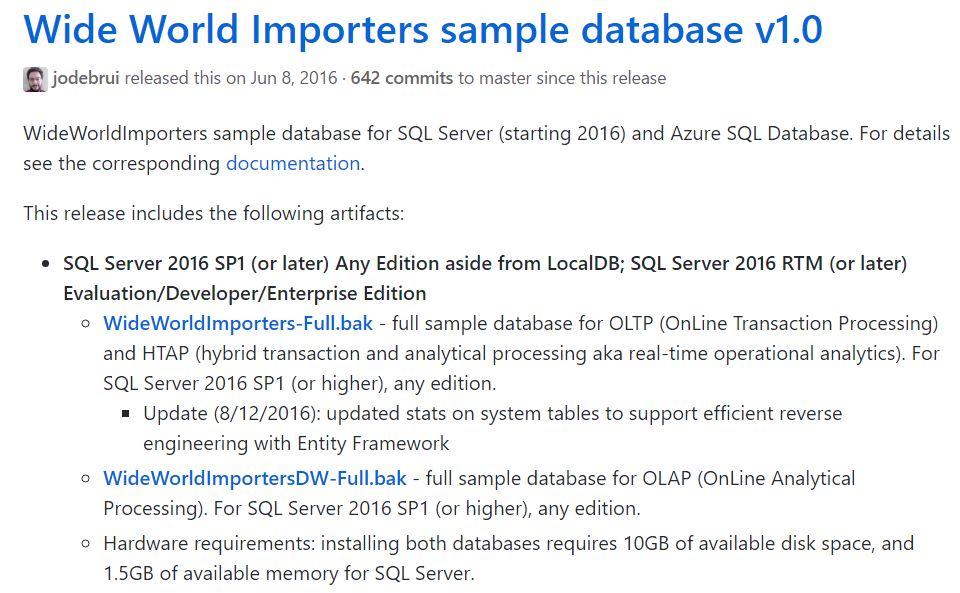
The AdventureWorks sample databases that had been used for a long time for SQL Server have been replaced with the SQL Server 2016 version. This…
Read article →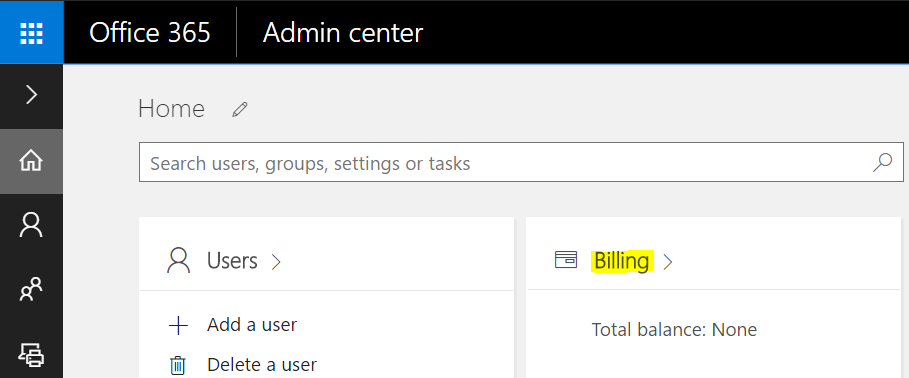
To assign licenses to Power BI users, do the following. In the Office 365 Admin Portal, select Billing: Select Add Subscriptions: Scroll…
Read article →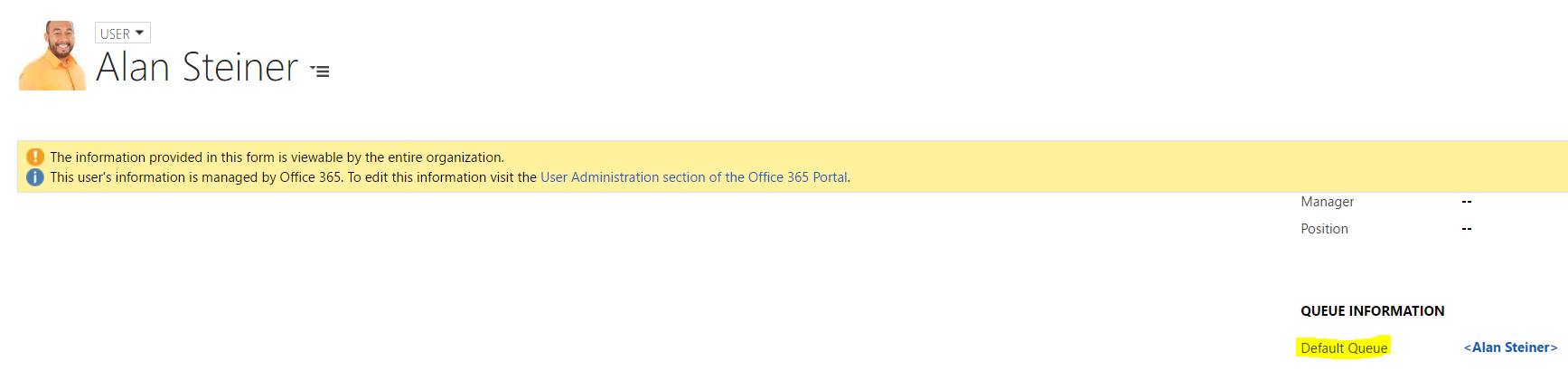
Queues are used in Dynamics CRM to organize work. Each user and team in Dynamics CRM has a queue by default: To…
Read article →
Business Units are used in Dynamics CRM to group users and teams. To create business unit, go to Settings->Security: There should be…
Read article →
USD has caching functionality to allow the USD client to be loaded as quickly as possible. Caching can not only increase USD client…
Read article →
There are several ways you can troubleshoot USD if there is an error. One of these is logging. Logging can be done at…
Read article →