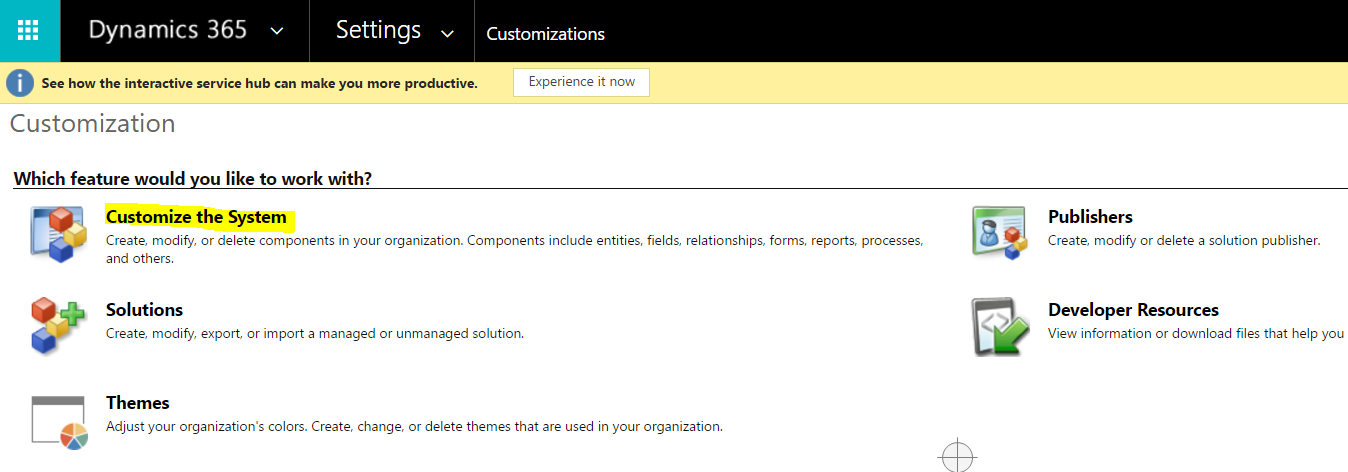
Getting a Dynamics 365 CRM Dashboard URL
In the newer versions of Dynamics CRM, getting the URL of a dashboard is not that straight forward. Here are the steps to do…
Read article →In the newer versions of Dynamics CRM, getting the URL of a dashboard is not that straight forward. Here are the steps to do…
Read article →
The CRM Global Manager hosted control (called the Global Manager in earlier USD versions) is a specific type of hosted control in USD.…
Read article →
To download the Ribbon Workbench, go to: https://ribbonworkbench.uservoice.com/knowledgebase/articles/80806-download-ribbon-workbench-for-crm-2011-2013-2015 Select the download link: Select the version: Check email: This will download the…
Read article →
Windows navigation rules in Unified Service Desk tell the application what to do when a user performs an action. Here we will…
Read article →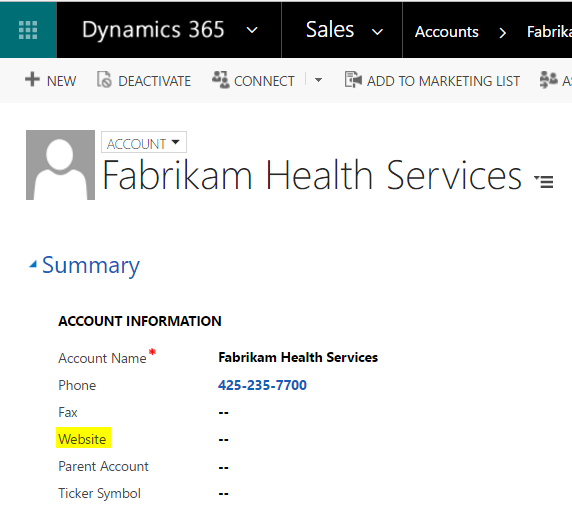
One of the benefits of using Dynamics CRM is the ability to write client side JavaScript code to perform actions on the…
Read article →
In Excel, select Correlation from the Data Analysis TookPak: Highlight and select options: Excel will create the correlation:
Read article →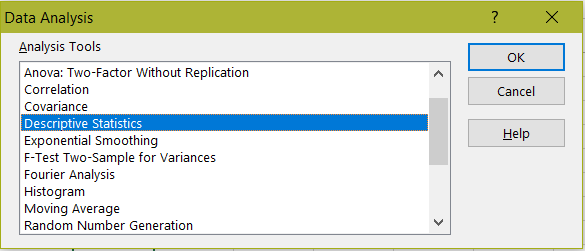
There is lots of functionality in the Excel Analysis ToolPak. Let’s take a look at Descriptive Statistics. Let’s apply this to my data,…
Read article →
In order to administer Power BI, there is a role in Office 365 that allows a user to be a Power BI administrator without…
Read article →
Excel provides an addin called Analysis ToolPak. To access it, open Excel and go to File->Options: Select Addins->Go: Select Analysis ToolPak and…
Read article →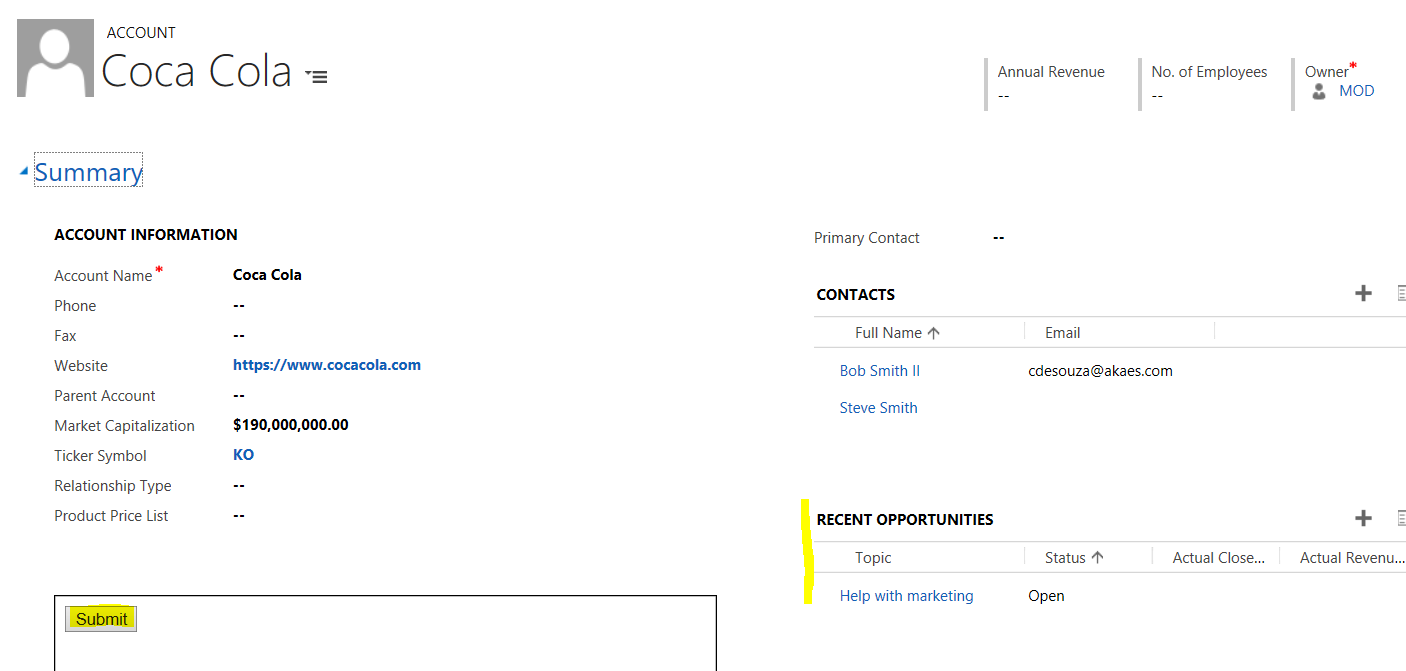
Here we will go through an example of refreshing a Dynamics 365 subgrid using JavaScript. Let’s say we want the Recent Opportunities…
Read article →