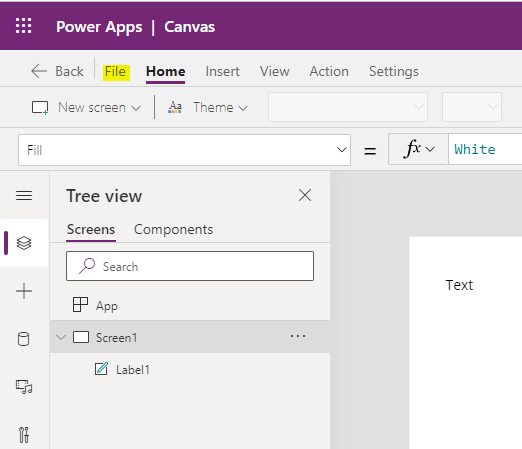
Connecting an OData Azure App Service to Virtual Tables in the Power Platform

In this post, we will look at how to use Virtual Tables in the Power Platform and Dynamics 365. Virtual Tables were previous called Virtual Entities before Microsoft’s renaming of entities to tables. Virtual tables are a powerful way to integrate 3rd party systems with Microsoft Dataverse. These types of tables are what you would imagine, tables that are “virtual”, i.e. not so much physical, so the data stored in … Continue reading Connecting an OData Azure App Service to Virtual Tables in the Power Platform

Create a Simple Sample OData V4 Service with Data in Azure

In this post, we will customize an Microsoft Docs sample to create an OData version 4 service with data and publish it to a new App Service in Azure. This is useful if you want to test OData integrations such as virtual tables in the Microsoft Power Platform, which we will do in the next post. Note this sample won’t support a lot of OData features, it is more intended to … Continue reading Create a Simple Sample OData V4 Service with Data in Azure

How to Easily Install Updates to XrmToolbox Tools

In this post, we will look at how to easily install multiple XrmToolbox tools at once. We will also look at how XrmToolbox color codes each line in the tools library. When you log into XrmToolbox, you may see the message “Updates are available for your tools”: On the right, you will see the link to Open Tool Library. Selecting this opens the tool library like below, however it displays … Continue reading How to Easily Install Updates to XrmToolbox Tools

Omnichannel Supervisor Assigning and Transferring Chats to Agents

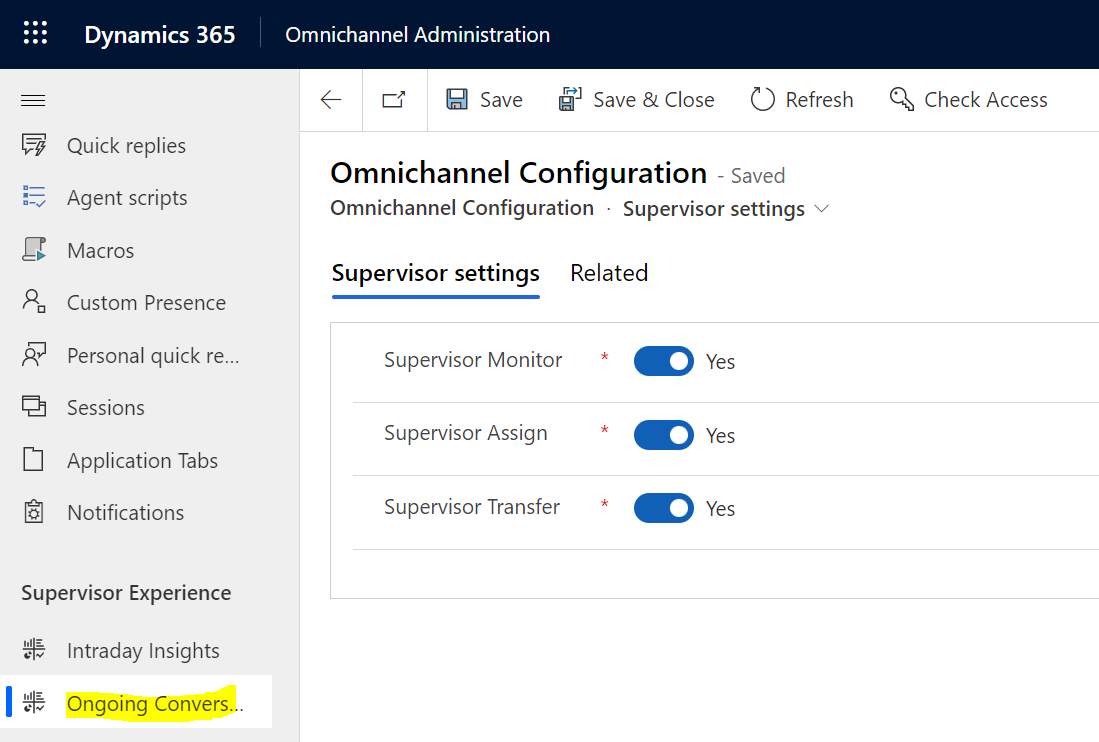
In this post, we will look at how supervisors can assign and transfer chats to agents in Omnichannel. Let’s look at our setup. We have 4 users in Dynamics 365 with the following roles: System Administrator, which has the Omnichannel administrator role assigned Alan Steiner, who has the Omnichannel supervisor role Alicia Thomber, who has the Omnichannel agent role Spencer Low, who has the Omnichannel agent role Now, a customer initiates … Continue reading Omnichannel Supervisor Assigning and Transferring Chats to Agents

How to Install the New Yammer App

In this post, we will look at how to install the new Yammer App, which is implemented as a Progressive Web App (PWA). If you log into the existing Windows Yammer app, you may see the message “This version of the Yammer desktop app will no longer be supported after July 31, 2021. Please install the new Yammer desktop experience or try the Yammer Communities app in Microsoft Teams”: To … Continue reading How to Install the New Yammer App

Setting up SSO Single Sign On in Unified Service Desk 4.2

Unified Service Desk 4.2 went general availability recently, and if you upgraded you may see that when you launch USD you are prompted to log in. Enabling the Single Sign On (SSO) settings in USD will change this so it launches the user right into USD without having to re-enter their credentials. Shout out to Microsoft superstar John Mathews for the tip on how to enable this one. First log into … Continue reading Setting up SSO Single Sign On in Unified Service Desk 4.2

How Agents Can Create Personal Quick Replies in Omnichannel

In this post, we will look at how to enable personal quick replies for Omnichannel agents. Out of the box, personal quick replies are not enabled for agents. To enable Personal Quick Replies, go to the Omnichannel Administration app and go to Personal Quick Replies. Set “Allow agents to create personal quick replies” to “Yes”: Now, the trick to access this as an agent in the Omnichannel for Customer Service … Continue reading How Agents Can Create Personal Quick Replies in Omnichannel

How to Submit and View Product Ideas for Dynamics 365 Applications

Ever used a Dynamics 365 product and thought of an idea that would make the product that much better? Microsoft encourages individuals to submit ideas that would help improve their products, and the place to submit and find these ideas for Dynamics 365 is at https://experience.dynamics.com/ideas/. When you go to the site, you will see something like below: From here, you can select an idea category. Expanding an idea section will … Continue reading How to Submit and View Product Ideas for Dynamics 365 Applications

Use Omnichannel Proactive Chat to Engage with Your Customers

In this post, we will look at how to set up Omnichannel Proactive Chat in order to engage with your customers. Firstly, what are proactive chats? Let’s take a step back. In Omnichannel, we can add chats to a webpage, which look like below: When a customer needs to chat, they will click on the chat icon, which then launches the full chat widget: This is great, except in times … Continue reading Use Omnichannel Proactive Chat to Engage with Your Customers

Passing Custom Context to an Omnichannel Chat

Passing custom context variables to an Omnichannel chat can be useful when you want to supply Omnichannel agents with customer data or other types of useful information. In this post, we will look at how to do this with Omnichannel JavaScript SDK methods. Scenario 1 – Chat with No Custom Context In the first scenario, let’s look at a simple Omnichannel chat that is configured in the Omnichannel Administration app. … Continue reading Passing Custom Context to an Omnichannel Chat