The Power Apps Maker Solution Preview is available for some orgs. Once enabled, it provides a cleaner user experience when building apps.
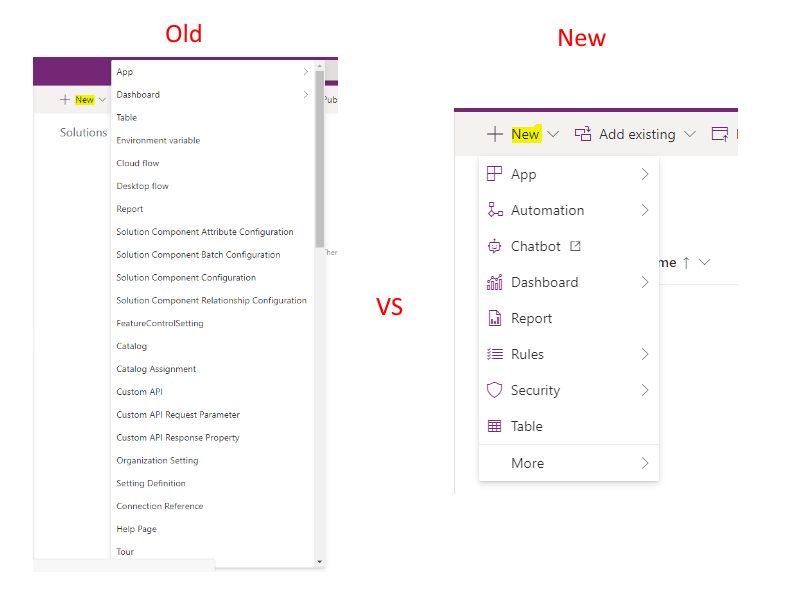
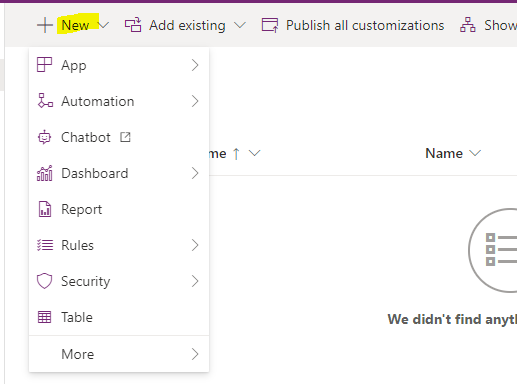
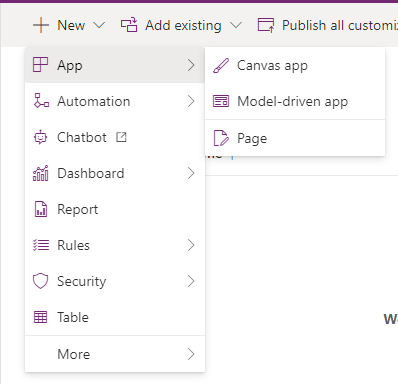
For example, the New menu below has changed from showing many options to a categorized experience:
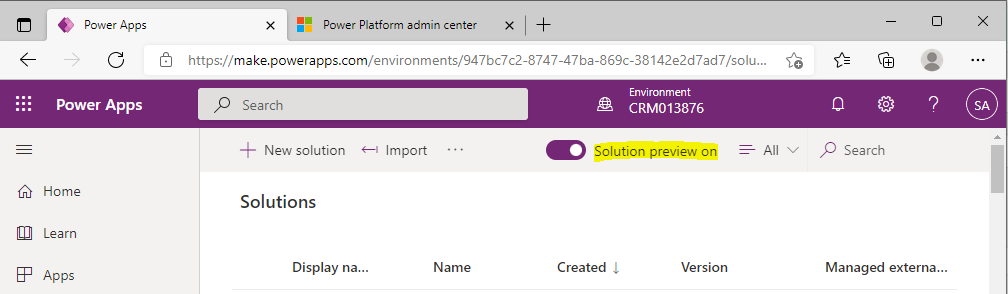
To enable the Power Apps Maker Solution Preview, go to https://make.powerapps.com and select Solution Preview On:
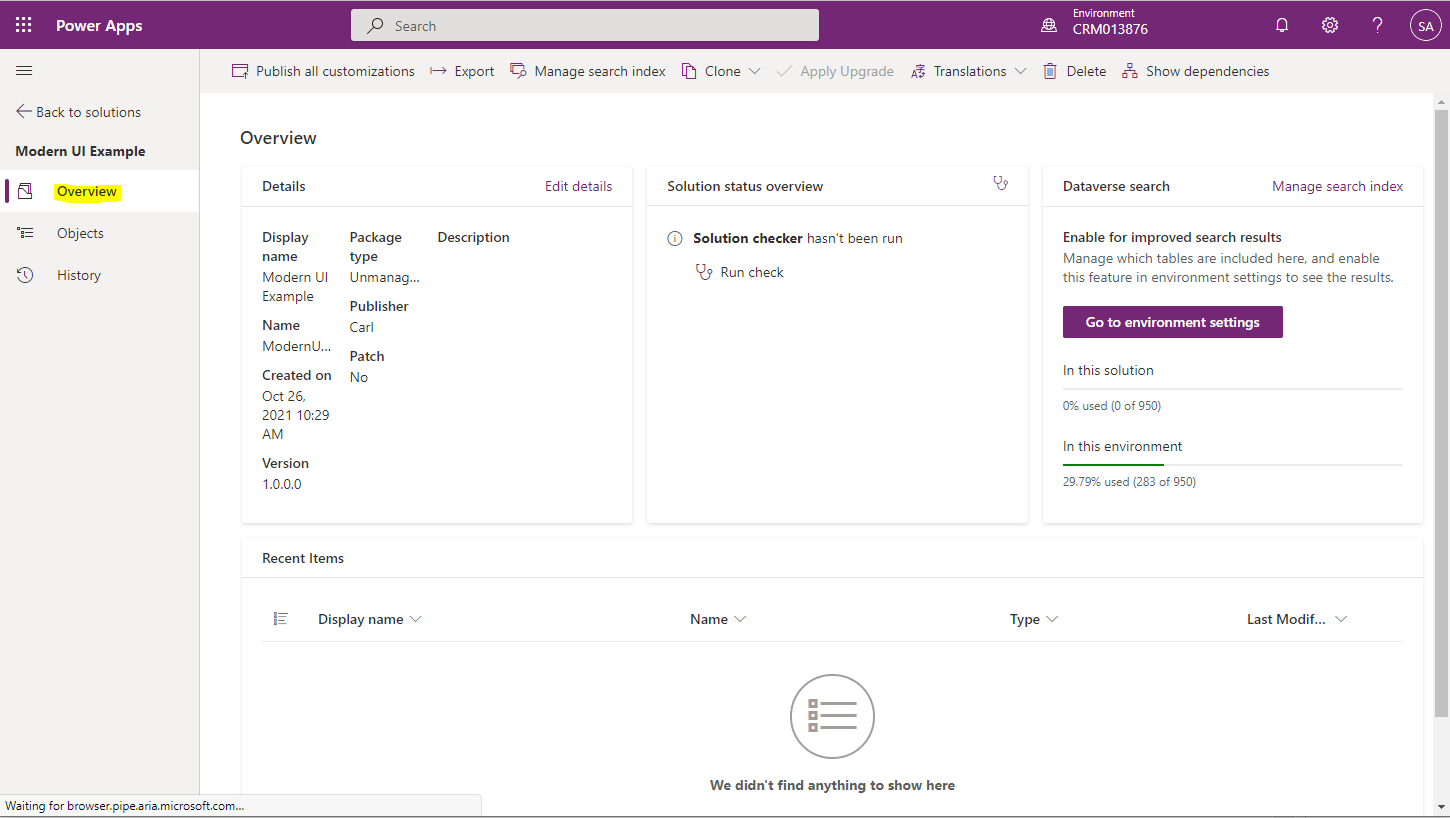
Now when you go into a solution, you will see the new layout. We see 3 tabs on the left, first is Overview which shows details of the solution:
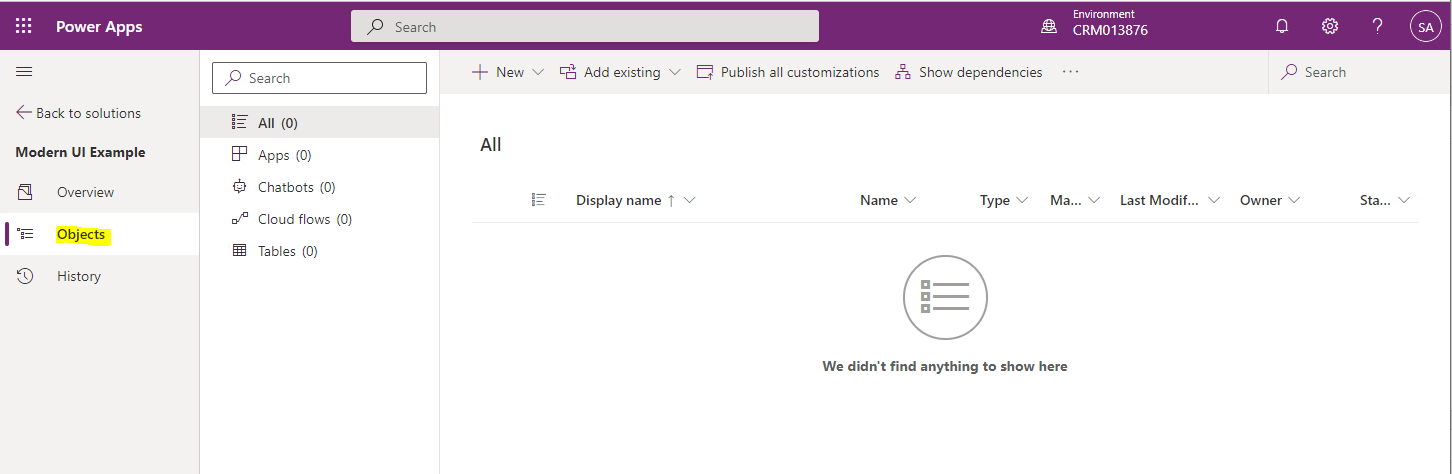
Next is Objects which gives us a list of the solution components, broken down into subcategories of Apps, Chatbots, Cloud Flows, and Tables:
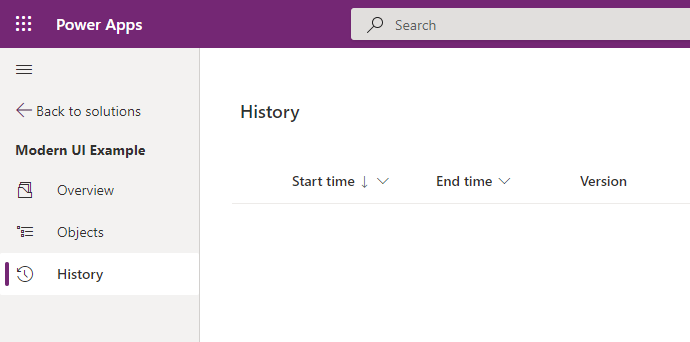
And finally the History of the solution:
The menu system is much cleaner than previous iterations of the solution explorer, with components nicely categorized:
Looking forward to using this more often.

Explore AI, agents & Microsoft technology.
I share practical ideas, tutorials, and videos about AI, AI agents, Microsoft technologies, and the Power Platform.
Subscribe on YouTube →