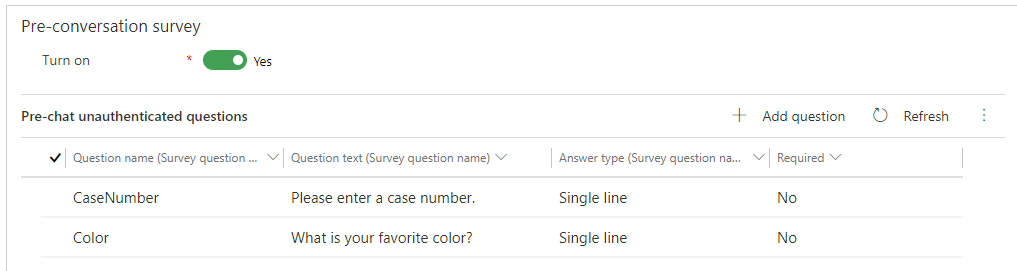
Dealing with Deprecated Flip Controls in 2021 Release Wave 1 Power Apps

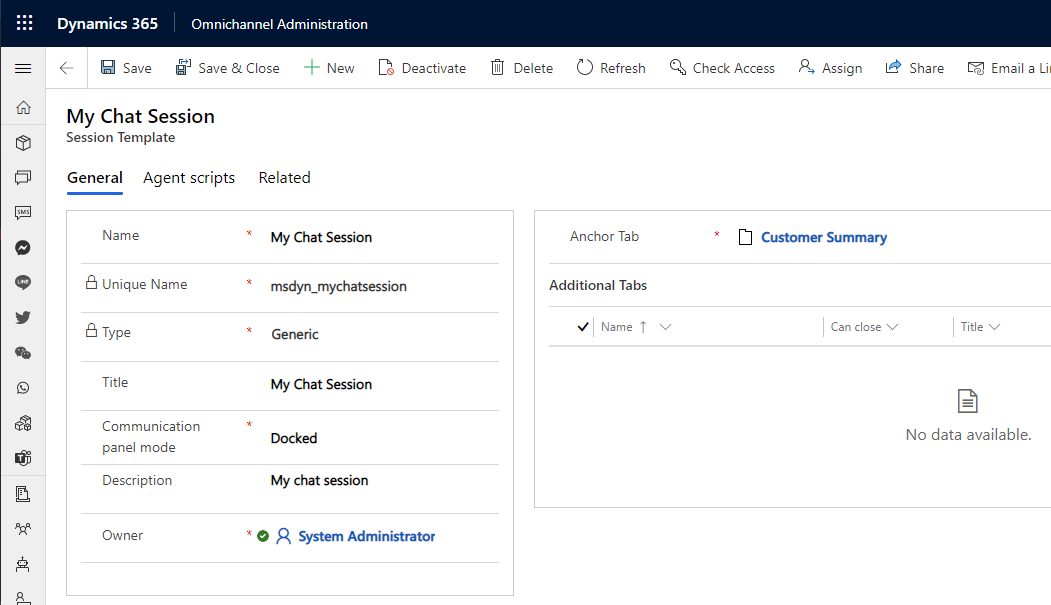
The 2021 Release Wave 1 for Power Apps has a list of deprecated features, including various controls. In this post, we will look at the deprecation of controls, specifically the “flip” controls and what it means. Looking at the Microsoft documentation here, we see several controls will be deprecated including: Flip Switch Calendar Control (V1) Linear Slider Radial Knob Arc Knob Linear Gauge Website Preview MultiSelectPicklistControl (V1) Flip Label From … Continue reading Dealing with Deprecated Flip Controls in 2021 Release Wave 1 Power Apps

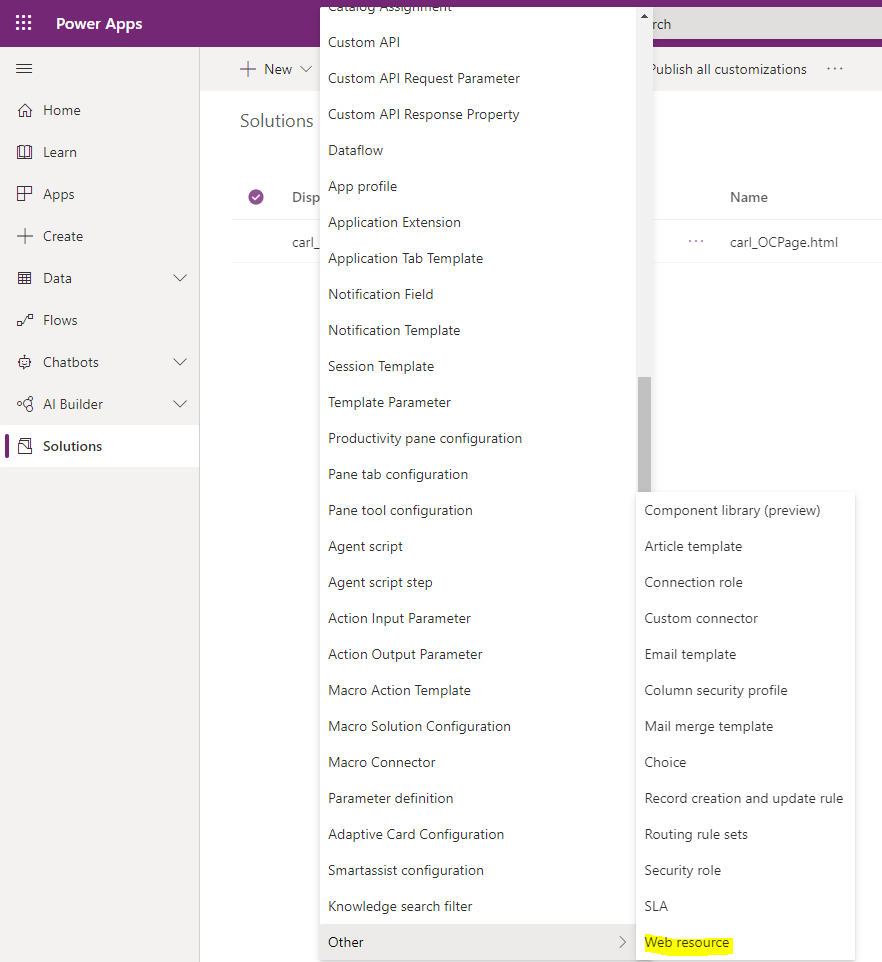
Running Omnichannel for Customer Service on Unified Service Desk for Amazing Agent Experiences

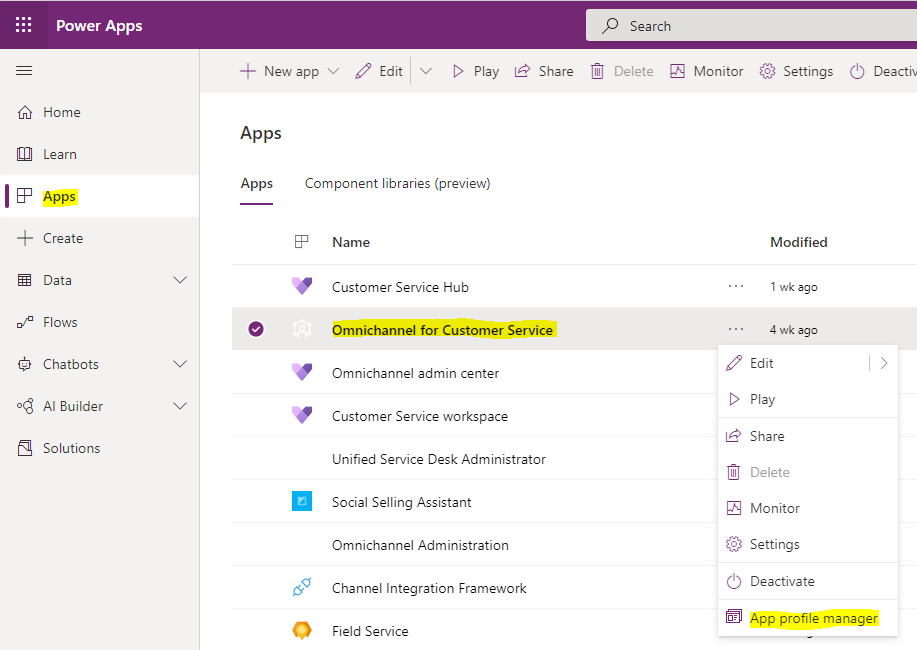
In this post, we will take a deep dive into how to install and configure Unified Service Desk – Omnichannel for Customer Service so agents can use Dynamics 365 Omnichannel within Unified Service Desk (USD). We can use Omnichannel with USD to have agents receive chats within the Unified Service Desk interface, thereby opening it to flexible session-based workflow and integrations with third-party systems. Let’s look at how it works. First, let’s … Continue reading Running Omnichannel for Customer Service on Unified Service Desk for Amazing Agent Experiences

How to Tell if Microsoft Teams is Down

Every now and then, Microsoft Teams will be down. What this means is the Microsoft Teams service from Microsoft is down, and there’s not a whole lot you can do. There’s several reasons behind the scenes why the service may be down, such as Microsoft applying a patch that didn’t turn out as expected. Here’s what you should do to confirm the service is down or if you’re experiencing a … Continue reading How to Tell if Microsoft Teams is Down

Restore failed App is locked by User

In this post, we will look at the error message “Restore failed App is locked by User”, e.g. Restore failed. ‘My Simple App’ is locked by System Administrator. This happens when you are in the Power Apps maker, and you select a previous version of your app to restore. You then get this message: Ensure you do not have the Power Apps maker open in another browser tab. If you … Continue reading Restore failed App is locked by User

Customizing Dynamics 365 Omnichannel Forms and Agent Experience

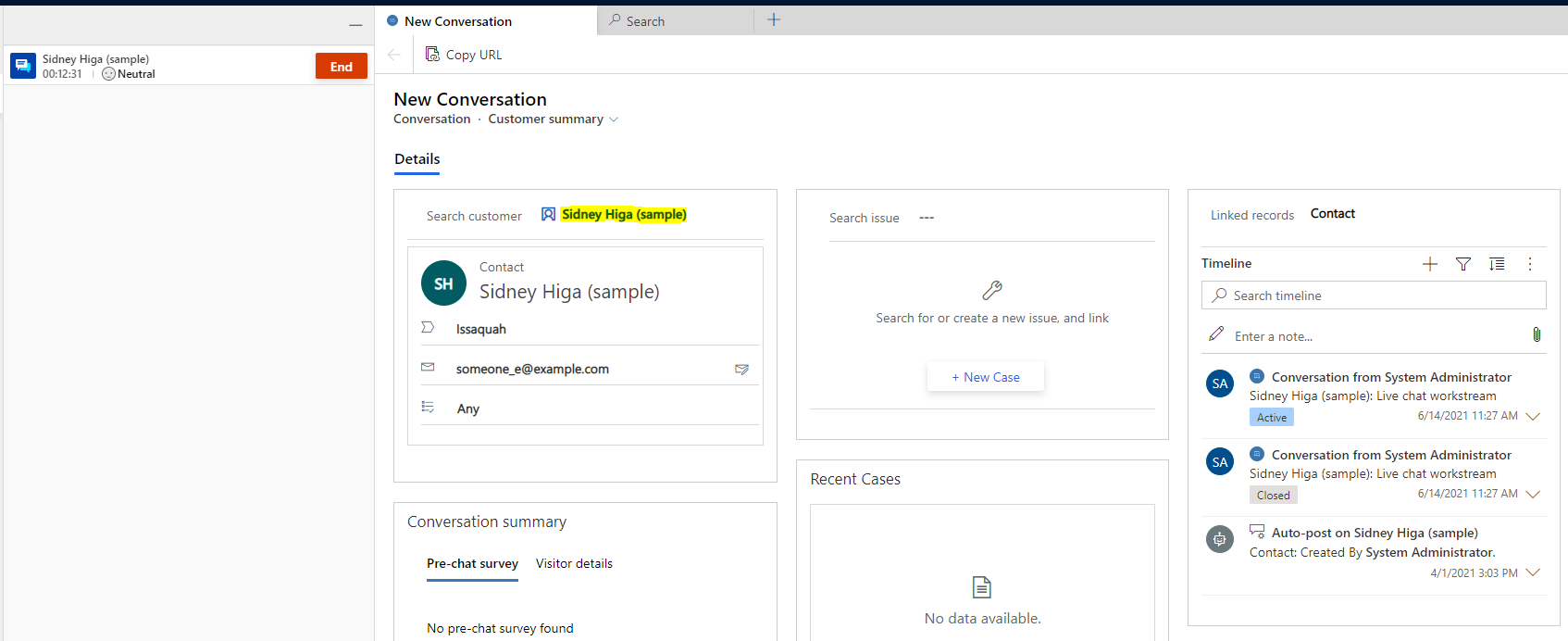
Omnichannel agent experiences can be improved by providing customized forms, layouts, and surfacing data quickly. With Dynamics 365 Omnichannel for Customer Service, there are several customization options available. Let’s take a look at these. First, let’s look at the Omnichannel experience when a chat session is started. The agent sees below: Breaking this down, we see: The left navigation, which holds tabs to the sessions: The chat interface, where the … Continue reading Customizing Dynamics 365 Omnichannel Forms and Agent Experience

Authenticating Users in Omnichannel for a Better User Experience

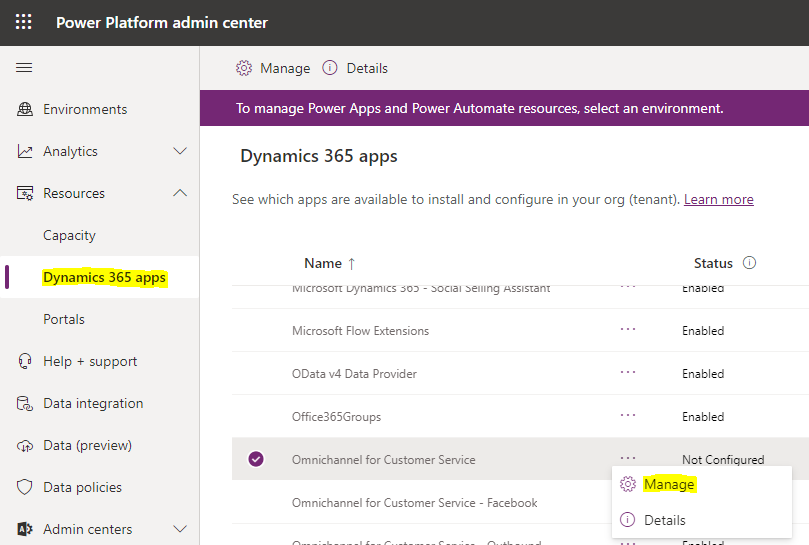
In this post, we will look at how to set up authentication in Omnichannel so Power Apps Portal customers can be pre-authenticated when talking with agents. An example scenario of where this may come in useful is where a customer may need help with an account they have subscribed to, for example, their phone company, an airline etc. The customer can log into the company’s website using their account or … Continue reading Authenticating Users in Omnichannel for a Better User Experience

Using Skill-Based Routing in Dynamics 365 Omnichannel

In this post, we will look at how to use skill-based routing in Dynamics 365 Omnichannel. Let’s go through an example where there are 2 types of agents – Sales agents and Technical agents. An example scenario may be where you are calling your phone company, and you either need to speak to sales about a new phone, or you need to speak to someone technical as you have issues … Continue reading Using Skill-Based Routing in Dynamics 365 Omnichannel

Removing Import from Excel in Dynamics 365

The Import from Excel feature allows users to import data into Dynamics 365. In some cases, you may want to disable this. To remove the Import from Excel feature, go to the security role, then under Core Records find Data Import. Uncheck the permissions: Now, when the user tries to import, they have no option: