Intro to Power Apps Portals Web Roles and Table Permissions

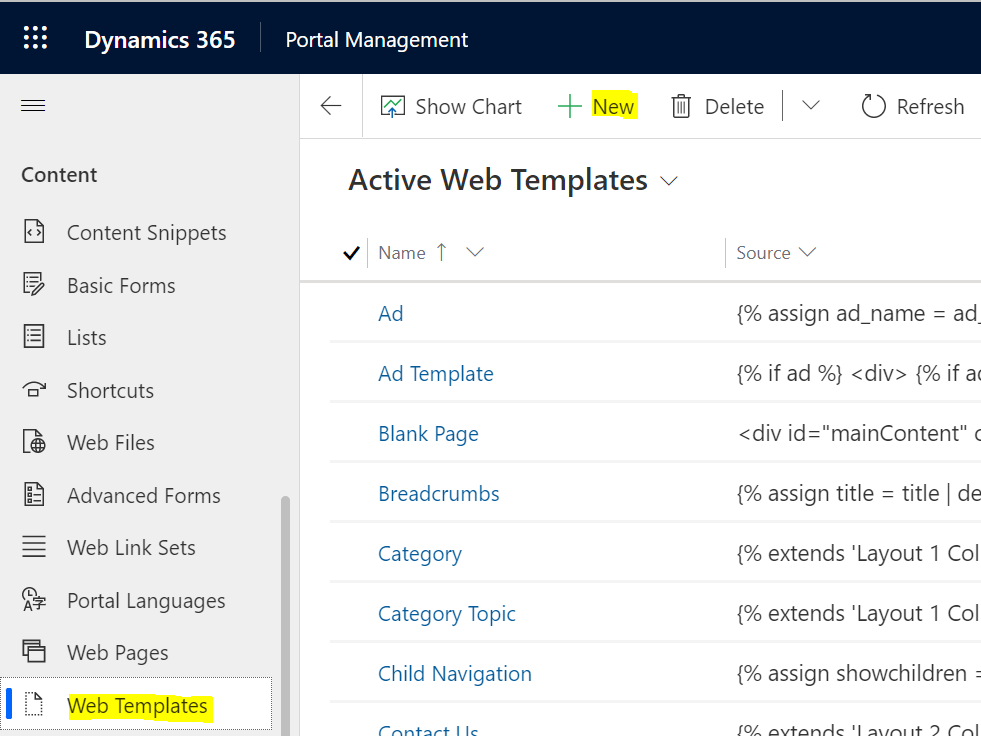
In this post, we will look at Power Apps Portals Web Roles and Table Permissions how they are used. We will go through an example of displaying a list of Dataverse records. First, let’s create a new portal called Company Jobs. The goal of the website is to display content to both internal authenticated and external non-authenticated users. The difference is that internal people will see some more information on the … Continue reading Intro to Power Apps Portals Web Roles and Table Permissions

Use the Three-Screen App Template to Build a Canvas App

In this post, we will look at the Power Apps Maker functionality to create a 3-screen app from a Dataverse table. Go to https://make.powerapps.com/ and select Create->Dataverse: Ensure Dataverse is selected under Connections and click Create: Now choose a table. We will select Accounts: And click Connect in the bottom right: Our app is created. Click the Play button in the top right: The app is launched. We see some pieces … Continue reading Use the Three-Screen App Template to Build a Canvas App

Using Kudu API and PowerShell to Deploy Azure App Services

In this post, we will look at how to use the Kudu API and PowerShell to deploy Azure App Services. This can be useful if you want to automate deployments rather than manually logging into the Kudu portal and performing deployments manually. Let’s assume in our example we are deploying between a DEV environment and a PROD environment. You may have more environments in the real world but this is … Continue reading Using Kudu API and PowerShell to Deploy Azure App Services

The Trick to Updating Custom Lookups using the Dynamics 365 Web API

In Dynamics 365 Power Apps, when updating a custom lookup field using the Web API, you may run into an “undeclared property” error. Let’s look at how to get around this so you can update custom lookups through the Web API. This tip comes from one of my favorite devs, Joseph Duty! There are a couple of scenarios we will cover here. The first is when the entity is an activity, … Continue reading The Trick to Updating Custom Lookups using the Dynamics 365 Web API

Using EasyRepro for Automated UI Testing in Dynamics 365 Power Apps

EasyRepro is an automated UI testing API from Microsoft tool to test Dynamics 365 Power Apps. This is useful if you are performing repeated UI tests and would like to automate these. To use EasyRepro, go to the GitHub repository https://github.com/microsoft/EasyRepro and download or clone the code: I will download it: After downloading the ZIP file, right-click -> Properties and unblock: Unzip and you should see something like below. Open … Continue reading Using EasyRepro for Automated UI Testing in Dynamics 365 Power Apps

Hiding Form Header and Footer Through JavaScript in Dynamics 365 Power Apps

In this post, we will look at how to hide and show various elements of a Dynamics 365 model-driven Power App form, including the header and footer, using JavaScript. First, let’s take a look at the elements of a form based on the formContext. The formContext provides us with a headerSection and a footerSection. The header is then divided into 3 parts, header command bar, header body, and header tab … Continue reading Hiding Form Header and Footer Through JavaScript in Dynamics 365 Power Apps

How to Generate a YouTube Subscribe Button with Subscriber Count

In this post, we will look at how to generate a Subscribe button for your YouTube channel, with or without the subscriber count. First, head over to https://developers.google.com/youtube/youtube_subscribe_button: Here we can enter the Channel name, and if the Subscriber count field is set to default (shown), you will see in the Preview the subscriber count: For this to work, you will need your ensure the subscriber count to your channel is … Continue reading How to Generate a YouTube Subscribe Button with Subscriber Count

Adding Fields to a Data Table Data Source in Power Apps Canvas Apps

In this post, we will look at how to add fields to a data table data source in canvas apps. First, select the data table on left or center, then go to Properties and Edit Fields on the right: Click Add Fields: Select the field to add and click Add: The field will be added:  

Use mock-xrm to Upgrade the Removed ClientGlobalContext.js.aspx in Dynamics 365

UPDATE: Since posting this article, Microsoft has updated their documentation to be “The ClientGlobalContext.js.aspx page is deprecated and scheduled to be unavailable after October 1, 2021. Alternative methods to access global context information will be available before April 1, 2021”: ORIGINAL POST: According to the Microsoft website, the ClientGlobalContext.js.aspx library will be removed on December 1, 2020: A lot of organizations use ClientGlobalContext.js.aspx in HTML web resources, and this means … Continue reading Use mock-xrm to Upgrade the Removed ClientGlobalContext.js.aspx in Dynamics 365

Fixing HTML Web Resources Breaking Bug in Dynamics 365

In this post, we will look at an issue in Dynamics 365 and HTML web resources. This is a known issue according to the community forums that Microsoft has said to be working to resolve, and may already be resolved in your org. If you’re having this issue, it’s likely your org does not have the fix and you can try below. The issue is, when an HTML web resource … Continue reading Fixing HTML Web Resources Breaking Bug in Dynamics 365