Enabling the Power Apps Maker Solution Preview

The Power Apps Maker Solution Preview is available for some orgs. Once enabled, it provides a cleaner user experience when building apps. For example, the New menu below has changed from showing many options to a categorized experience: To enable the Power Apps Maker Solution Preview, go to https://make.powerapps.com and select Solution Preview On: Now when you go into a solution, you will see the new layout. We see 3 … Continue reading Enabling the Power Apps Maker Solution Preview

Power Apps Ideas Transforms Natural Language to Formula

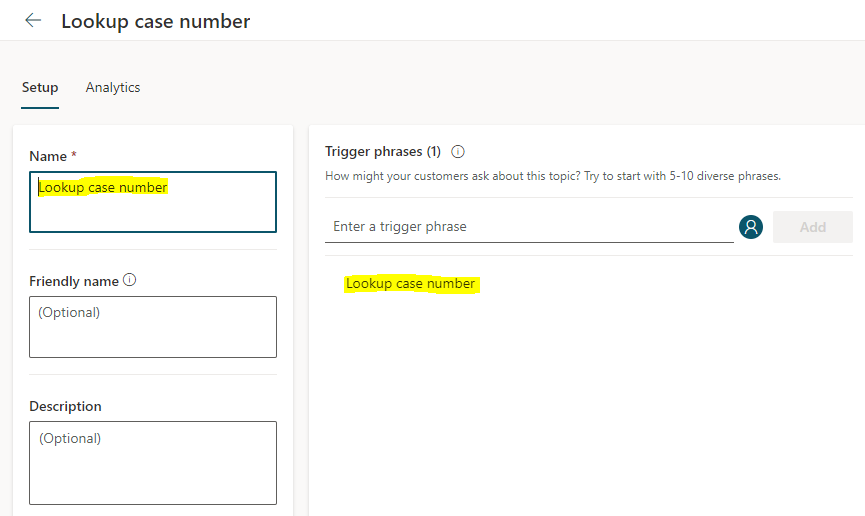
Microsoft is continually building AI functionality to improve the coding and non-coder experience with examples that include natural language query code generation. In this post, we will explore the pre-release Power Apps Ideas functionality, which transforms natural language formula to code, and the Train with Examples functionality that takes advantage of the ideas of Programming by example (PBE). We will look at how it is applied in the Canvas Apps in data … Continue reading Power Apps Ideas Transforms Natural Language to Formula

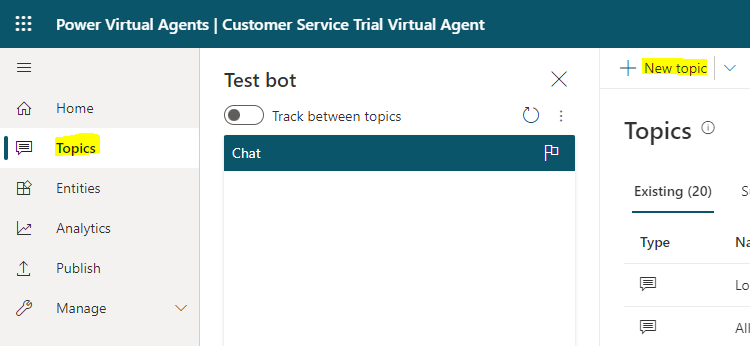
Configuring Power Virtual Agent Bot Handoff to Omnichannel Live Agent

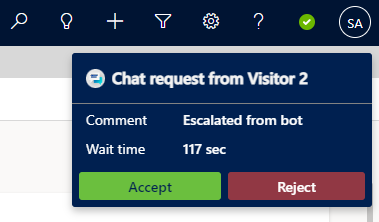
In this post, we will look at how to create a Power Virtual Agent (PVA), connect it to Omnichannel for Dynamics 365, and configure it so a customer can be connected to a live agent after talking to a bot through chat. First, let’s go to https://web.powerva.microsoft.com/, where we are prompted to enter the name of our bot, as well as the language and D365 environment: Click on Create. We see: … Continue reading Configuring Power Virtual Agent Bot Handoff to Omnichannel Live Agent

Migrating Omnichannel Configuration Data Between Orgs

Once you have configured Omnichannel in your development org, you will at some point want to migrate that configuration through your environments and up to your production org. In this post, we will look at how to migrate configuration data from one environment to another. First, let’s take a look at the types of Omnichannel configuration data. Head to the Omnichannel Admin app: We see there are various entities that … Continue reading Migrating Omnichannel Configuration Data Between Orgs

Configuring Nicknames for Agents in Omnichannel Chat

There are scenarios where organizations do not want their agents real names to be displayed to customers in a virtual Omnichannel chat. In this post, we will look at how to configure this in Dynamics 365 Omnichannel. First, let’s look at the default setting for Omnichannel. In my chat setting, I have the Full Name being displayed: When a customer starts a chat, we see here as I am the … Continue reading Configuring Nicknames for Agents in Omnichannel Chat

Omnichannel Chat on a Power Apps Portal

In this post, we will look at how to add an Omnichannel chat widget to a Power Apps Portal. First, go ahead and create a new Power Apps portal in the Power Apps maker: Next, give the portal a name and click Create: Once it’s done, let’s head back to the Omnichannel side. In the Omnichannel admin app, we will create a new Authentication Settings record: Copy the URL of your … Continue reading Omnichannel Chat on a Power Apps Portal

Showing Agents Unread Messages in Omnichannel

In this post, we will look at how we can configure in Omnichannel for Customer Service the ability to show unread messages for Omnichannel Agents. This is very useful if the agent is chatting with multiple customers at the same time, and is tabbing between chats. The number of unread messages will display on the tab, so the agent knows to tab into it. To enable this, go to the … Continue reading Showing Agents Unread Messages in Omnichannel

Supervisor Monitoring of Negative Conversations in Omnichannel

In this post, we will look at how supervisors can monitor conversations in Omnichannel and stay on top of negative customer sentiment. First, let’s look at the configuration. To allow supervisors to monitor conversations, go to Ongoing Conversations in the Omnichannel Admin app, and set the Supervisor Monitor. Note the other options as well to Assign and Transfer: Now, our agent Alan is having a negative conversation with a customer … Continue reading Supervisor Monitoring of Negative Conversations in Omnichannel

Get Omnichannel Conversation Id and Custom Context through JavaScript

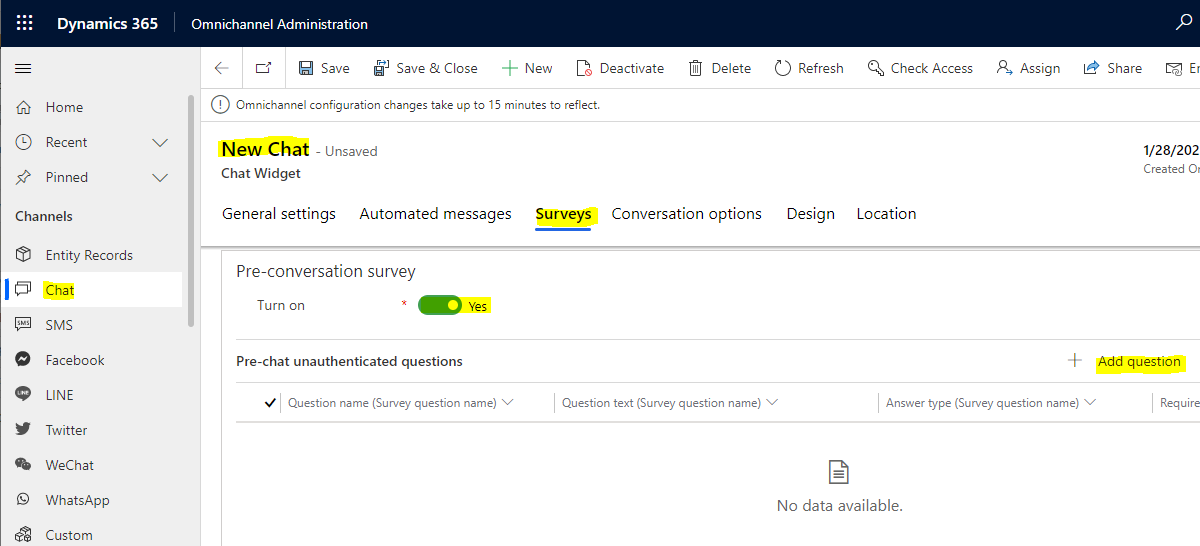
There may be scenarios where you need the custom context from a chat accessible in JavaScript when an Omnichannel conversation loads. In this post, we will look at how to get the Omnichannel conversation id in JavaScript, and how to get custom context variables as well. First, let’s set up a couple of questions in our pre-chat survey so we can send through custom context. Go to the chat and … Continue reading Get Omnichannel Conversation Id and Custom Context through JavaScript

7 Reasons Virtual Tables Aren’t Working in the Power Platform

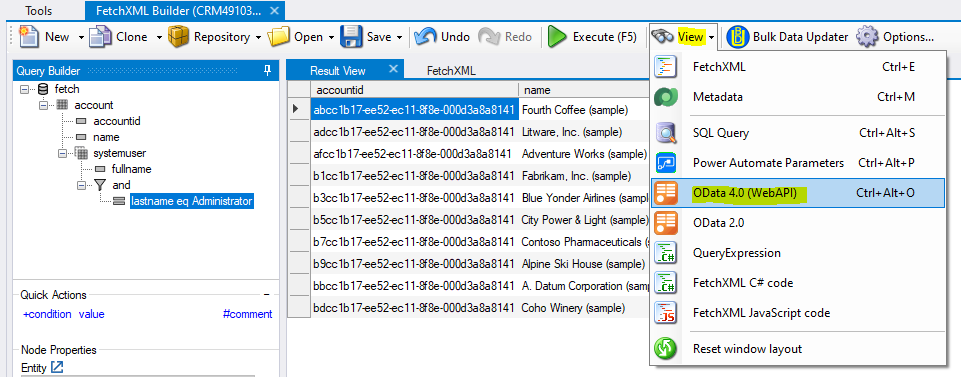
In a previous post, I showed an example of how to set up Virtual Tables in the Microsoft Power Platform. In this post, I will look at potential issues you can run into using Virtual Tables with the OData provider, and how to resolve them. Let’s take a look. 1. Fields are Not Mapped Properly When you try to retrieve your virtual table data, you get the error “Entity could not … Continue reading 7 Reasons Virtual Tables Aren’t Working in the Power Platform