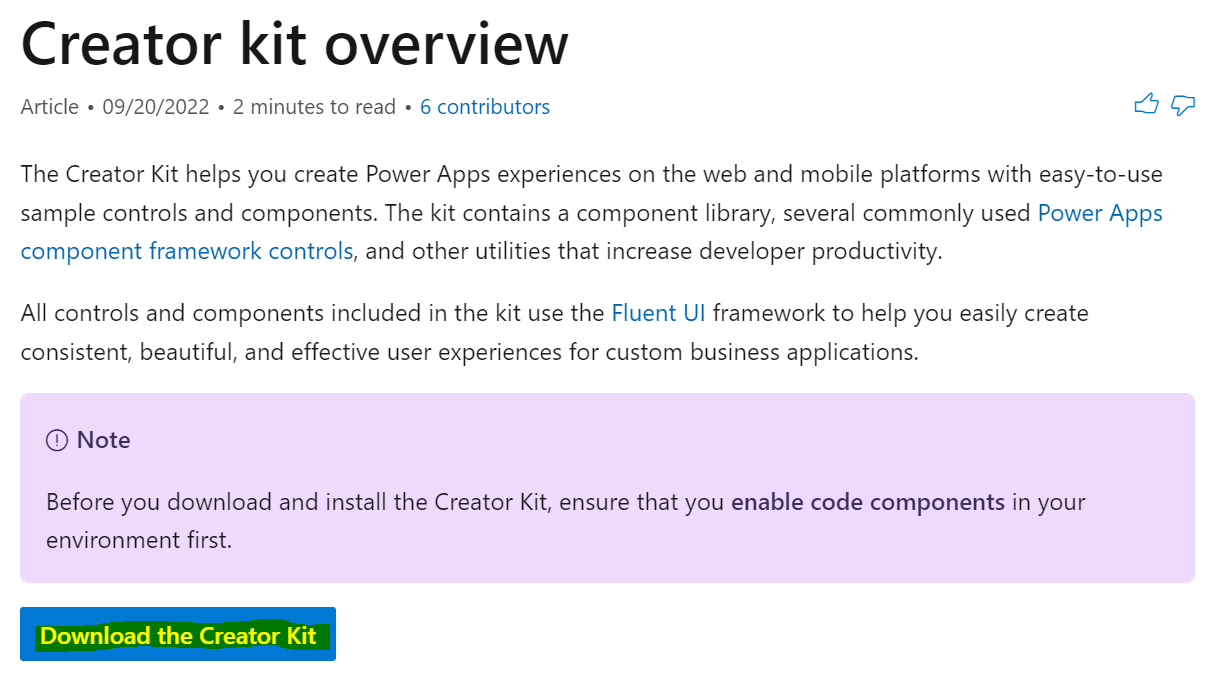
Getting Started with the Creator Kit for Power Apps
The Creator Kit for Power Apps is a toolkit developed by Microsoft’s Power CAT team and the community. It helps you “easily…
Read article →The Creator Kit for Power Apps is a toolkit developed by Microsoft’s Power CAT team and the community. It helps you “easily…
Read article →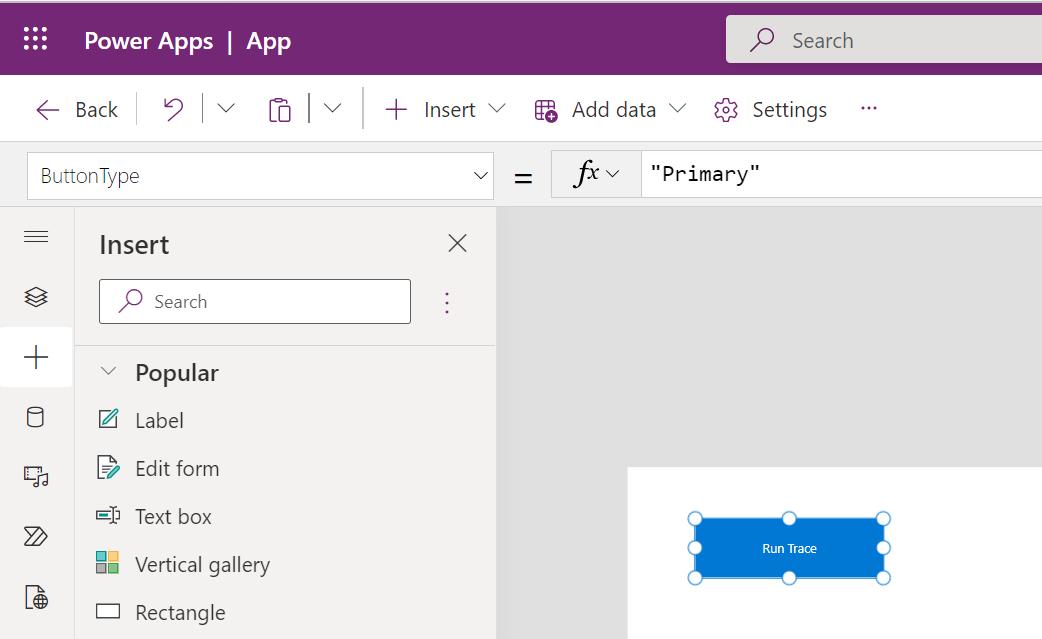
In this post, we will look at how to implement Custom Tracing in Monitor and App Insights with Power Fx. First, let’s…
Read article →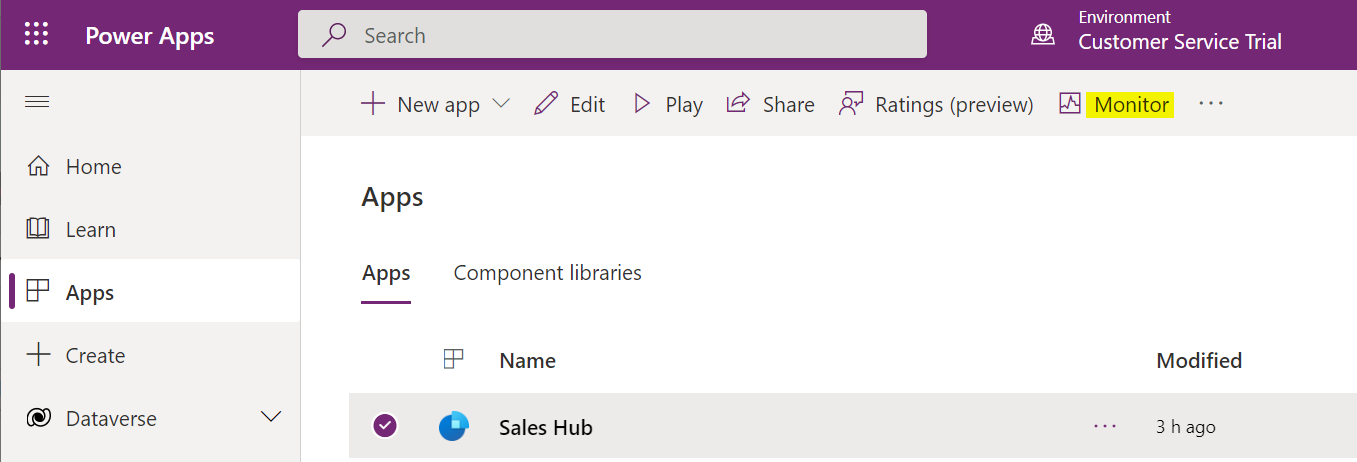
The Monitor tool in Power Apps helps with troubleshooting and diagnostics for your application. Monitor provides great features, such as performance (slow…
Read article →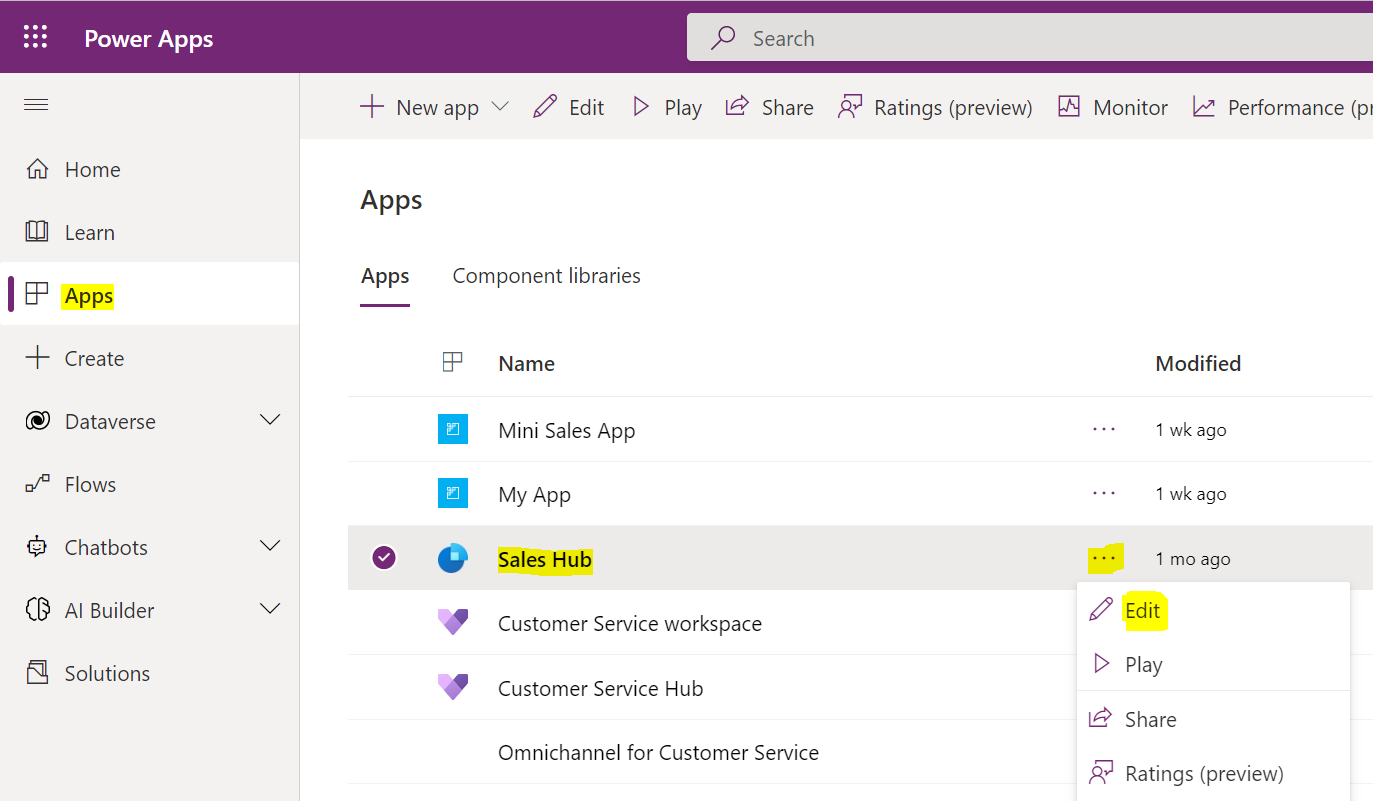
In this post, we will look at how to use Power Fx in a model-driven app button. First, let’s go over to…
Read article →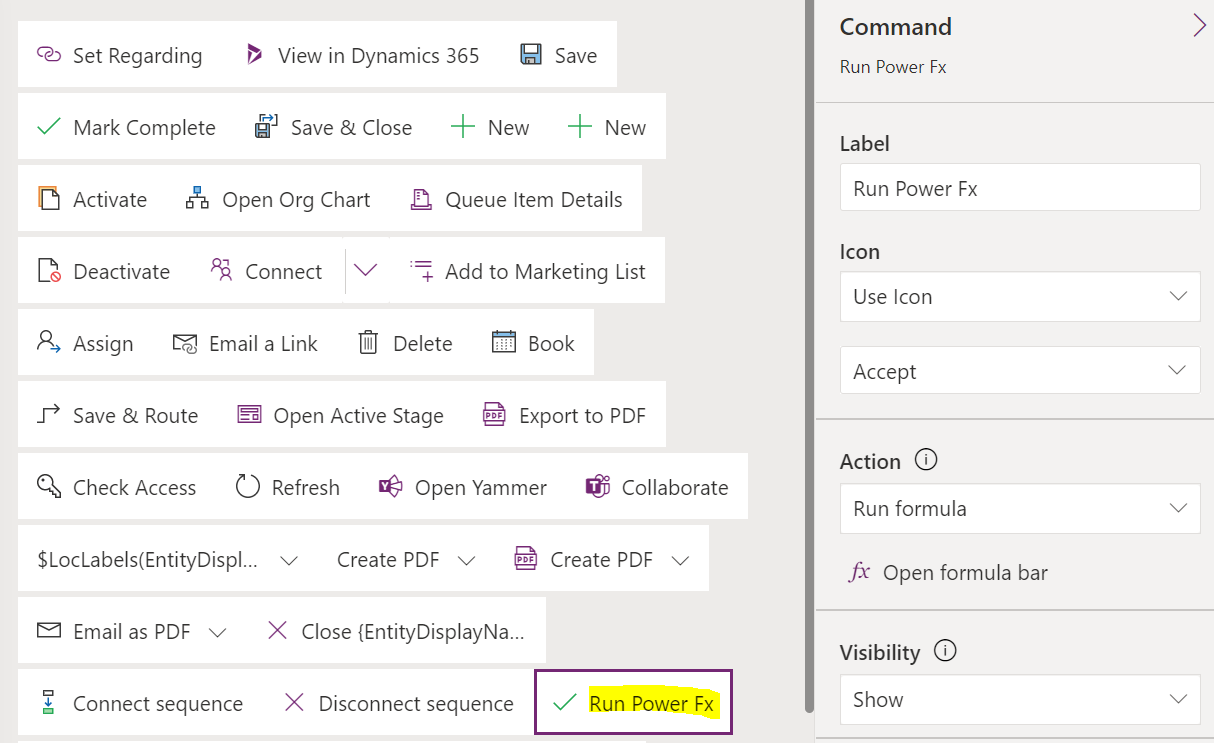
In this post, we will look at how to navigate to a custom page using Power Fx, rather than using JavaScript to…
Read article →
In this post, we will look at how to use the Power Platform CLI with Power Pages. First, you will need to…
Read article →In this video, I take a first look at the newly announced Microsoft Power Pages. This new additional to the Power Platform…
Read article →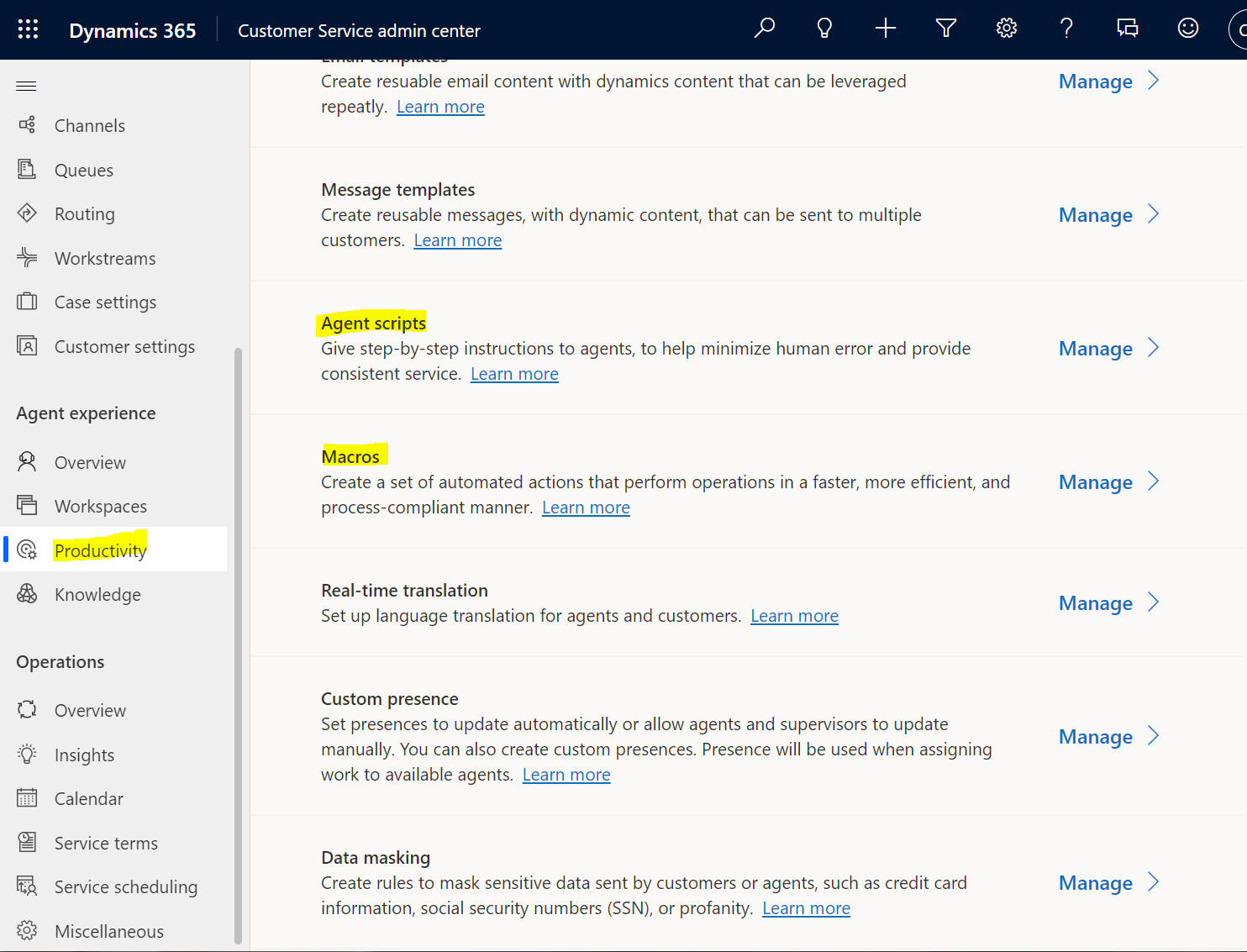
In Omnichannel, Agent Scripts are step-by-step instructions that agents can follow to ensure interactions with customers are handled systematically and properly. Macros…
Read article →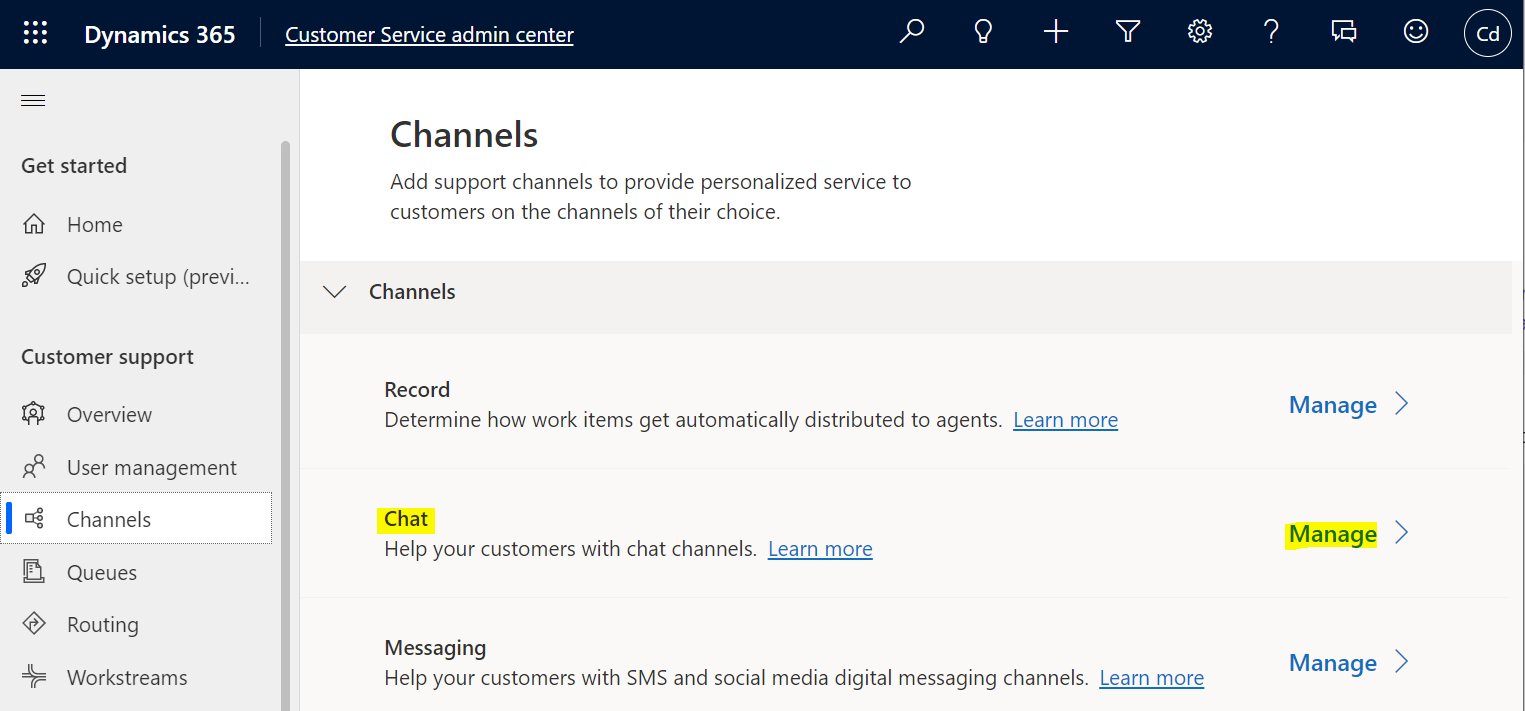
In this post, we will look at how to change the Omnichannel Chat widget location. First, let’s create a new chat. Log…
Read article →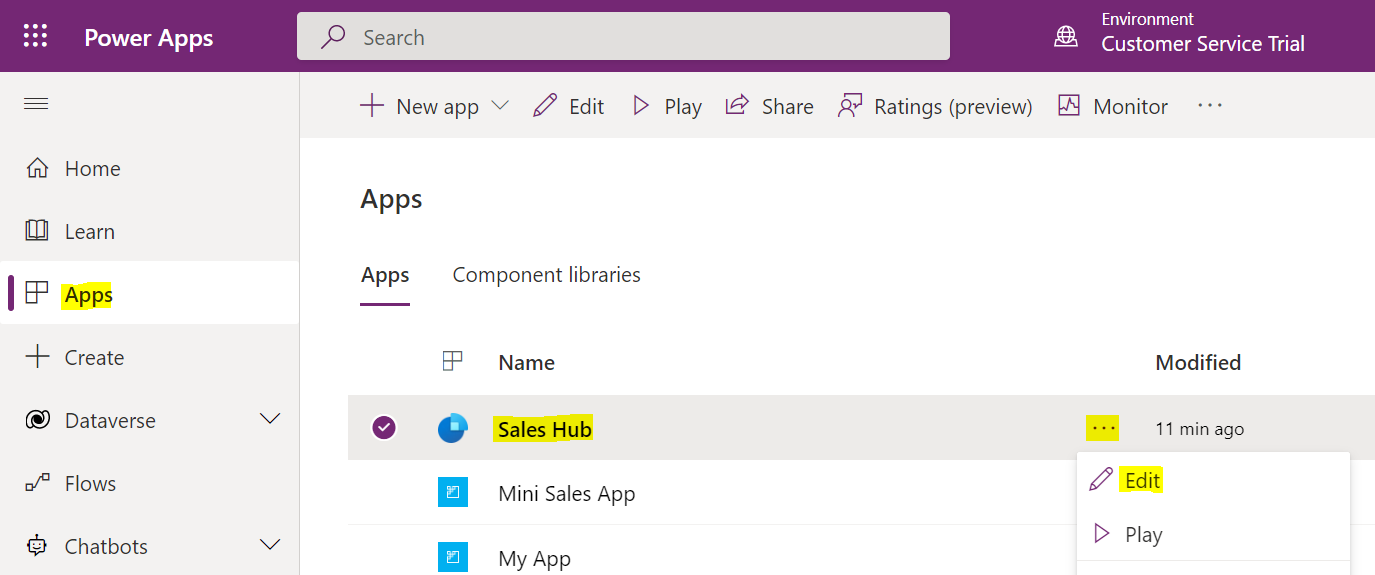
In this post, we will look at how to create simple Custom Pages in Model-Driven Power Apps. We will build on this…
Read article →