Using the Dataverse REST Builder to Build REST Requests

One question that has come up a few times has been are there alternatives to the CRM REST Builder, an awesome tool that was built some time back by Jason Lattimer and appears to be no longer being maintained. Guido Preite has built a worthy alternative, the Dataverse REST Builder that runs in XrmToolbox, as a managed solution, and in Dataverse DevTools (VS Code). Let’s take a look at it. First, let’s install it … Continue reading Using the Dataverse REST Builder to Build REST Requests

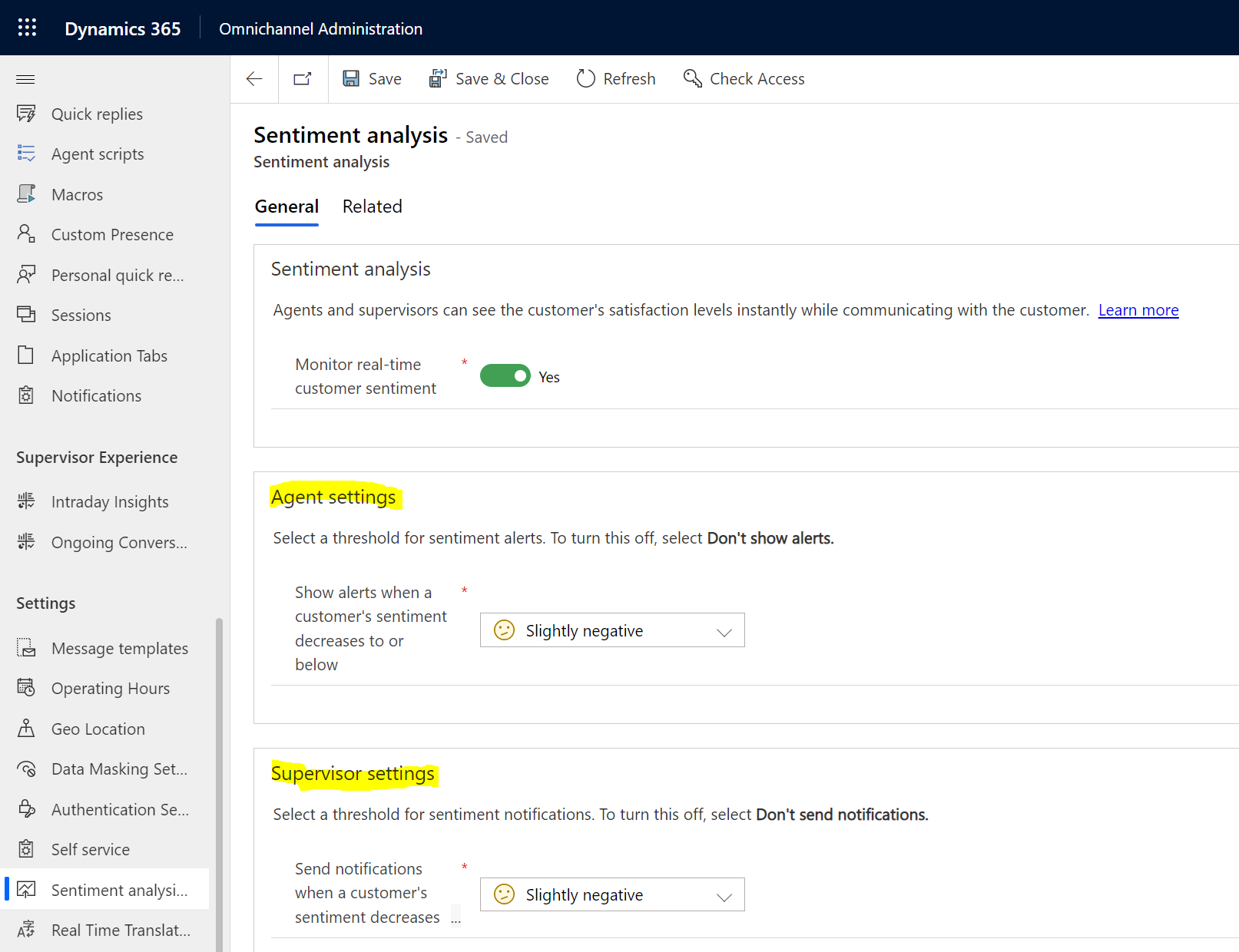
The Cool Inbox View in Customer Service Workspace and Omnichannel

In this post, we will take a look at the “Inbox” view in Customer Service Workspace, which allows agents to deal with cases and conversations in an interface like the Outlook inbox. We will see how this functionality applies to Omnichannel agents as well. First, head over to the App Profile Manager in the Power Apps Maker by selecting Apps->Customer Service Workspace or Omnichannel for Customer Service: Or: Select App … Continue reading The Cool Inbox View in Customer Service Workspace and Omnichannel

Adding a Validate-JWT Policy to Azure API Management

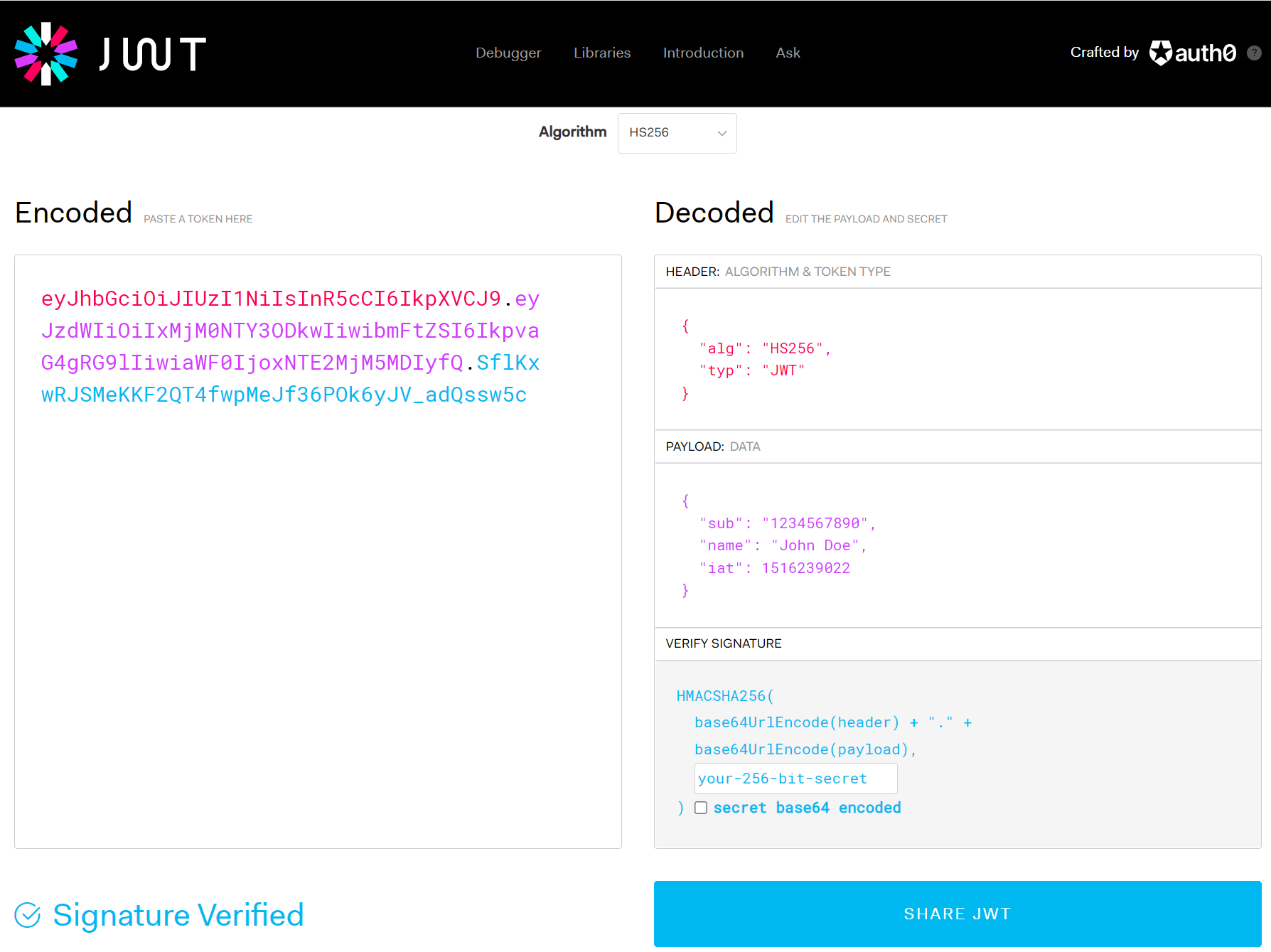
In this post, we will look at how to add a Validate-JWT (JSON Web Token) policy to Azure API Management to secure your app services. First, let’s look at our setup. We have an Azure App Service called CarlODataCrud: And in Azure API Management we have an API set up that points to this app service: Let’s create an Azure App Registration. You can use an existing App Registration, or … Continue reading Adding a Validate-JWT Policy to Azure API Management

Understanding Agent Capacity in Omnichannel

In this post, we will look at how agent capacity works in Omnichannel for Customer Service. There are 2 areas where capacity is configured, the user capacity, and the workstream capacity. Both sets of capacity work together to determine how many chats or engagements an agent can handle at one time. The user agent capacity is configured in the Omnichannel Administration app. Select the user, then the Omnichannel tab. Here … Continue reading Understanding Agent Capacity in Omnichannel

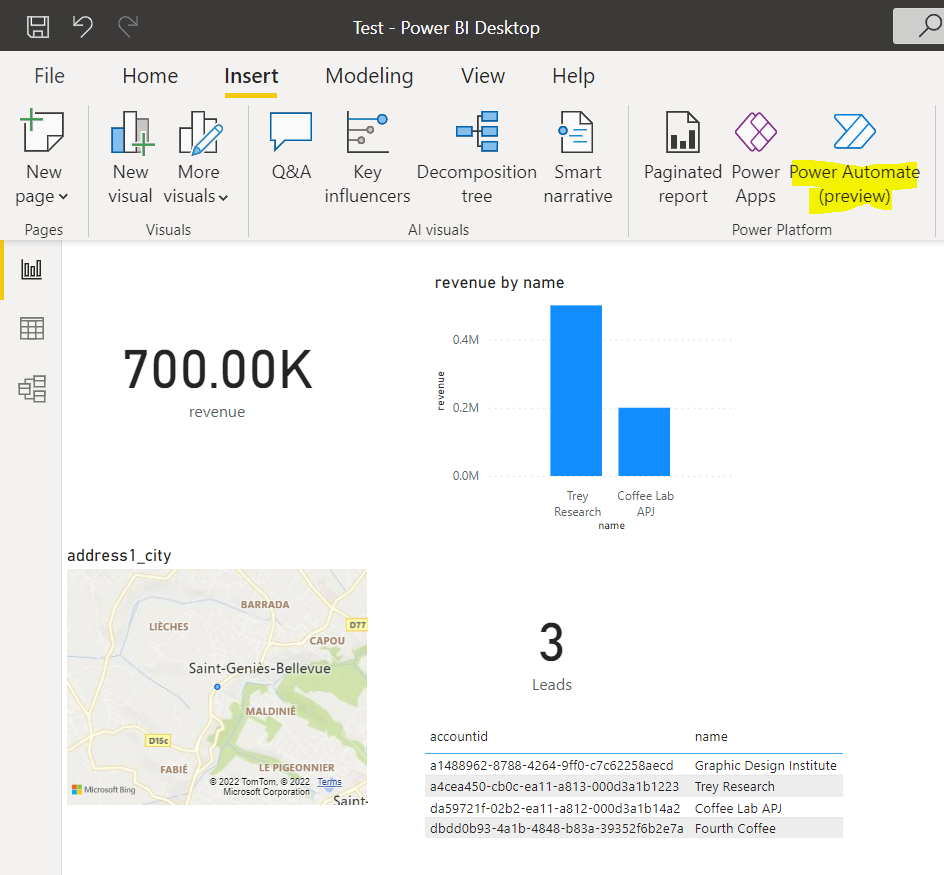
10 Features in FetchXML Builder You Need to Be Using

If you work with Dynamics 365 and the Power Platform, you have worked with the FetchXML Builder, an XrmToolbox plugin built by Microsoft MVP Jonas Rapp. Most people are aware of its functionality from its name, a powerful tool that generates FetchXML without the user having to actually know any FetchXML. However, as powerful as this feature is, there are several other capabilities of the tool that are super useful. … Continue reading 10 Features in FetchXML Builder You Need to Be Using

Showing Prechat Survey Variables In Omnichannel Notifications

In this post, we will look at how to display prechat survey variables in Omnichannel agent notifications. First, let’s create a new chat, and go to the Surveys tab and turn on pre-conversation survey, then add a question: We will ask the question, what is your age? And what is your height: Now, let’s go to the unauthenticated chat notification template assigned to the workstream for this chat, and add … Continue reading Showing Prechat Survey Variables In Omnichannel Notifications

Desktop Notifications Not Working in Omnichannel

In this post, we will look at the desktop notification functionality and why it may not be working in your environment. Desktop notifications are a great feature for agents. When an Omnichannel agent session is activated from, say, a chat request from a customer, the agent sees a notification in the top right of the browser: Now, let’s say the agent doesn’t have the tab in focus. The agent won’t … Continue reading Desktop Notifications Not Working in Omnichannel

Power Virtual Agents Sending Question Parameters to Dataverse

In a previous post, we showed how a Power Virtual Agent can look up dataverse data and return it to the person chatting to the bot. In this post, we will look at how the bot can ask a person questions, send the person’s answer as a parameter to the dataverse, and return data to the person. Specifically, we will look at the example where a customer asks about a … Continue reading Power Virtual Agents Sending Question Parameters to Dataverse

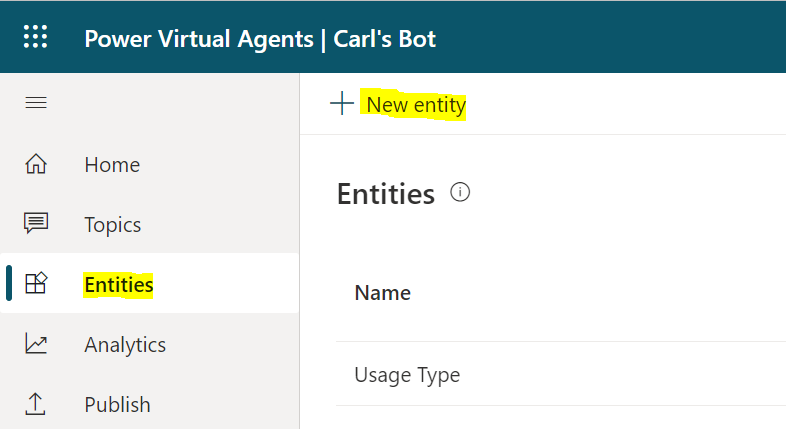
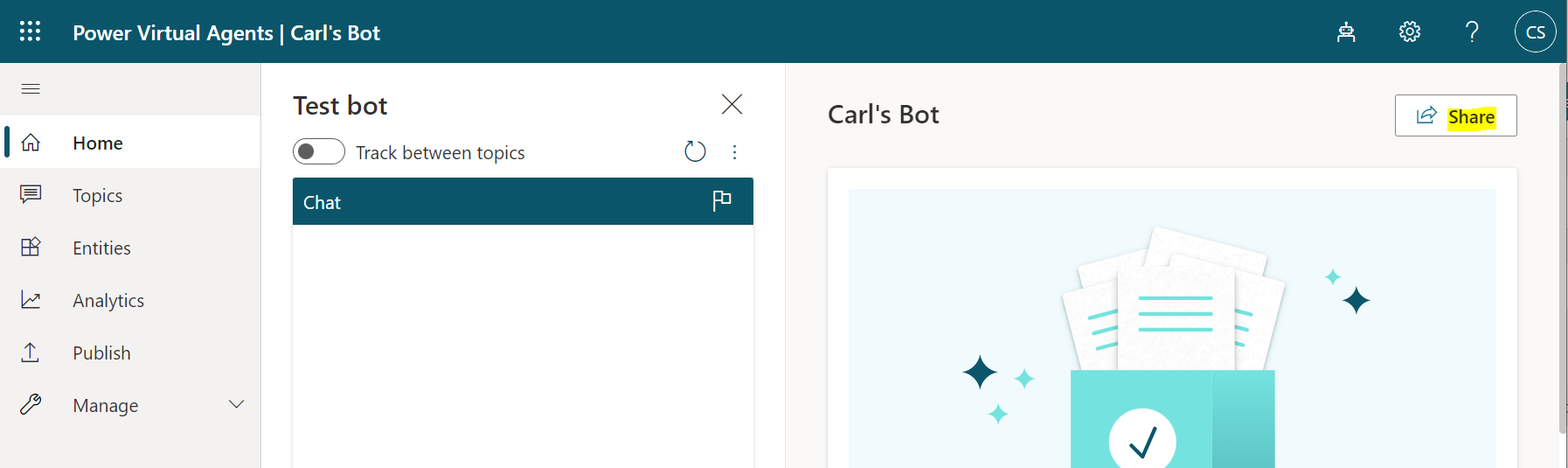
Power Virtual Agents Calling Dataverse to Answer Questions

In this post, we will look at how a Power Virtual Agent can lookup data in the Dataverse and answer questions intelligently to the person it is chatting with. We will go through a simple example where we display account data to the bot’s chatter. First, let’s create a new virtual agent in the Dataverse environment we want to look up data. Go to https://web.powerva.microsoft.com/environments/ to access your bot. Then go … Continue reading Power Virtual Agents Calling Dataverse to Answer Questions

How to Export and Import Canvas Apps MSAPP and ZIP Formats

In this post, we will go through how to export and import a Canvas Apps Power Apps in 2 formats, the MSAPP and ZIP. Importing is useful when trying out Power Apps in the Community gallery located at https://powerusers.microsoft.com/t5/Community-App-Samples/bd-p/AppFeedbackGallery. MSAPP Files MSAPP files contain only the Canvas App, as opposed to the ZIP file format we will look at next which contains additional resources. First, let’s export a MSAPP file. Open … Continue reading How to Export and Import Canvas Apps MSAPP and ZIP Formats