Custom Tracing in Monitor and App Insights with Power Fx

In this post, we will look at how to implement Custom Tracing in Monitor and App Insights with Power Fx. First, let’s create a new Custom Page, and add a button to the page with the label “Run Trace”: The syntax for the trace function from the Microsoft documentation is: Let’s add the following Trace statement to the OnSelect of the button. Note the 3rd parameter is an object where … Continue reading Custom Tracing in Monitor and App Insights with Power Fx

Using Power Apps Monitor for Troubleshooting

The Monitor tool in Power Apps helps with troubleshooting and diagnostics for your application. Monitor provides great features, such as performance (slow loading times), errors, and inspect traffic. Monitor can be used with Canvas apps and Model-driven apps. We will focus on Model-driven apps in this post. To access the Monitor tool, head to https://make.powerapps.com and select an app you would like to monitor, then click Monitor: This takes us over to … Continue reading Using Power Apps Monitor for Troubleshooting

Using Power Fx in a Model-Driven App Command Bar Button

In this post, we will look at how to use Power Fx in a model-driven app button. First, let’s go over to the Power Apps Maker portal at https://make.powerapps.com and select Edit: This takes us to the app designer, and from here we can select an entity such as the Account and then Edit the Command Bar: We are now prompted to select which command bar to edit. The choices … Continue reading Using Power Fx in a Model-Driven App Command Bar Button

Using the Power Platform CLI with Power Pages

In this post, we will look at how to use the Power Platform CLI with Power Pages. First, you will need to install Visual Studio Code. and the Power Platform CLI. Note, you can install the Power Platform Tools extension in Visual Studio Code, which will enable you to run Power Platform CLI commands within the VS Code terminal, or you can run the Power Platform CLI separately and be … Continue reading Using the Power Platform CLI with Power Pages

First Look at Microsoft Power Pages

In this video, I take a first look at the newly announced Microsoft Power Pages. This new additional to the Power Platform is an evolution of Power Apps Portals. Check out the video below, Episode 49 of Power Platform TV.  

Agents Scripts and Macros with Dynamics 365 Omnichannel

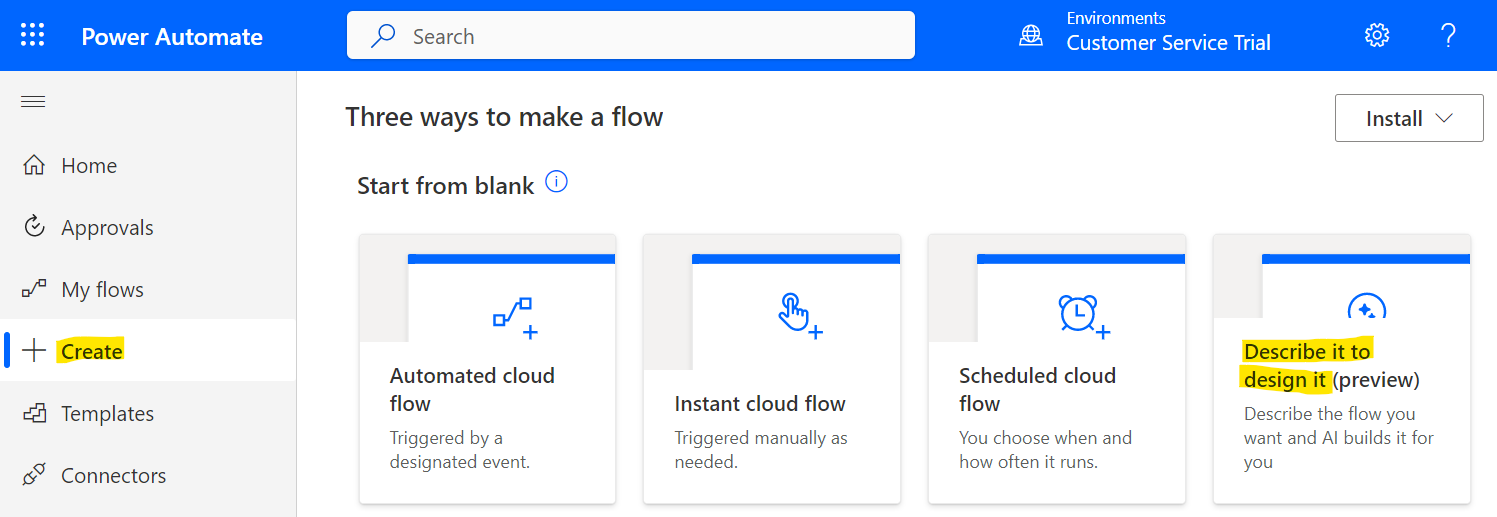
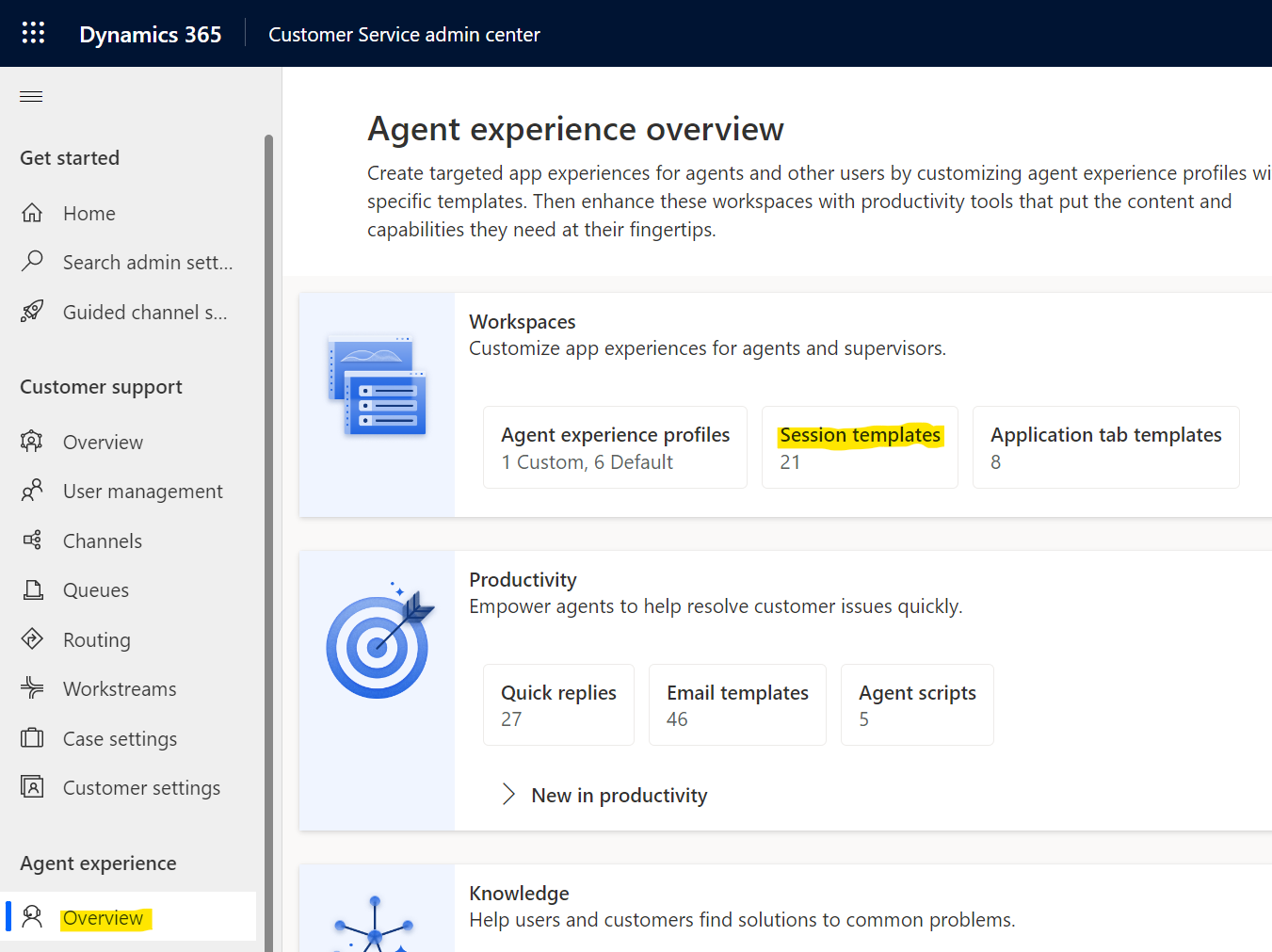
In Omnichannel, Agent Scripts are step-by-step instructions that agents can follow to ensure interactions with customers are handled systematically and properly. Macros are automated actions that can help complete tasks. In this post, we will look at how to use Agents Scripts and Macros in Omnichannel. Also check out the YouTube video on PowerPlatformTV: Let’s go to the Customer Service admin center app and go to Agent Experience->Productivity. We see Agent … Continue reading Agents Scripts and Macros with Dynamics 365 Omnichannel

Set and Change Omnichannel Chat Widget Location

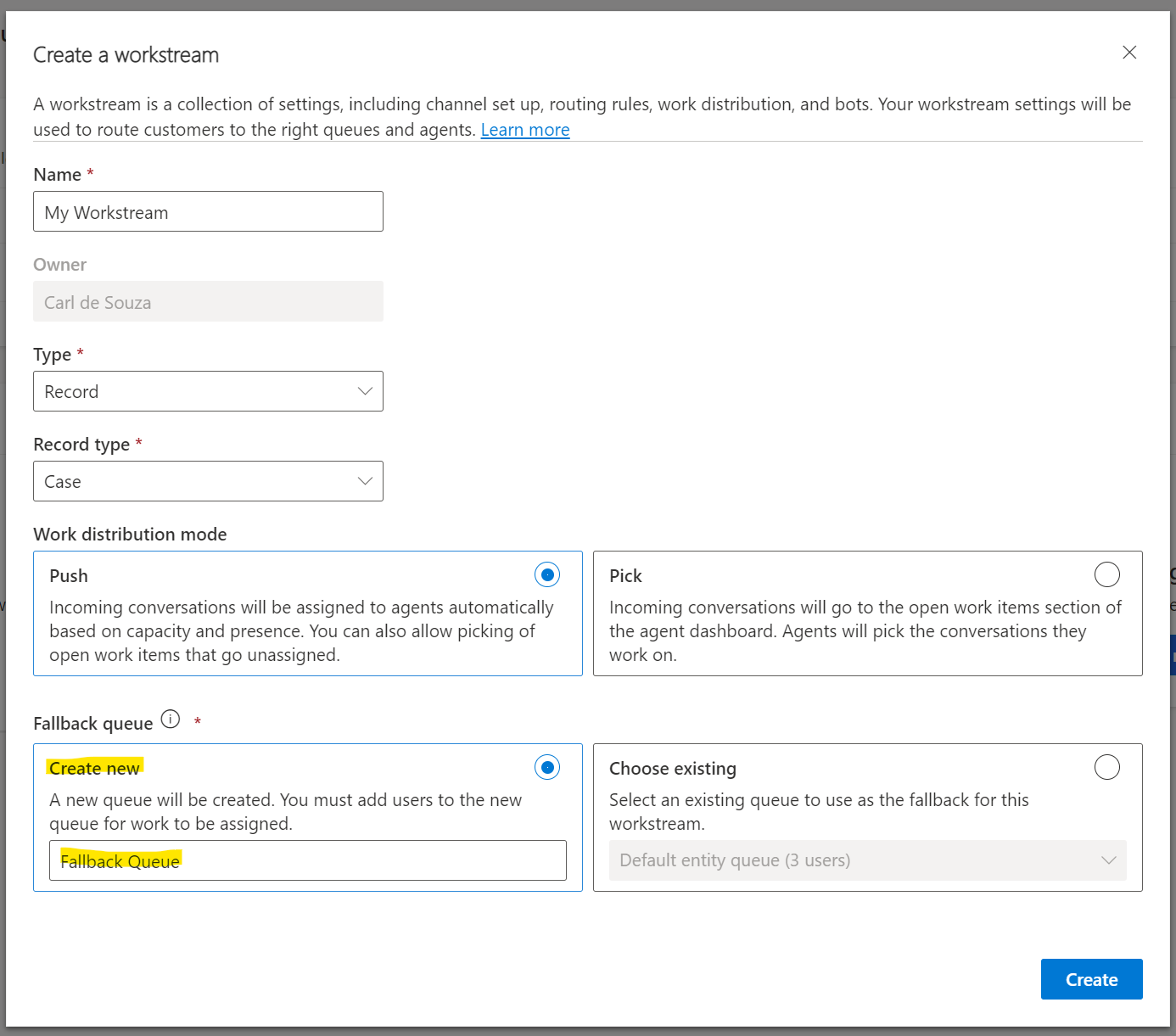
In this post, we will look at how to change the Omnichannel Chat widget location. First, let’s create a new chat. Log into the Customer Service admin center app, then select Channels, Chat->Manage: Let’s add a new chat channel: Enter a name and click Next: Select or create a Workstream. We will select an existing one: In the Widget position, select Bottom Left. The other option is Bottom Right: Select … Continue reading Set and Change Omnichannel Chat Widget Location

Creating Simple Custom Pages in Power Apps

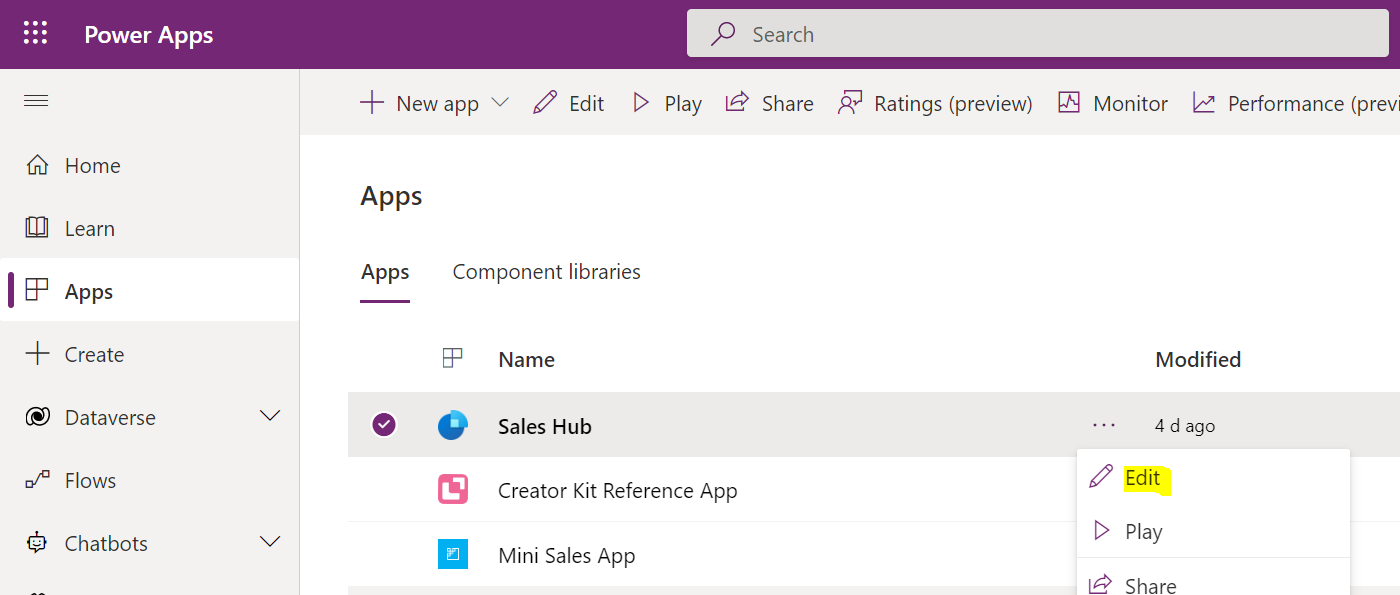
In this post, we will look at how to create simple Custom Pages in Model-Driven Power Apps. We will build on this simple page in more future posts. To create a custom page, go to the Power Apps maker at https://make.powerapps.com and select an App to add the page. We will select Sales Hub, and Edit the app: With Pages selected, select Add Page: Select Custom: We will create a new … Continue reading Creating Simple Custom Pages in Power Apps

JWT JSON Web Tokens and Power Apps Portals

In this post, we will look at using JWT, or JSON Web Tokens, with Power Apps Portals to implement a single sign-on (SSO) scenario when integrating with an external Web API. In a previous post, we went through an introduction to JSON Web Tokens. If you not familiar with JWT, please start here. Power Apps Portals have an ability to generate a JWT token which can be verified using a … Continue reading JWT JSON Web Tokens and Power Apps Portals